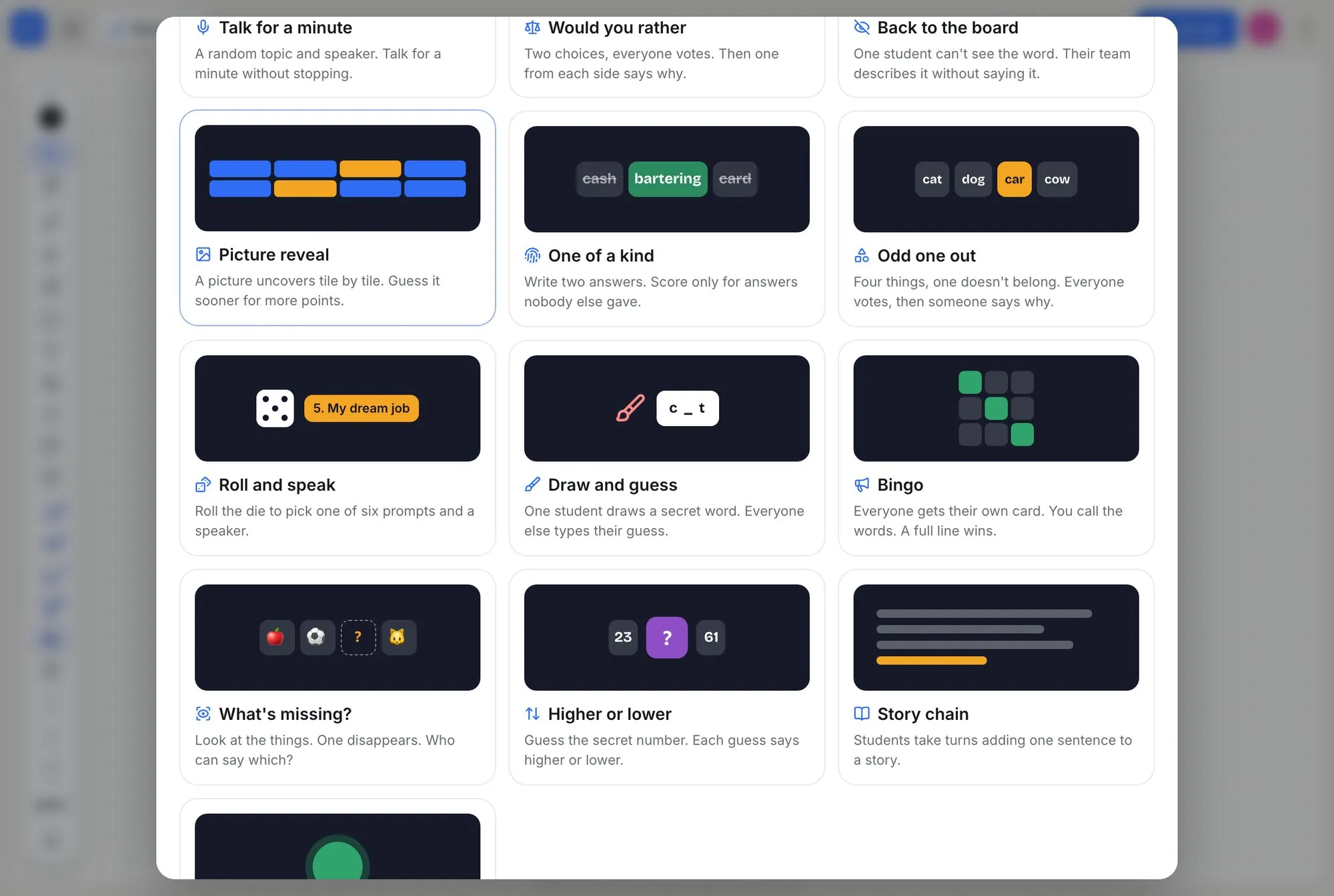
Pick a game
Open Tools and press Games at the top. All six sit under No questions needed. Most come with a ready list you can change, or type a topic and press Write with AI.
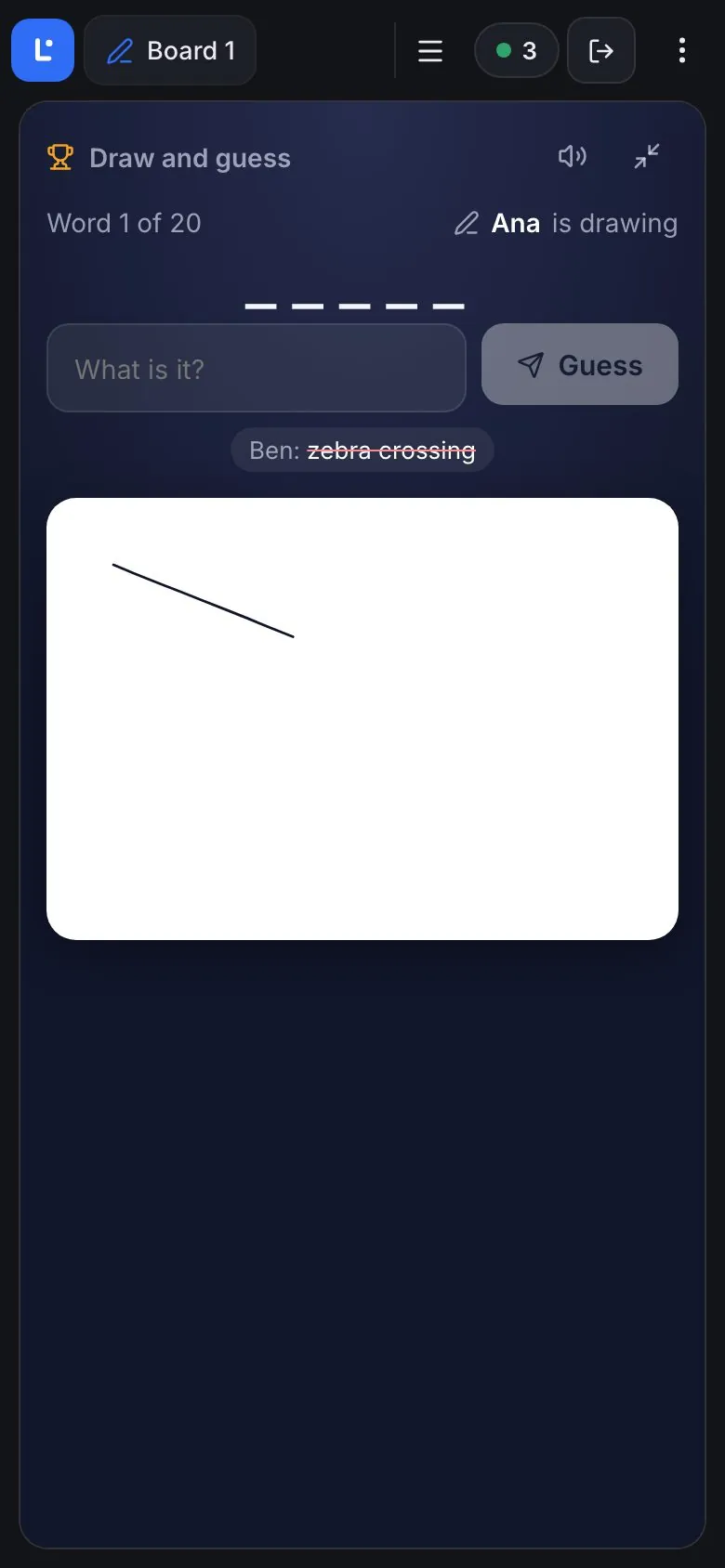
Draw and guess
Each turn, one student secretly gets a word and draws it on their own screen. Everyone else types guesses, and wrong guesses show for all. The first right guess scores most, and the drawer scores too. On one screen you draw, and the word stays blurred until you hold it.
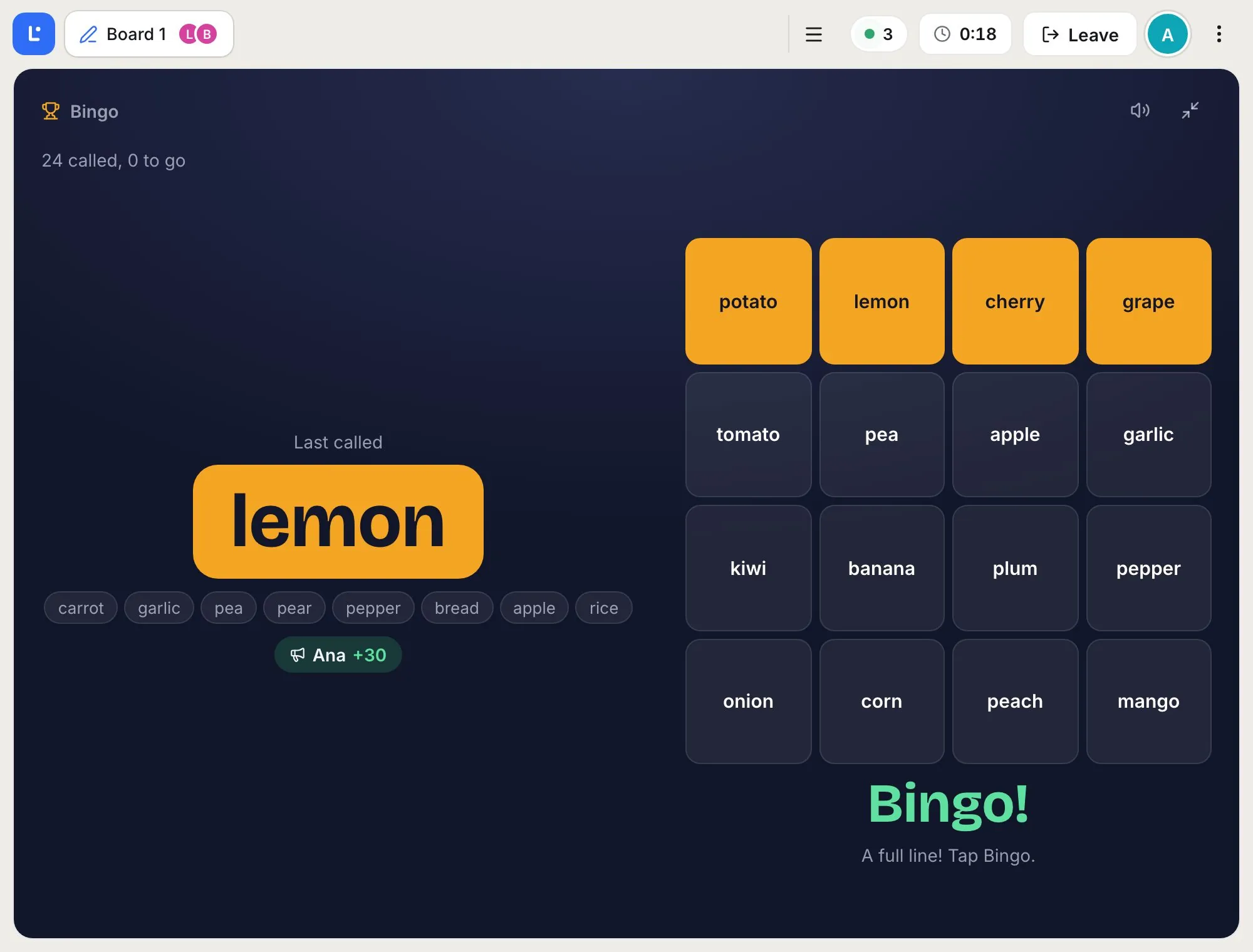
Bingo
Every student gets their own card from your list of words. Press Call a word, then Call the next word each time. Students tap it if it's on their card, and a full row, column or diagonal wins. Only called words can be marked.
What's missing?
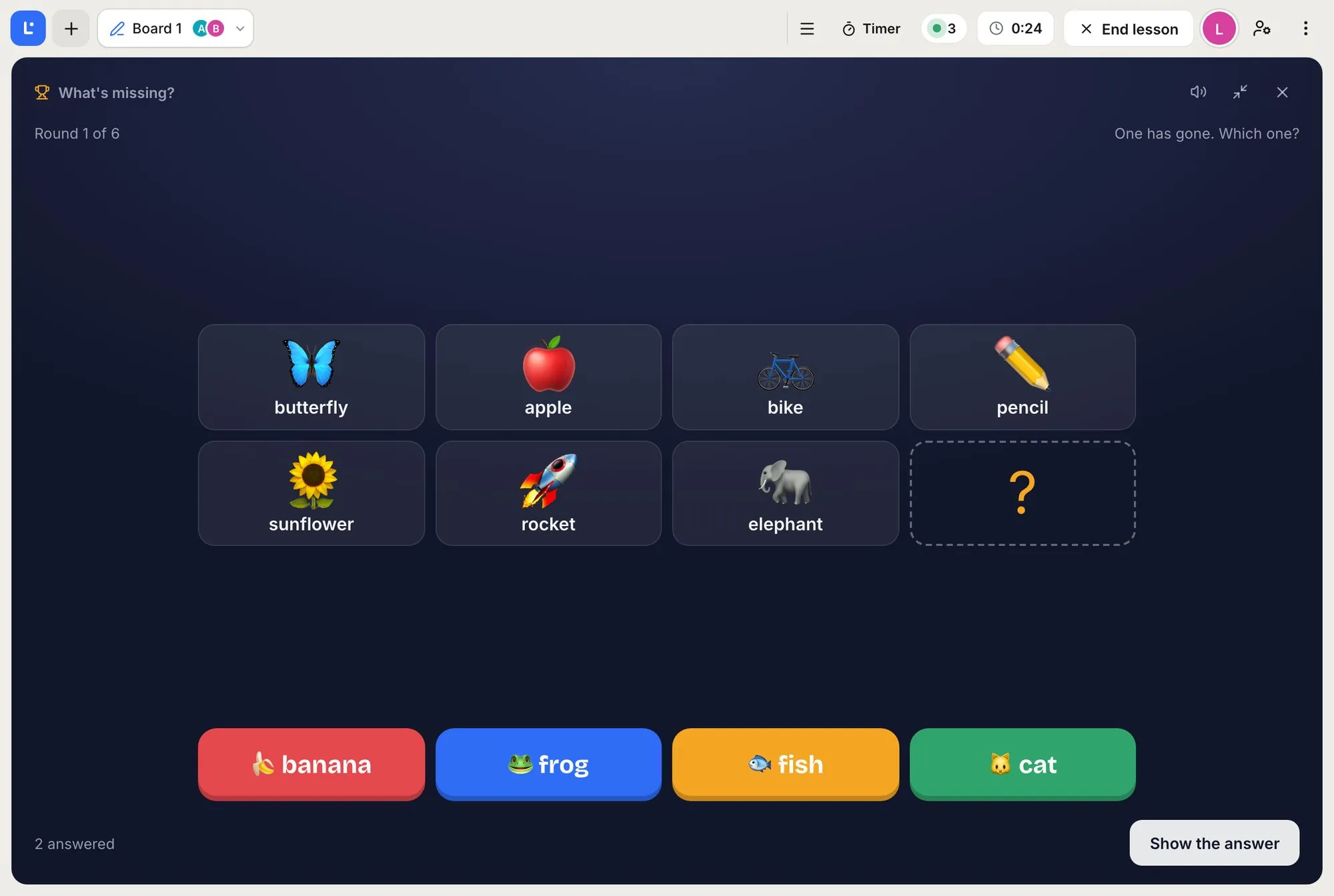
Eight things show for a few seconds. Then one disappears and students tap which one has gone. On one screen, the class calls it out.
Higher or lower
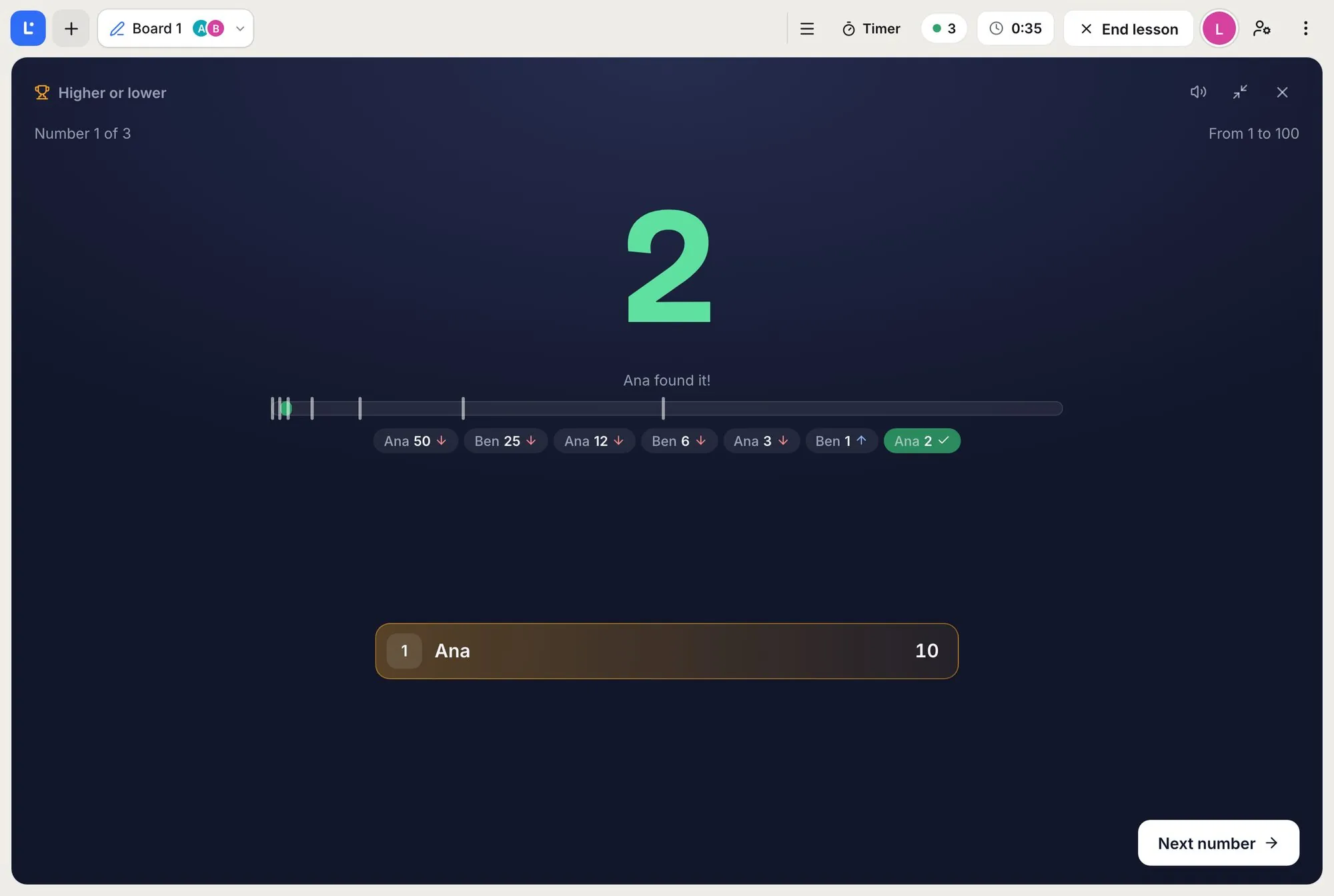
A secret number is picked. Students take turns to guess, and each guess says higher or lower, so the range shrinks. Whoever finds it scores. On one screen, type what the class says.
Story chain
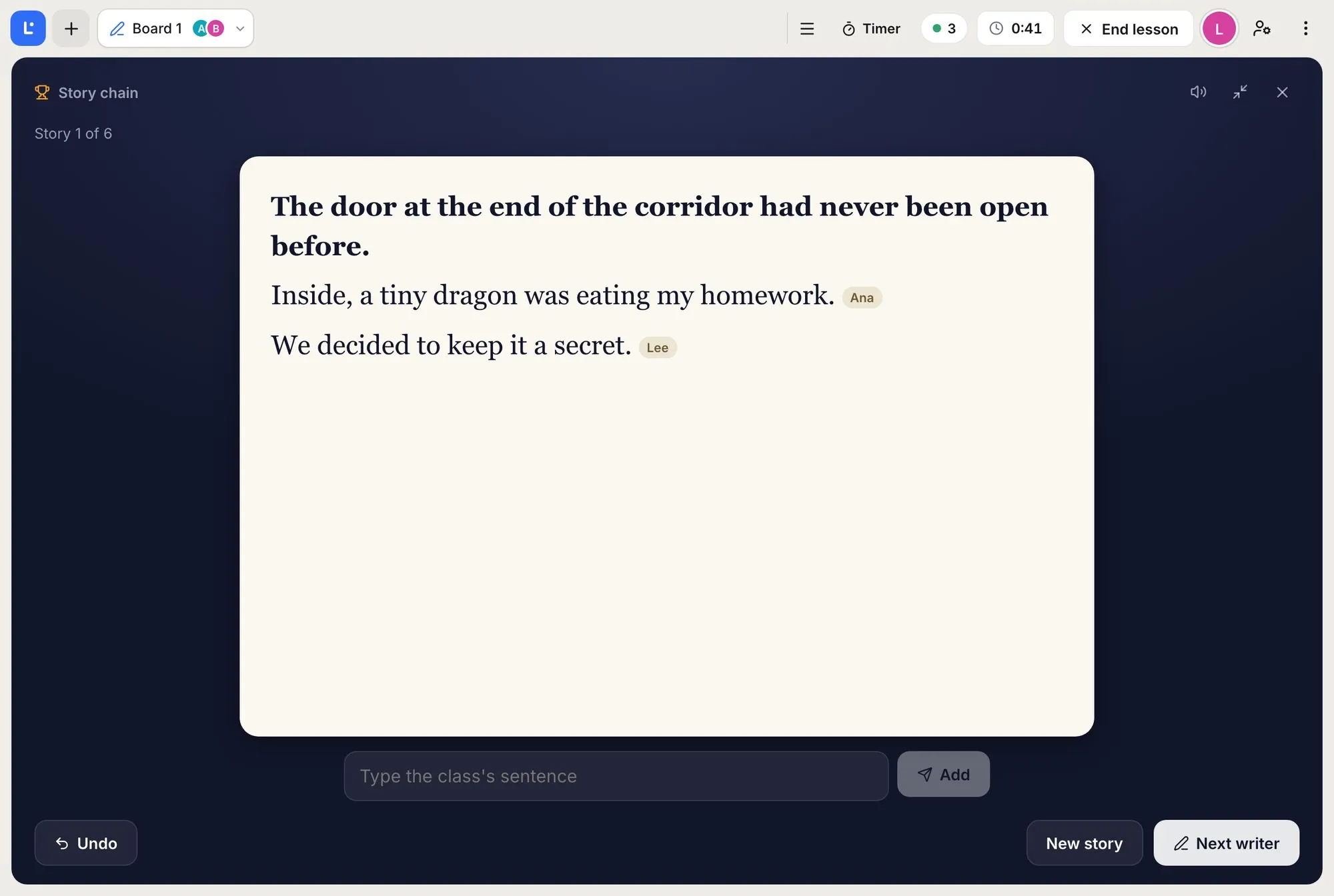
Start from an opening line. Press Next writer and one student adds the next sentence on their own screen. You can type the class's sentence too, or undo the last one.
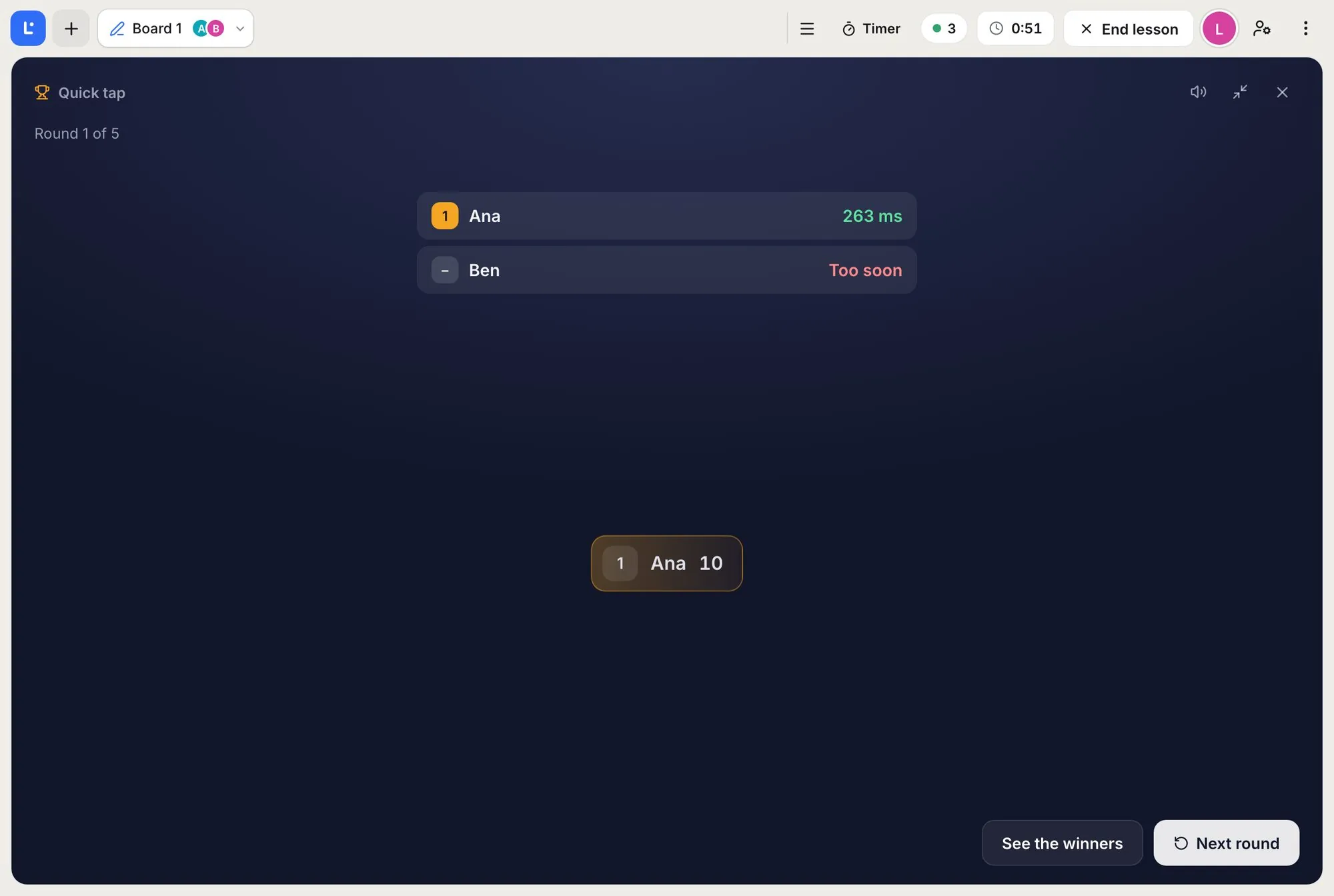
Quick tap
Everyone waits for the screen to turn green, then taps as fast as they can. Tapping too soon doesn't count. The fastest score most each round.