Choose the subject and topic
Open the + menu and choose AI lesson. Pick the subject, then describe the topic. A topic or a sentence is enough. Say who it is for and their level, like Year 7 or Beginner A1.
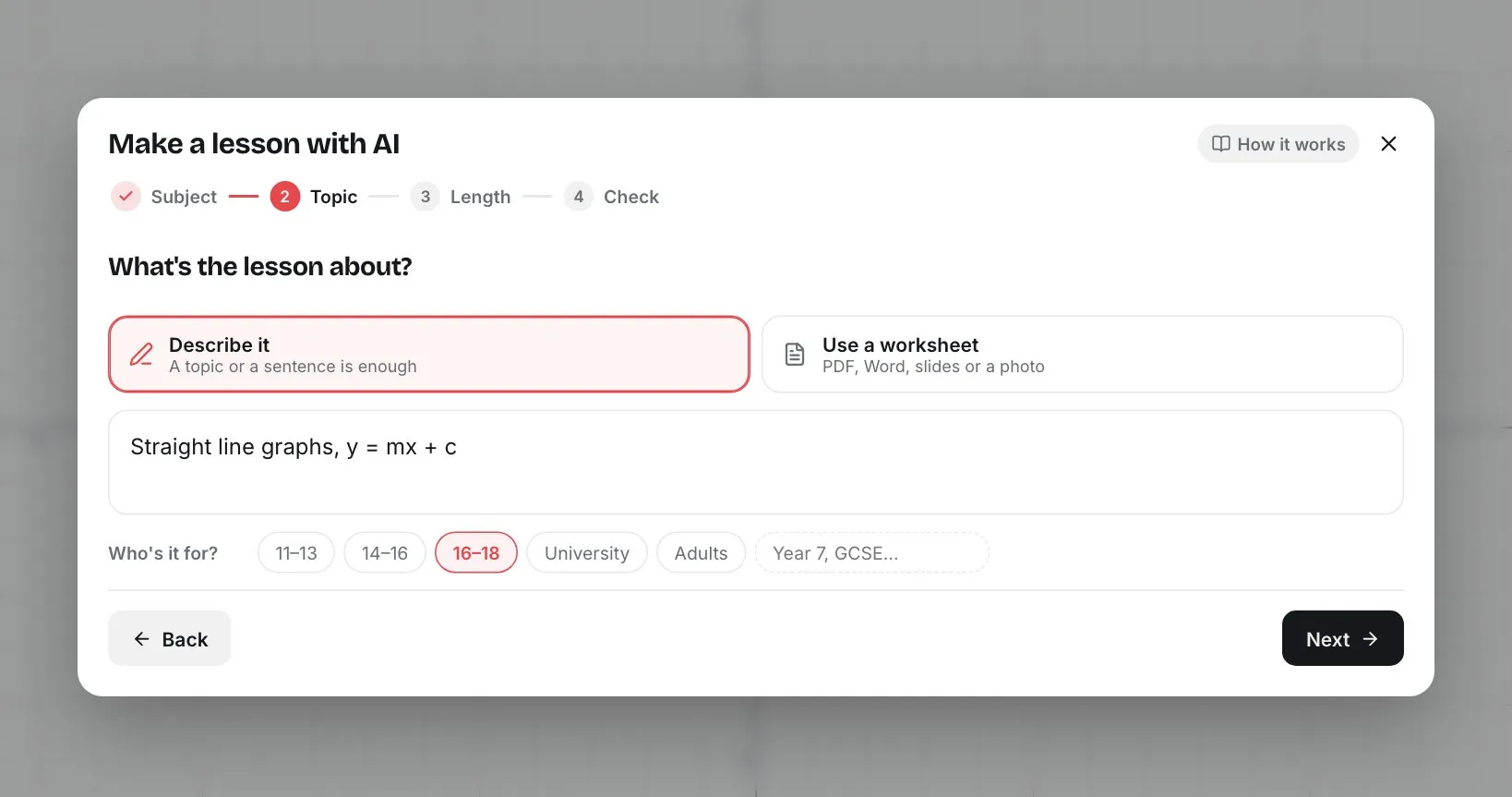
Or start from a worksheet
Choose Worksheet and drop in a PDF or a photo. Add anything to focus on, like only questions 1 to 5, and tick Add the worksheet pages too to keep the pages beside the lesson.
Choose the length
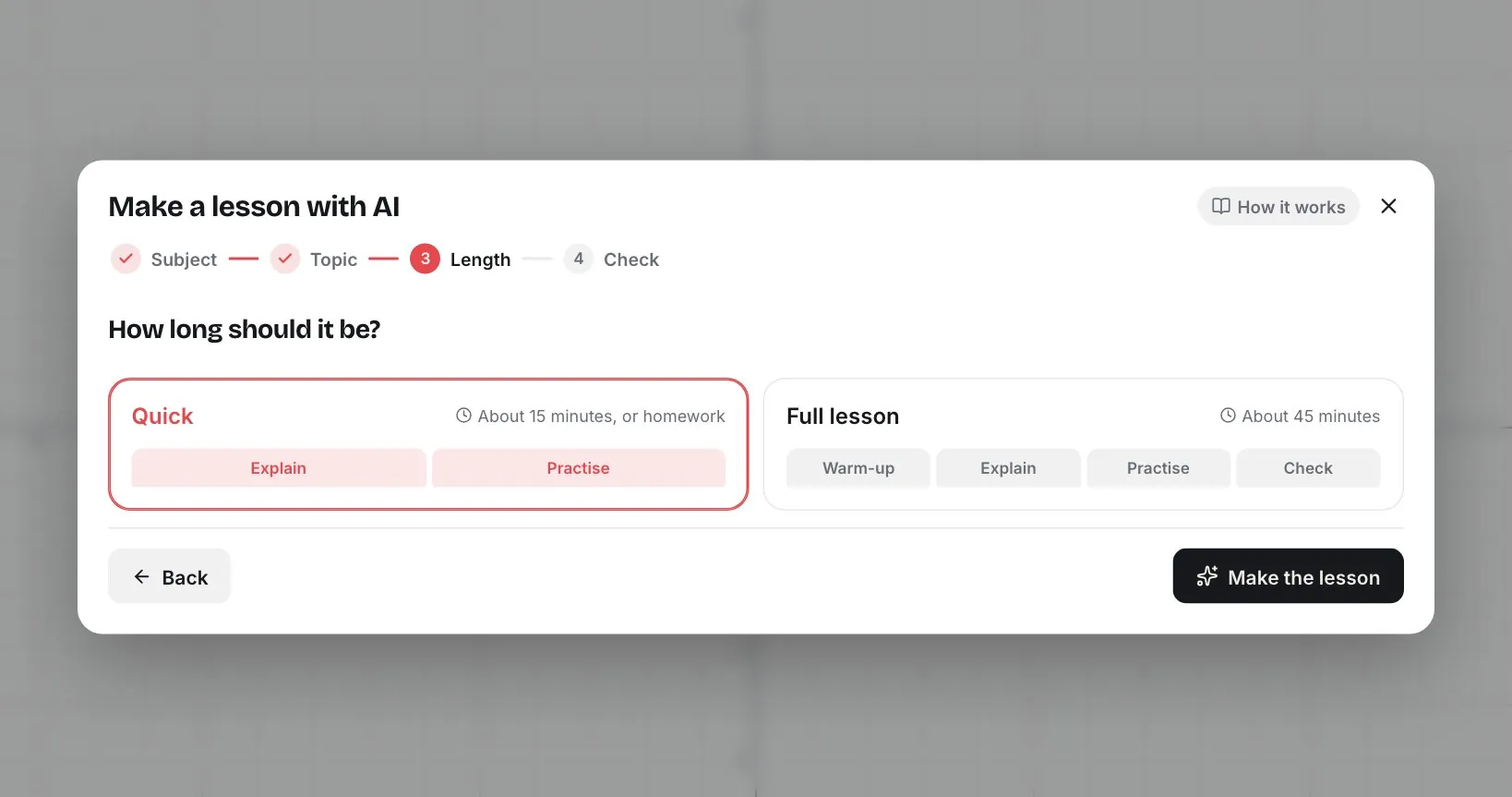
A quick lesson is about 15 minutes, or homework. A full lesson is about 45 minutes, with a warm-up, an explanation, practice and a check.
Choose how to add it
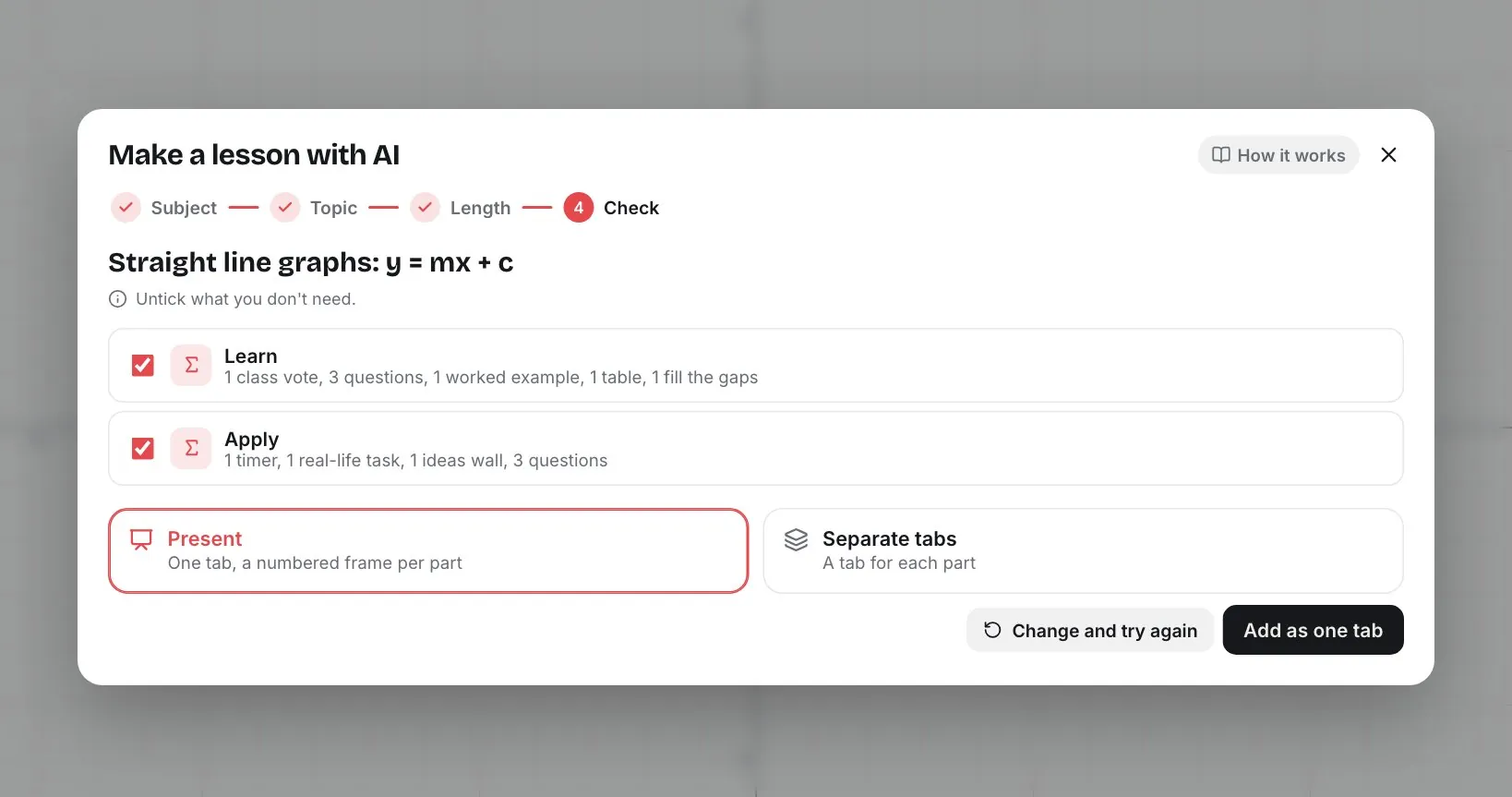
Add it as separate tabs, or as one tab with a numbered frame for each part, ready to present step by step.
Keep what you like
Untick anything you don't want, then add it. Everything on the board can still be changed.
Teach it
Press Present to show each part in turn, or teach from the tabs. The free plan includes 3 AI builds a month, and Pro has 30.