Select and ask
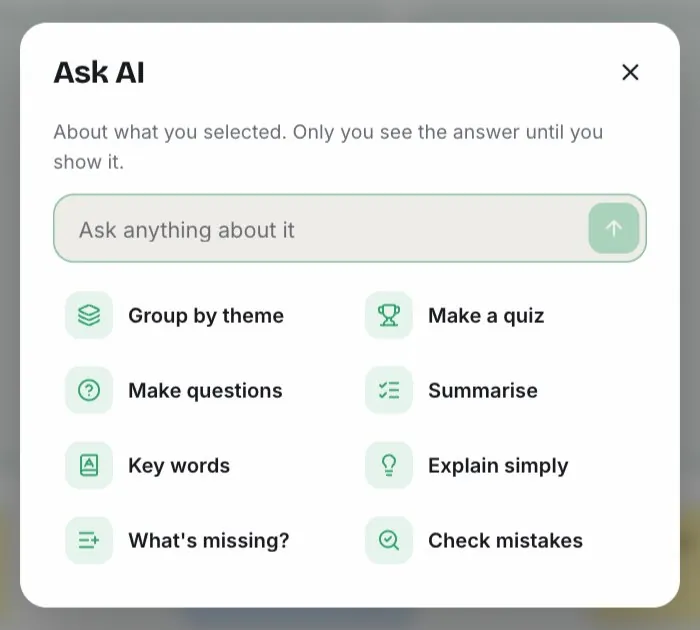
Select sticky notes, text, a card or a table, then press Ask AI (the sparkles) in the bar above them. Type your own request, like Make this into a role-play or Write three example sentences, or pick an option. Only the words you selected are used.
Show it, keep it if you like
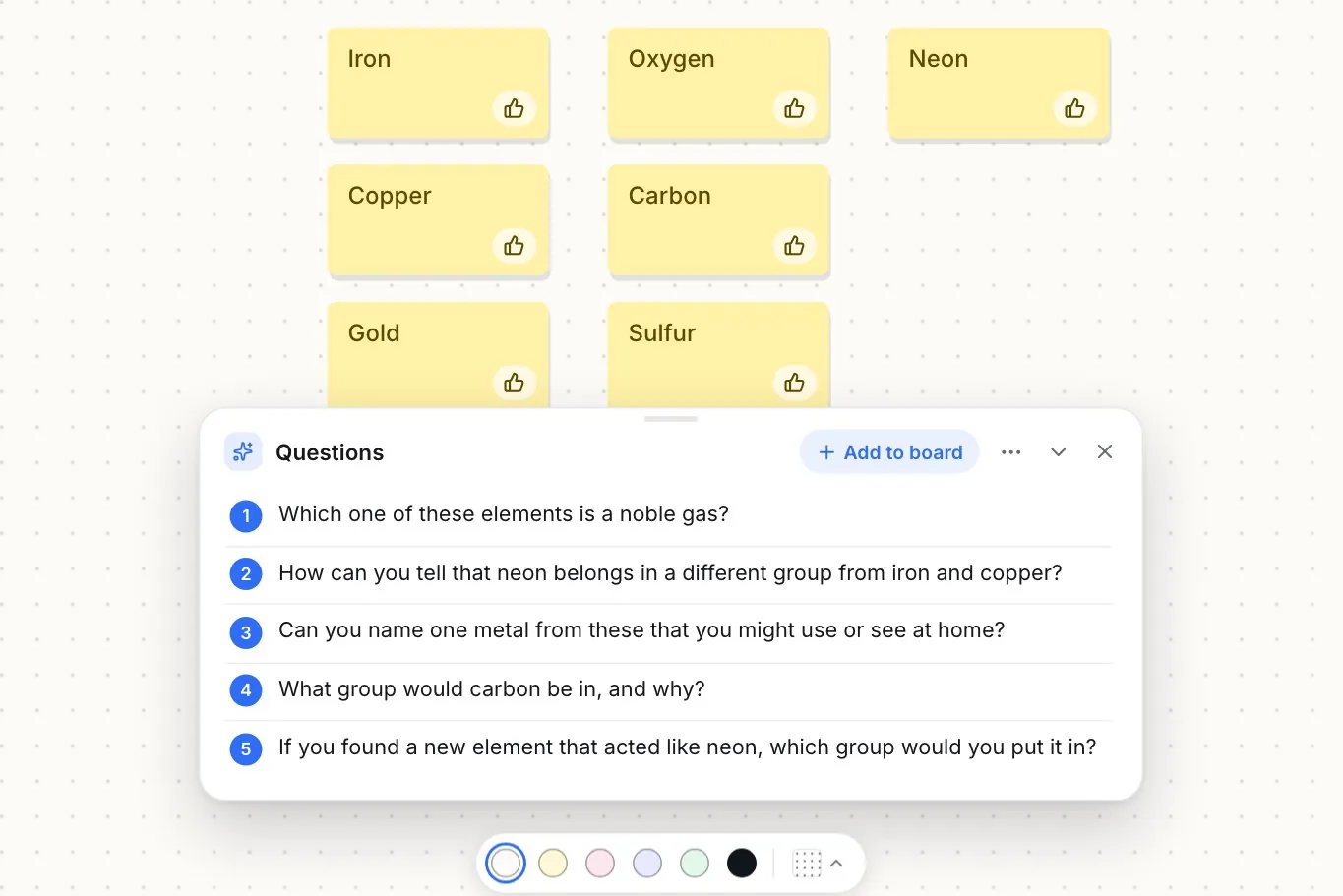
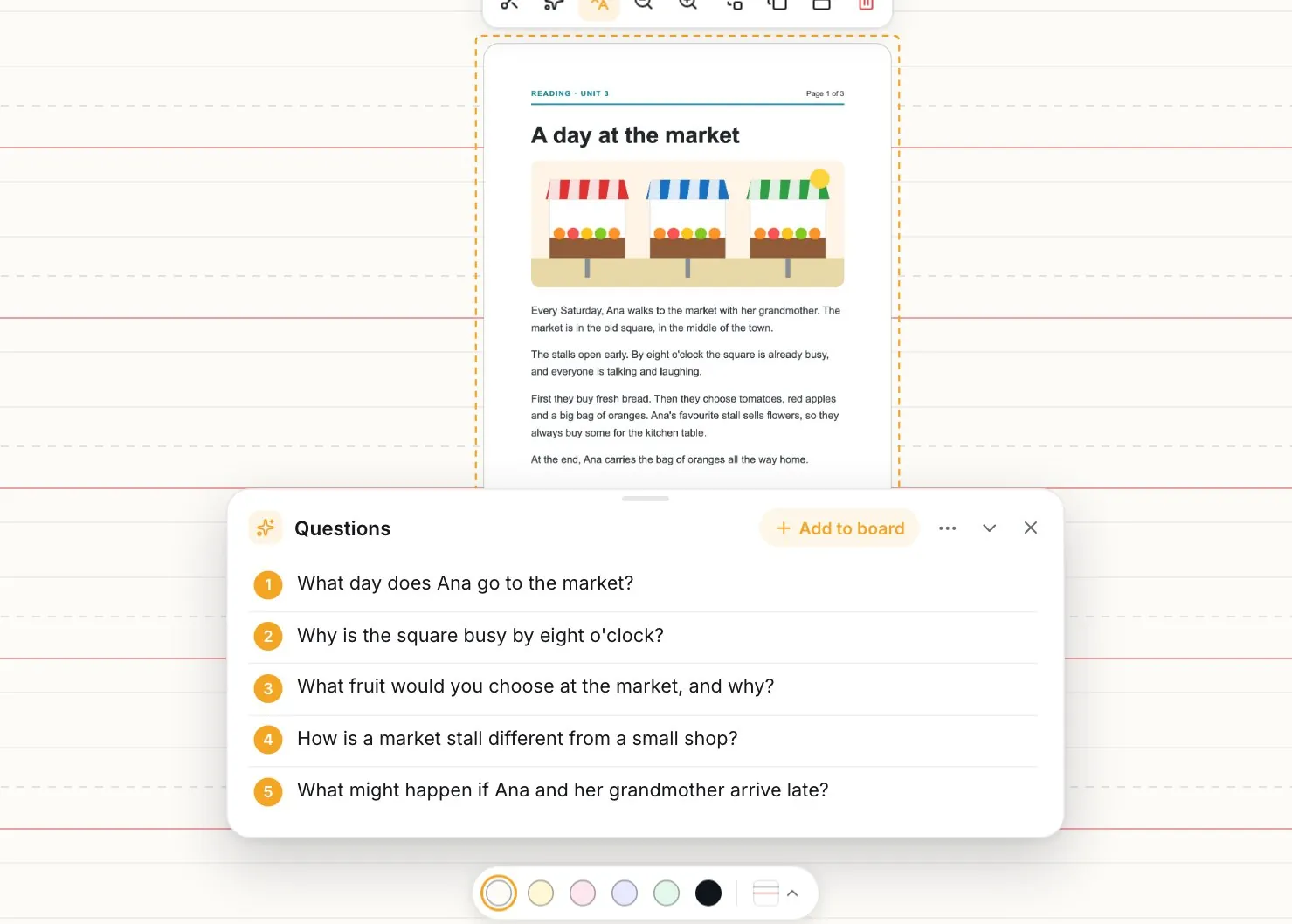
Check the answer, then press Show. It opens in a card at the bottom of the screen, so nothing on the board moves. Tap its top or swipe it down to fold it, swipe up to open it again, press the cross to close it, or press Add to board to keep it. In a live lesson your class sees it too.
Show it again
A closed answer waits in the Answers button at the bottom of the board. Press it to show it again, then use Earlier and Later to go through every answer from the lesson. Students can close it on their screen and bring it back the same way.
Ready-made options
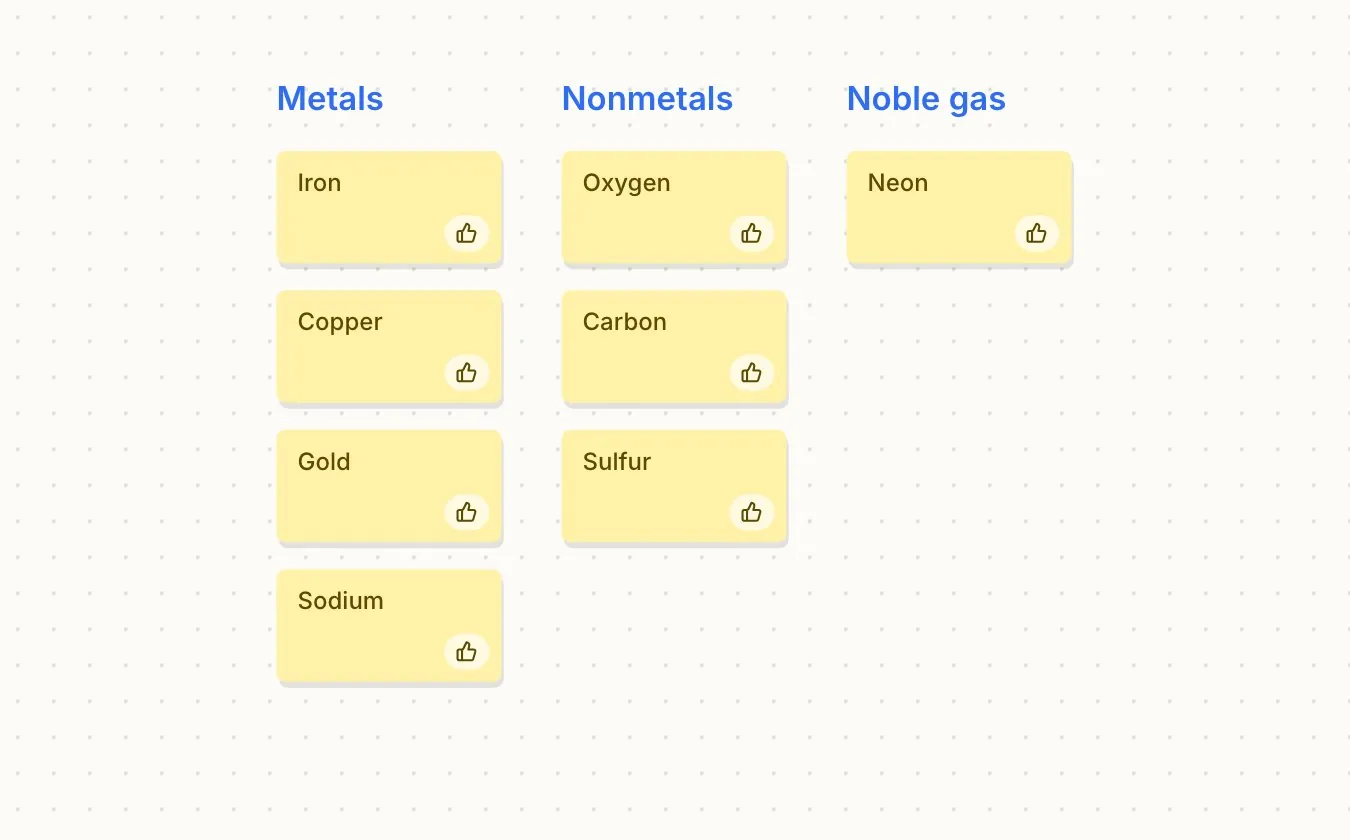
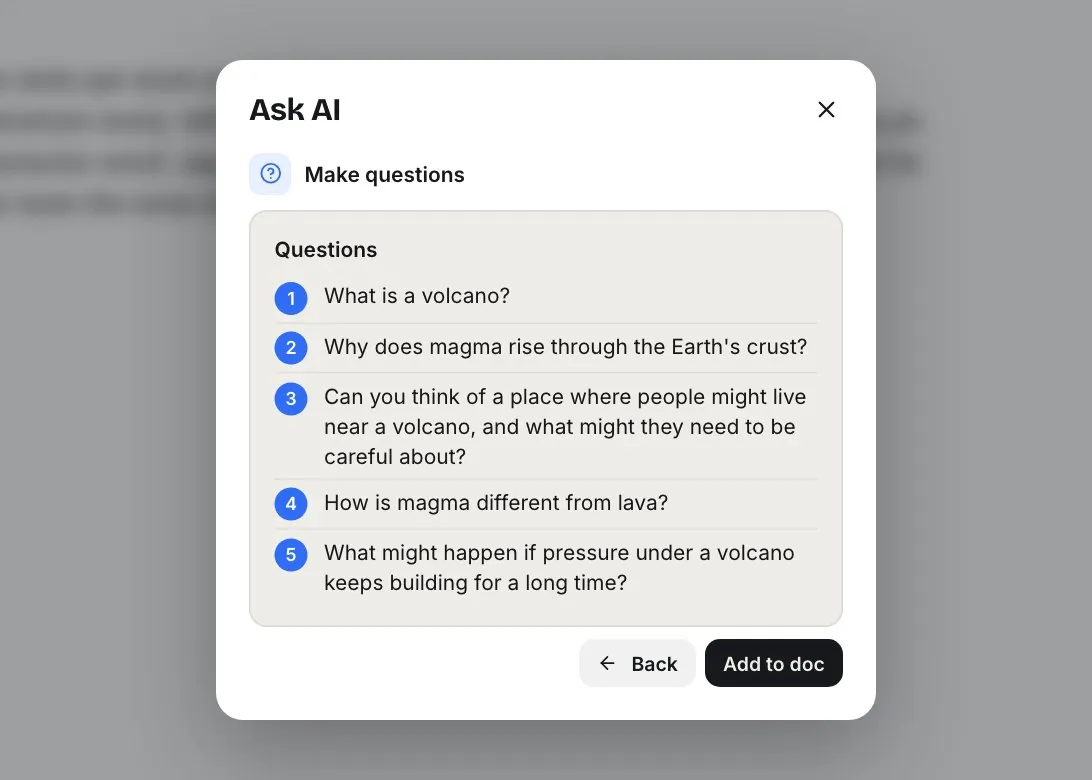
Make questions, Summarise, Key words, Explain simply, Easier / harder (the task at three levels: Support, Core and Challenge, for a mixed class), Model answer (a strong answer for students to compare with their own), What's missing? and Check mistakes. With three or more sticky notes selected, Group by theme sorts them into columns; Undo puts them back.
Solve step by step
Select a maths question, then Ask AI and Solve step by step. The steps start hidden: tap Next step to show one at a time (the class sees each one as you do), or Show all. When it can, Lesson Screen checks the answer itself and says Checked, or Check this one. Add to board puts the working under the question, with the steps you haven't shown under covers to tap open.
Make a quiz
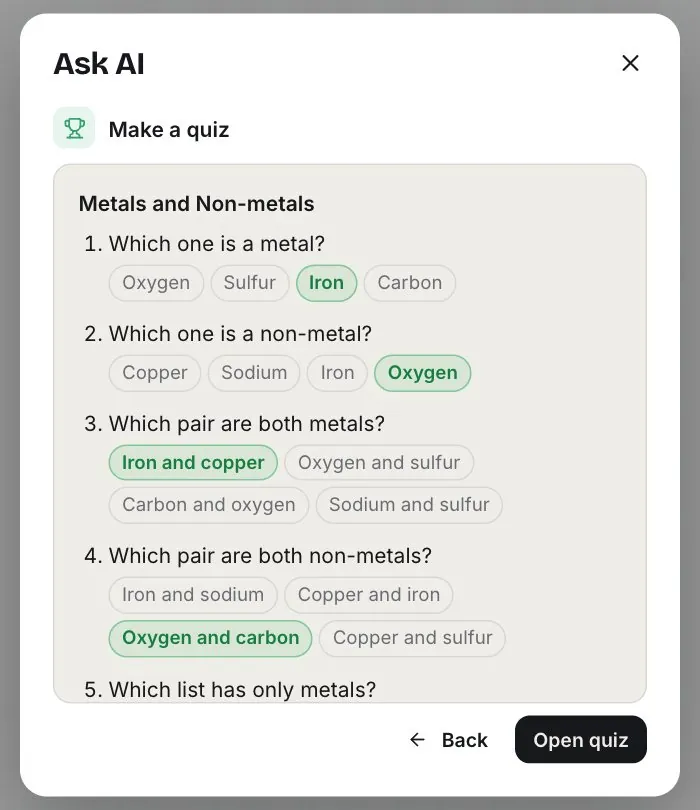
Make a quiz writes five questions with answers from what you selected. Press Open quiz to check them, change any, and play it live.
Ask about a PDF
In a PDF tab, press Ask AI (the sparkles) in the page bar for the page you are reading. On a whiteboard, select the PDF and press Ask AI. Or drag across a few lines and press Ask AI in the box that opens. Scans and photos work too.
Ask about a doc or Word file
Word files open as a doc. Press the sparkles in the doc's toolbar to ask about the part you selected, or the whole doc when nothing is selected. The answer is added below it.
Long files
About 20 pages are read at a time. For a longer file, select the part you want to ask about.