Copy the lesson link
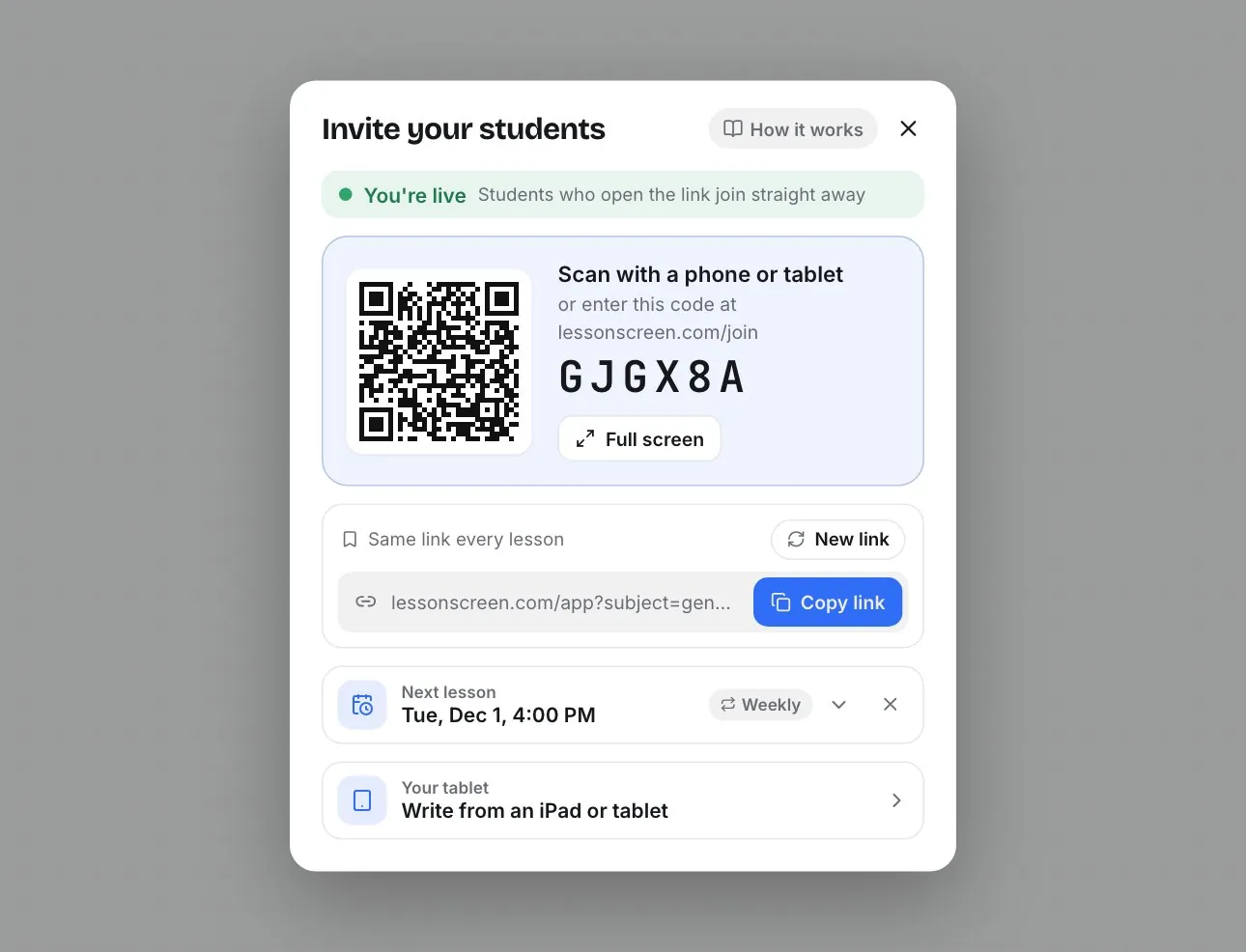
Every lesson has its own link. Go live and it is copied for you, or choose Copy lesson link from the lesson's menu on your lessons page.
Set the next lesson
Under the link, pick the date and time of the next lesson and tick Every week. Students see it in their own time zone.
Students wait for you
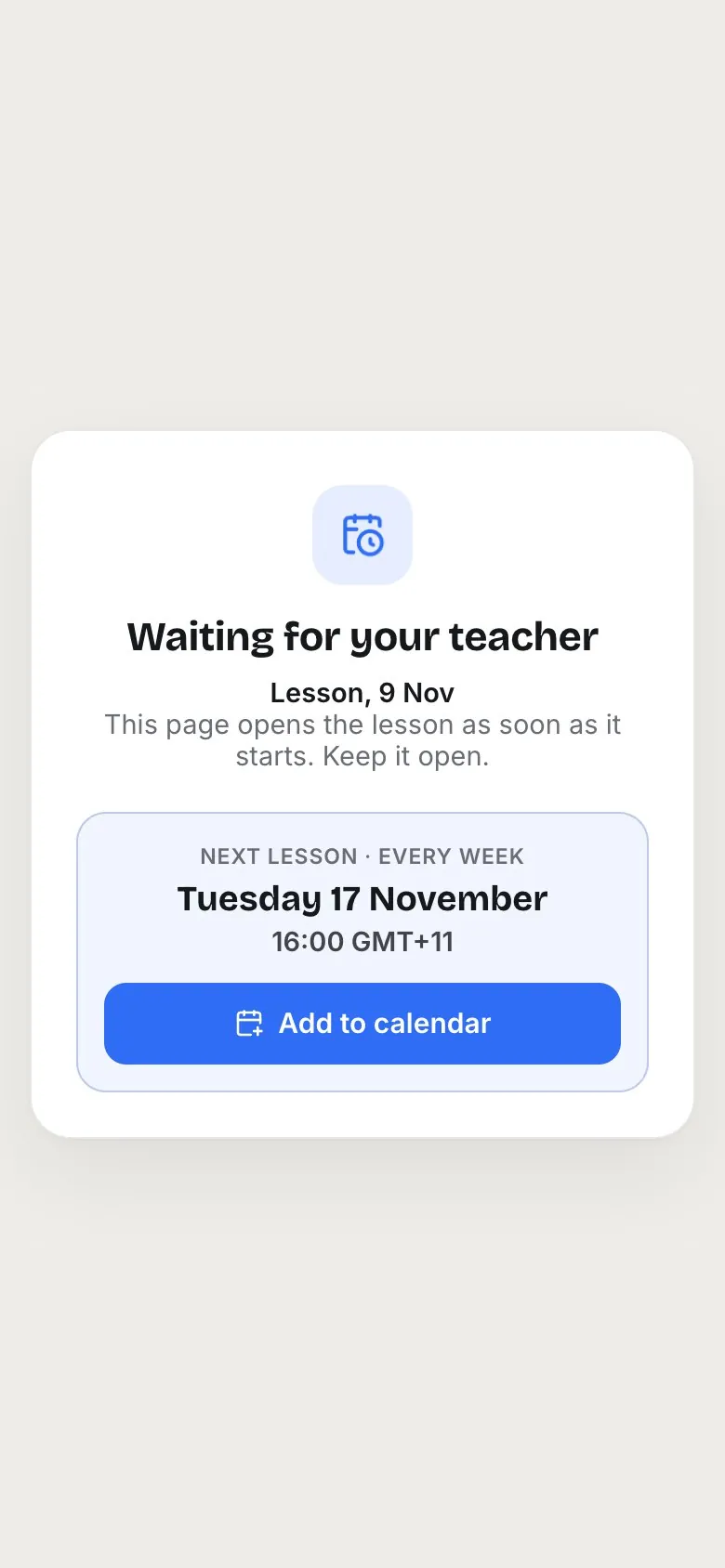
A student who opens the link early sees when the lesson starts, and can add it to their calendar. The moment you go live, they are let in.
Make a new link
Shared the link too widely? Press New link. The old one stops working and tells students to ask you for the new one.
That's it.Open a board and try it with your next class.
Start a lesson