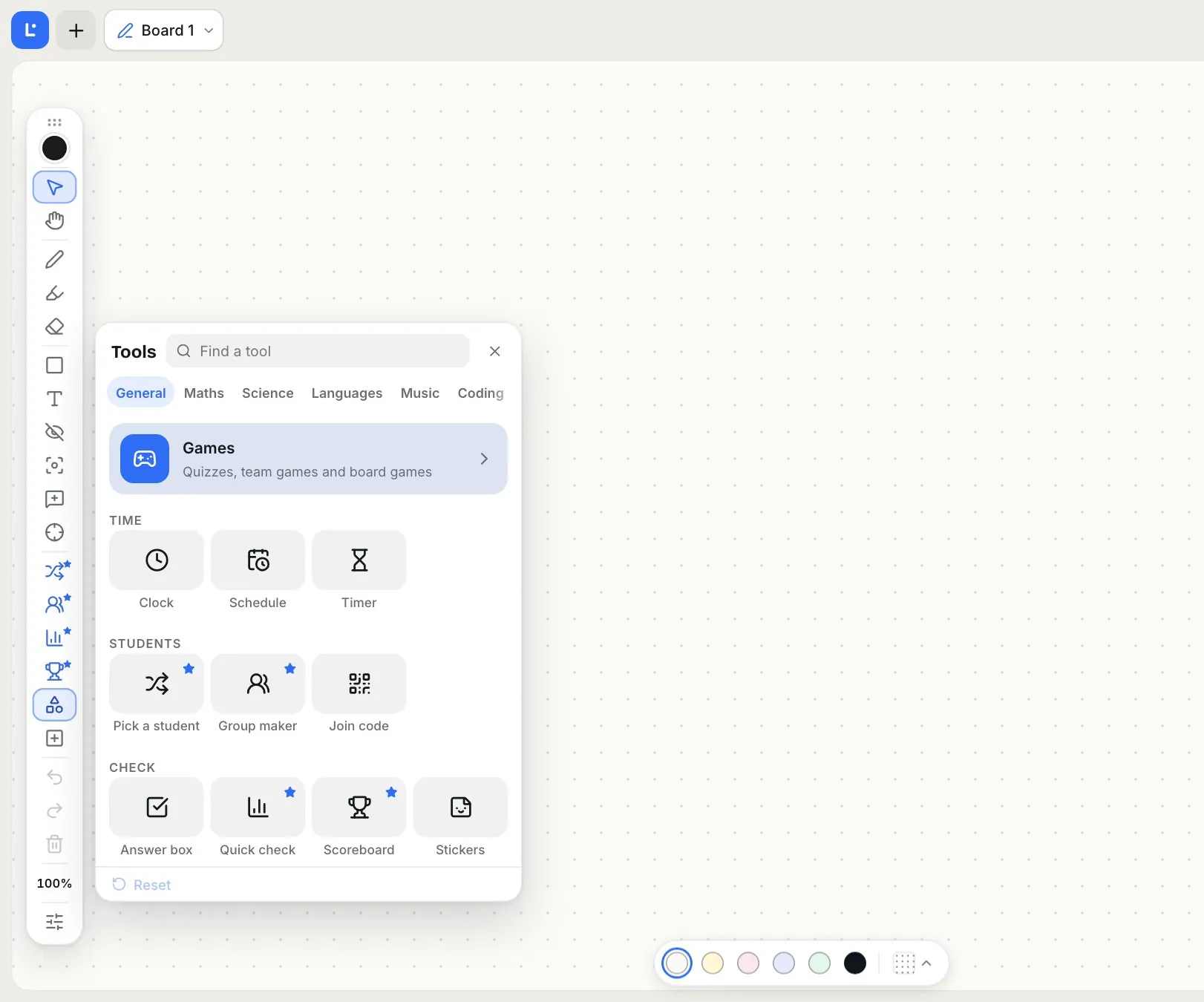
Open the classroom tools
Press Tools and choose General. Games sits at the top, then the tools in groups: Time, Students, Check, Ideas and The room.
Show the plan
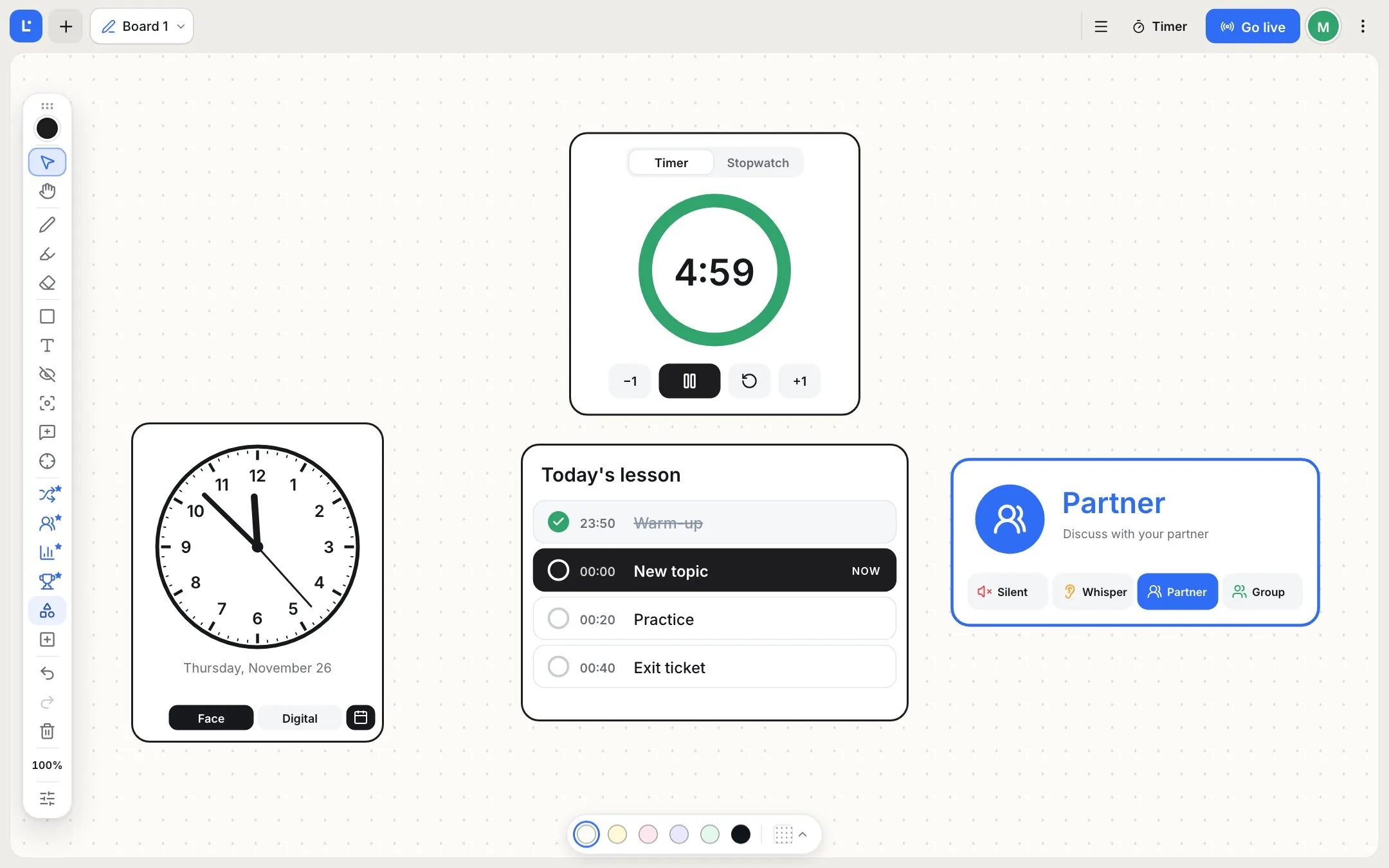
Schedule lists the lesson's activities. The one happening now stands out, and earlier ones are ticked. Click an activity to mark it as now, or double-click to change the plan.
Time it
The timer counts down for everyone and chimes at the end. Switch it to a stopwatch for timed challenges. The clock shows the time and the date. To run a second one, press New timer.
Choose who and how
Pick a student spins a wheel of names, and Group maker splits the class into groups or breakout rooms. Work mode shows Silent, Whisper, Partner or Group, and the noise meter listens to the room. Once Group maker has made the groups, Put on the board shows them on the board, and in a live lesson Open as breakout rooms sends each group to a room of its own.
Gather ideas
Ideas has a mind map, a Venn diagram, a KWL chart and a word cloud. In a live lesson, students send a word to the word cloud from their own screen. Words sent more often grow bigger. You see them come in, and Show class shares the cloud with everyone.
Celebrate
Celebrate, in the Check group, sends confetti over the board. In a live lesson, the reactions button also has confetti, balloons, fireworks, stars and hearts, and every student sees them. Only the teacher can send these.
Play on the board
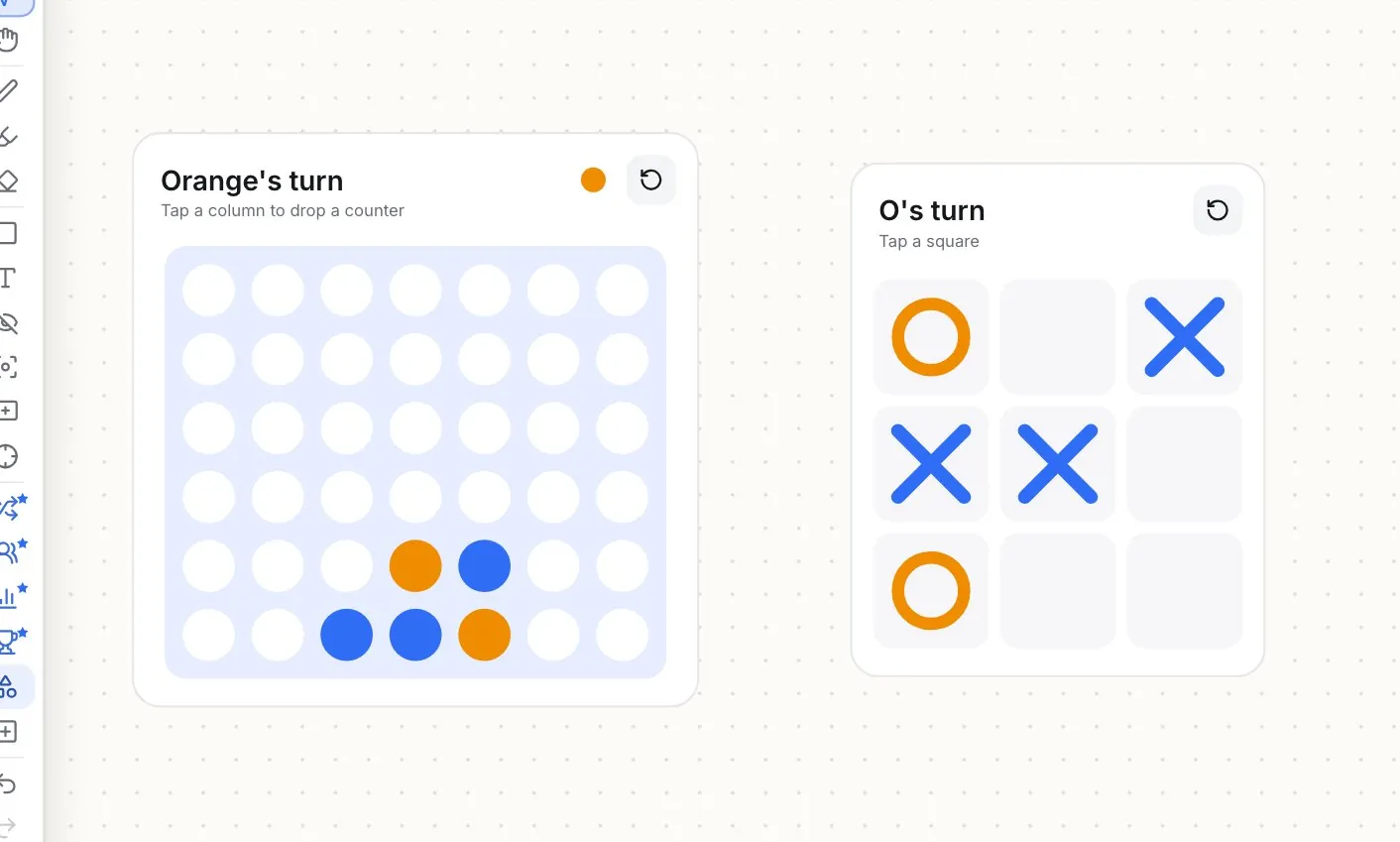
Press Games at the top of Tools. Under On the board you'll find Four in a row, Crossword, Word search and Noughts and crosses. They sit on the board, so in a live lesson everyone plays on the same one. To guess a hidden word letter by letter, pick Word guess under No questions needed. The arrow in the corner starts a new game.