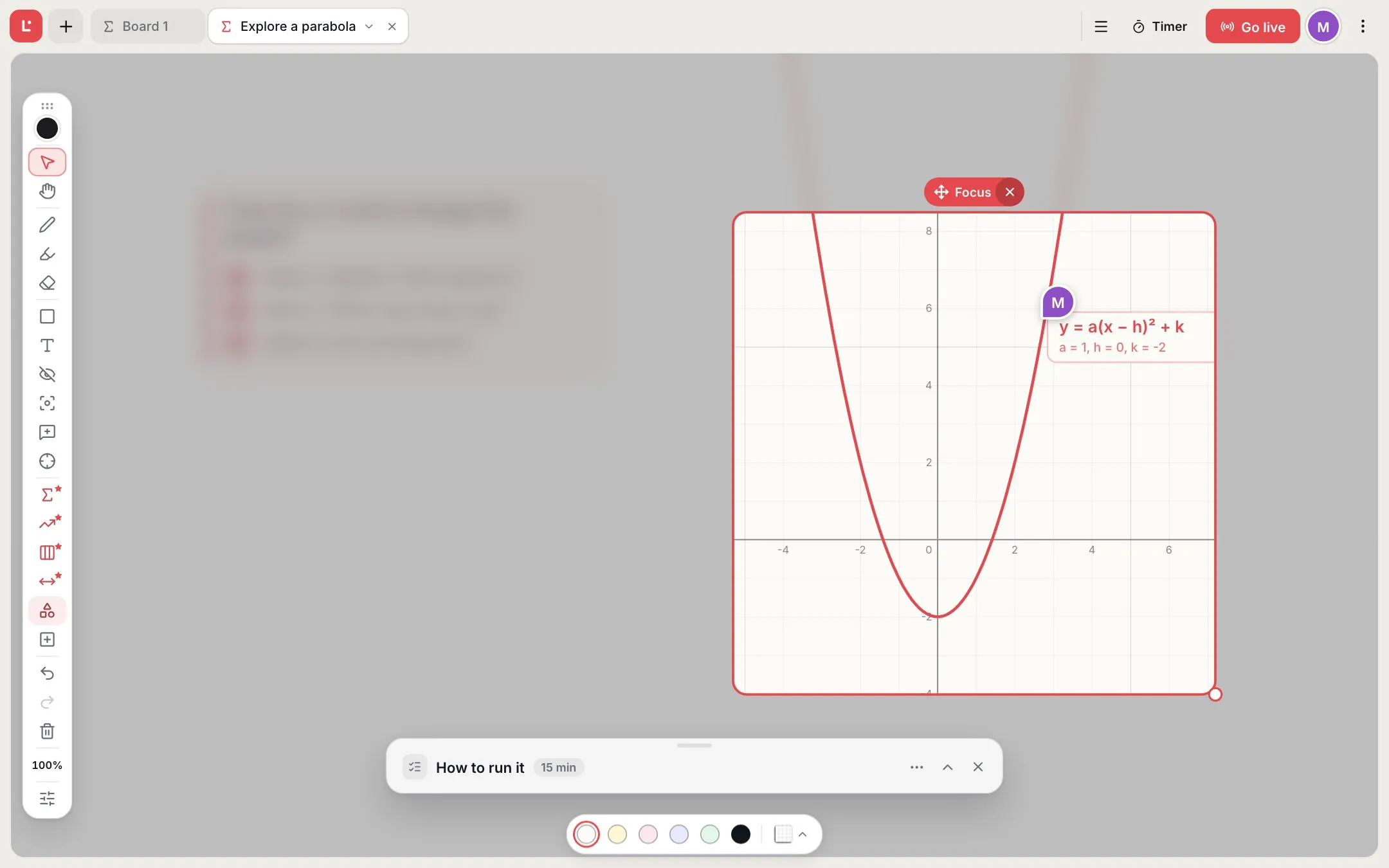
Focus on one area
Choose Focus in the toolbar, or press F, and drag a box around what matters. Everything else dims for the whole class. Drag its tab to move it, its corner to resize it, and press × to finish.
Cover an answer
Choose Cover to reveal later, or press C, and drag over an answer to hide it. Press Reveal when the class is ready.
Point with the laser
Choose Laser pointer, or press K, and point at the board. Everyone sees the trail, and it fades away by itself.
Bring every screen to yours
Open Class settings and turn on Lead the class. Every student's view follows yours as you move around the board.
Leave a comment
Choose Comment, or press Q, and click anywhere on the board. Others can reply, and you press Resolve when it's done. Resolve again to reopen it.
That's it.Open a board and try it with your next class.
Start a lesson