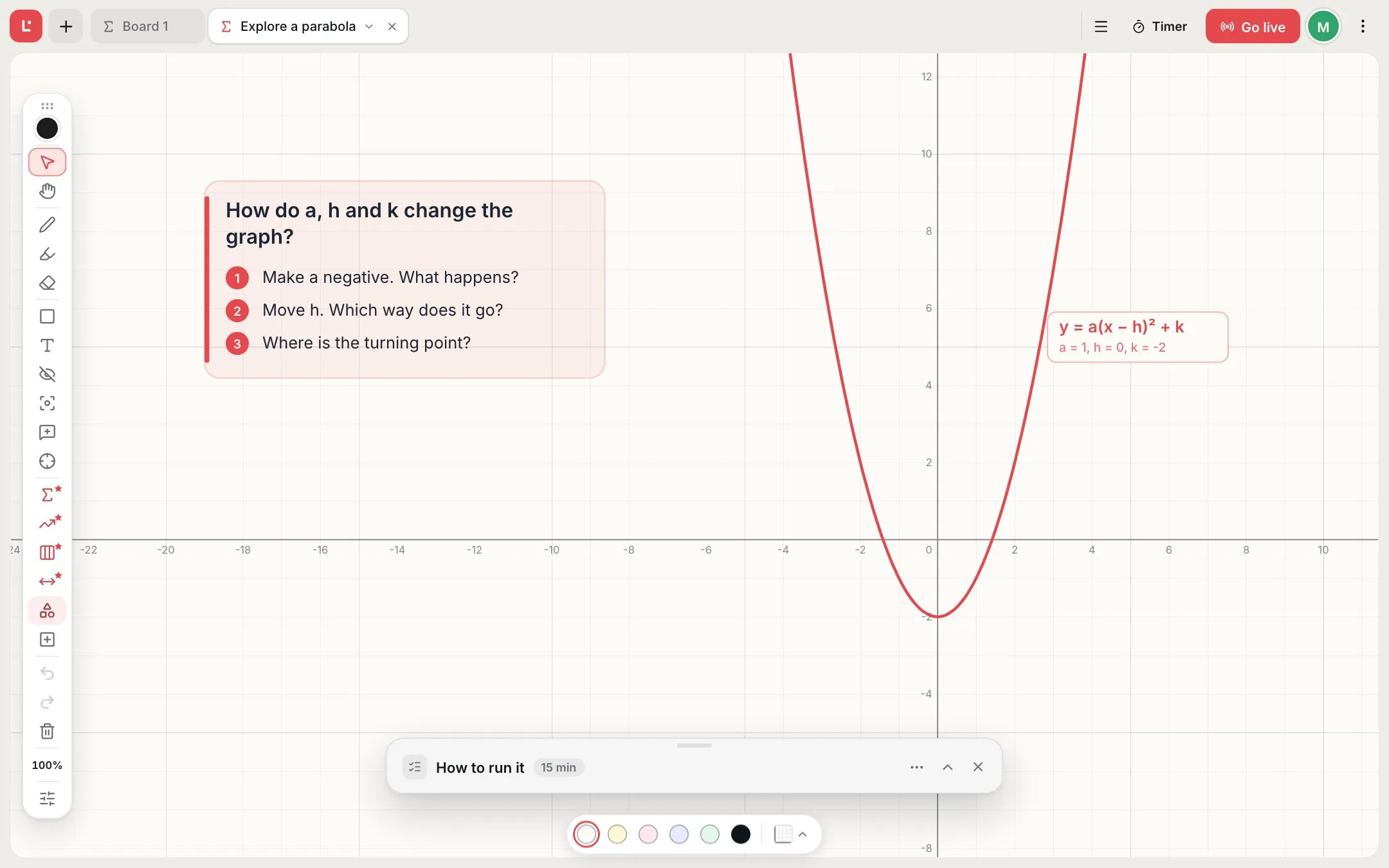
Change a tab's subject
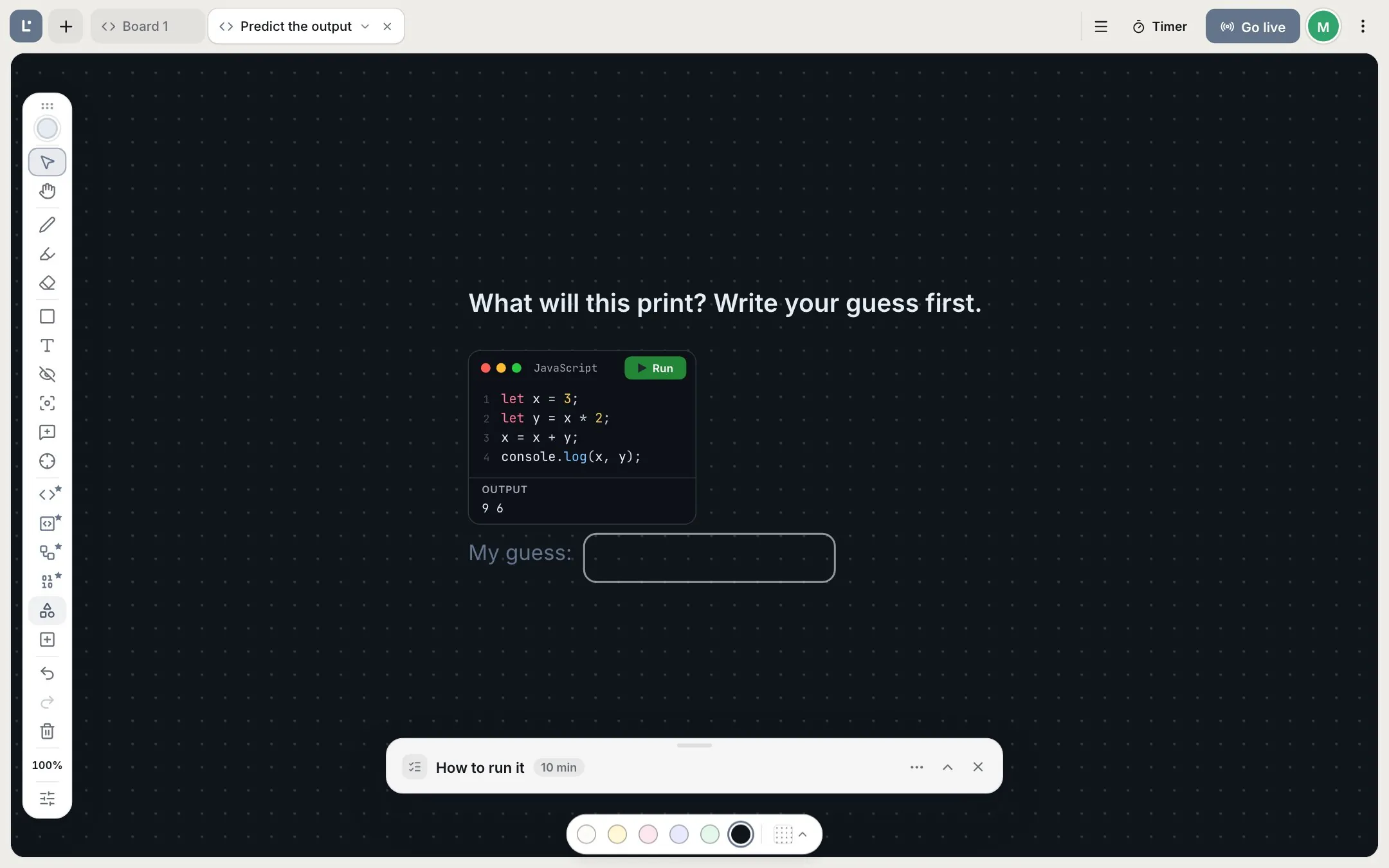
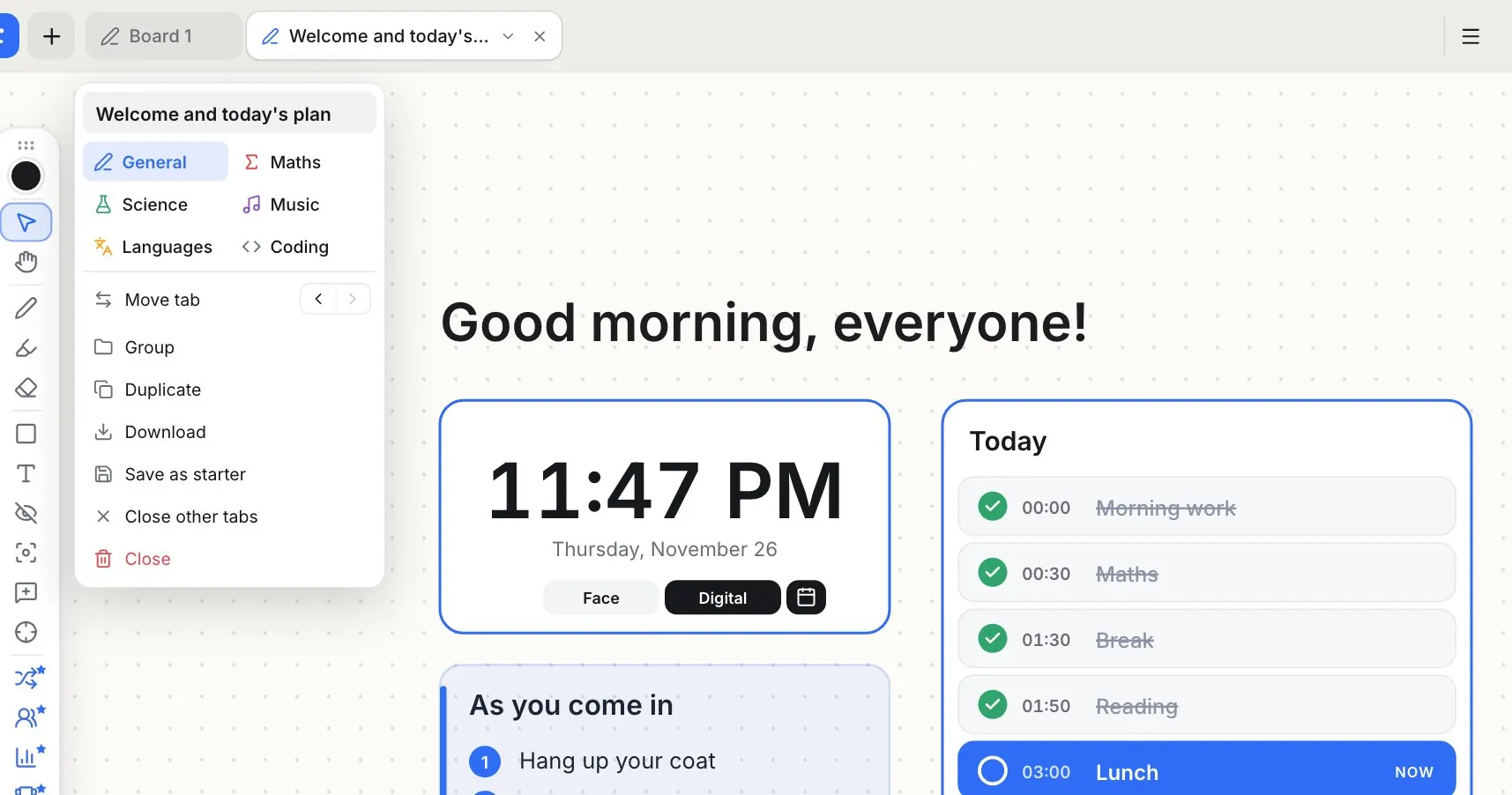
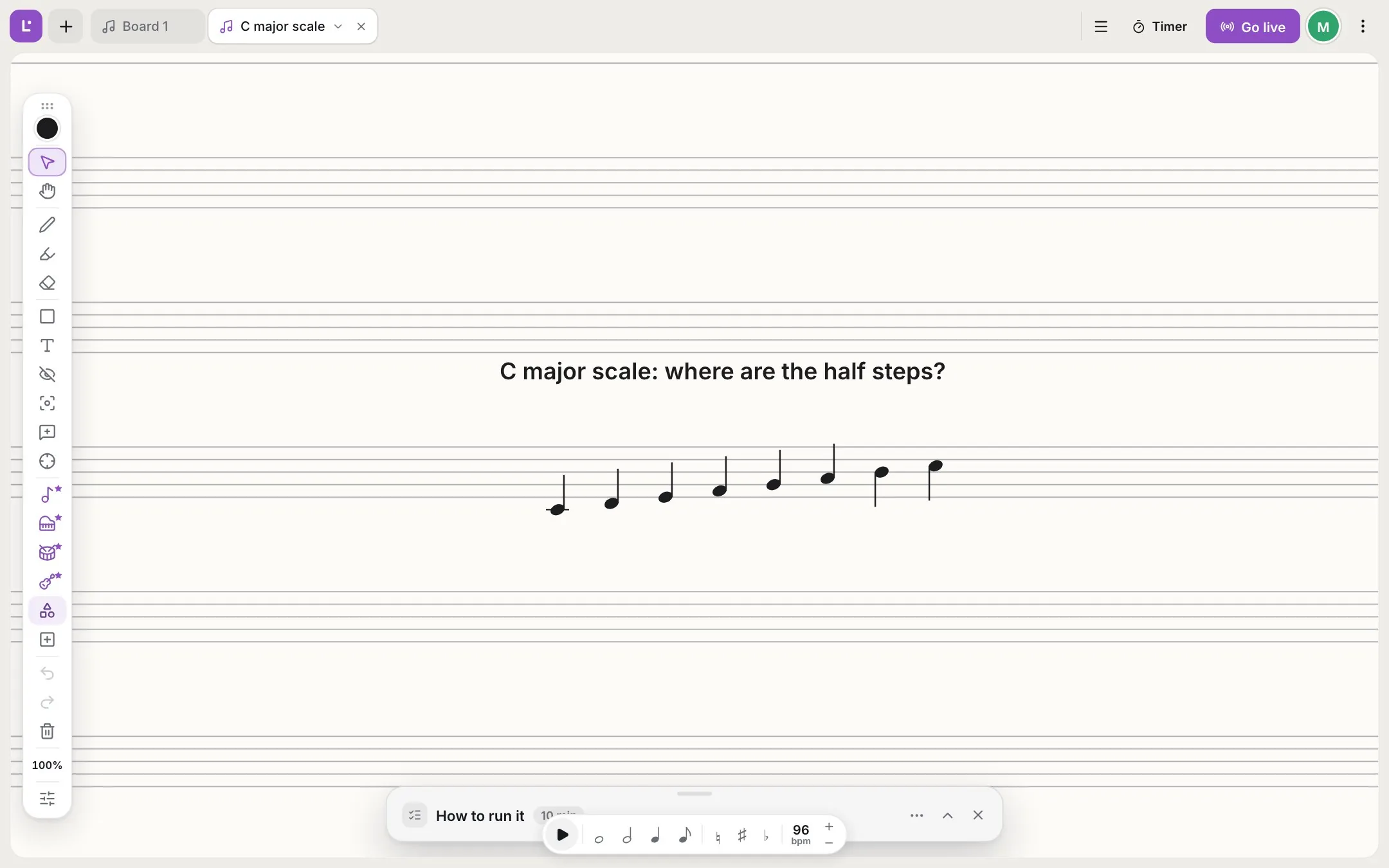
Click the tab's name and pick a subject. The paper and the toolbar change to match: graph paper for maths, staff lines for music, a dark board for code.
Maths
Graph a function and move its sliders, shade counting patterns on a hundred square, build numbers with place value blocks, mark a number line, shade fraction bars, set out a word problem in a bar model, measure with a protractor or ruler, draw circles and arcs with a compass, or write an equation. A graph on any board brings graph paper with axes. Turn a few numbers into a bar or pie chart. Statistics chart makes a histogram, a box plot (with the median and quartiles) or a scatter graph with a line of best fit from numbers you type or paste. Unit circle shows the key angles with exact sin, cos and tan, in degrees or radians; tap an angle, or Hide the values to quiz the class. Step through 2D and 3D shapes with their sides, faces and nets.
Science
Push a box with two forces and ask what happens, or tap a planet in the solar system for its facts. Put up a labelled diagram of a plant, a cell, a volcano or the water cycle, or label your own picture, then hide the labels and ask the class. Build a circuit with cells, bulbs and a switch, and see the current change in series and parallel.
Music
Light up any scale on the piano and hear it, or name the note on the staff. Write notes on the staff and play them back, use the piano, or keep time with the metronome.
Any subject
A timeline puts events in order, from history dates to the steps of a story. Tap an event to hide it and ask what happened. Double-click a diagram, chart or timeline to change it.
Coding
Give the robot moves to reach the flag, or watch a sort compare and swap step by step. Press the code button to put a code block on the board. JavaScript and Python blocks run, and everyone sees what they print. The shared editor is a tab you type in together, in either language.