Start your trial
Open lessonscreen.com/app/platform, sign in, name your platform and choose how many teachers. The first 7 days are free, then it is $20 per teacher a month for the first 10 teachers, $15 each from the 11th and $10 each from the 51st, or 20% less paid yearly. Your platform page shows your site key and secret. Keep the secret on your server only. Get your school ready, at the top, lists the first steps and goes away once they are done.
Your brand
On your platform page, open Look. Upload your logo, pick your colour and name, and see it in light and dark as you go. A light colour is shown a little deeper so white text on it stays easy to read. Choose whether everyone starts in light, dark or their device's look, and turn on Your colour in lessons to use it in place of each subject's colour. Your brand replaces ours on every screen: the class page, the classroom, the browser tab and its icon. Students never see Lesson Screen. A logo is optional: without one, the first letter of your name is shown on your colour.
Add your teachers
Under Teachers, type their emails, several at once if you like, and press Add. They sign in with a link, no passwords. With many teachers, a search box above the list finds anyone by name or email.
See who is teaching
On your platform page, Live now shows which teachers are teaching at this moment, with how many students are in and for how long. Below it is every lesson by day. Tap a teacher's name, or pick one above the list, to see only their lessons.
Rules for every lesson
Under Rules, choose how each student switch starts and lock the ones teachers can't change. Turn AI, live games or websites off for the whole school, and slide AI for each teacher to set how many AI uses each teacher has a month. AI used this month shows each teacher's uses so far, busiest first. The server keeps to the rules, not only the screen.
More AI for the school
Your seats give the school AI each month, shared by every teacher. For more, the owner buys AI credits under AI credits on the school's page: 500 for $12 or 1,500 for $29. Teachers use them once the school's month is used, and they never expire. Teachers never see a price, and AI for each teacher still holds. If a teacher runs out, the page tells you.
Let teachers share lessons
Under Rules, turn on Share lessons. Your teachers then see Share in their lessons: they copy a link that lets other teachers at your school view or edit that lesson, and work on it together. Only teachers signed in through your school can open it. Students and anyone else see that it's only for your teachers. Each time teachers work on a shared lesson, it shows in your lessons list as Shared, with who was there and for how long, and goes to your records address as lesson.shared. Turn the switch off and every shared link stops working.
Add admins
In the Admins box, add the email of anyone who helps run the school, like your office. They sign in to Lesson Screen with it and can add teachers, change the rules and your look. Billing, seats, keys and your address stay yours.
Your own address
Choose an address like class.yourschool.com and add a CNAME record pointing it to connect.lessonscreen.com. Your platform page shows the record to copy and turns Live when it works, usually within minutes. Opening the address shows your class page.
Sign people in
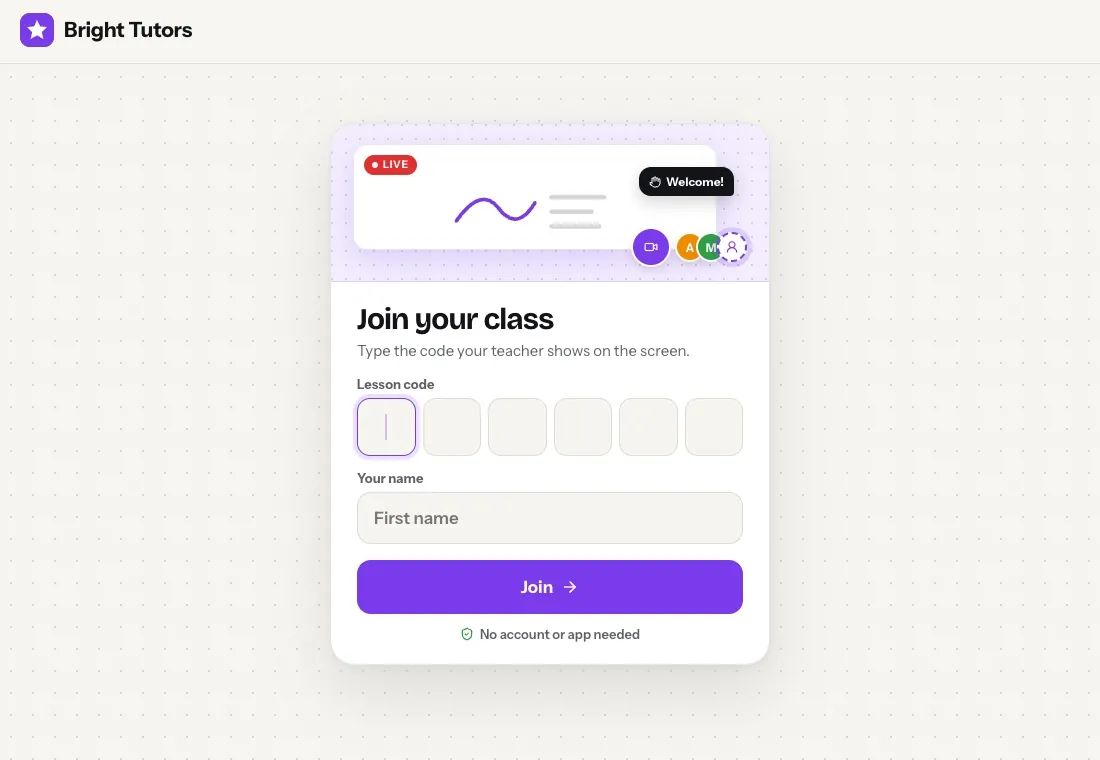
Your site sends each teacher and student into class with a sign-in link, so nobody makes a second account. Teachers arrive as the teacher, and students arrive with their name already filled in. You give each class a name, like maths-7b, and everyone sent to that name meets in the same room. A teacher can open the class early to prepare it: students who arrive see Waiting for your teacher, and are let in the moment the teacher presses Go live.
For your developer
Each link is your address, then /app?sso= and a token. The token is a JSON object (site, user, name, role as teacher or student, room, and exp in seconds, at most an hour ahead) in base64url, a dot, then its HMAC-SHA256 with your secret, also in base64url. Make links on your server only, so the secret never reaches a browser.
import crypto from "node:crypto";

function classLink(person, room) {
  const body = Buffer.from(JSON.stringify({
    site: "YOUR_SITE_KEY",
    user: person.id,
    name: person.name,
    role: person.isTeacher ? "teacher" : "student",
    room,                                        // e.g. "maths-7b"
    exp: Math.floor(Date.now() / 1000) + 3600,   // one hour
  })).toString("base64url");
  const sig = crypto.createHmac("sha256", process.env.LESSONSCREEN_SECRET)
    .update(body).digest("base64url");
  return `https://class.yourschool.com/app?sso=${body}.${sig}`;
}
Receive records
When a class ends, we send your site a record of it: who came, when they joined and left, and how many minutes each person stayed. The lesson notes follow a moment later. Use it for attendance, paying teachers by the hour or sending notes home. If you don't need records, leave the records address empty.
For your developer
We POST JSON to your records address. The event is lesson.ended, with room, started, ended, minutes and people (name, user as your id, joined, left, minutes). A second post, lesson.notes, carries the summary. With Share lessons on, lesson.shared has the same shape for time teachers spent in a shared lesson: teacher is the lesson's own teacher, people the teachers who opened it. Check the X-LessonScreen-Signature header: sha256= then the HMAC-SHA256 of the raw body with your secret, in hex.
app.post("/lessonscreen", express.text({ type: "*/*" }), (req, res) => {
  const want = "sha256=" + crypto
    .createHmac("sha256", process.env.LESSONSCREEN_SECRET)
    .update(req.body).digest("hex");
  if (req.get("x-lessonscreen-signature") !== want) return res.sendStatus(401);

  const record = JSON.parse(req.body);
  // record.event, record.room, record.people[0].minutes ...
  res.sendStatus(200);
});Reuse your boards
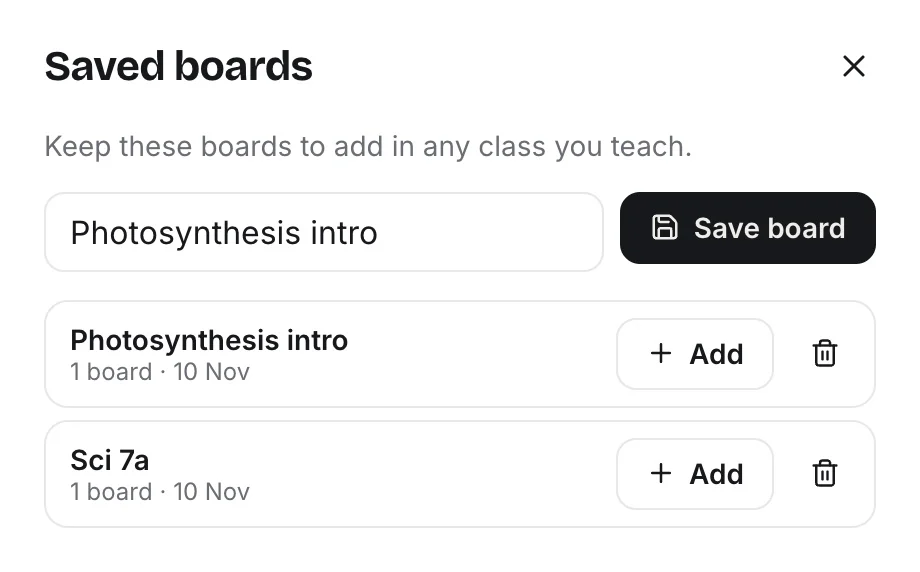
In any class, a teacher opens the menu at the top right and chooses Saved boards. They save the class's boards under a name, then add them in any other class they teach, as new tabs. Each teacher's saved boards are their own.
On phones too
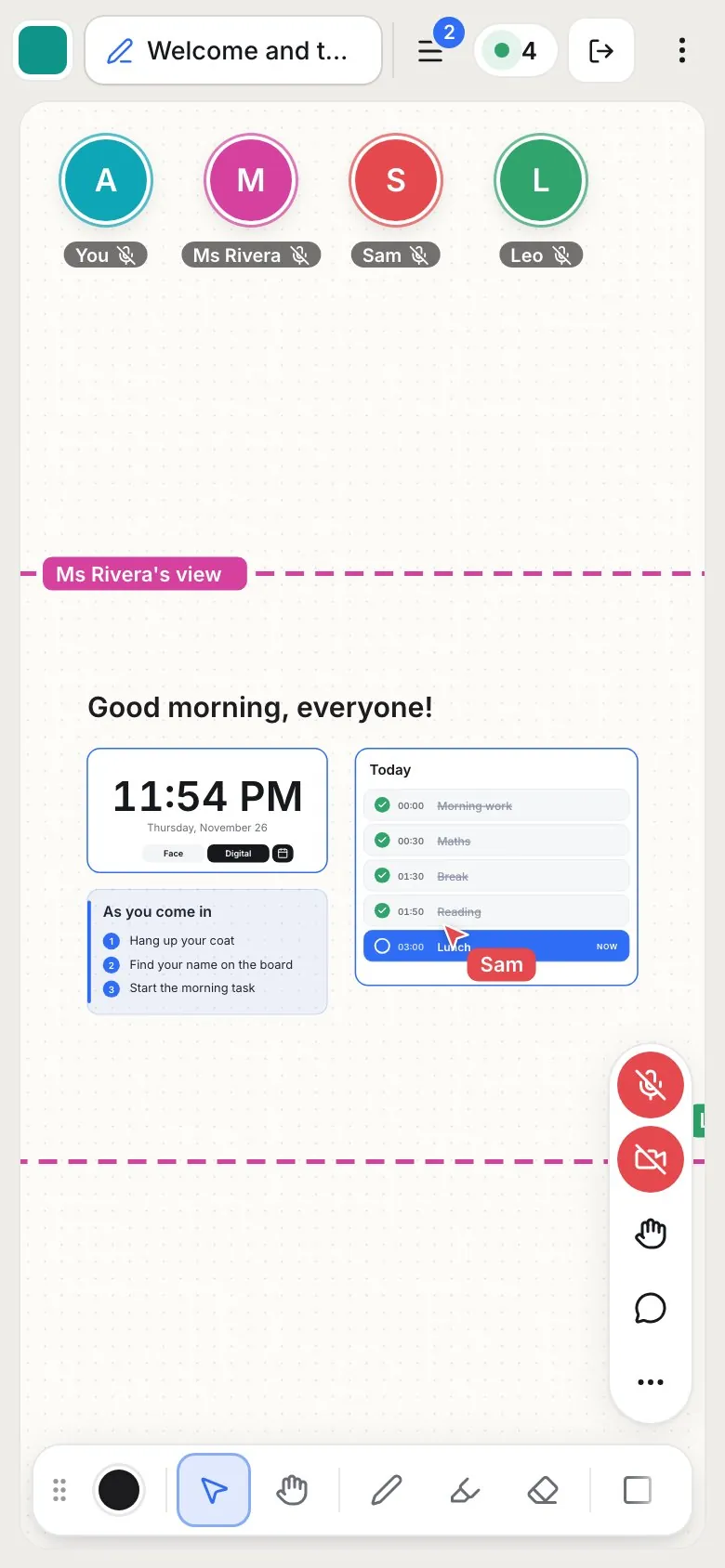
Students join from a phone, tablet or computer, with nothing to install.