Add a note
Press Add to board, then Sticky note, and type. Enter saves it. Students can add their own. To change a note's colour, select it and press Colour: yellow, pink, blue, green, orange or purple. New notes keep the last colour you picked.
Vote
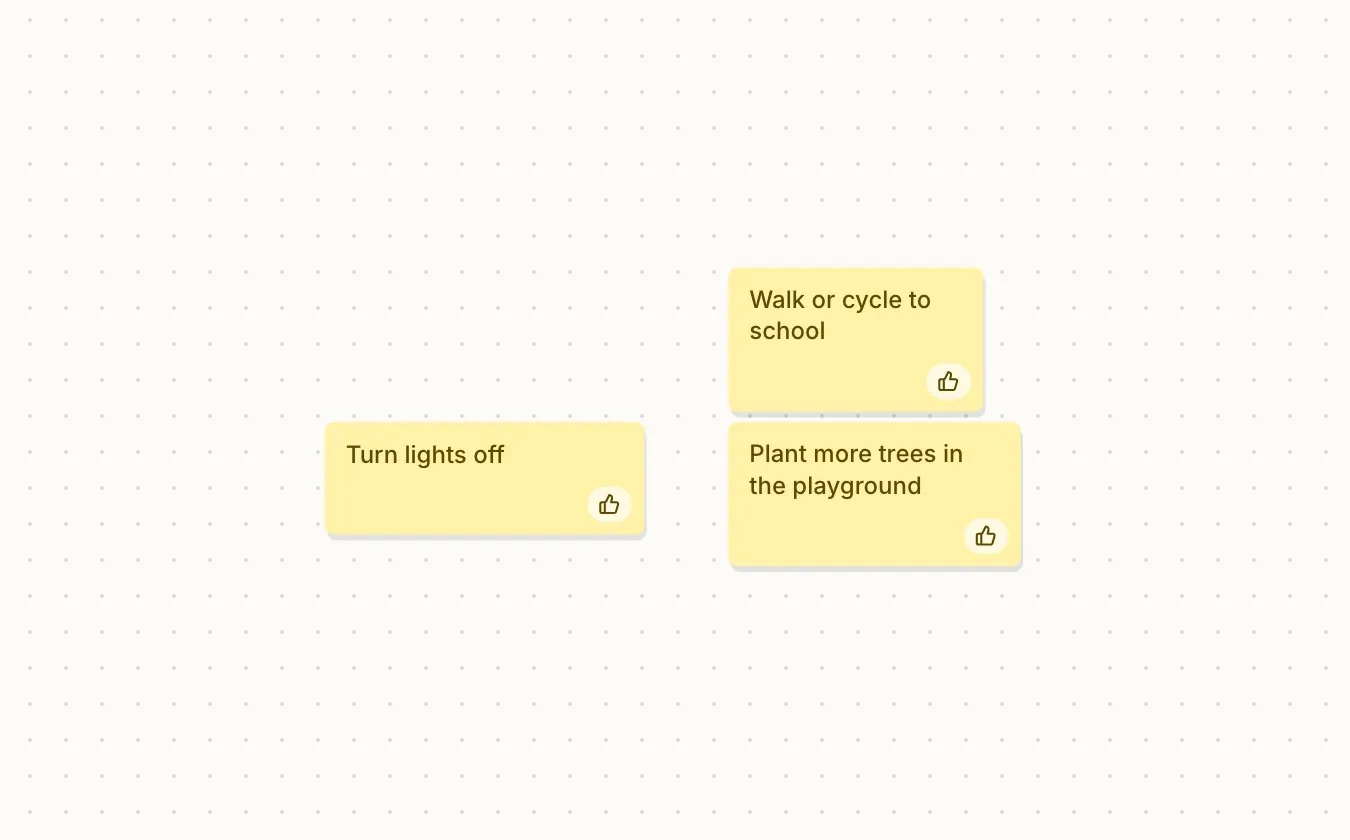
Tap the thumb on a note to vote for it. Everyone gets one vote per note, and tapping again takes it back.
Sort by votes
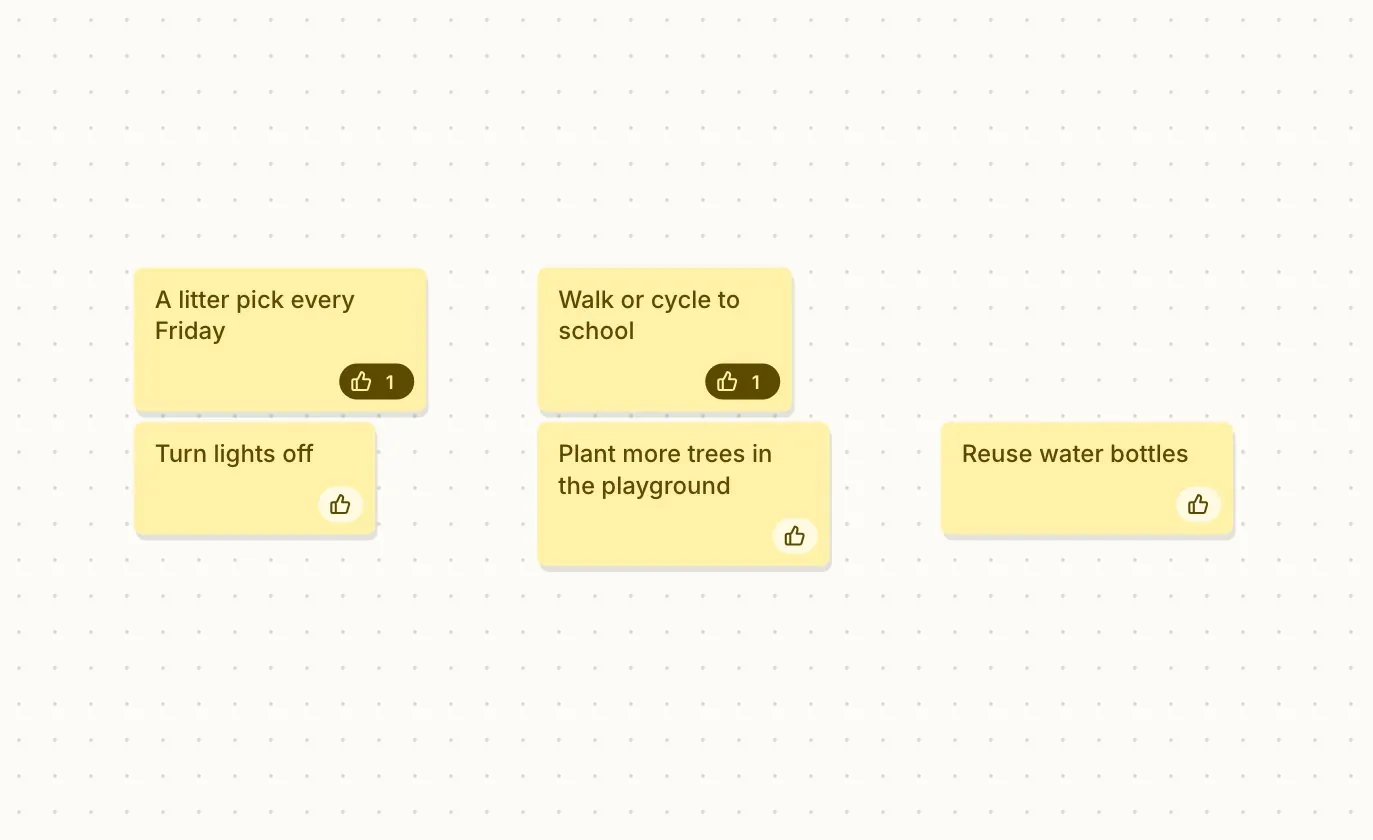
Select a note and choose Sort all notes by votes. The most popular ideas move to the front.
Group by theme
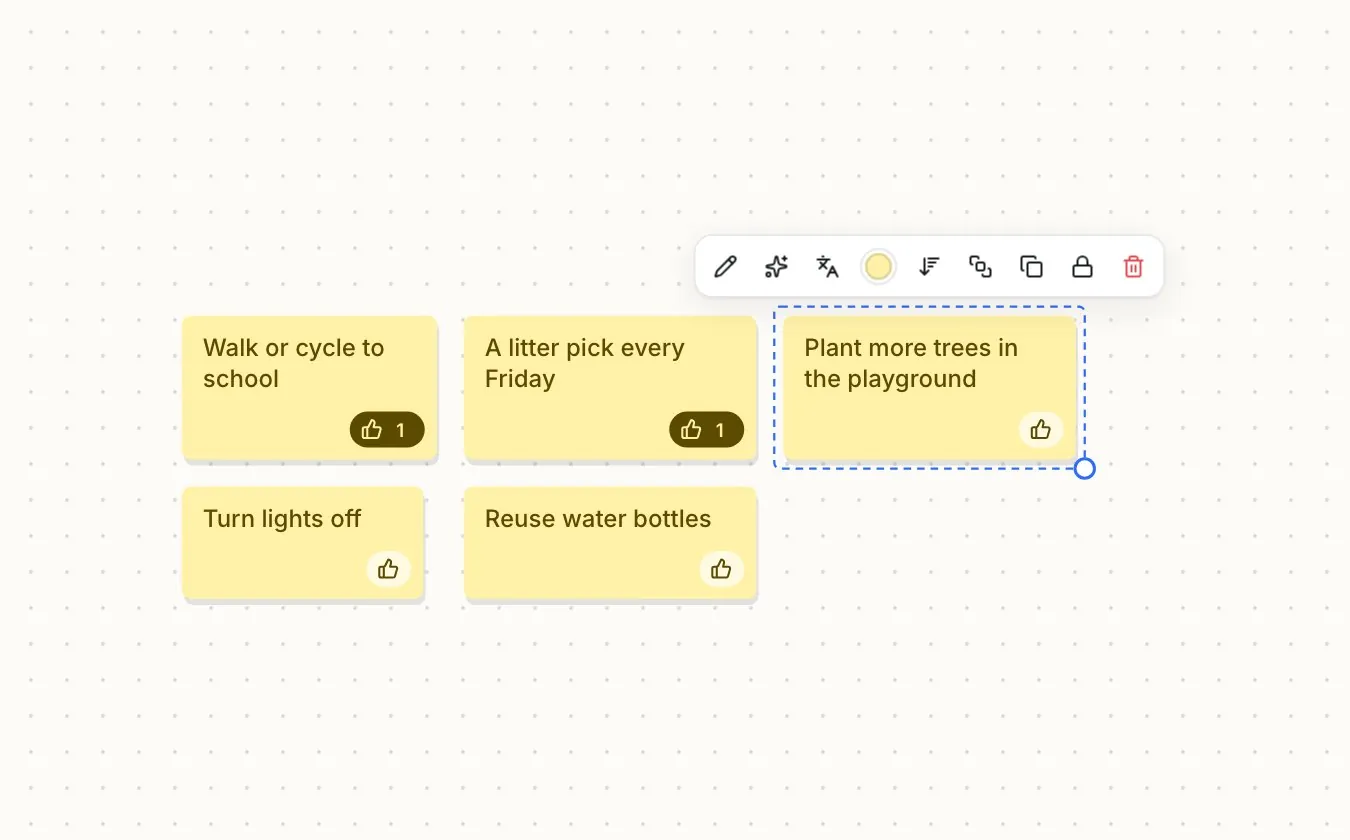
Select three or more notes and press Ask AI (the sparkles), then Group by theme. AI sorts the notes into columns, one for each idea, so you can see what the class agrees on.
Use the ideas
With the notes still selected, ask AI to Summarise them in a few lines or Make a quiz from them, then put the answer on the board.
That's it.Open a board and try it with your next class.
Start a lesson