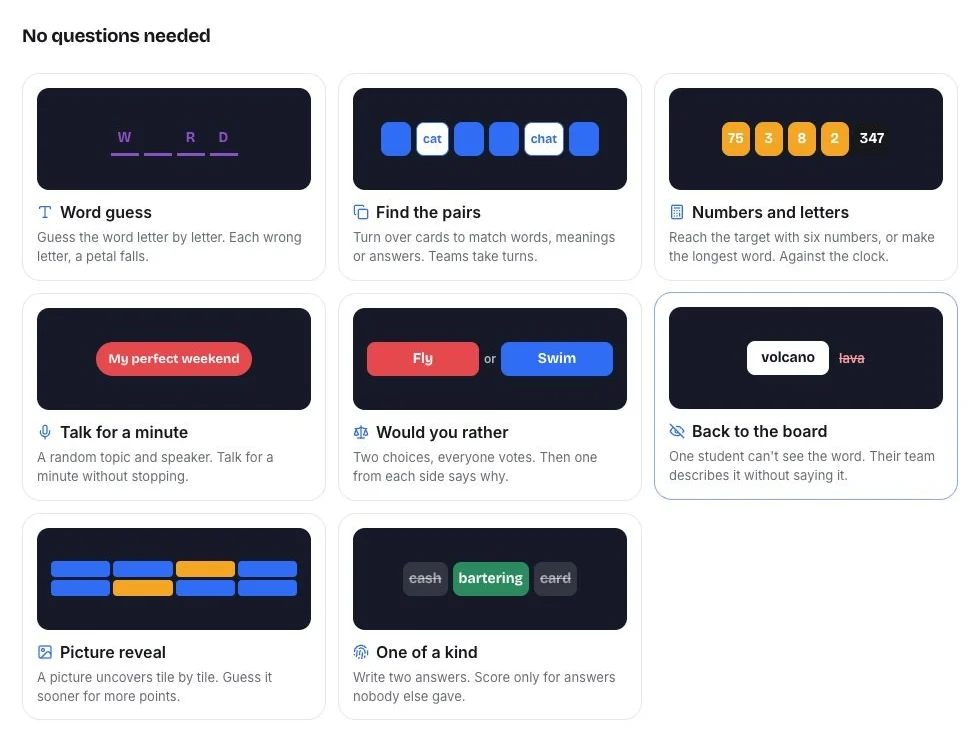
Pick a game
Open Tools and press Games at the top. These four sit under No questions needed, each with a ready list you can change. Type a topic and press Write with AI for a fresh list.
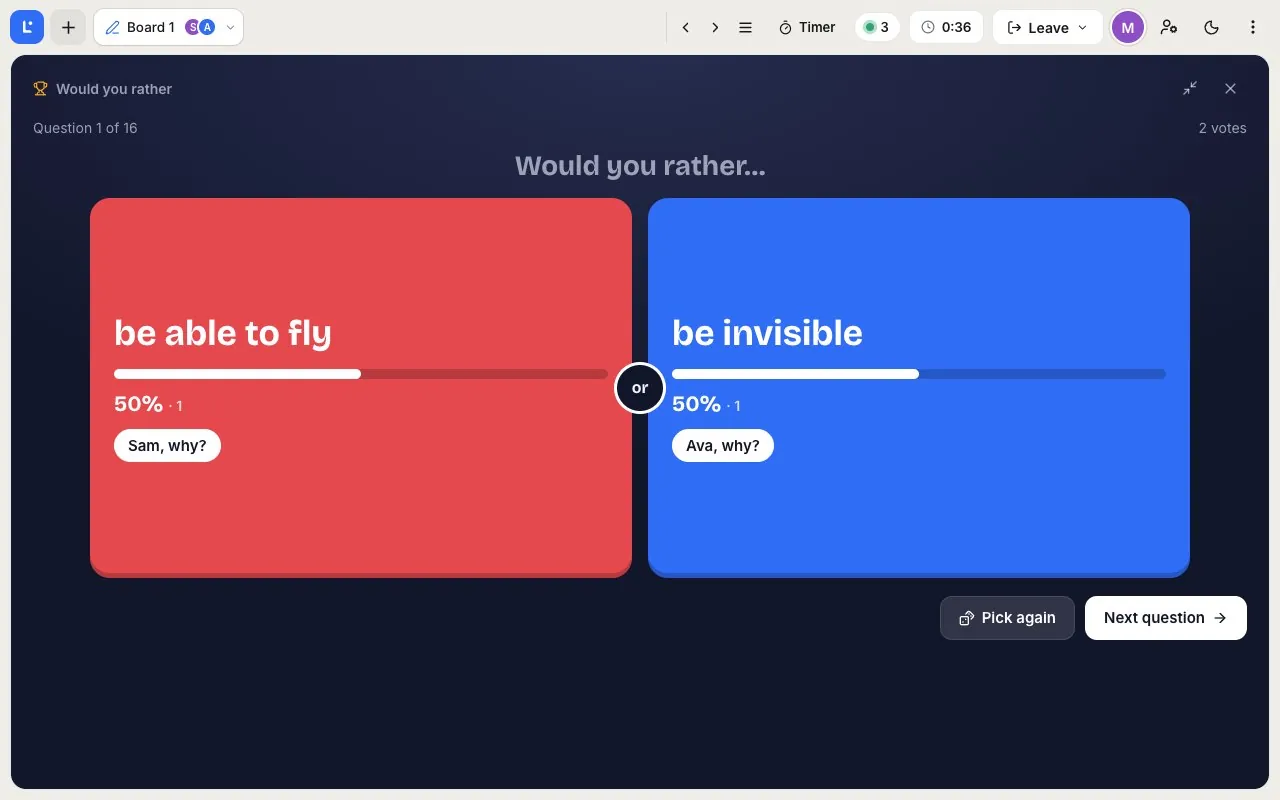
Would you rather
Two choices appear and students vote on their own screen, watching the split live. Show the result, then pick one student from each side to say why.
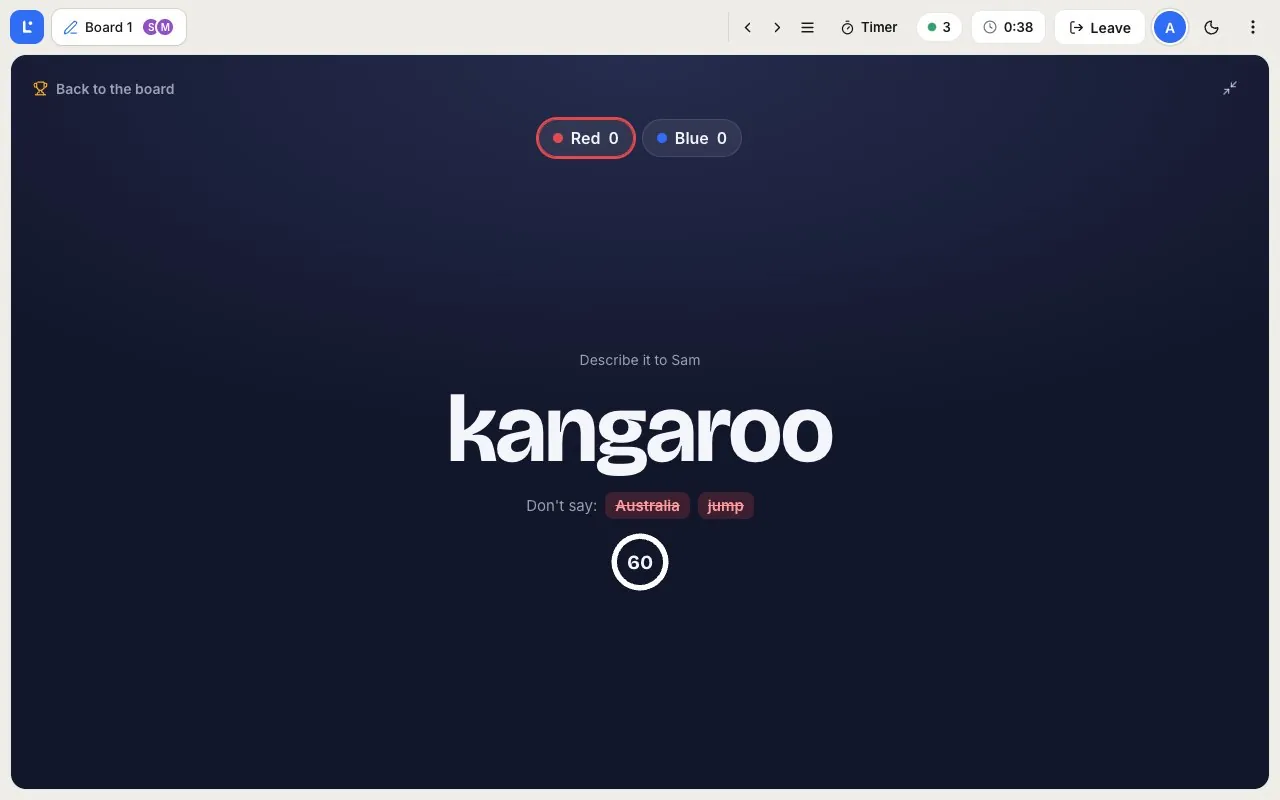
Back to the board
Pick a student to guess. Everyone else sees the word on their screen, the guesser doesn't. The team describes it without the words shown under it. Tap Got it or Skip until time runs out, then it's the next team's turn.
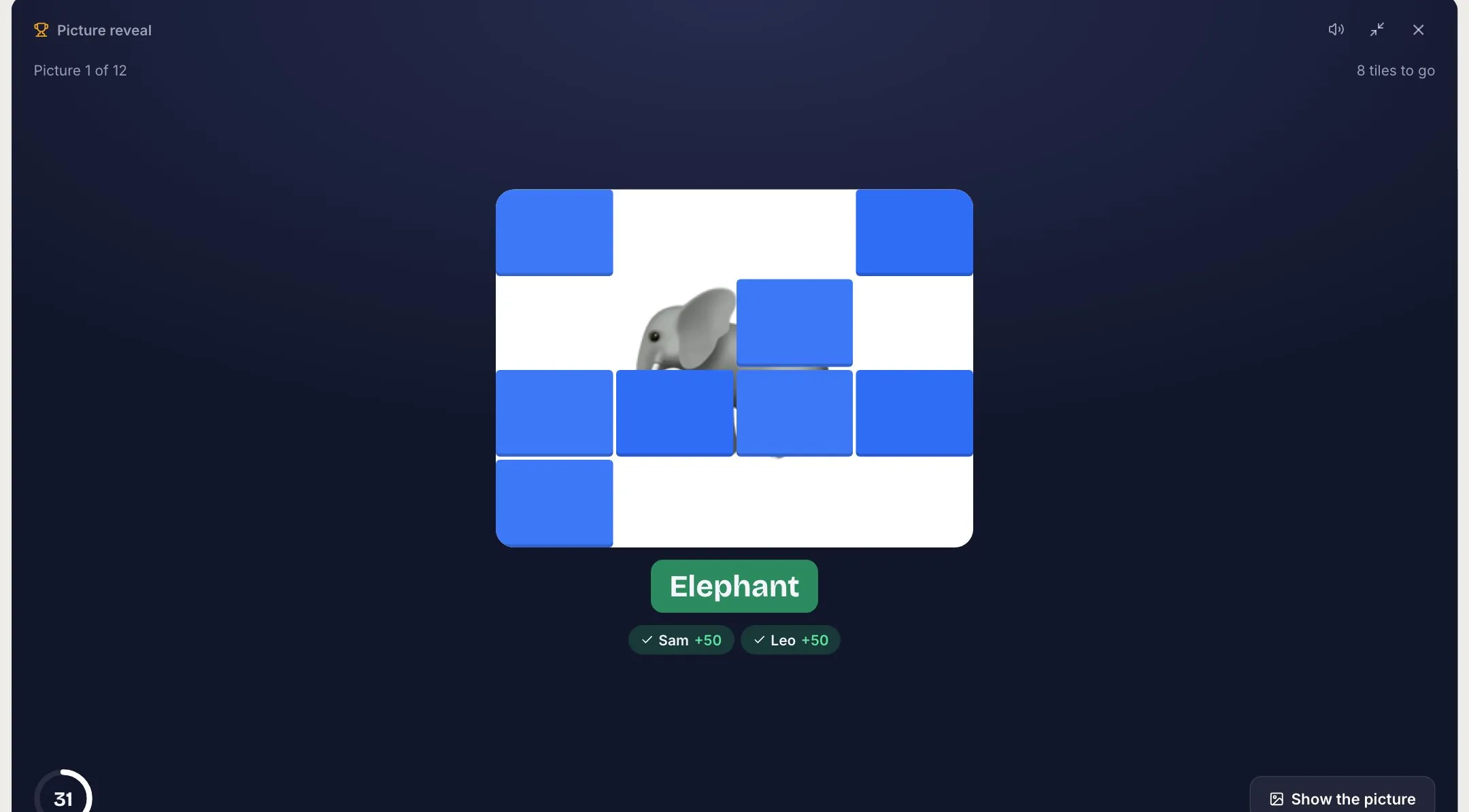
Picture reveal
A picture uncovers tile by tile. Students type their guess, and the sooner they get it, the more points. Add your own pictures, or start with the examples.
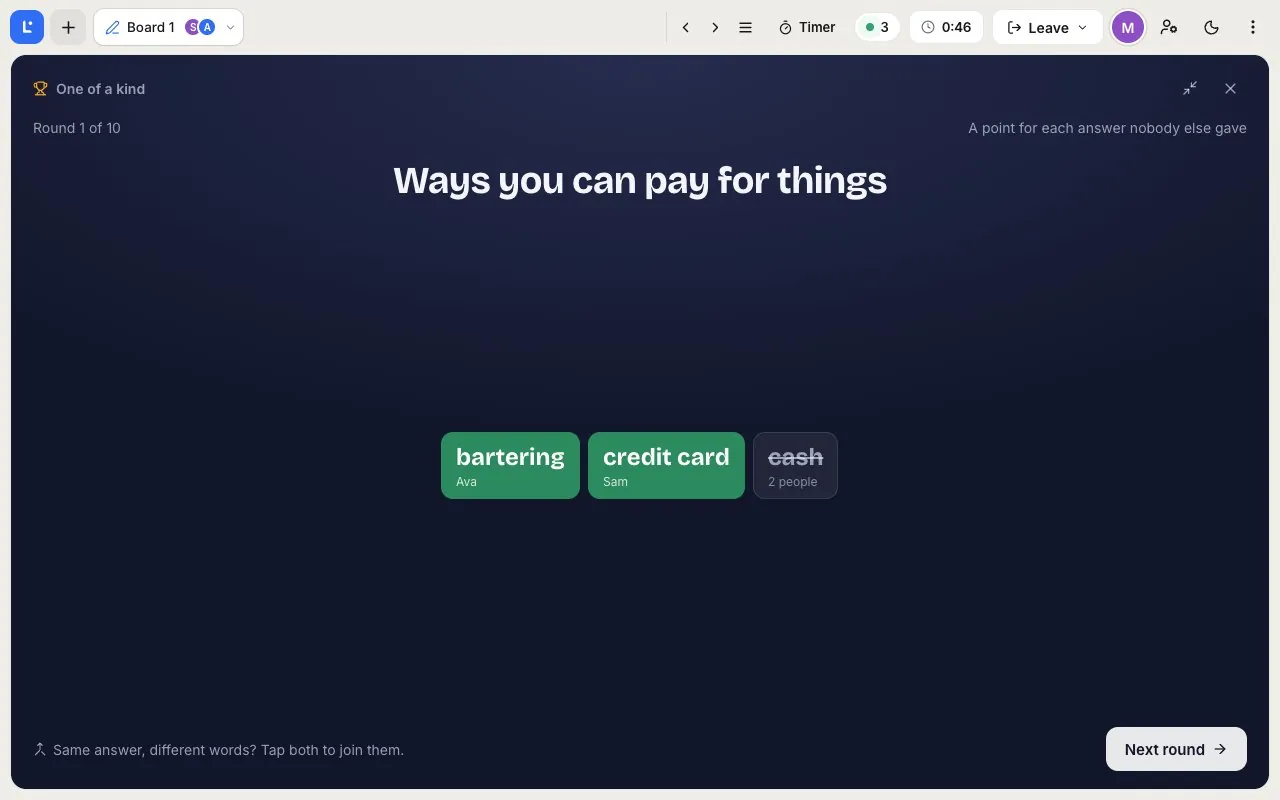
One of a kind
Everyone writes two answers to a prompt, like ways you can pay for things. Answers nobody else gave score a point. If two answers mean the same, tap both to join them.