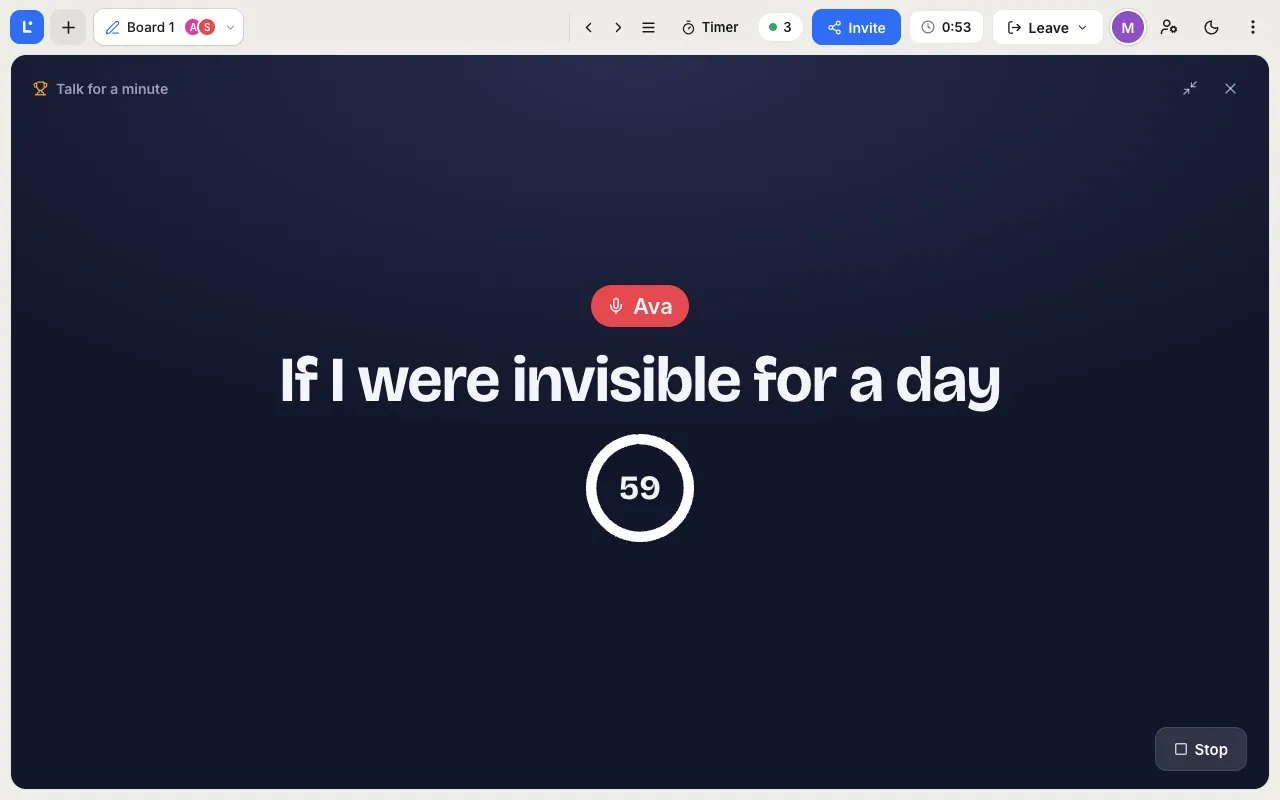
Pick a game
Open Tools and press Games at the top. The four new games sit next to the live quiz and the team game.
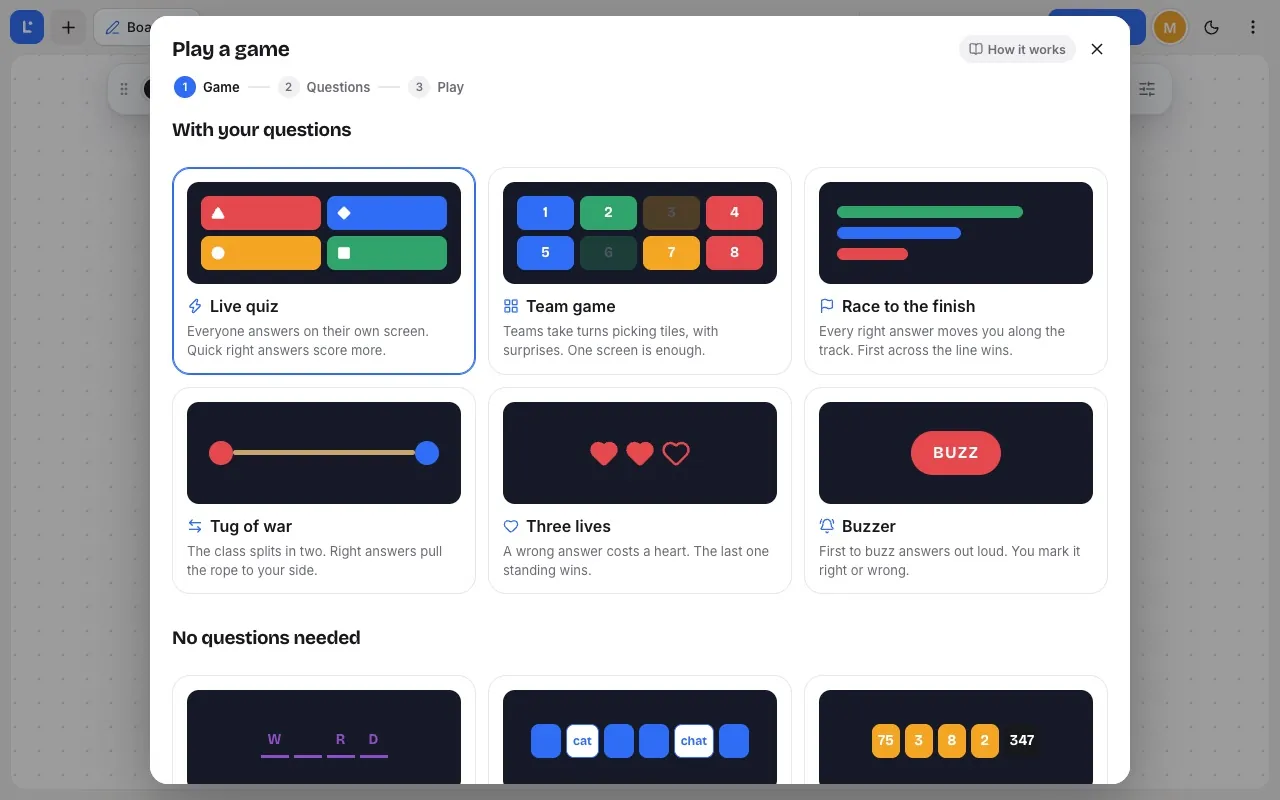
Word guess
Type one word a line, with a clue after = if you like. Students tap letters on their own screen, or you tap them on the board. Each wrong letter, a petal falls from the flower. Guessing the whole word scores more.
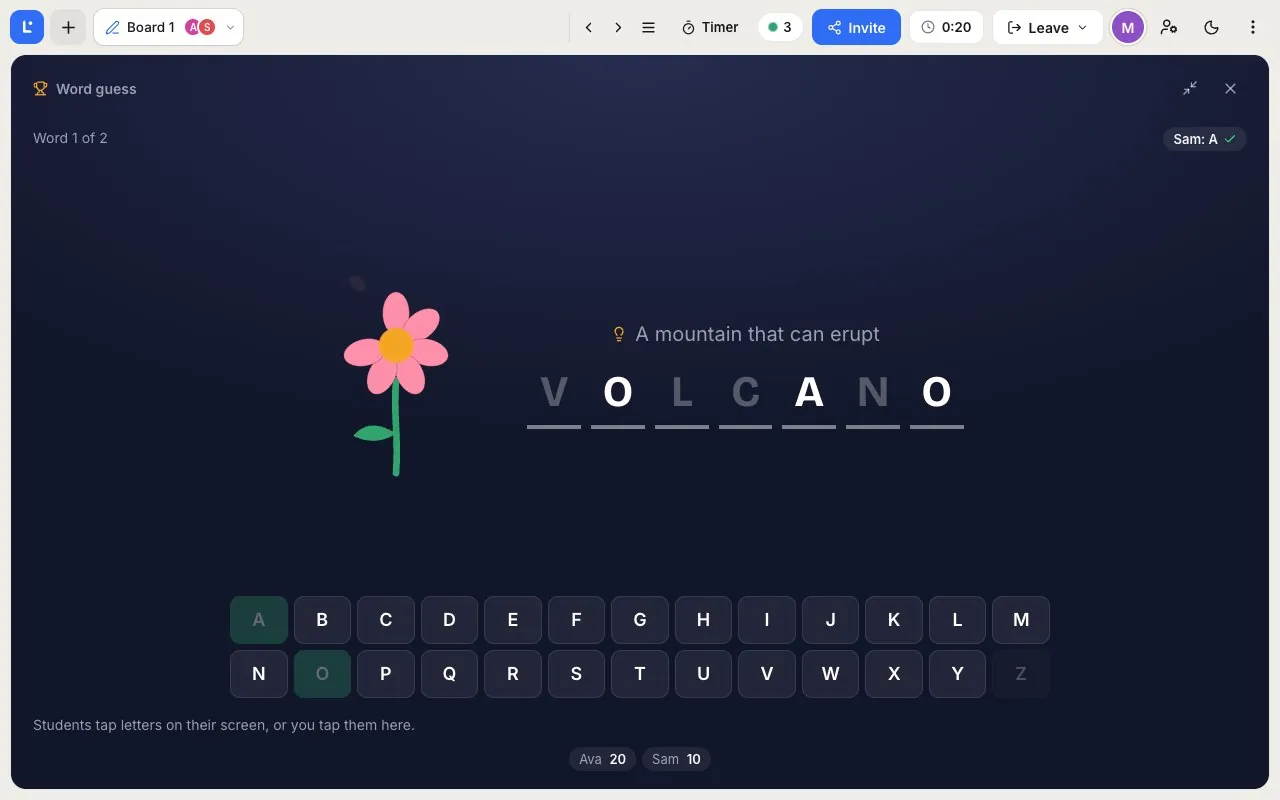
Find the pairs
Type one pair a line, like cat = chat or 7 × 8 = 56. Teams take turns to turn over two cards. A match scores, and that team goes again.
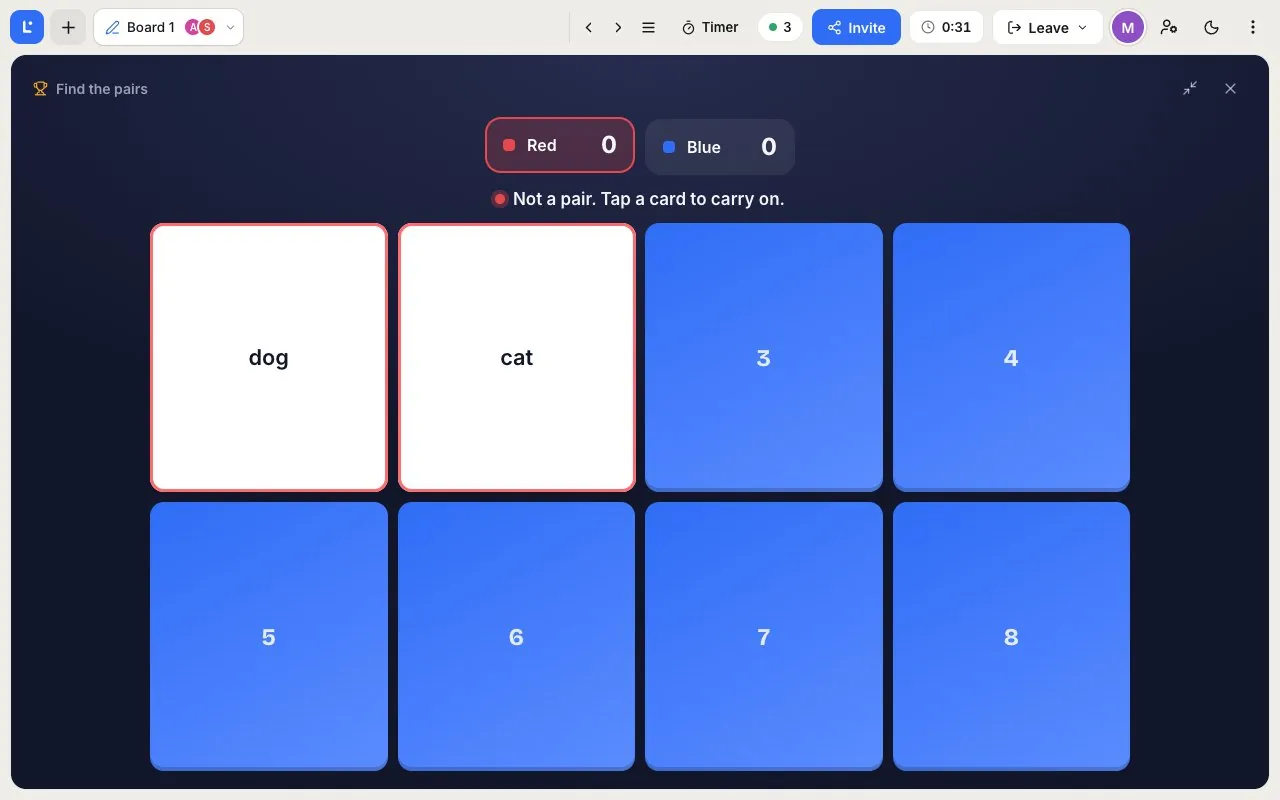
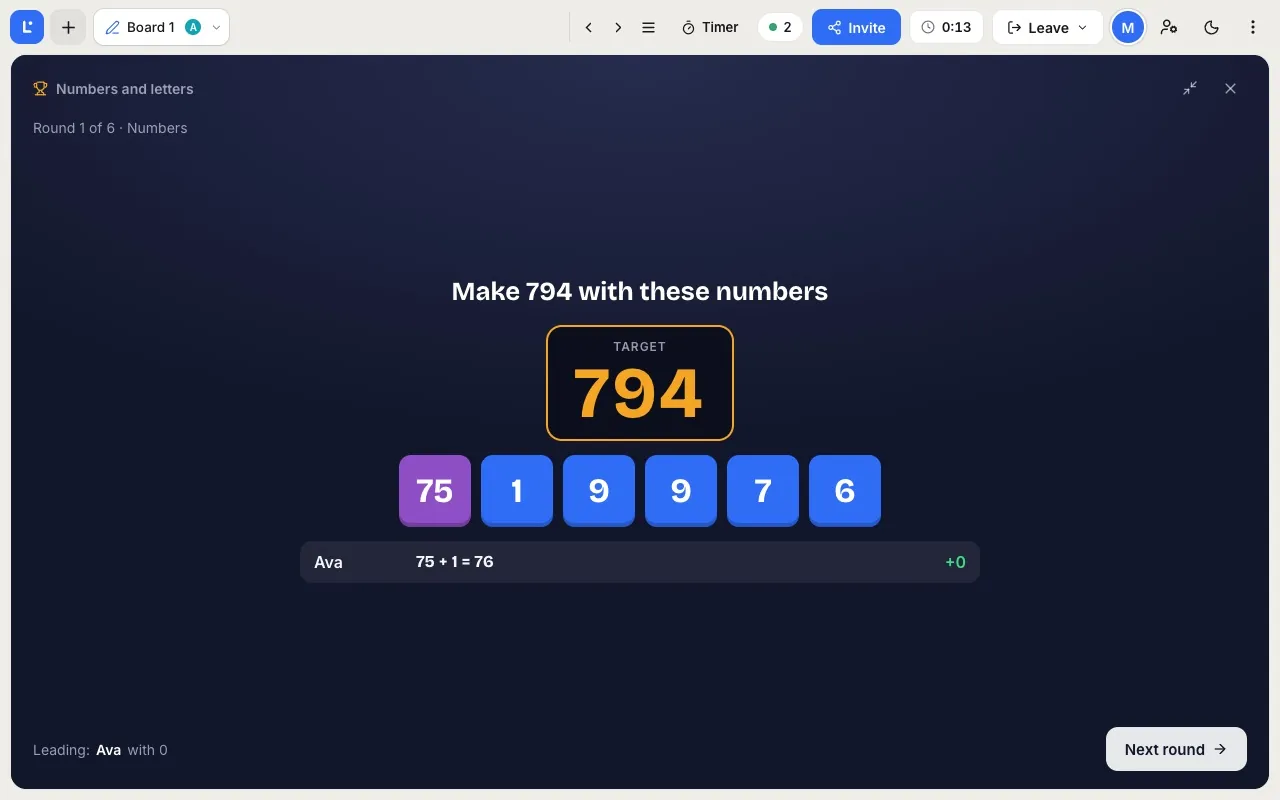
Numbers and letters
Each round is a numbers round or a letters round. Numbers: reach the target using six numbers, each once at most, with + − × ÷. Letters: make the longest word from nine letters. Students tap the tiles on their own screen to build an answer, and it is checked as they go. Show answers to see everyone's, and rule out any word that isn't real.
Talk for a minute
A topic and a speaker are picked at random, and everyone gets a turn before anyone has two. Start the timer, then give up to 3 points. Change the topics to suit your class.