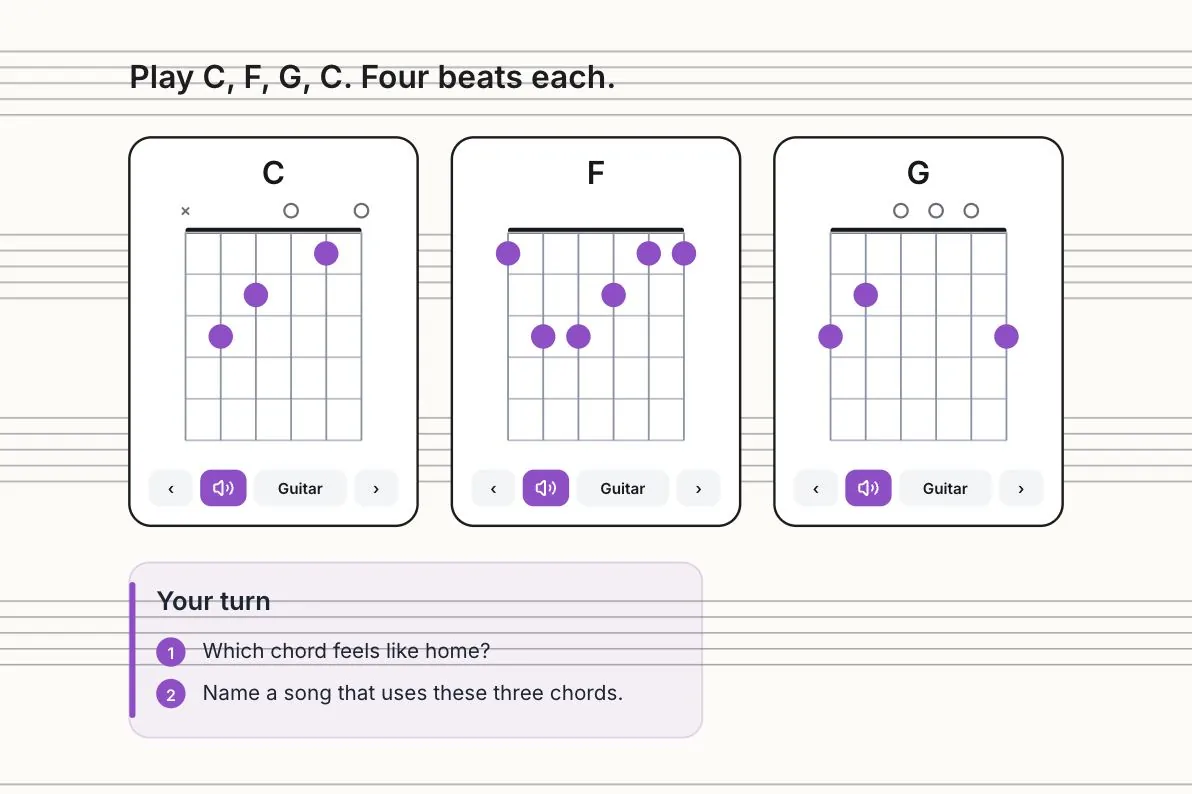
Three chords, one song
C, F and G chord charts to play in turn
Use this starter
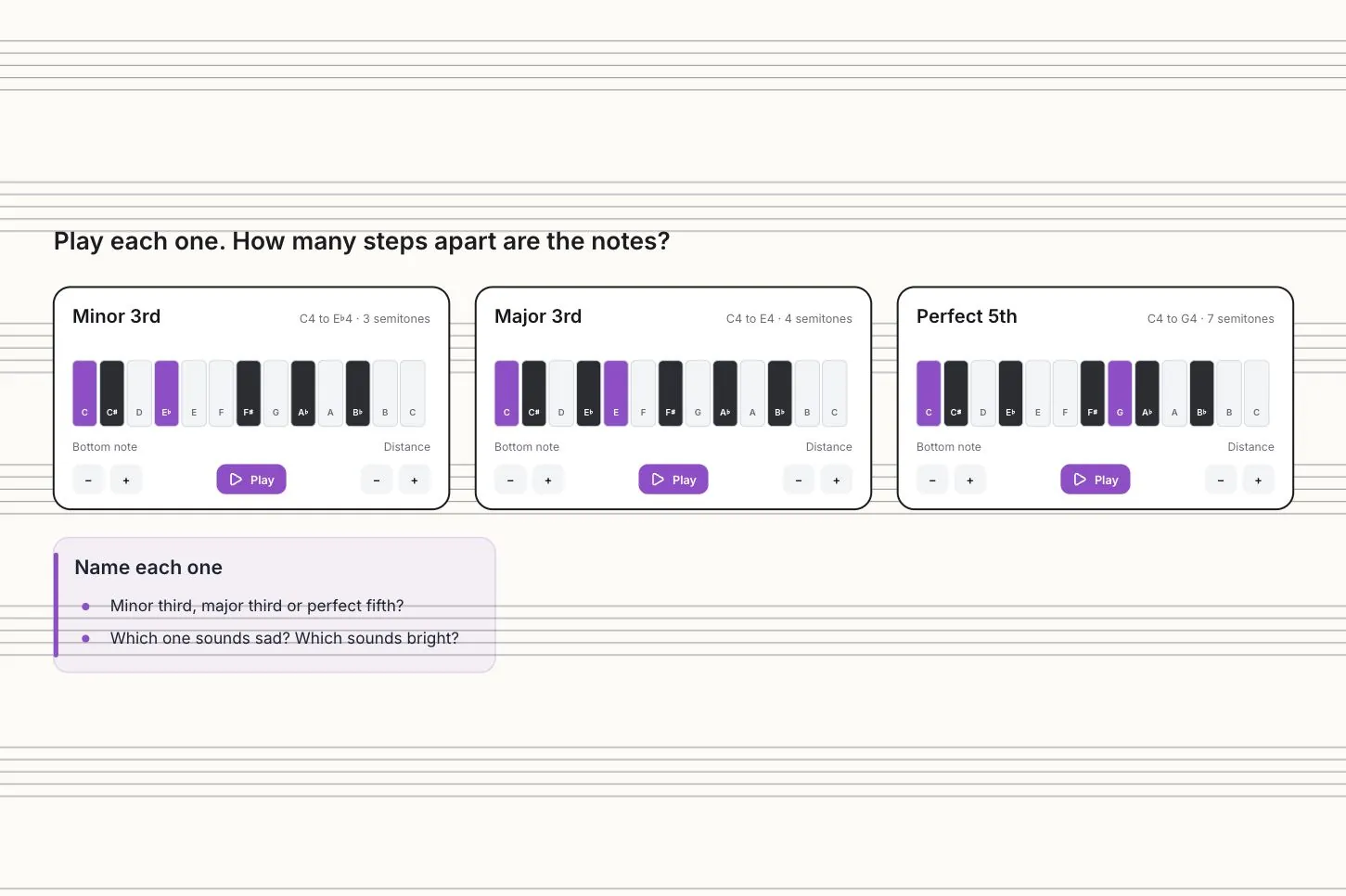
Name the interval
Three intervals to hear, count and name. A free lesson starter for Lesson Screen: change anything, then teach it live with your class.
Try it first needs no account.
How to run it in class
10 min- 1Play each onePlay the three intervals.
- 2Count the stepsStudents count how far apart the notes are.
- 3Name themWhich sounds sad? Which sounds bright?
Why it works
Counting steps and hearing the sound together helps students recognise intervals by ear. Linking each one to a feeling makes them easier to remember.
Ideas to adapt it
- Match intervals to the start of famous tunes.
- Sing each interval after hearing it.
- Quiz the class on intervals at the end.
Questions
How long does it take?
About 10 minutes. It stays saved in your lesson, so you can come back to it next time.
Can I use it with one student?
Yes. Play one with your eyes closed and let them guess.
Do students need an account?
No. Go live and share the link or the code. Students join from any device with nothing to install, and you can give each of them their own copy.
Is this starter free?
Yes. Open it, change anything and teach with it on the free plan, which has every feature and live lessons with up to 5 students. Try it first needs no account.
More music starters
See all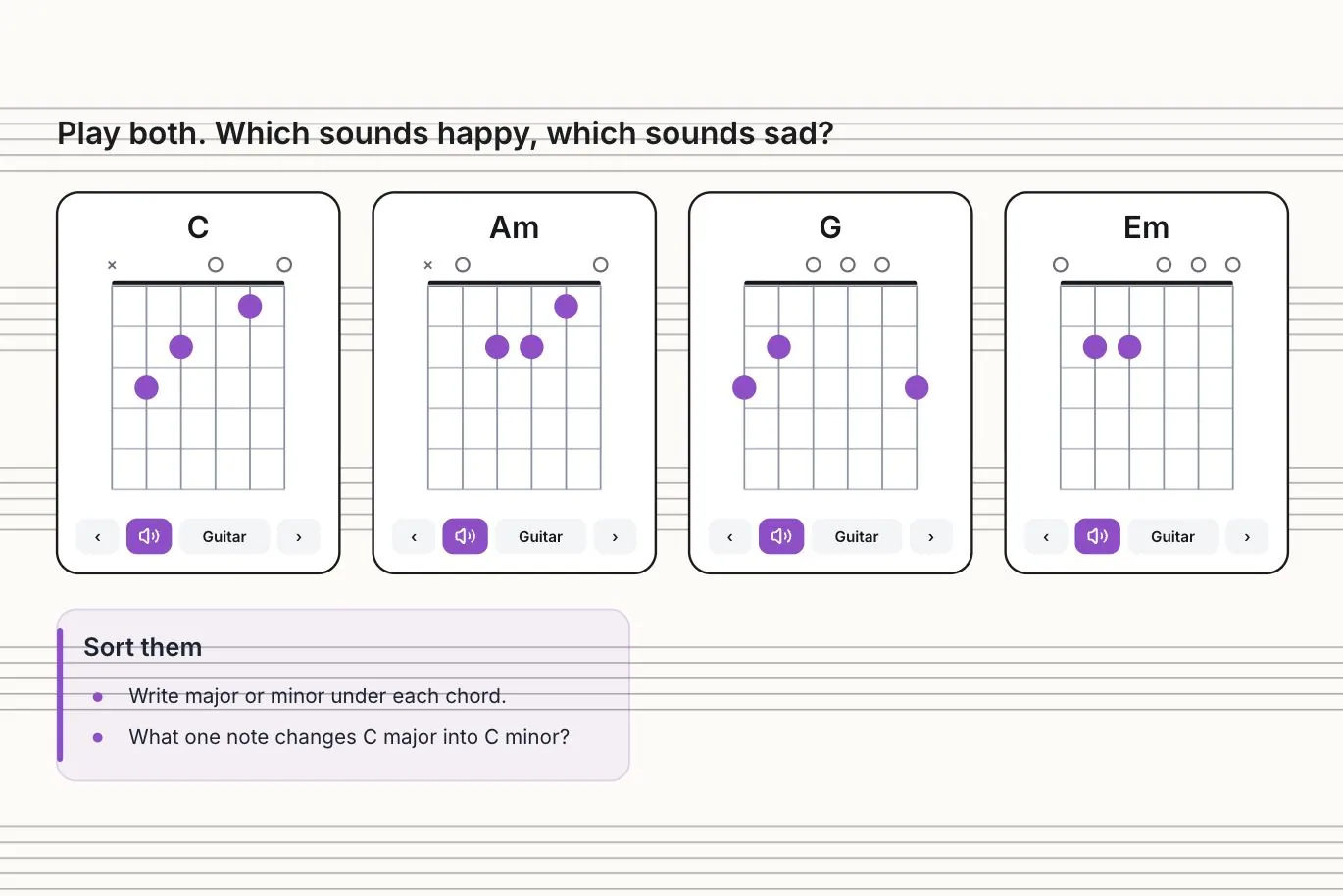
Major or minor?
Two chords to compare by ear
Use this starter
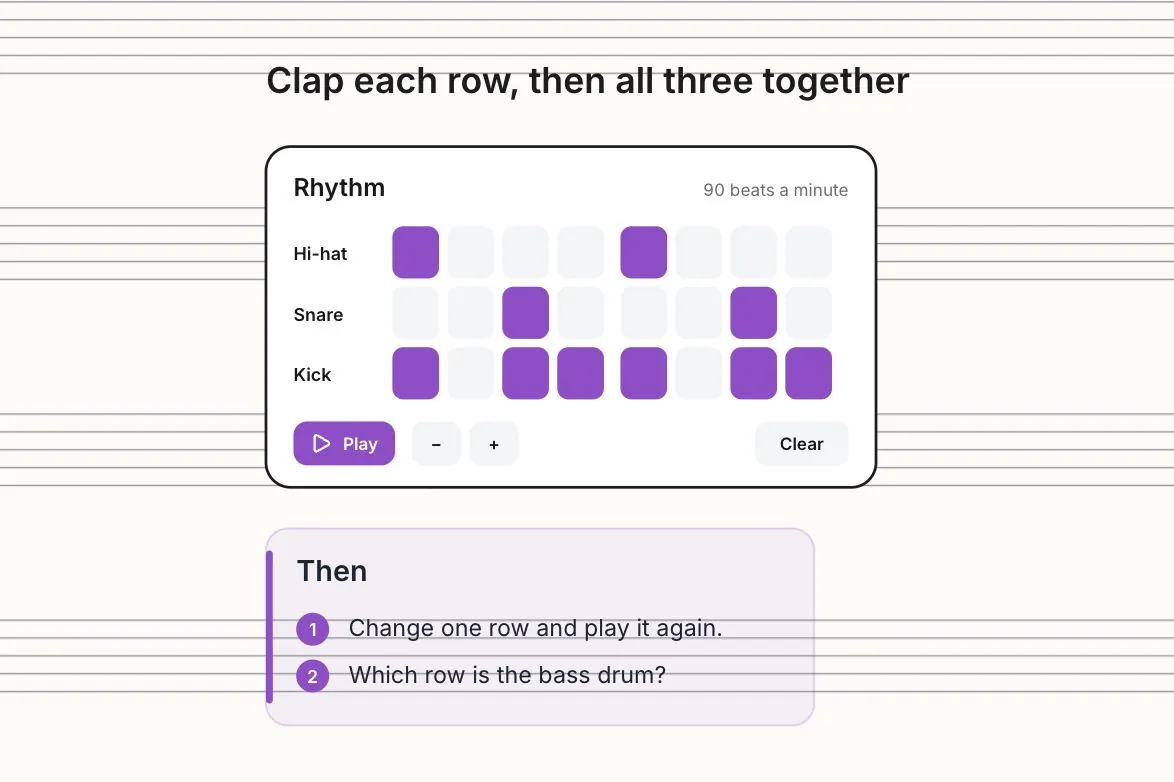
Read a rhythm
A three-part rhythm to clap, then play together
Use this starter