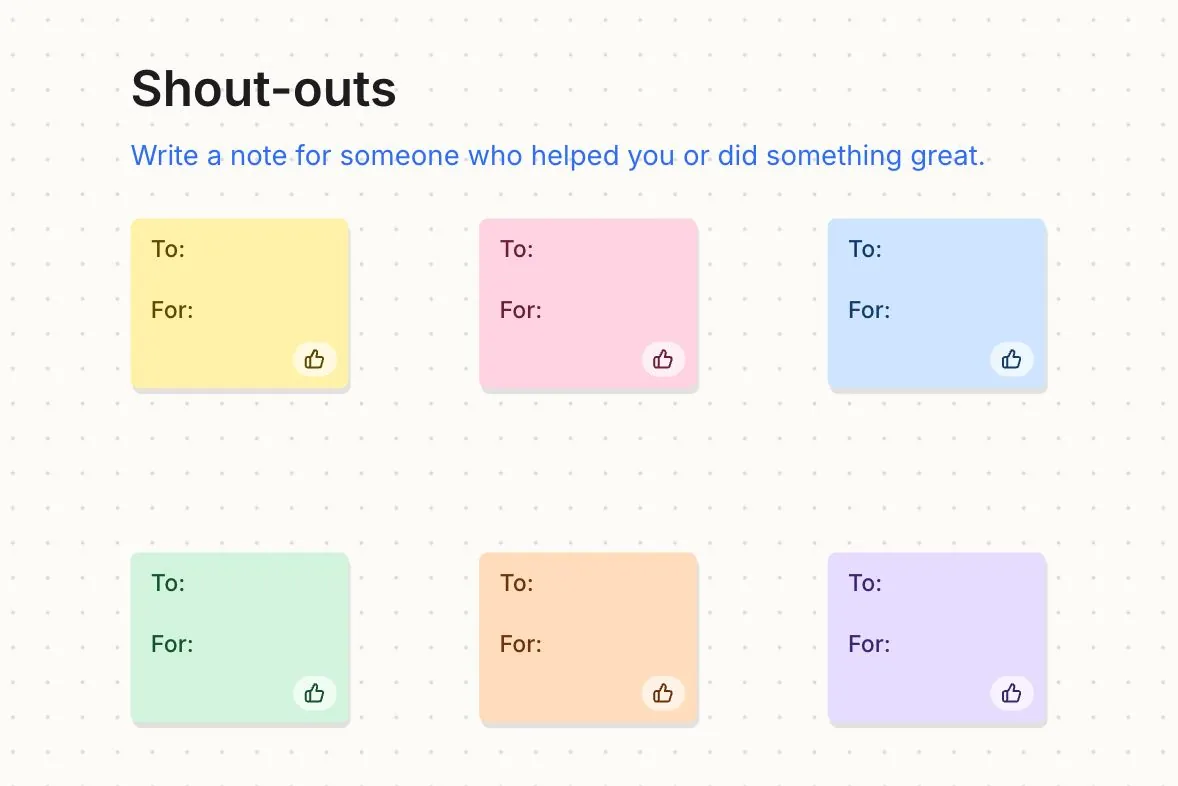
Shout-outs
Thank a classmate for something great
Use this starter
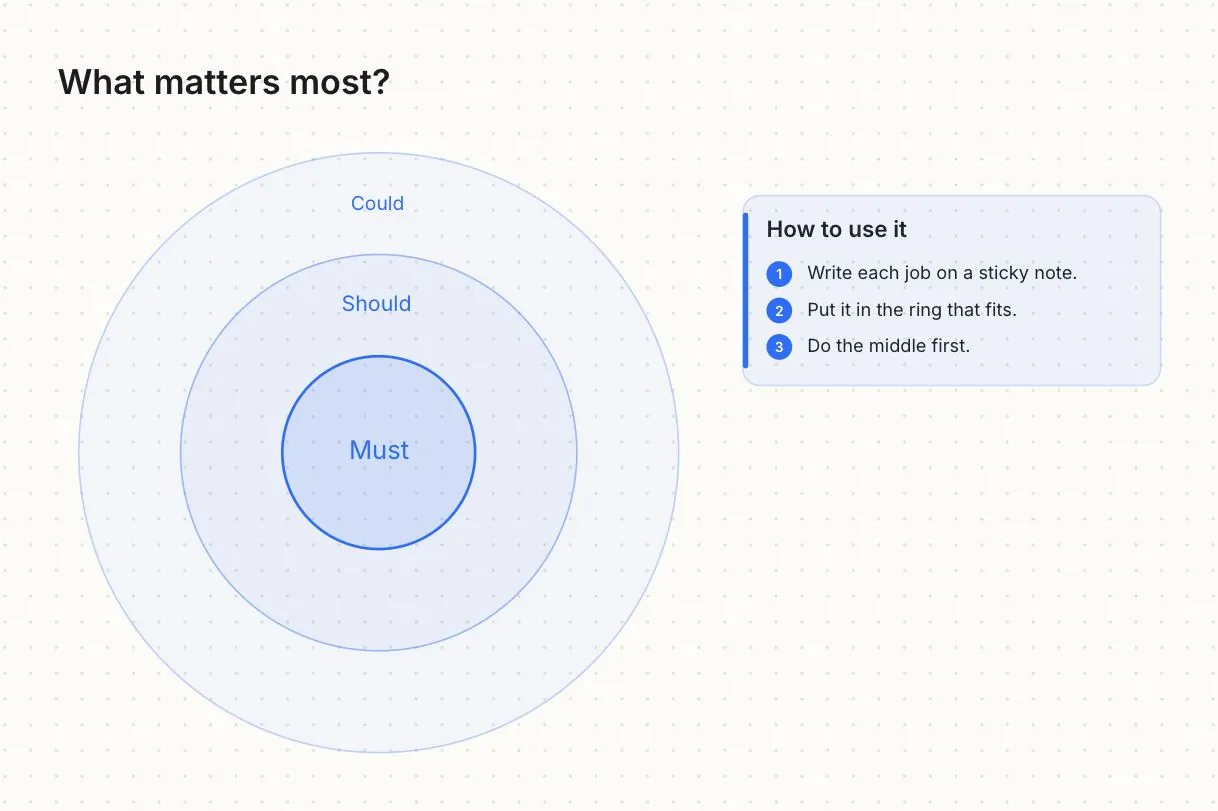
Must, should, could
Sort jobs by how important they are. A free lesson starter for Lesson Screen: change anything, then teach it live with your class.
Try it first needs no account.
How to run it in class
10 min- 1Write each jobStudents add a sticky note for each task.
- 2Put it in a ringMust in the middle, Should, then Could.
- 3Do the middle firstAgree the Must jobs and start them now.
Great for tutoring: sort the week's homework and revision together.
Why it works
Sorting tasks by importance helps students plan their time. Starting with the musts means the most important work gets done first.
Ideas to adapt it
- Use it to plan a group project.
- Try it for revision before a test.
- Use it for your own week as a teacher.
Questions
How long does it take?
About 10 minutes. It stays saved in your lesson, so you can come back to it next time.
Can I use it with one student?
Yes. Open it in your student's own lesson, work through it together, and keep the board for next time.
Do students need an account?
No. Go live and share the link or the code. Students join from any device with nothing to install, and you can give each of them their own copy.
Is this starter free?
Yes. Open it, change anything and teach with it on the free plan, which has every feature and live lessons with up to 5 students. Try it first needs no account.
More any subject starters
See all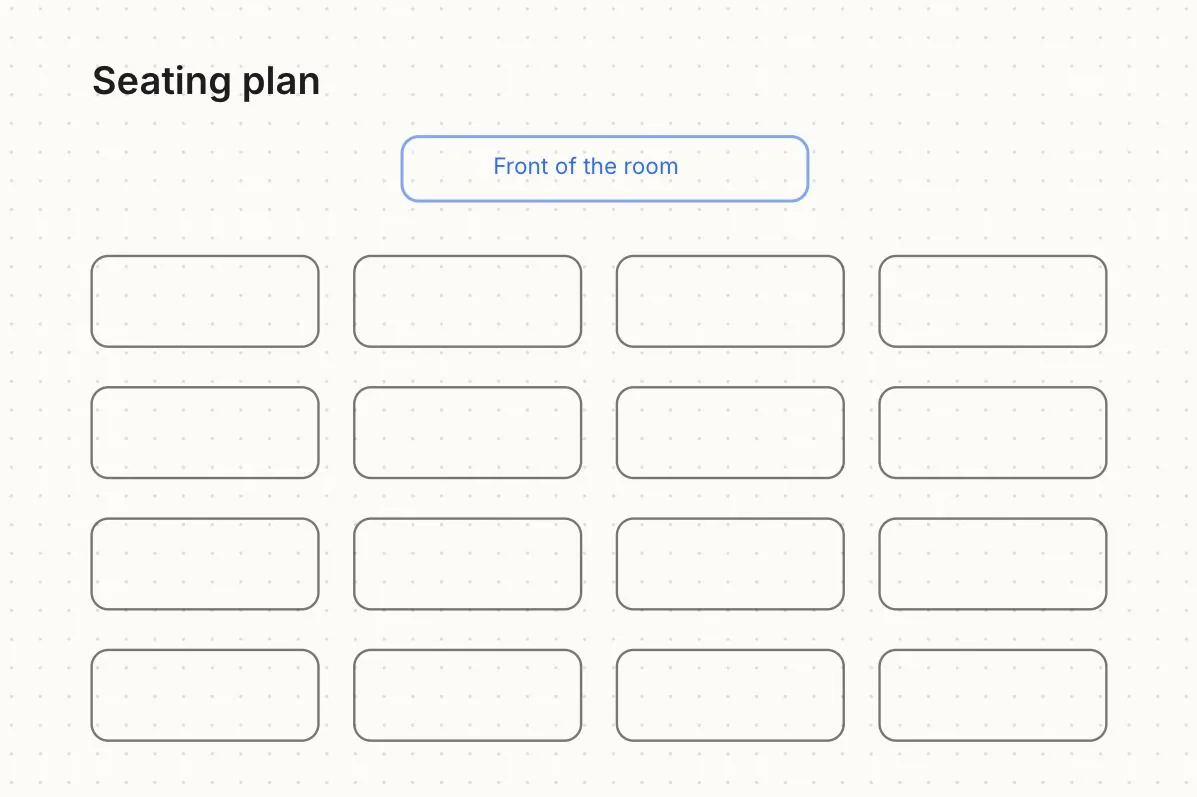
Seating plan
Desks in rows, facing the front
Use this starter
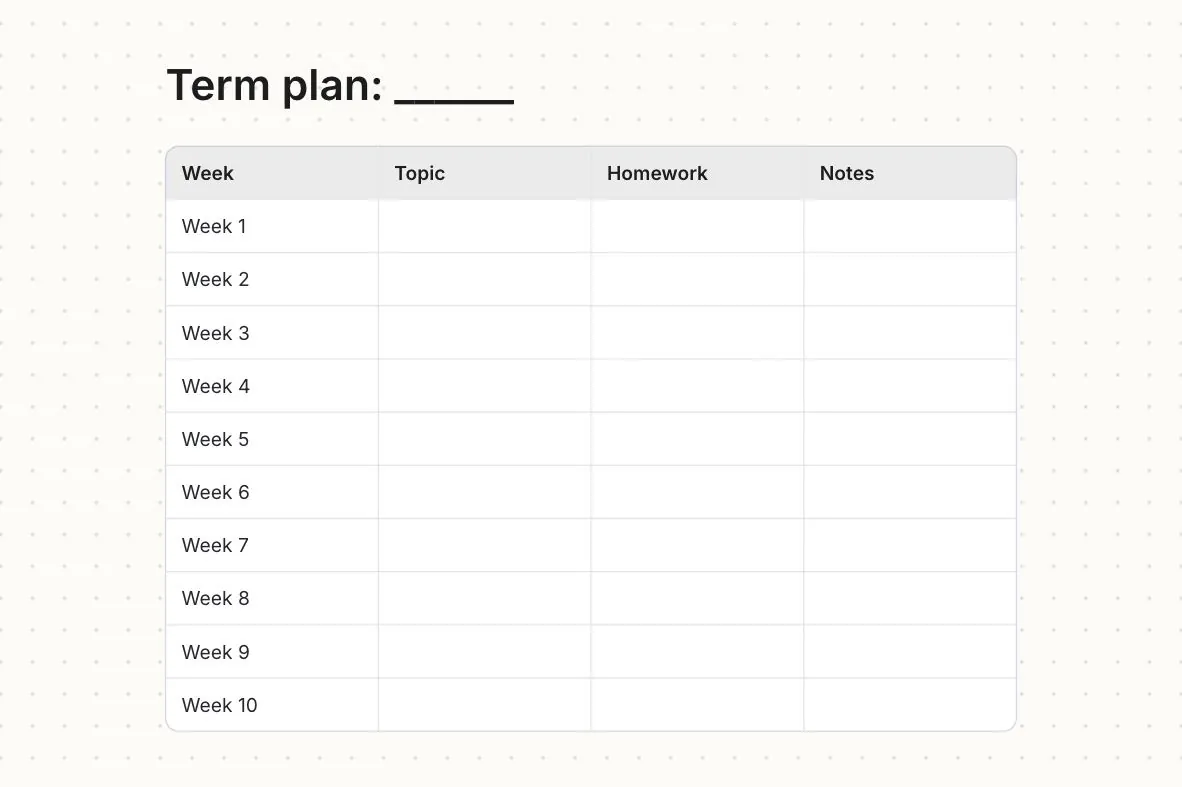
Term plan
For tutors: topic and homework week by week
Use this starter