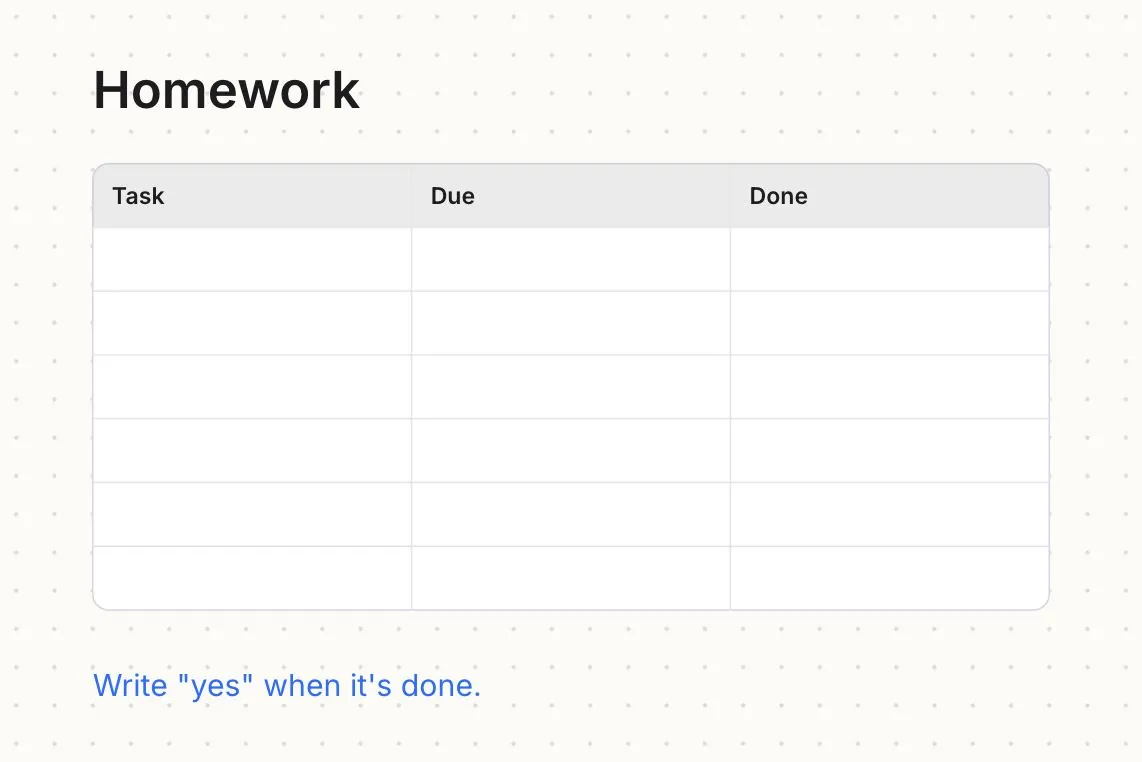
Homework list
Tasks, due dates and what's done
Use this starter
Weekly planner
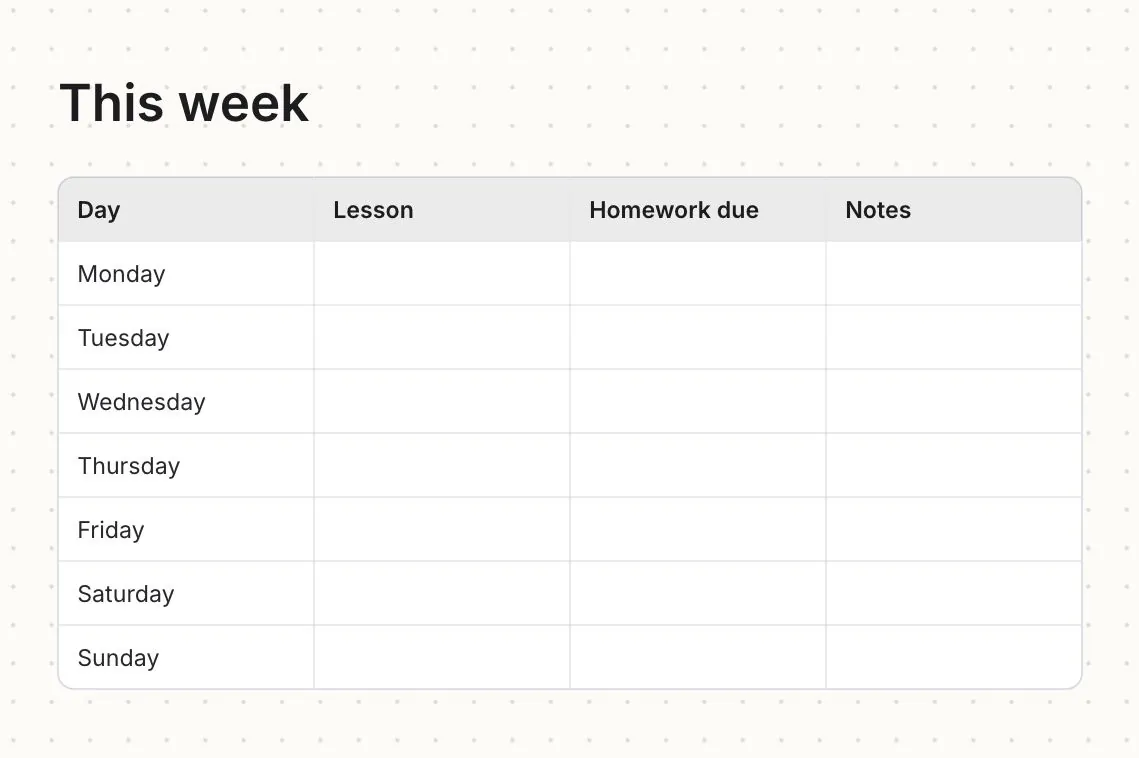
Lessons, homework and notes for each day. A free lesson starter for Lesson Screen: change anything, then teach it live with your class.
Try it first needs no account.
How to run it in class
5 min a week- 1Fill in this weekAdd lessons and homework due for each day.
- 2Check it each lessonOpen it at the start and tick what's done.
- 3Keep one per weekDuplicate the board each week so last week's stays.
Great for tutoring: plan the week with them at the start of Monday's lesson.
Why it works
A weekly plan on the board helps students see what's due and when. Checking it each lesson builds the habit of planning ahead.
Ideas to adapt it
- Add test dates in a different colour.
- Let students add their own reminders.
- Share it with parents through the student page.
Questions
How long does it take?
About 5 minutes a week. It stays saved in your lesson, so you can come back to it next time.
Can I use it with one student?
Yes. Open it in your student's own lesson, work through it together, and keep the board for next time.
Do students need an account?
No. Go live and share the link or the code. Students join from any device with nothing to install, and you can give each of them their own copy.
Is this starter free?
Yes. Open it, change anything and teach with it on the free plan, which has every feature and live lessons with up to 5 students. Try it first needs no account.
More any subject starters
See all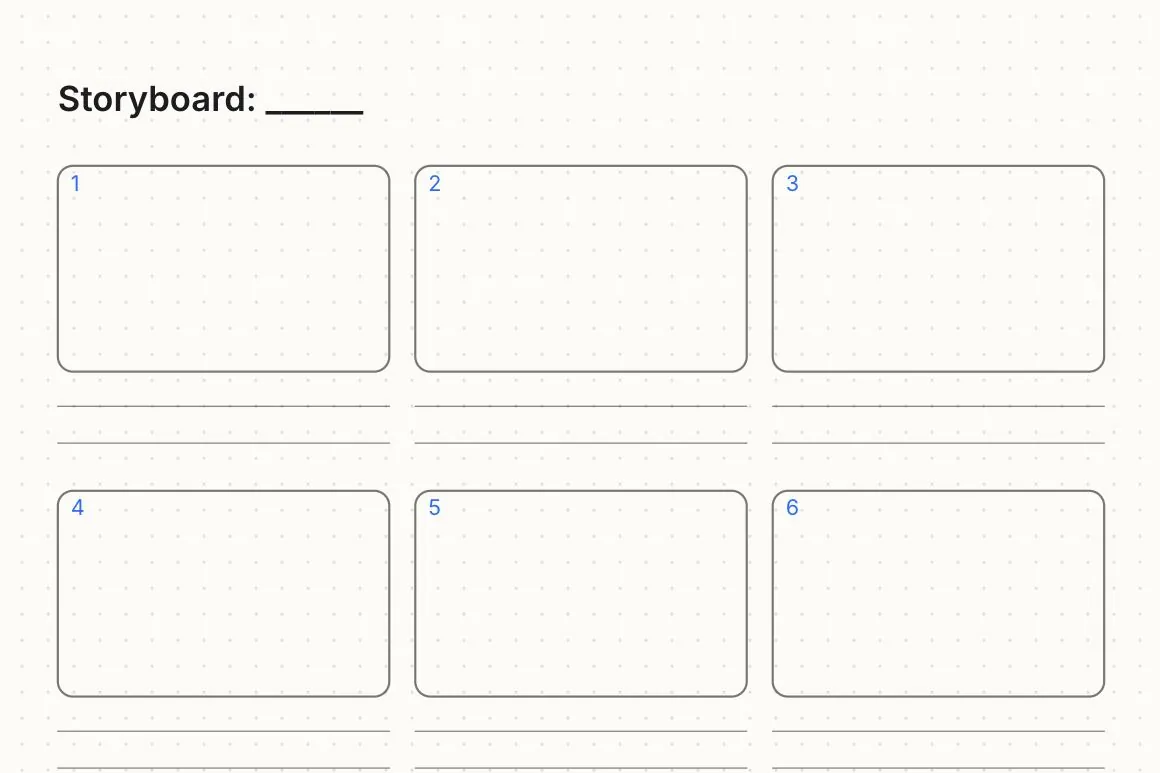
Storyboard
Six scenes with a caption under each
Use this starter
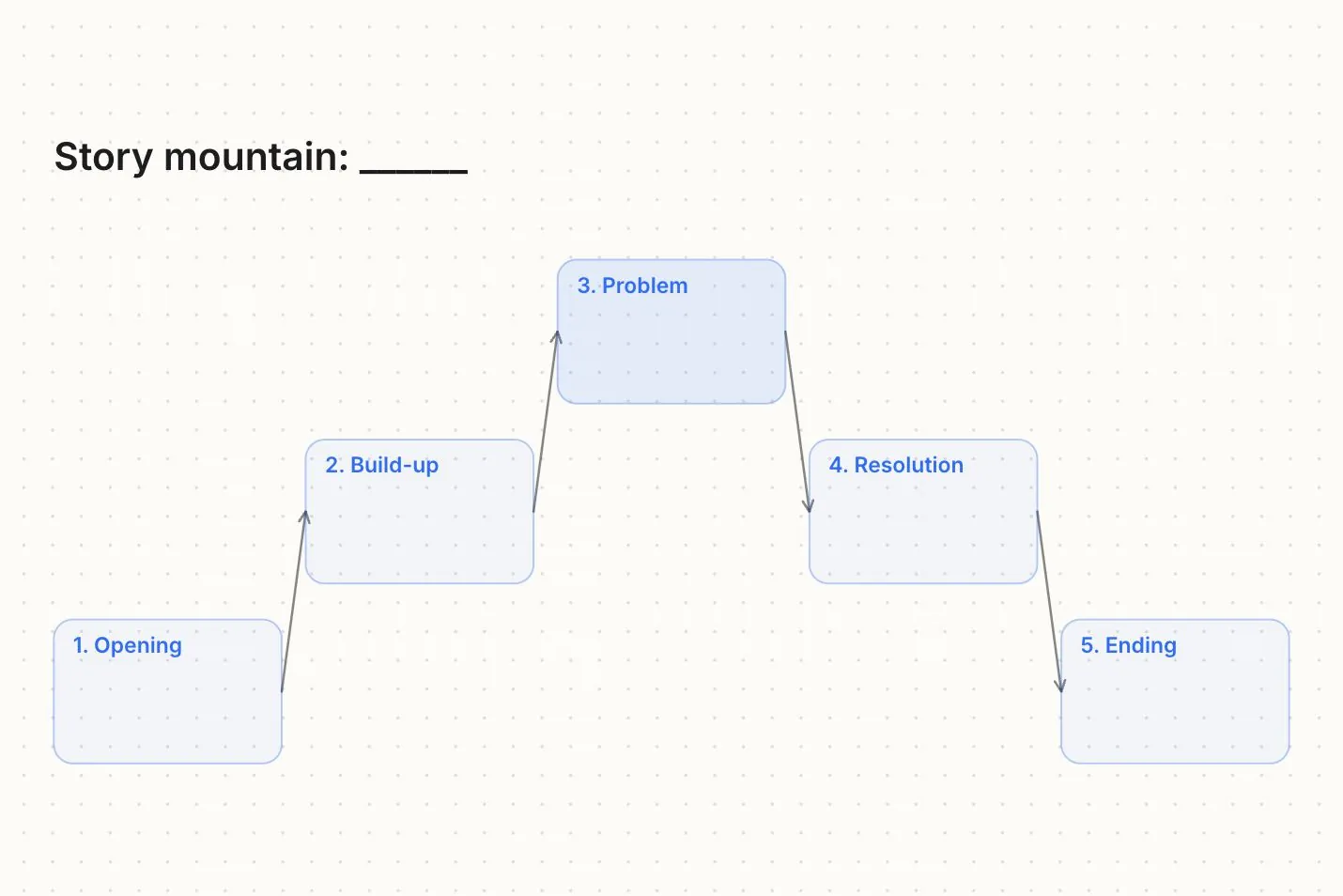
Story mountain
Opening, build-up, problem, resolution, ending
Use this starter