Add your words
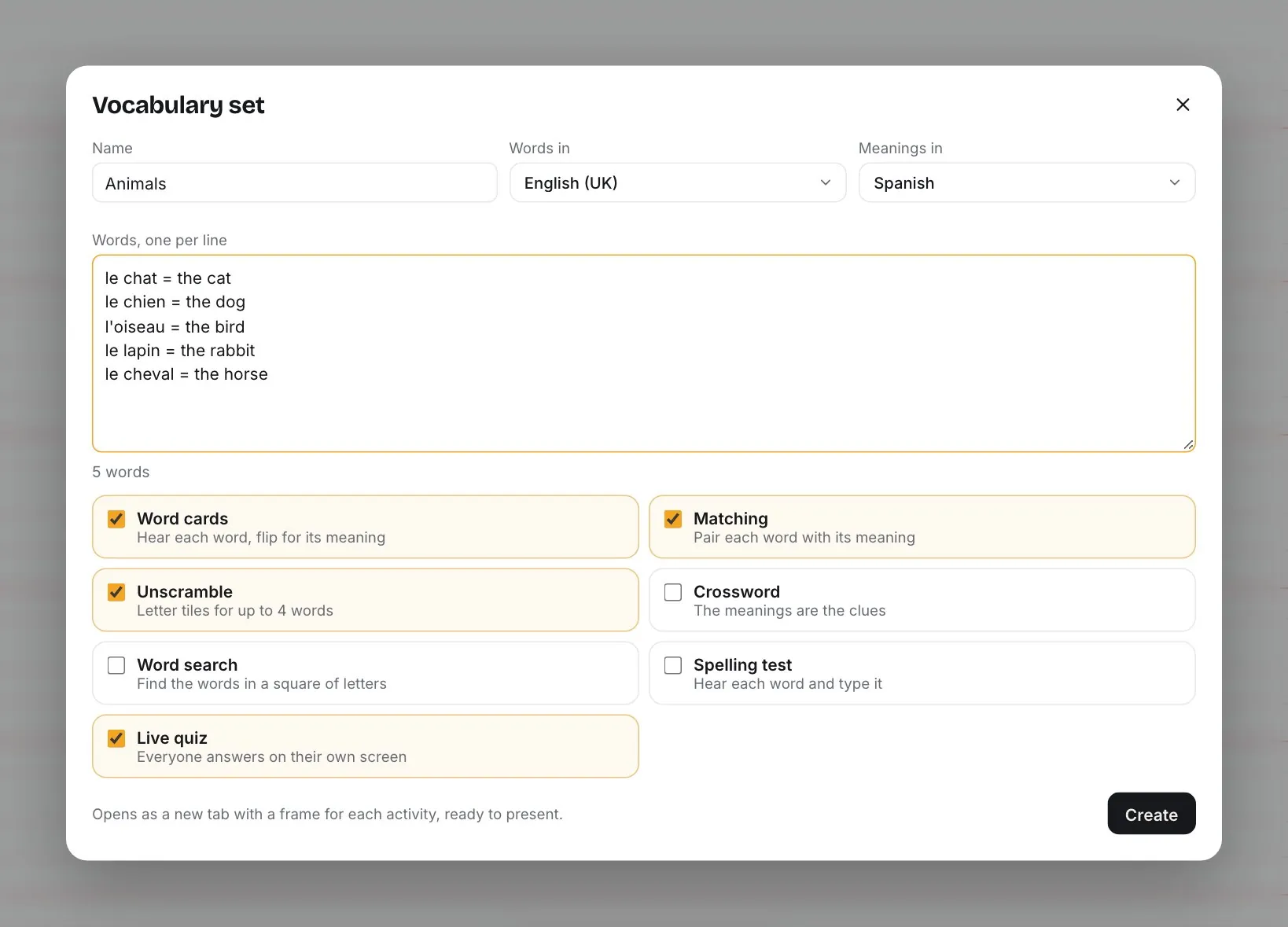
In Tools, choose Language, then Vocabulary set. Name the set, pick the languages, and type one word per line, like chat = cat. Words without a meaning can be filled in for you.
Teach with it
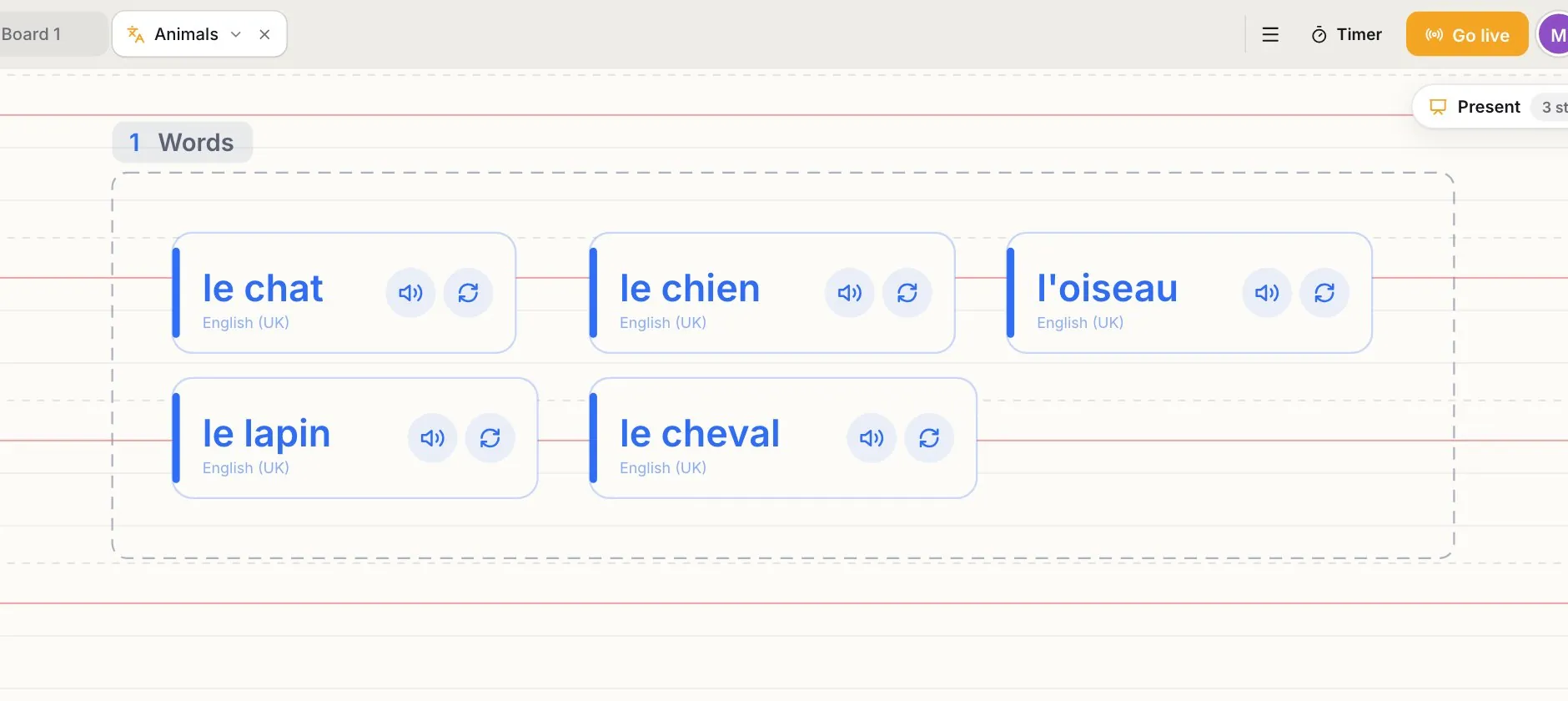
Press Create. A new tab opens with a frame for each activity: word cards to hear and flip, a matching game and unscramble with letter tiles. The live quiz opens ready to play.
Add word games
Tick Crossword, Word search or Spelling test before you press Create, and each gets its own frame made from the same words. The meanings become the crossword's clues, and the spelling test says each word out loud.
Use it again
Your sets are kept, so next time you can open one, change a word and create it again.
That's it.Open a board and try it with your next class.
Start a lesson