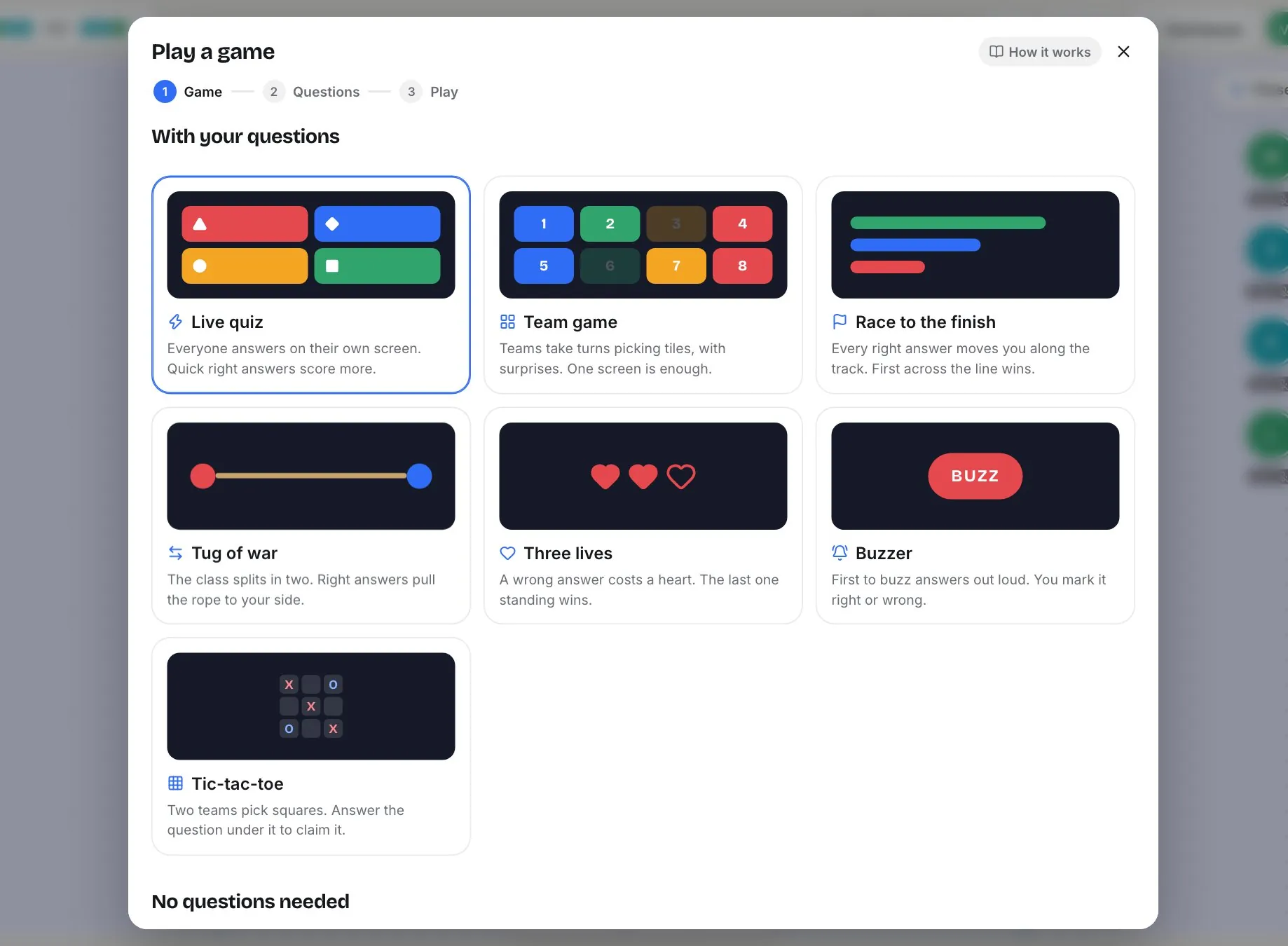
Choose Live quiz
Open Tools and press Games at the top. Pick Live quiz.
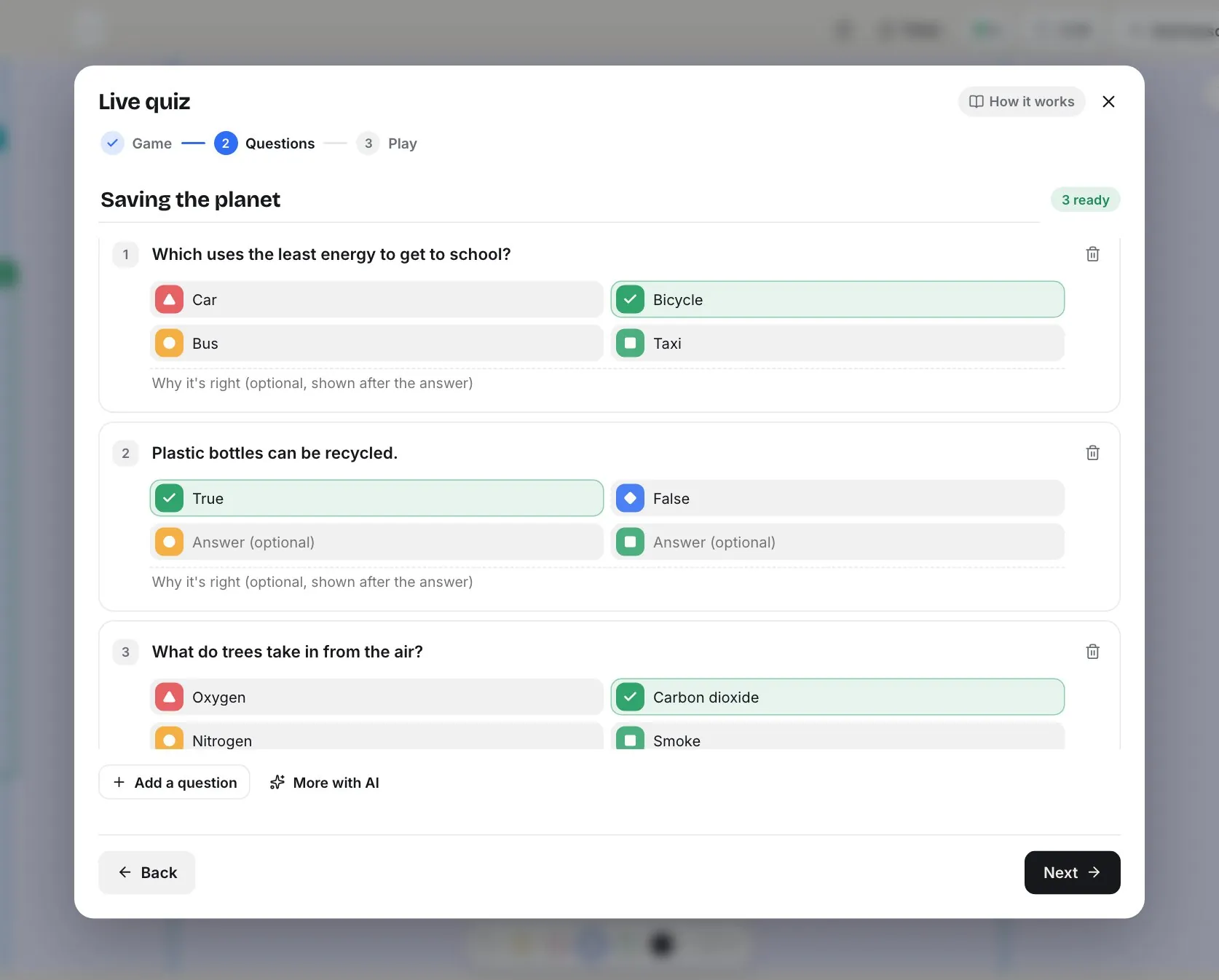
Add your questions
Let AI write them from a topic or a worksheet, or write your own. Tap a shape to mark the right answer.
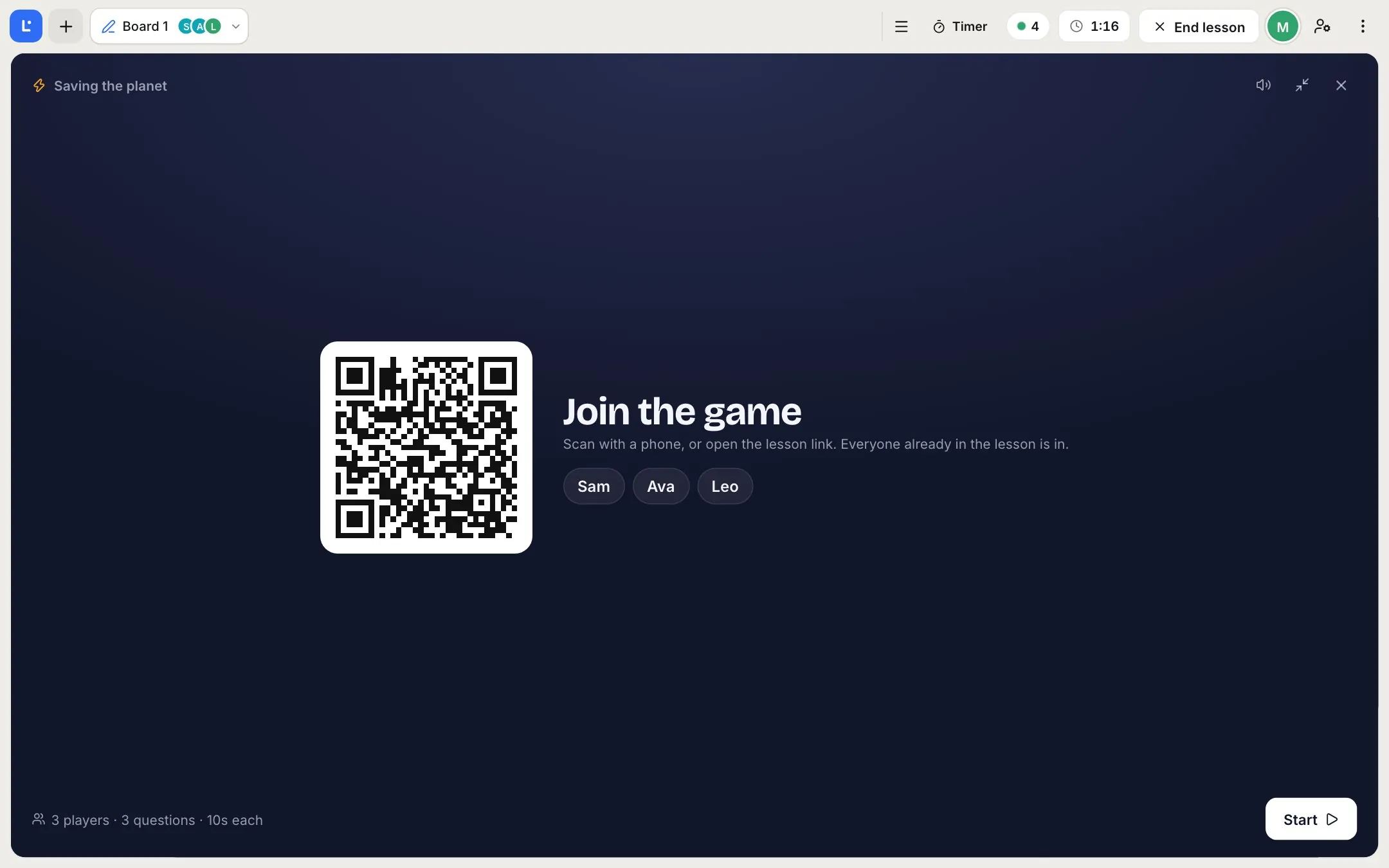
Open the game
Choose how long students get for each question and open the game. Everyone in the lesson is in, and others can scan the code to join.
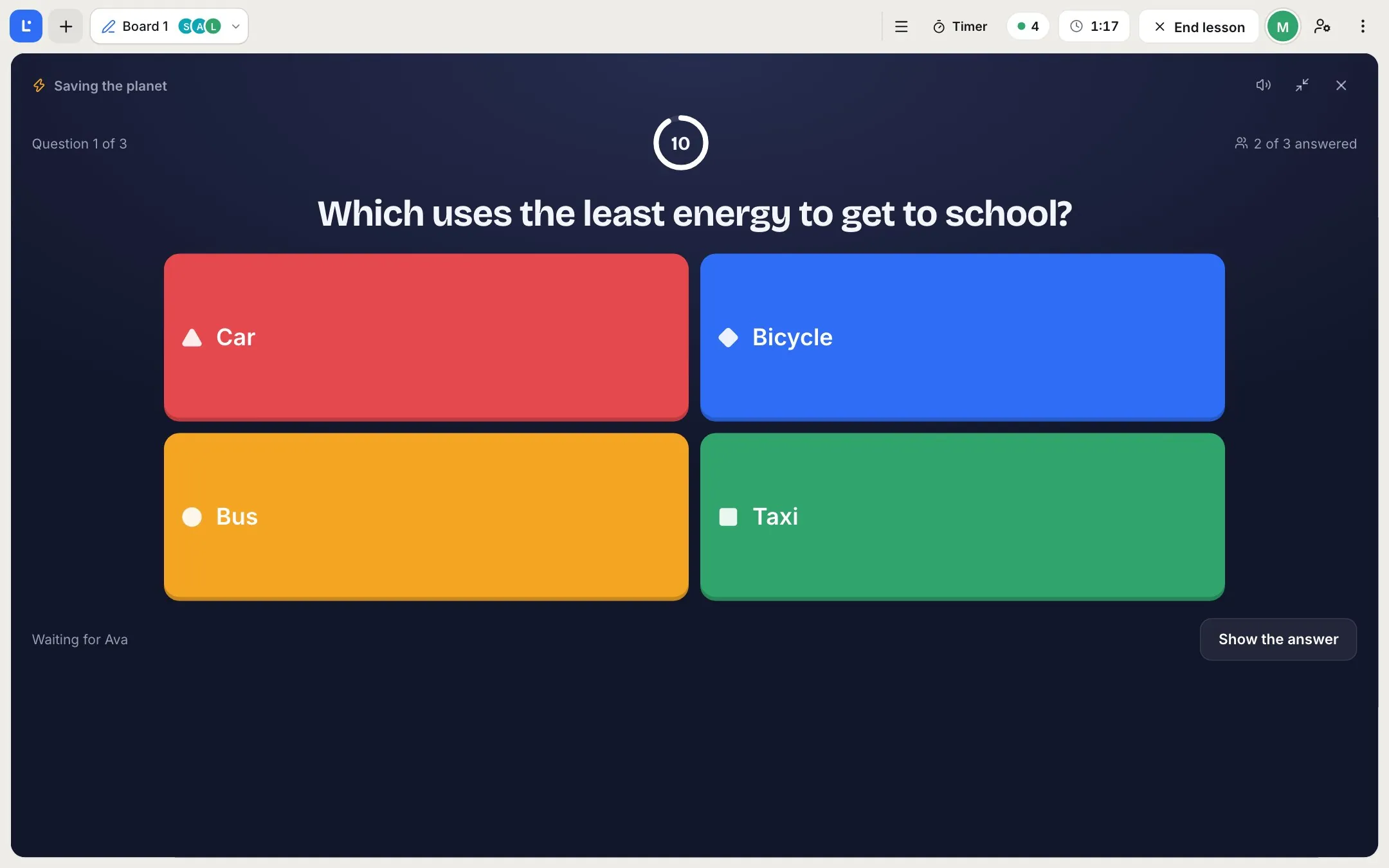
Ask the questions
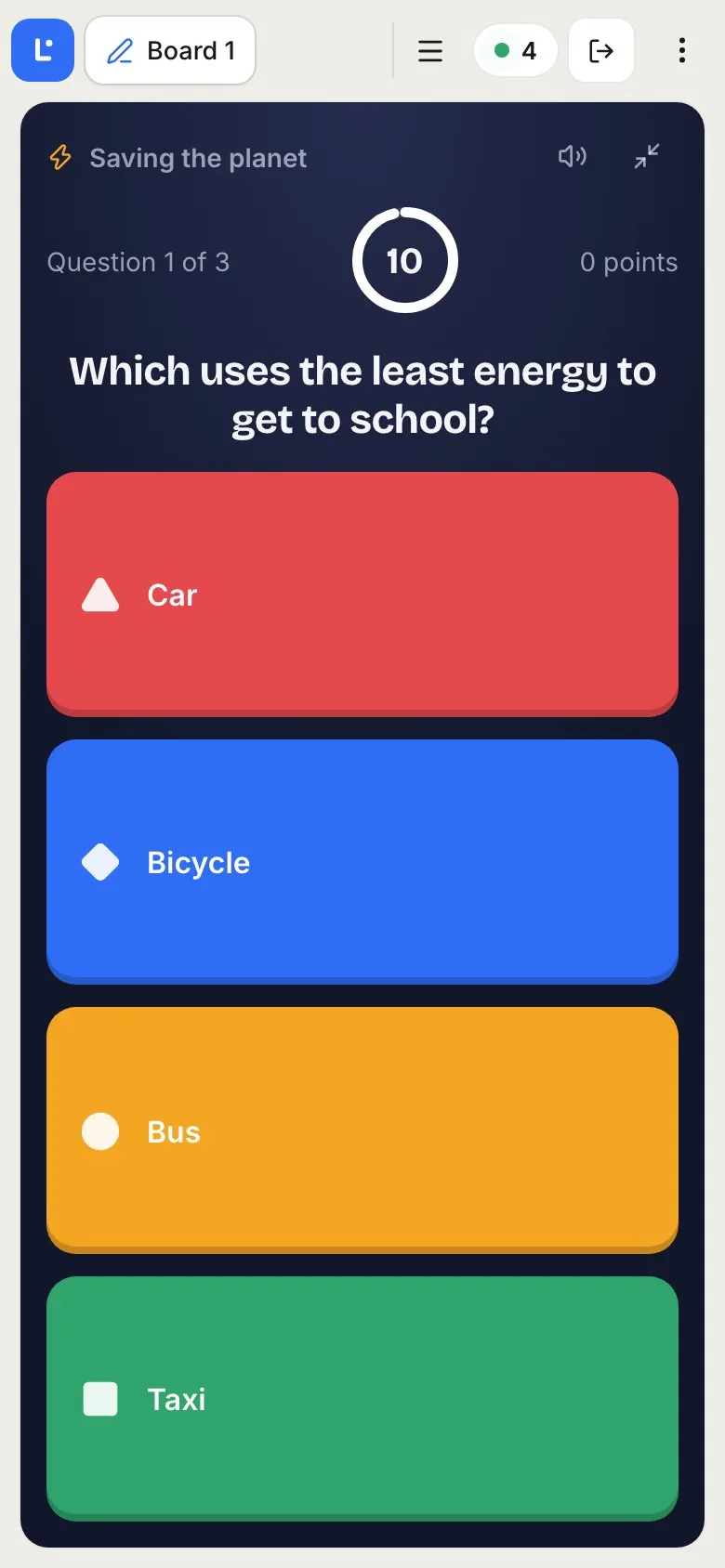
Students tap their answer on their own screen. The answer shows when time is up or everyone has answered.
On their phones
Each student sees big buttons to tap, then whether they got it right and how many points they scored.
Leaderboard and winners
After each question comes the leaderboard, and at the end the podium.

That's it.Open a board and try it with your next class.
Start a lesson