Choose Team game
Open Tools and press Games at the top. Pick Team game. One screen at the front of the room is enough.
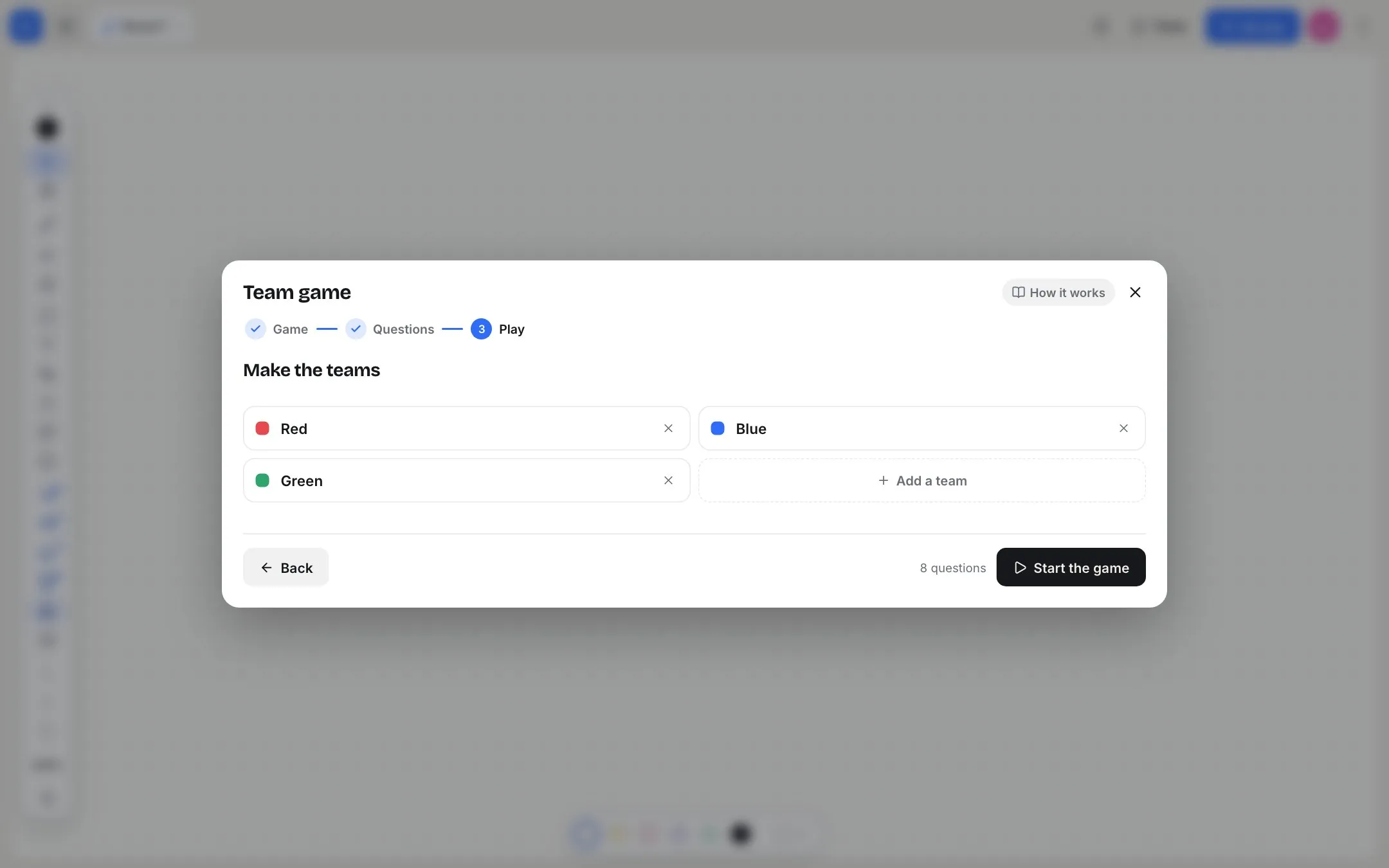
Add questions and teams
Let AI write the questions from a topic or a worksheet, or write your own. Then name two to four teams.
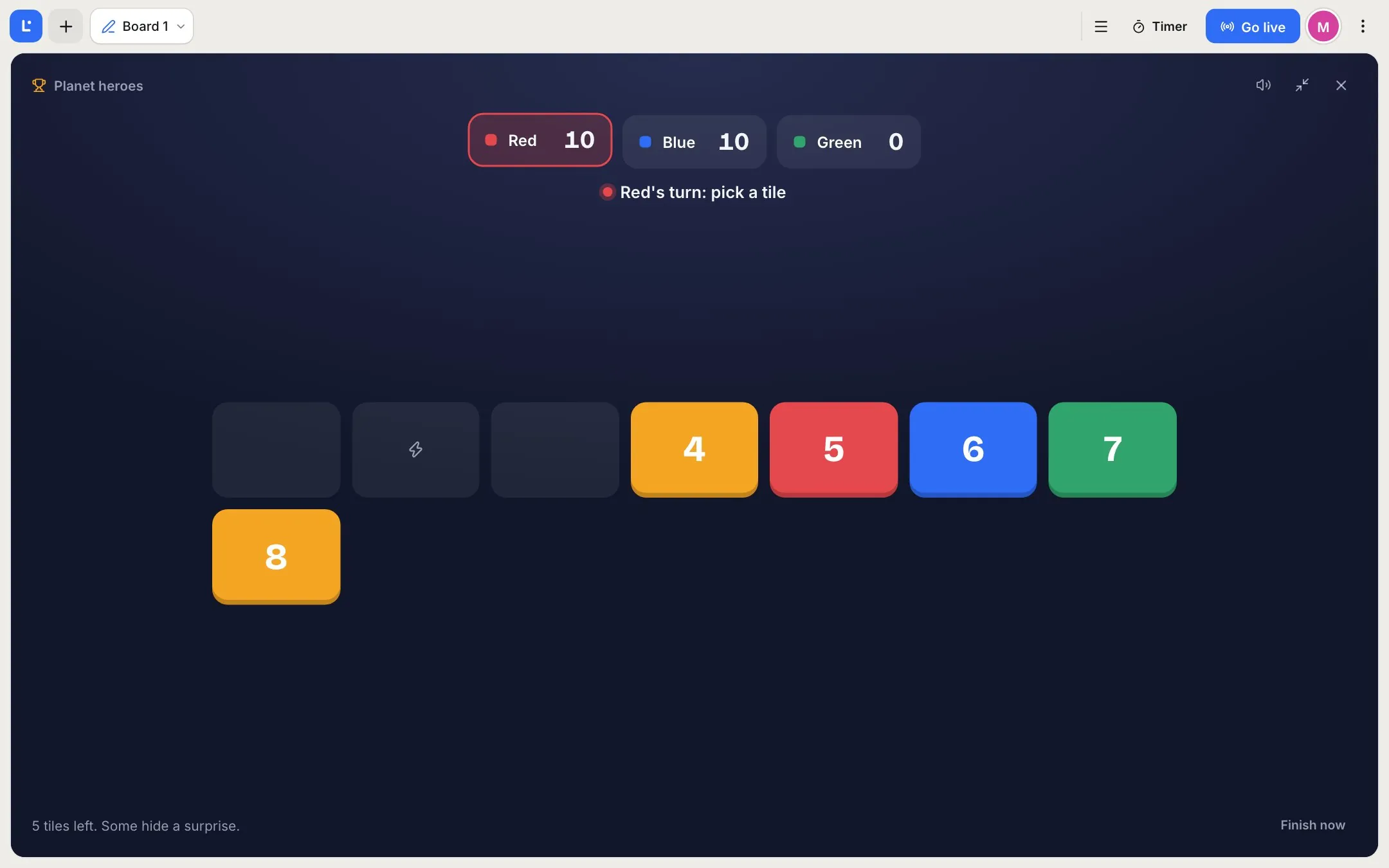
Pick a tile
The team whose turn it is picks a number. Their question appears big for everyone.
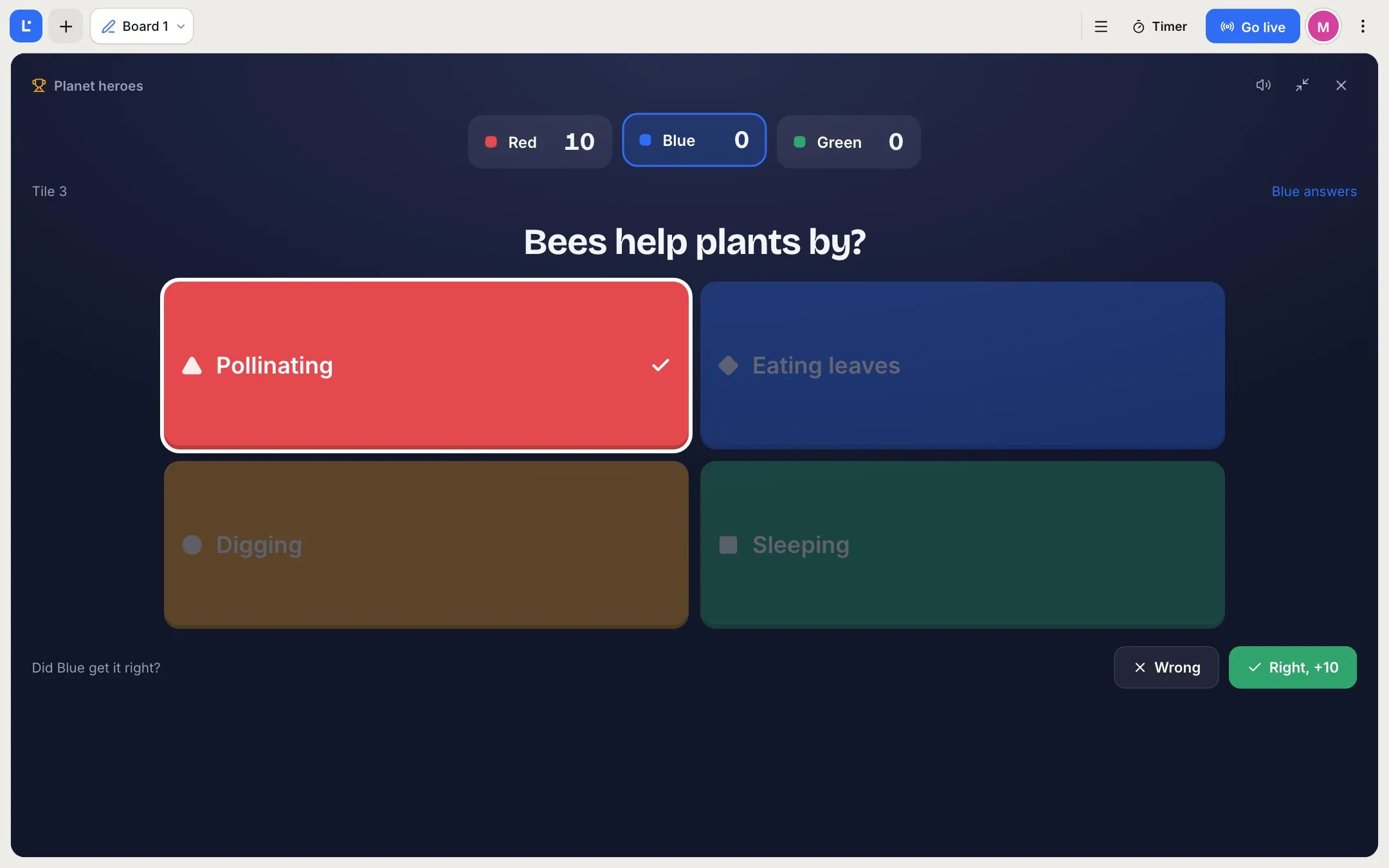
Right or wrong
Show the answer, then mark it right or wrong. A right answer scores 10 points, and the turn passes to the next team.
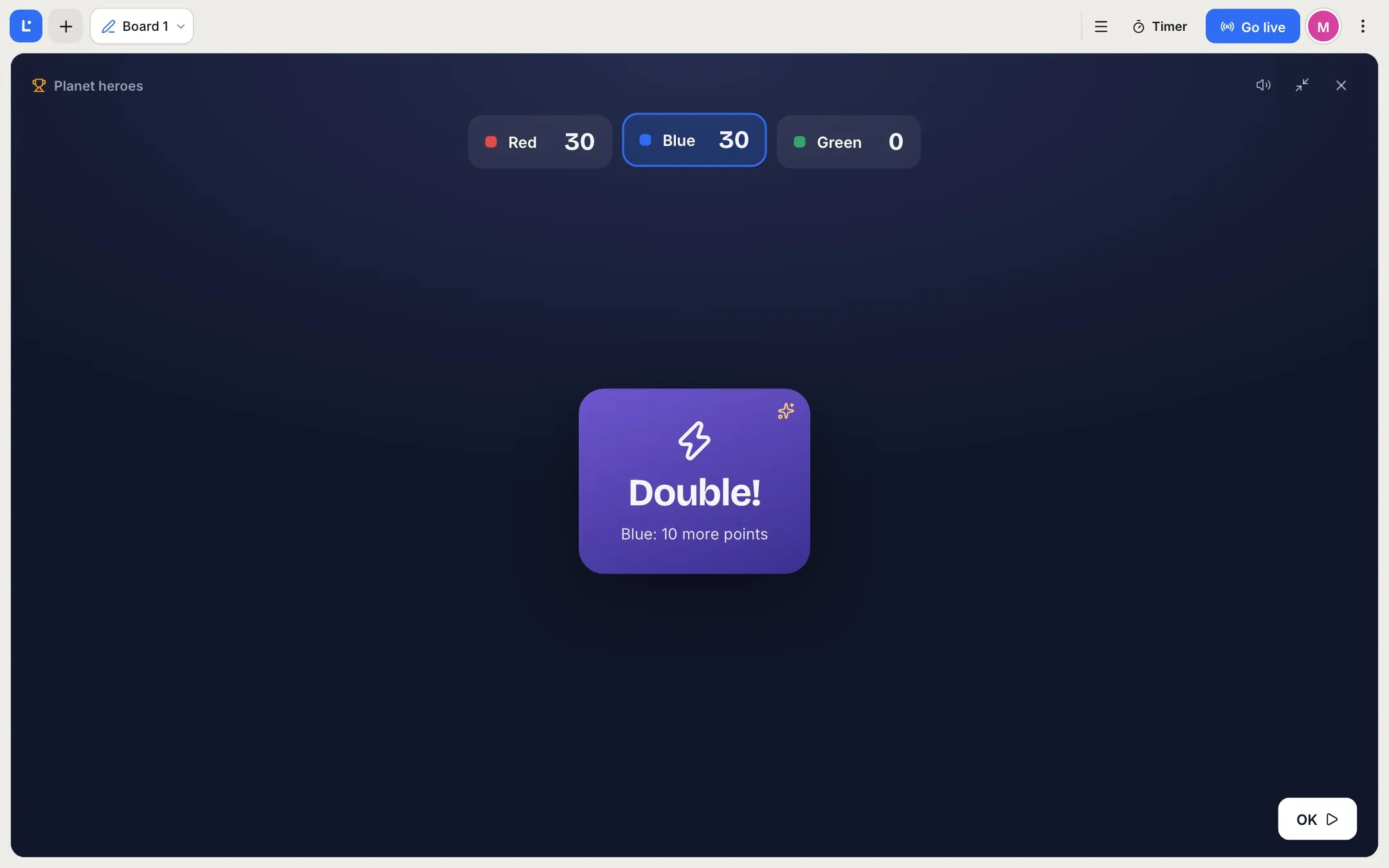
Surprises
Some tiles hide a surprise: double points, steal or swap scores, a gift for the other teams, or an oops.
Fix the score
Press + or − beside a team to give or take 10 points. Tap a team's name to make it their turn.
The winners
When every tile has been picked, the team with the most points wins, and a tie means they win together. Press End game to finish sooner.
That's it.Open a board and try it with your next class.
Start a lesson