Turn on the waiting room
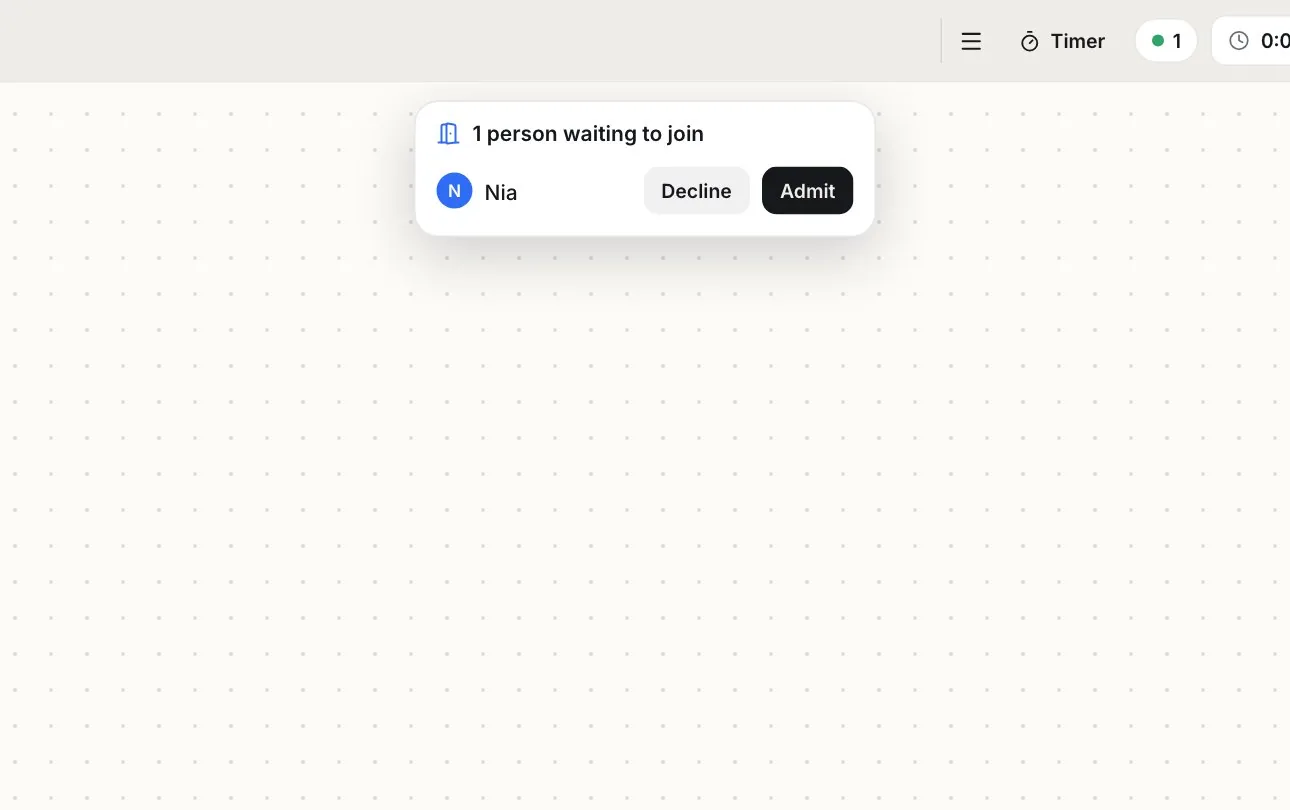
When you press Go live, switch on Waiting room, or later in Class settings (the person with a gear, top right). New students wait until you admit them: a card at the top shows who is waiting, with Admit and Decline. On a phone it opens by itself. Anyone already in stays in.
Admit or decline
When someone knocks, a card shows their name. Admit them, decline, or admit everyone at once.
See who leaves
When a student leaves the lesson, a short note at the top tells you, such as Sam left. It goes by itself after a few seconds. Students who reload the page or move to a breakout room aren't named.
Add a password
Type a password when you press Go live, or add one later in Class settings. You never need it yourself.
That's it.Open a board and try it with your next class.
Start a lesson