Give everyone a copy
In a live lesson, open Class settings and turn on Own boards. Each student gets their own copy of the board, and a strip at the top shows every student's name. Click a name to see their work.
See everyone's work
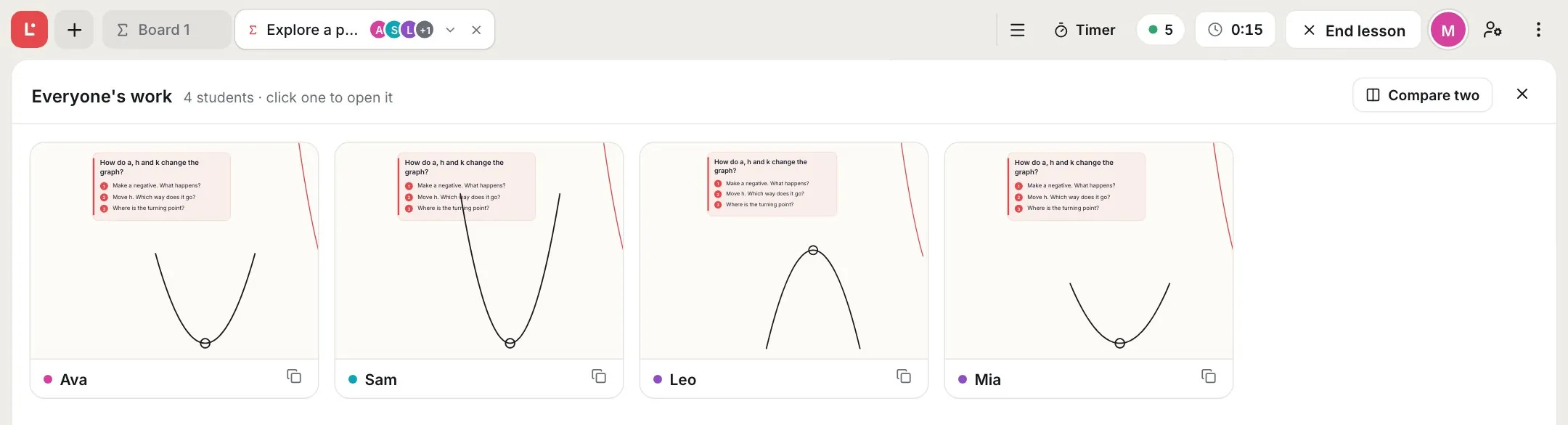
Press All to see every student's board at once, live as they write. Click one to open it. A student with a hand up has an orange ring and Hand up on their board, and on their name in the strip, with their place in line when several hands are up.
See who's done
Each student has a Done switch at the top of their board. Every board in Everyone's work says Not started, Working or Done, and the top line counts them. On the strip, a green tick shows who's done and a faded name shows who hasn't started yet.
Show it without names
Turn Names off, on the strip or in Everyone's work, before you put everyone's boards on the projector. Each board shows as Student 1, Student 2 and so on, so nobody is named in front of the class. Save all still puts real names in the PDF.
Mark their work
Open a student's board and the strip says Marking: your pen turns red, and what you write there the student can't rub out or move. At the top, beside their name, Pen, Tick and Cross pick how you mark: the red pen, a green ✓ or a red ✗ (press one, then tap their board). The arrow beside them takes you back to the shared board. Their own writing stays theirs. Back on the shared board you have your own pen colour again.
Save everyone's work
In Everyone's work, press Save all. Every student's board goes into one PDF, a page each with their name on it.
Compare two
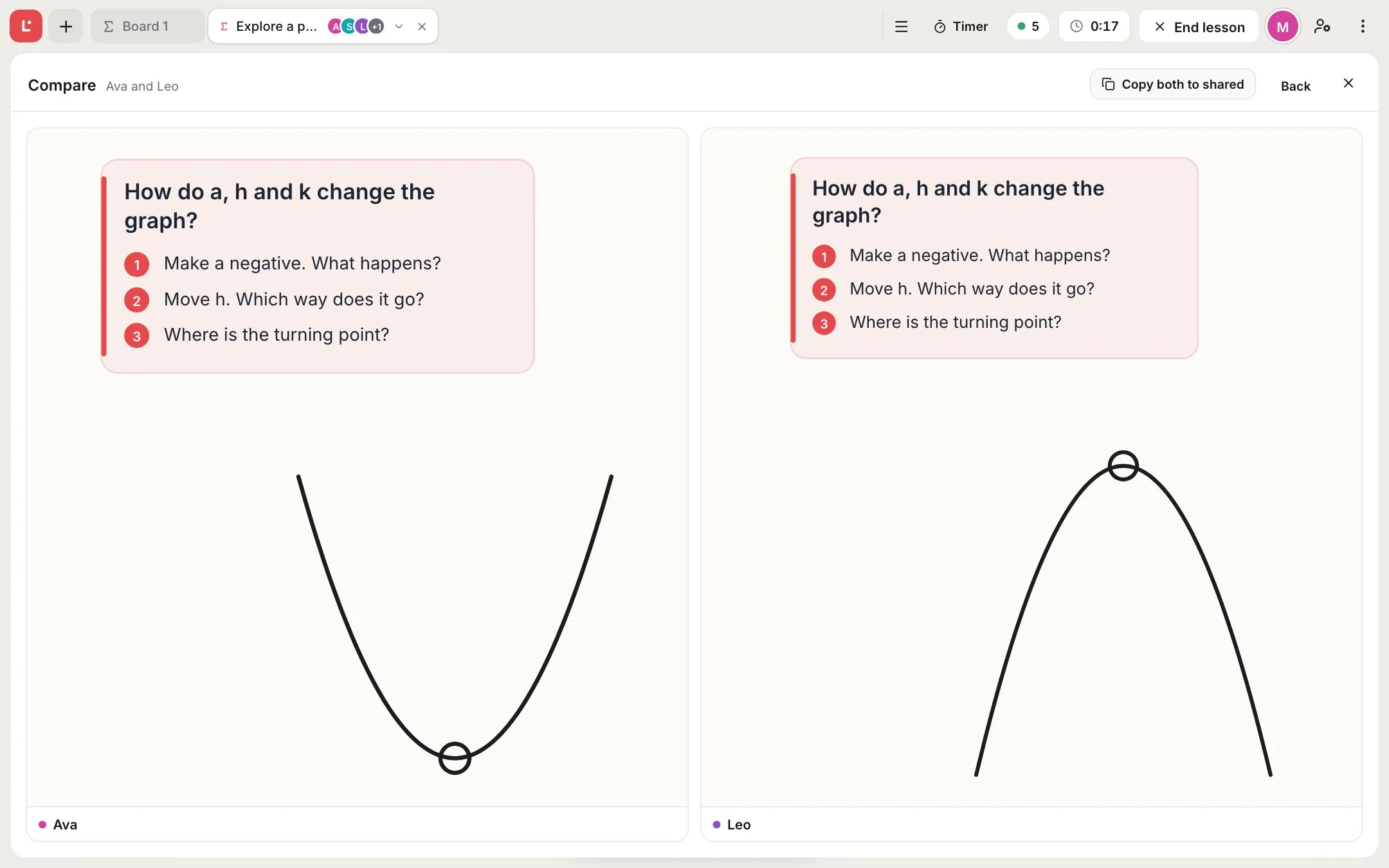
In Everyone's work, press Compare two and pick two students. Their work shows side by side. Copy both to shared puts them on the shared board to talk through together.
Work in pairs
Press Pairs to put students in twos, each pair on one shared copy. A student sees who they share with, and On their own gives everyone their own copy again.
Lock and bring back
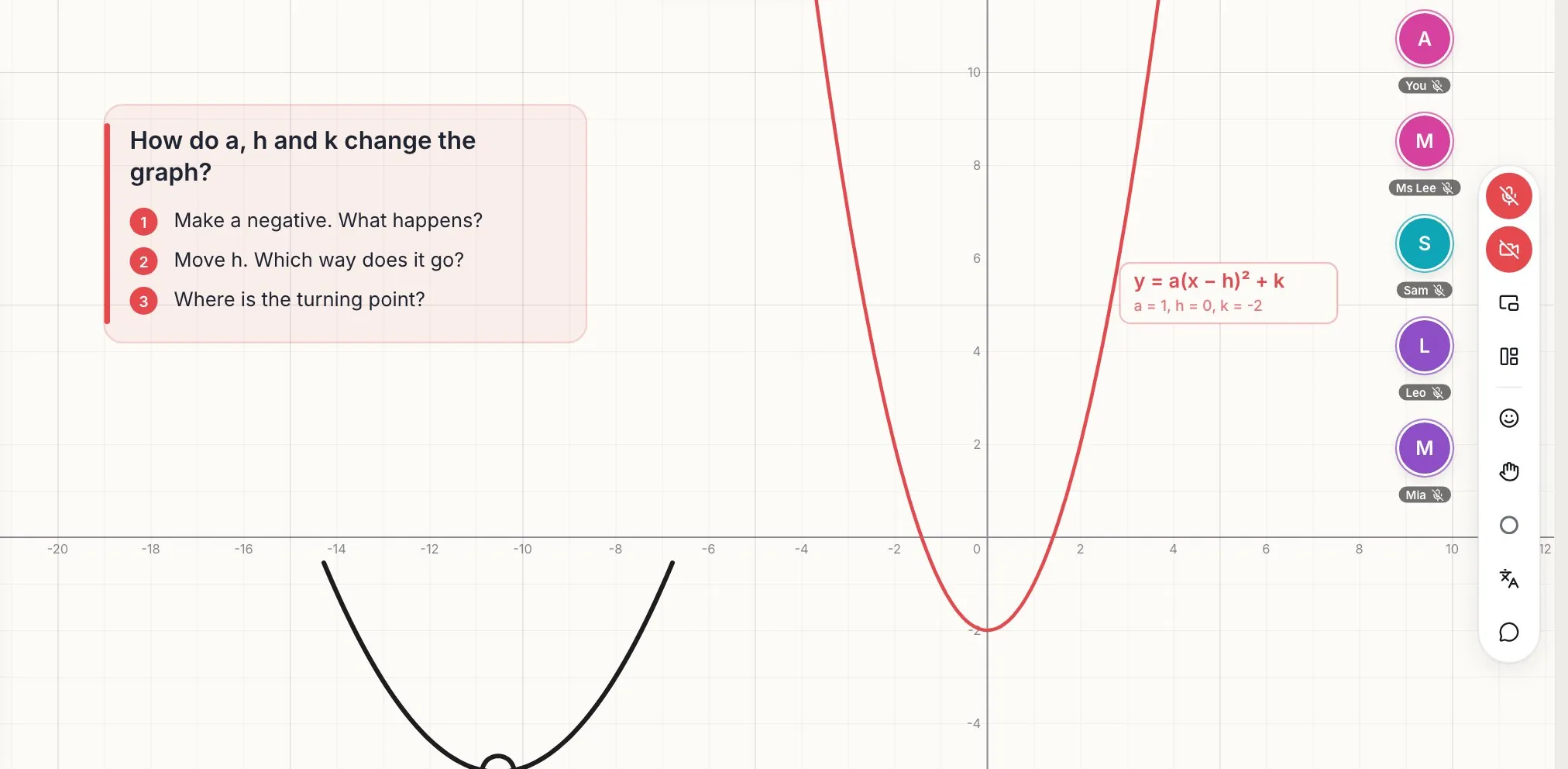
Lock pens for one student or for everyone. Turn Own boards off, on the strip or in Class settings, and everyone is back on the shared board. Their work is kept: turn it on again in Class settings.