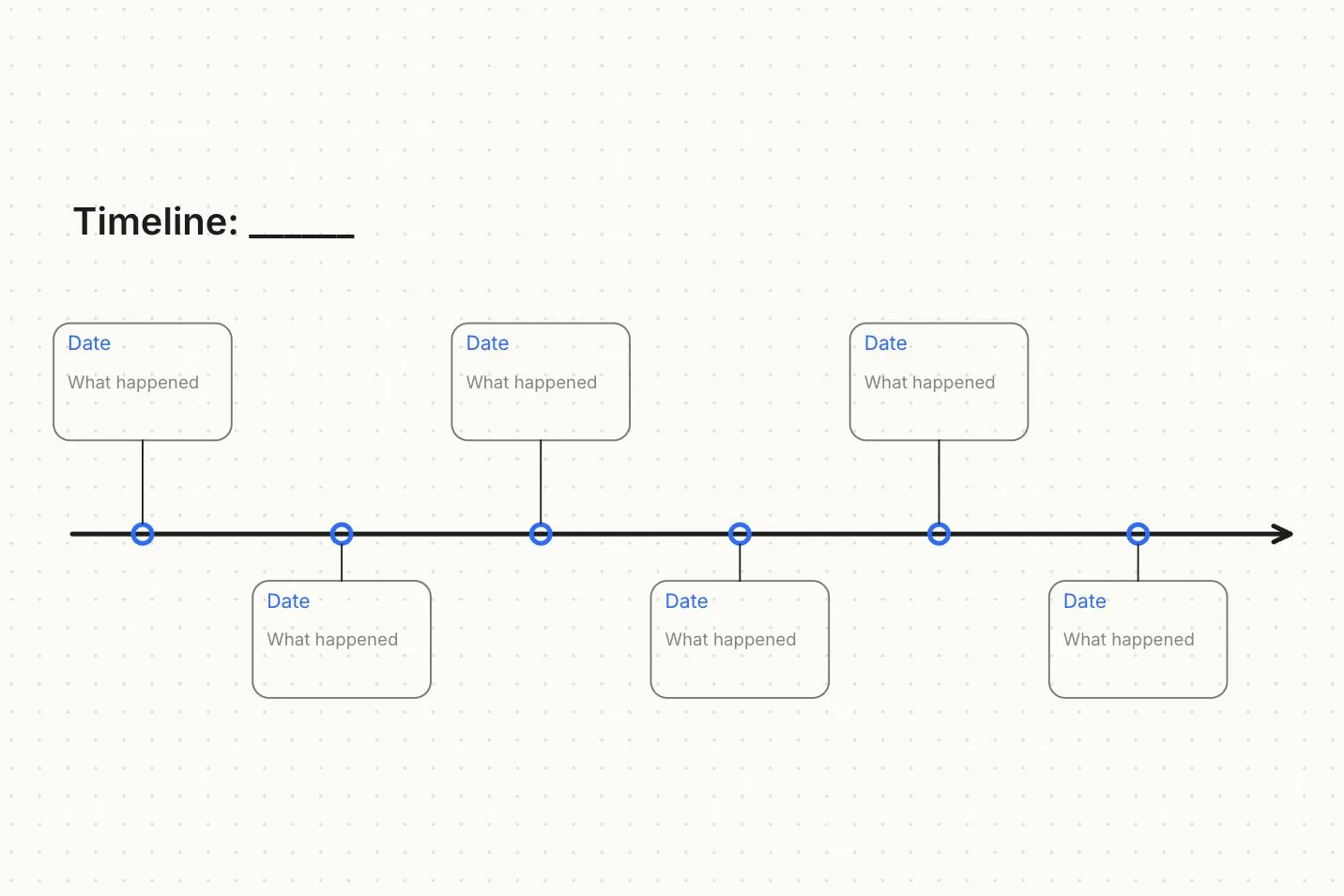
Timeline
Six events in order, with dates
Use this starter
Concept map
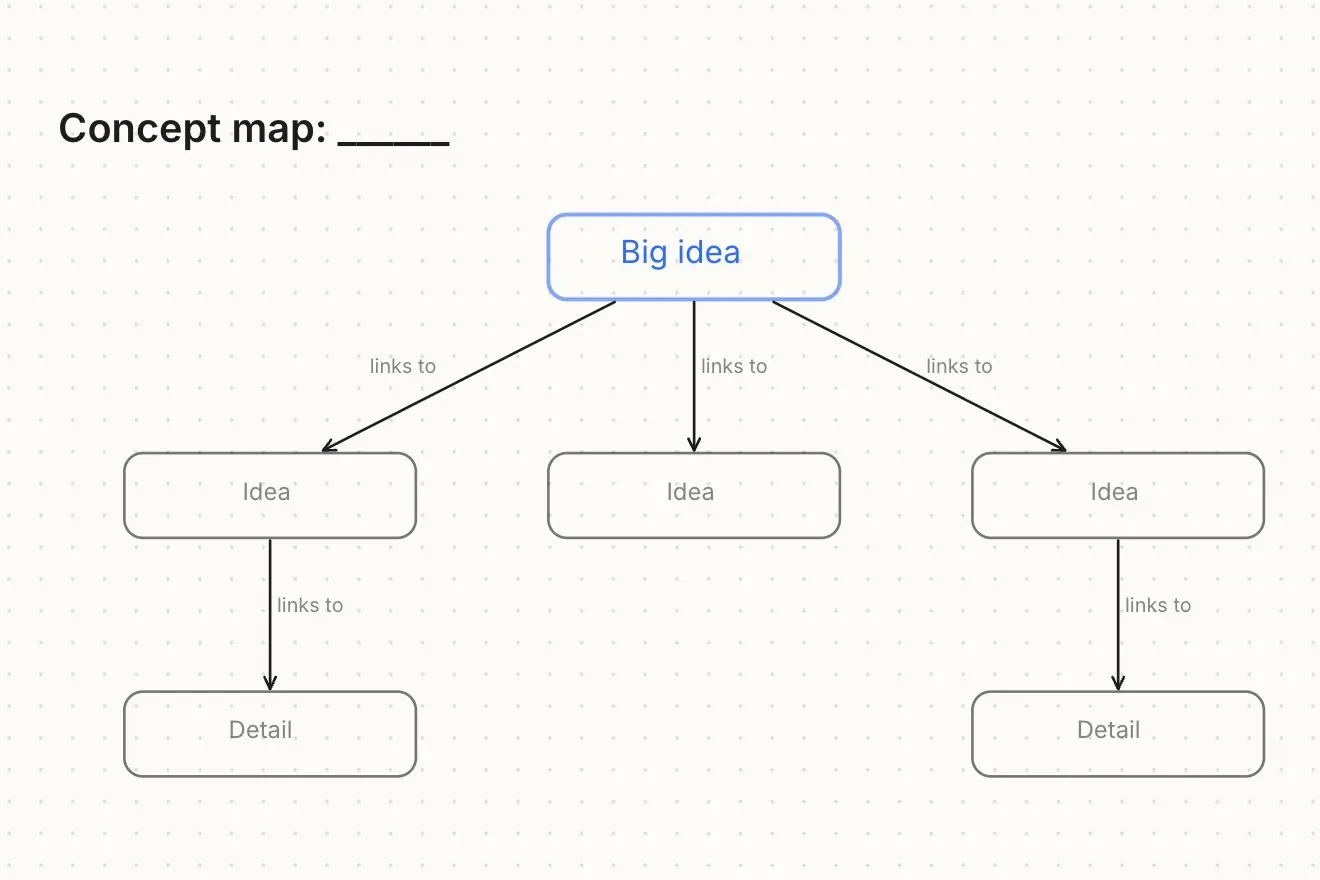
Ideas in boxes, joined by linking words. A free lesson starter for Lesson Screen: change anything, then teach it live with your class.
Try it first needs no account.
How to run it in class
15 min- 1Start with the big ideaType the topic in the top box.
- 2Fill and joinAdd ideas and details. Write a linking word on each arrow, like causes or is part of.
- 3Check the linksAsk students to explain one arrow. If they can't, the link is weak.
Why it works
Linking words show how ideas connect, not just that they do. A strong concept map shows real understanding, and a weak link shows where to teach next.
Ideas to adapt it
- Use it as a revision task before a test.
- Give students the boxes and ask them to add the links.
- Compare two students' maps side by side.
Questions
How long does it take?
About 15 minutes. It stays saved in your lesson, so you can come back to it next time.
Can I use it with one student?
Yes. Let them build it, then ask about any missing link.
Do students need an account?
No. Go live and share the link or the code. Students join from any device with nothing to install, and you can give each of them their own copy.
Is this starter free?
Yes. Open it, change anything and teach with it on the free plan, which has every feature and live lessons with up to 5 students. Try it first needs no account.
More any subject starters
See all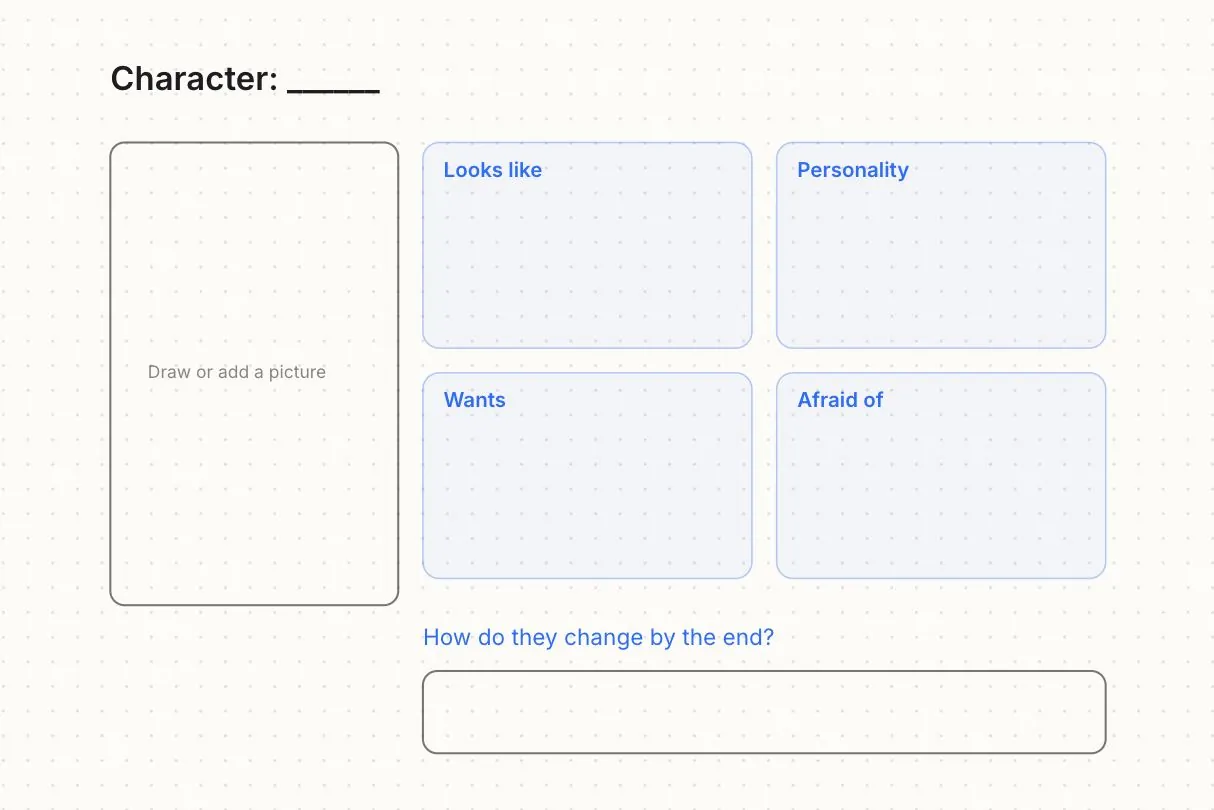
Character profile
Who they are, what they want, how they change
Use this starter
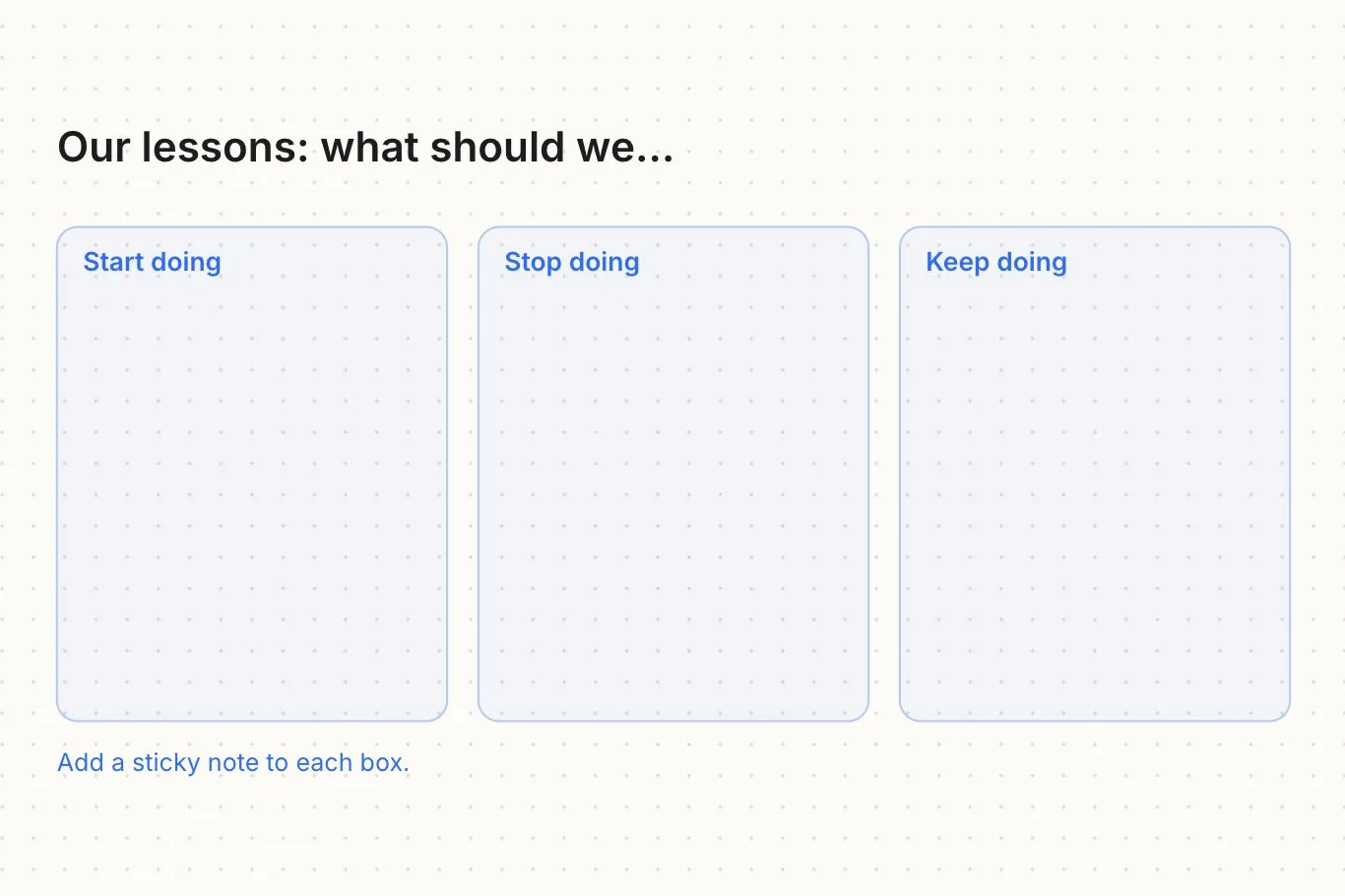
Start, stop, continue
What should we start, stop and keep doing?
Use this starter