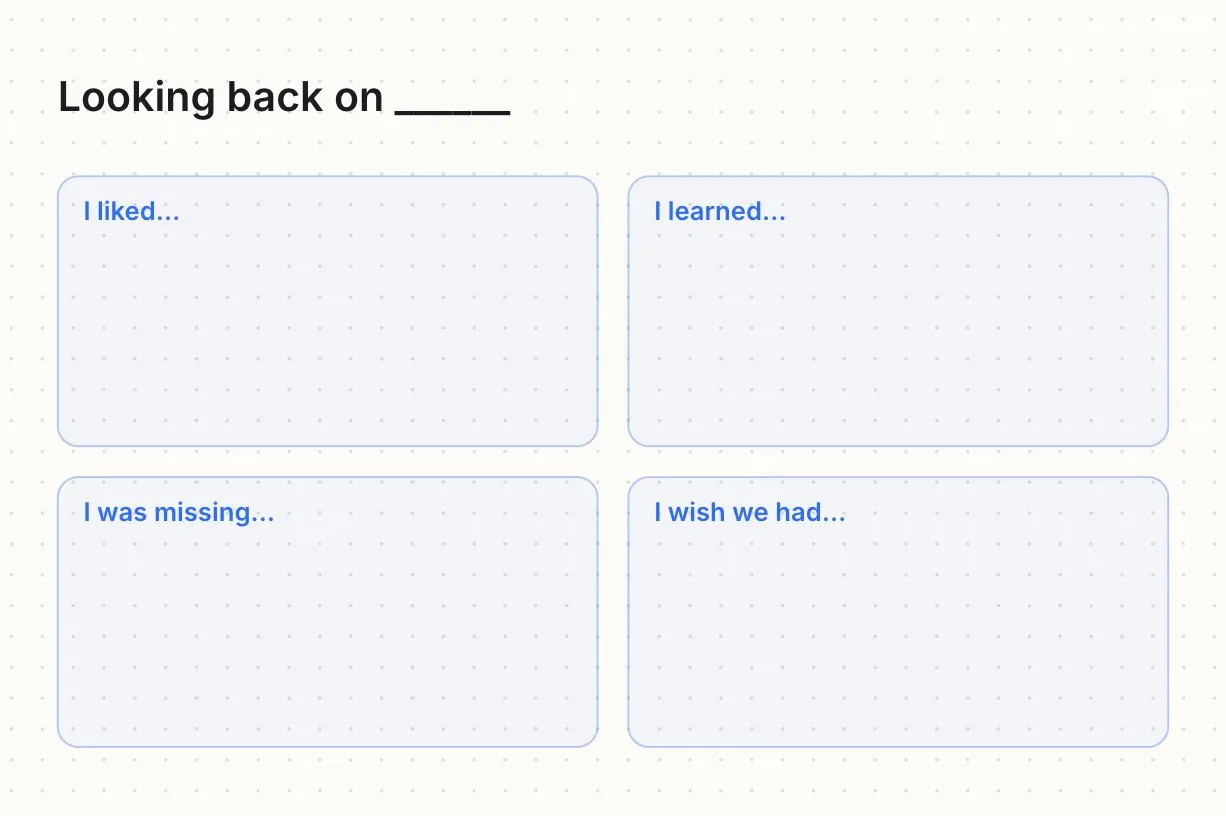
The 4 Ls
Liked, learned, lacked, longed for
Use this starter
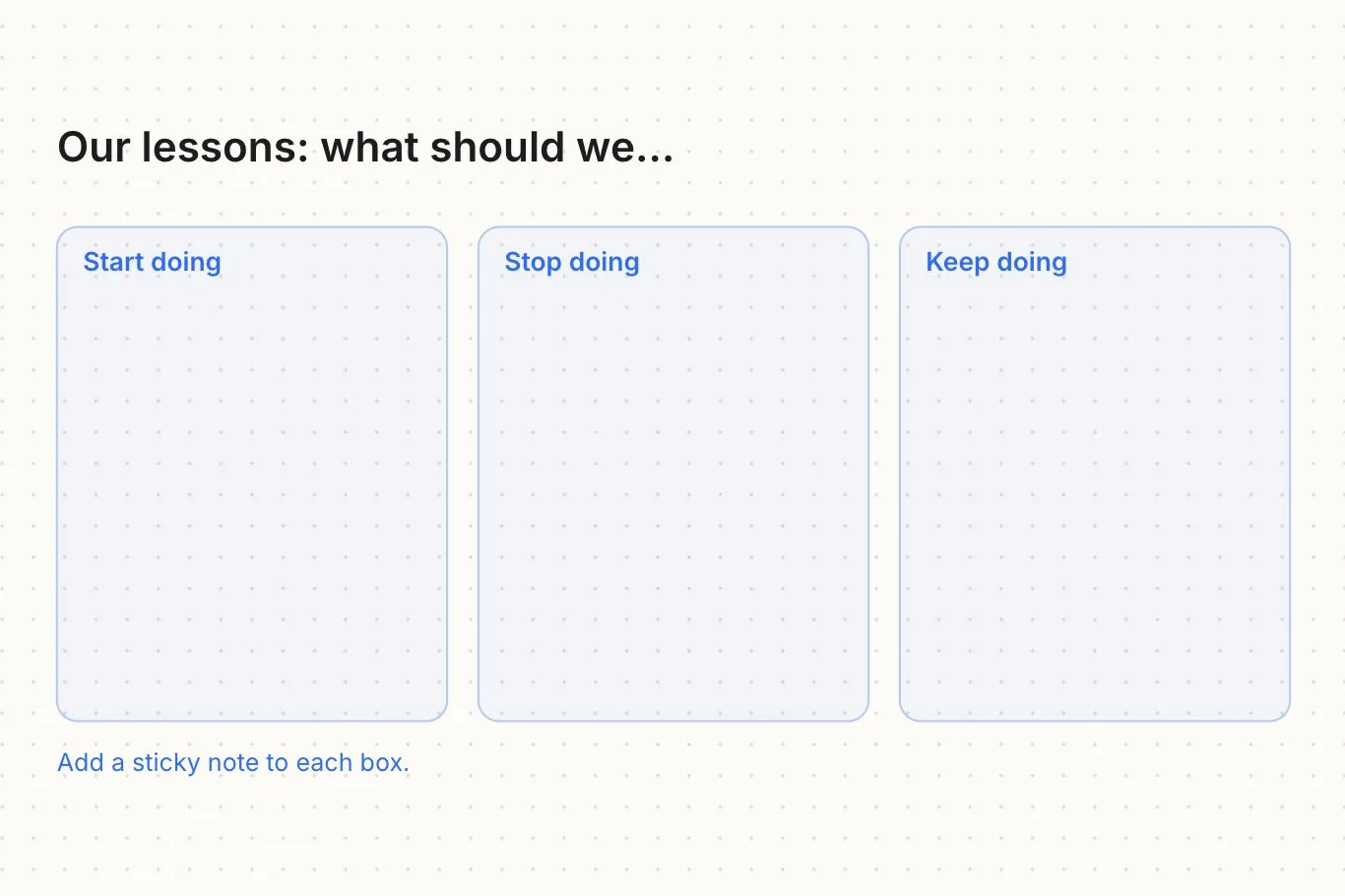
Start, stop, continue
What should we start, stop and keep doing?. A free lesson starter for Lesson Screen: change anything, then teach it live with your class.
Try it first needs no account.
How to run it in class
10 min- 1Explain whyTell the class you want honest feedback to make lessons better.
- 2Add a note to each boxStudents add a sticky note under Start, Stop and Keep doing.
- 3Vote and choose oneSort by votes and promise to try the top Start idea.
Why it works
Asking students what to start, stop and keep doing shows you value their view. It gives you honest feedback in minutes, and acting on one idea builds trust.
Ideas to adapt it
- Use it at the end of a unit or a term.
- Run it with colleagues after a school event.
- Let students fill it in on their own boards, so classmates don't see it.
Questions
How long does it take?
About 10 minutes. It stays saved in your lesson, so you can come back to it next time.
Can I use it with one student?
Yes. Ask for one of each. It builds trust quickly.
Do students need an account?
No. Go live and share the link or the code. Students join from any device with nothing to install, and you can give each of them their own copy.
Is this starter free?
Yes. Open it, change anything and teach with it on the free plan, which has every feature and live lessons with up to 5 students. Try it first needs no account.
More any subject starters
See all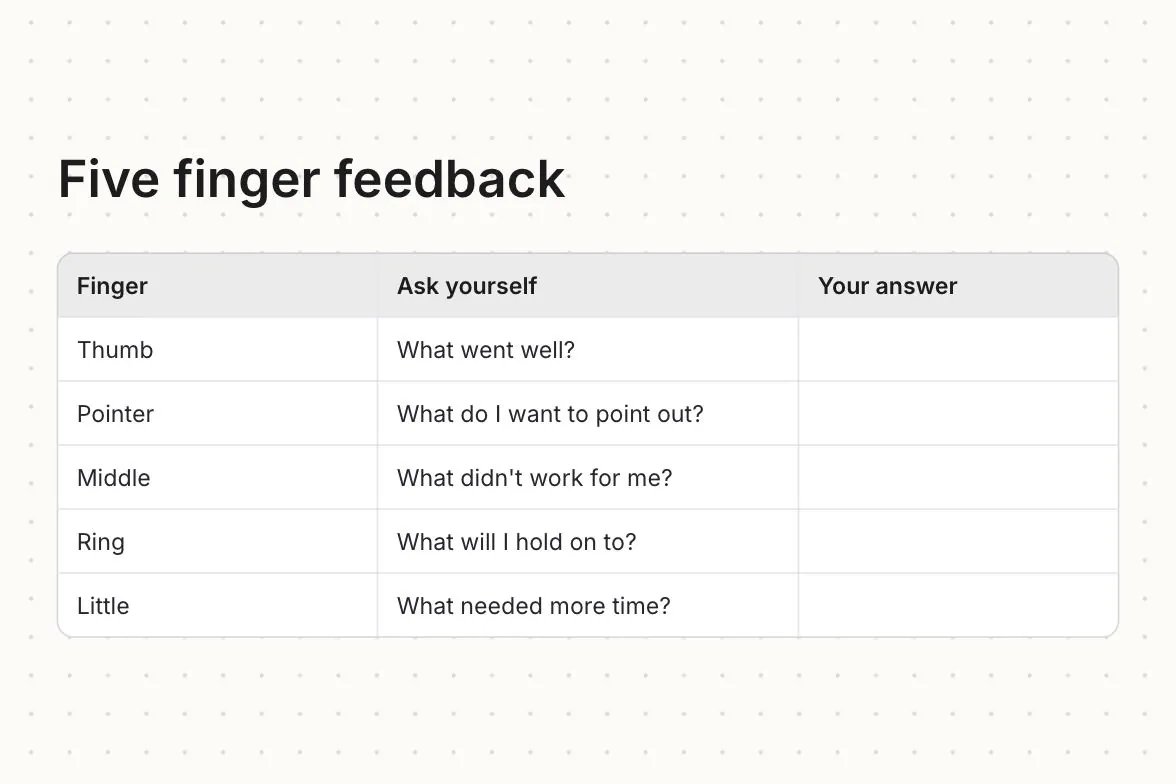
5 finger feedback
One question for each finger
Use this starter
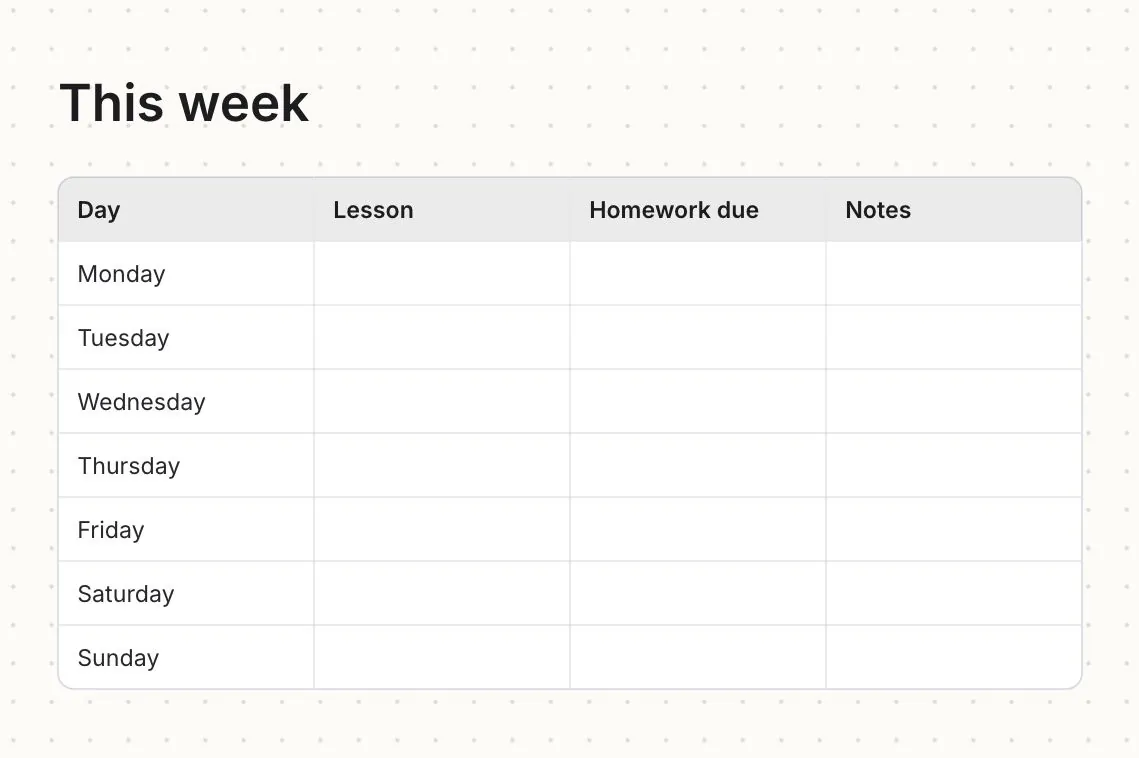
Weekly planner
Lessons, homework and notes for each day
Use this starter