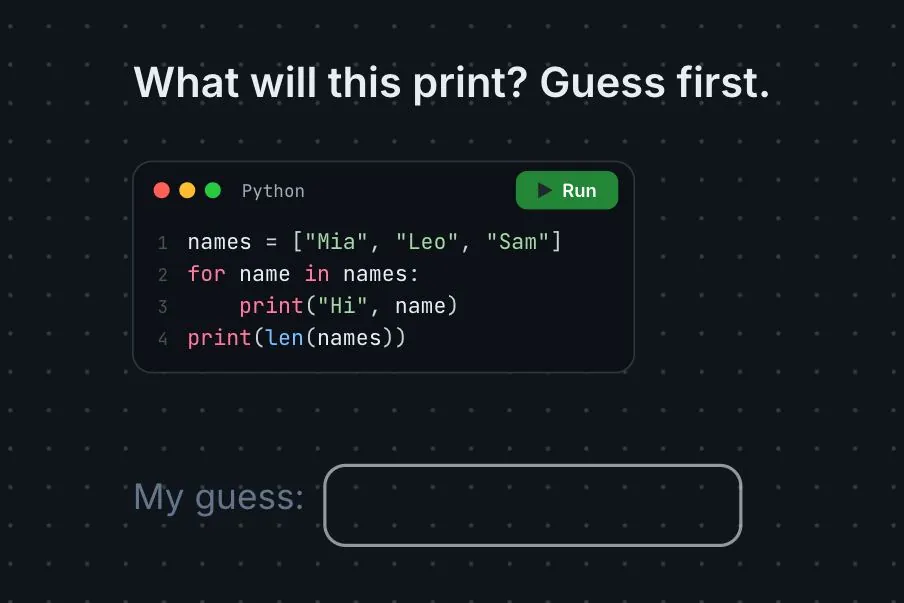
Python: predict the output
A short Python program to guess, then run
Use this starter
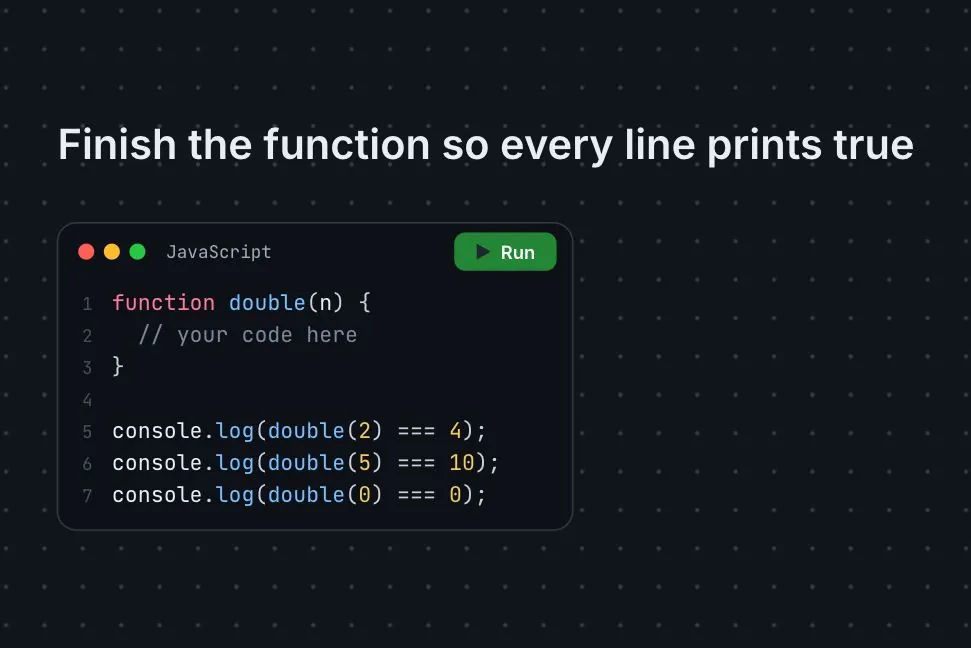
Write a function
Fill in a function and test it. A free lesson starter for Lesson Screen: change anything, then teach it live with your class.
Try it first needs no account.
How to run it in class
15 min- 1Read the testsEvery line should print true.
- 2Finish the functionStudents fill it in.
- 3Run itCheck all three print true.
Why it works
Tests that print true give students a clear goal. Filling in a function and running it teaches them to check their own code.
Ideas to adapt it
- Write a function that finds the bigger number.
- Add another test.
- Write a function for a partner to test.
Questions
How long does it take?
About 15 minutes. It stays saved in your lesson, so you can come back to it next time.
Can I use it with one student?
Yes. Write a new test that breaks their function.
Do students need an account?
No. Go live and share the link or the code. Students join from any device with nothing to install, and you can give each of them their own copy.
Is this starter free?
Yes. Open it, change anything and teach with it on the free plan, which has every feature and live lessons with up to 5 students. Try it first needs no account.
More coding starters
See all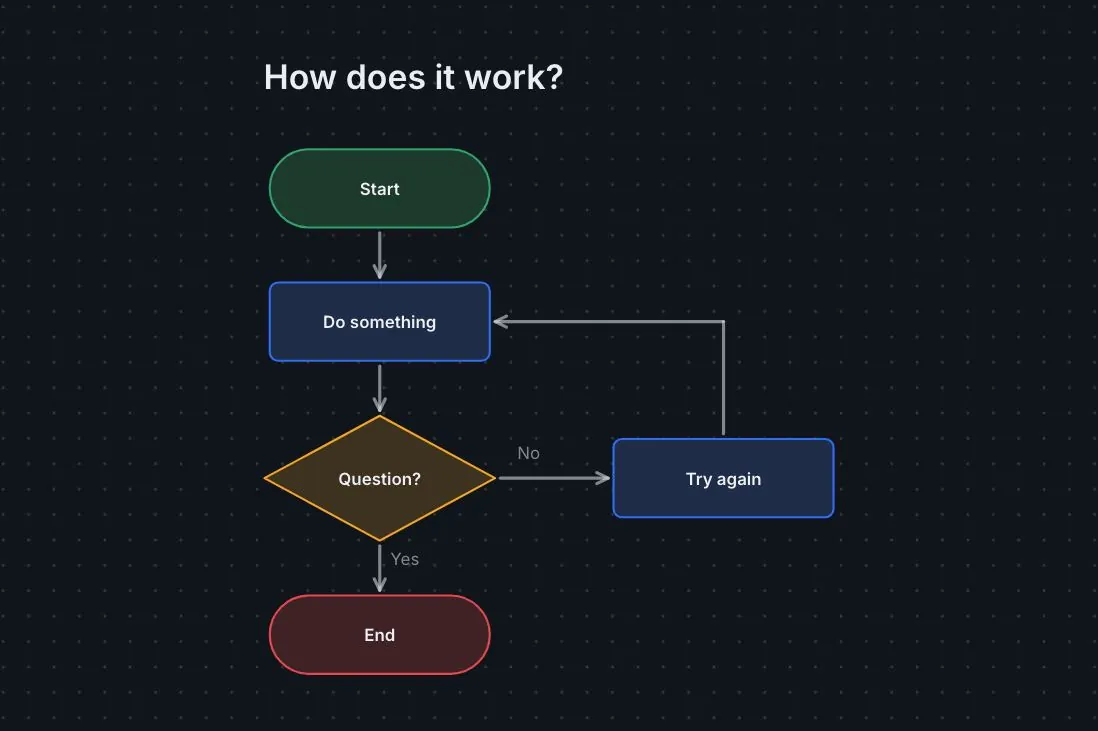
Flow chart
Start, steps, a yes or no question, and the end
Use this starter
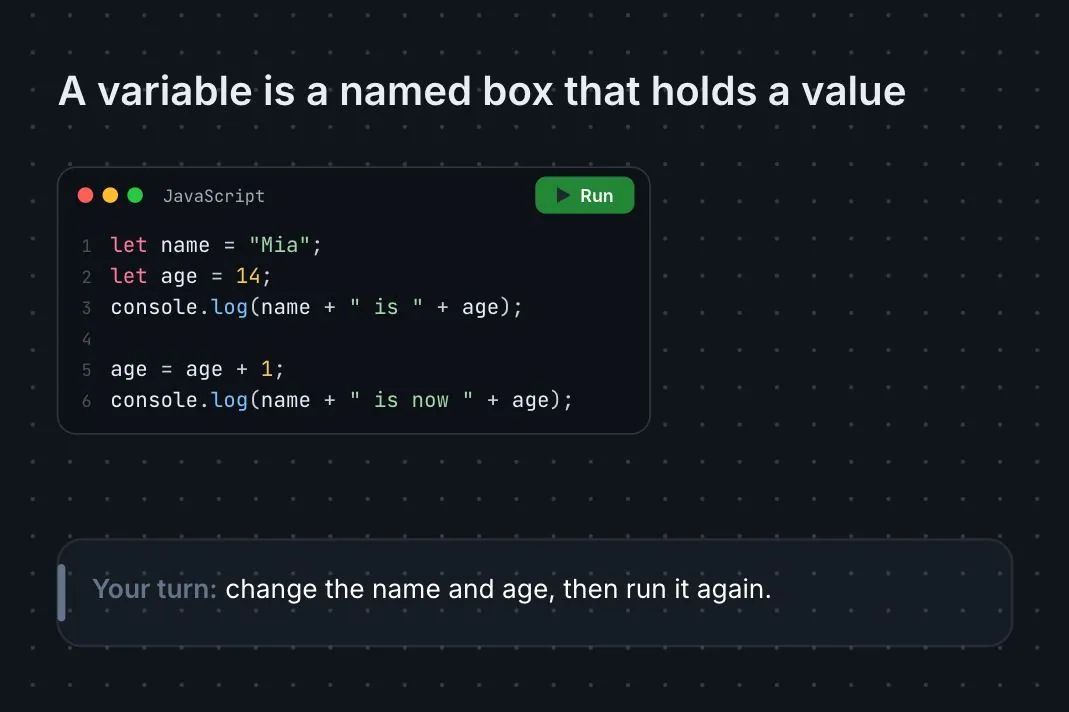
What is a variable?
A box with a name that holds a value
Use this starter