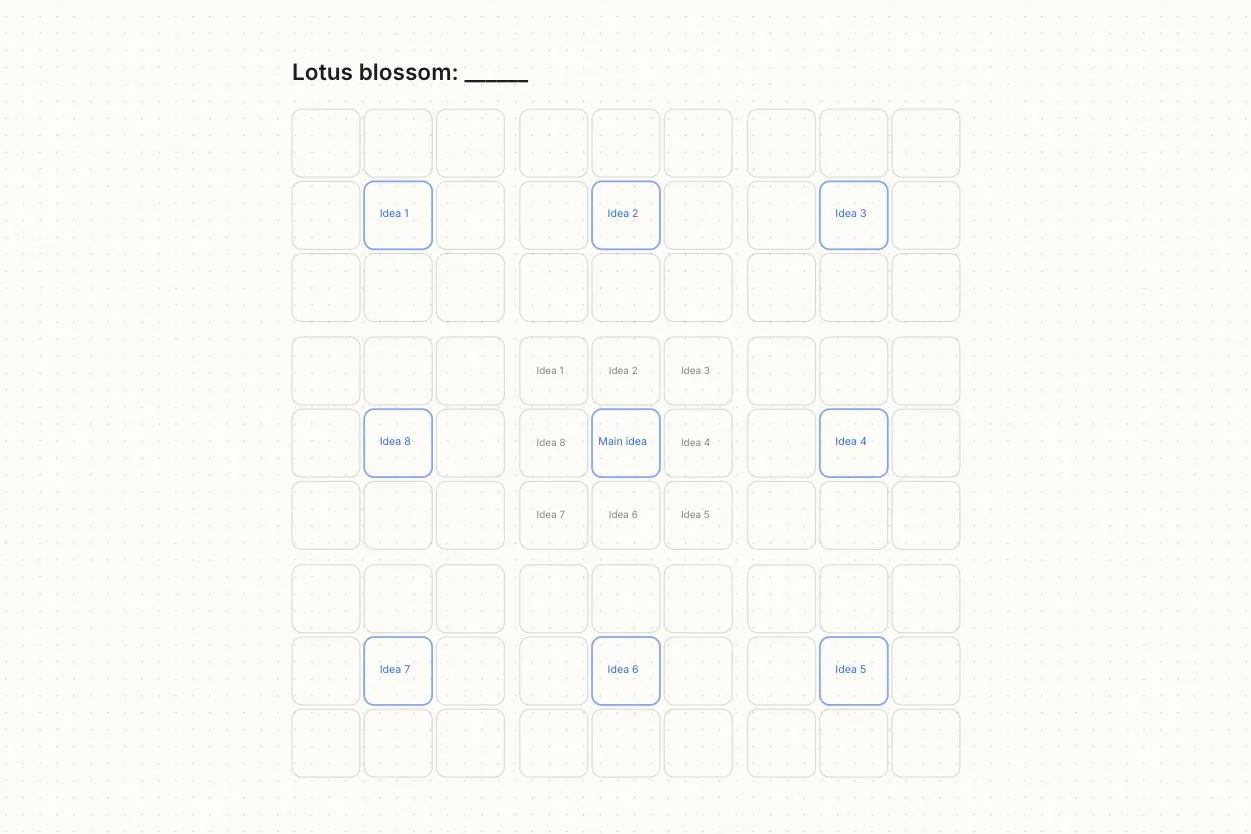
Lotus blossom
One idea grows into eight, and each into eight more
Use this starter
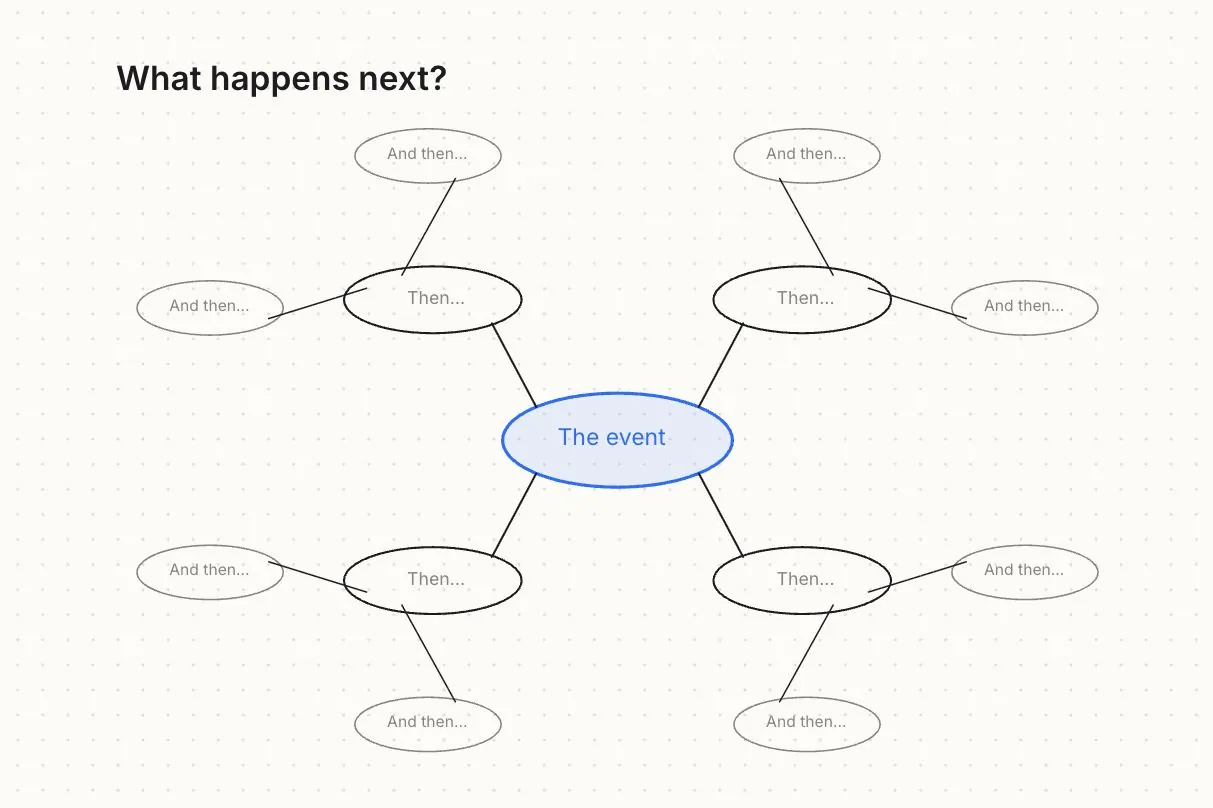
Futures wheel
An event, what follows, and what follows that. A free lesson starter for Lesson Screen: change anything, then teach it live with your class.
Try it first needs no account.
How to run it in class
15 min- 1Write the eventSomething that could happen, like Cars are banned in cities.
- 2Add what followsFill Then with direct results.
- 3Go one step furtherFor each result, fill And then. Ask which result surprised them most.
Why it works
A futures wheel helps students think beyond the first result of a change. Each step out shows how one event can lead to many others.
Ideas to adapt it
- Use it for a science change, like the loss of bees.
- Try it on a choice a character makes.
- Use it to plan a persuasive essay.
Questions
How long does it take?
About 15 minutes. It stays saved in your lesson, so you can come back to it next time.
Can I use it with one student?
Yes. Take turns adding a result each.
Do students need an account?
No. Go live and share the link or the code. Students join from any device with nothing to install, and you can give each of them their own copy.
Is this starter free?
Yes. Open it, change anything and teach with it on the free plan, which has every feature and live lessons with up to 5 students. Try it first needs no account.
More any subject starters
See all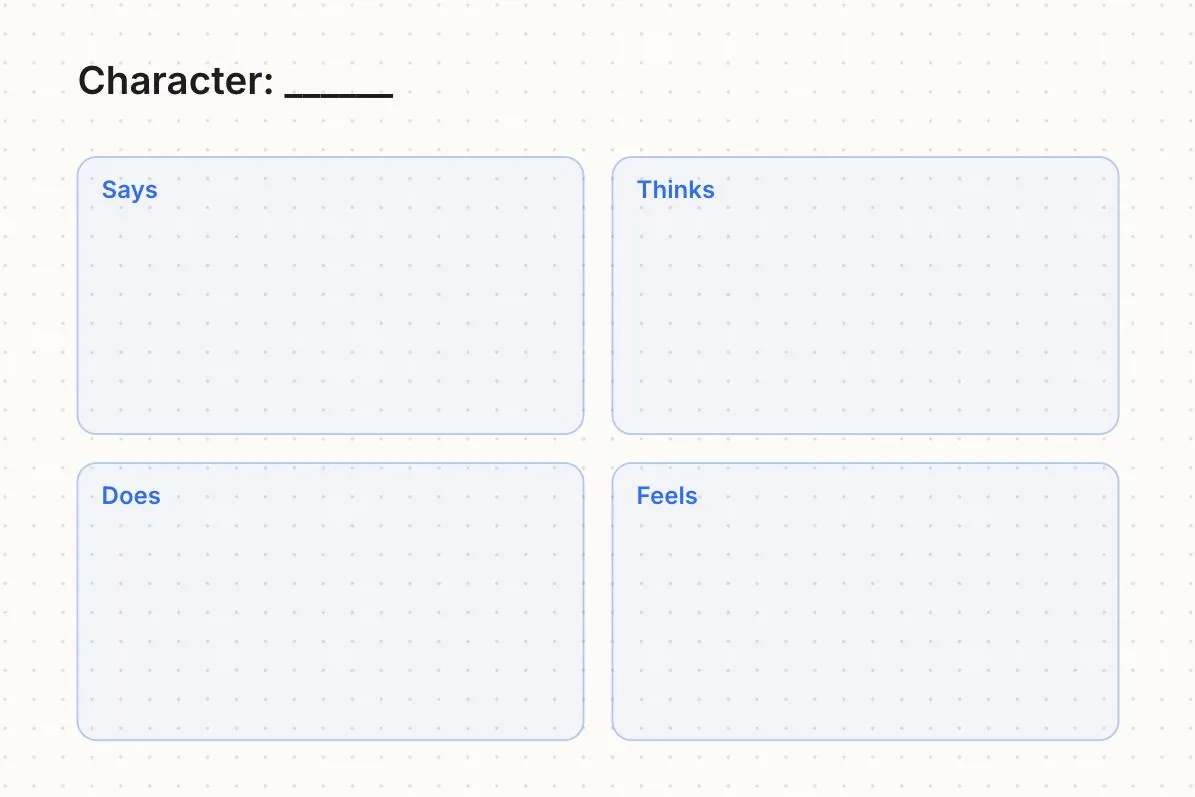
Empathy map
What a character says, thinks, does and feels
Use this starter
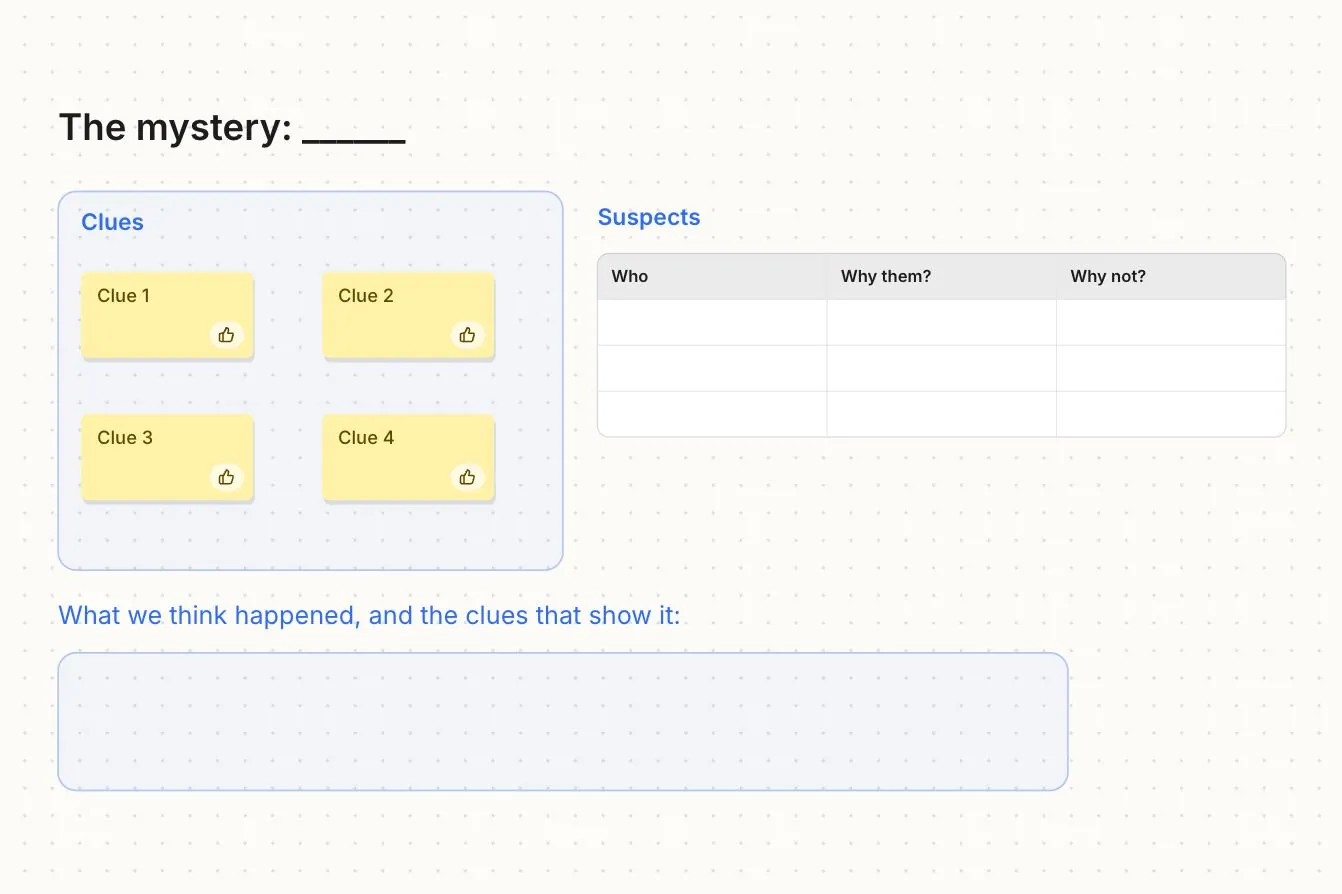
Mystery clue board
Clues, suspects, and what you think happened
Use this starter