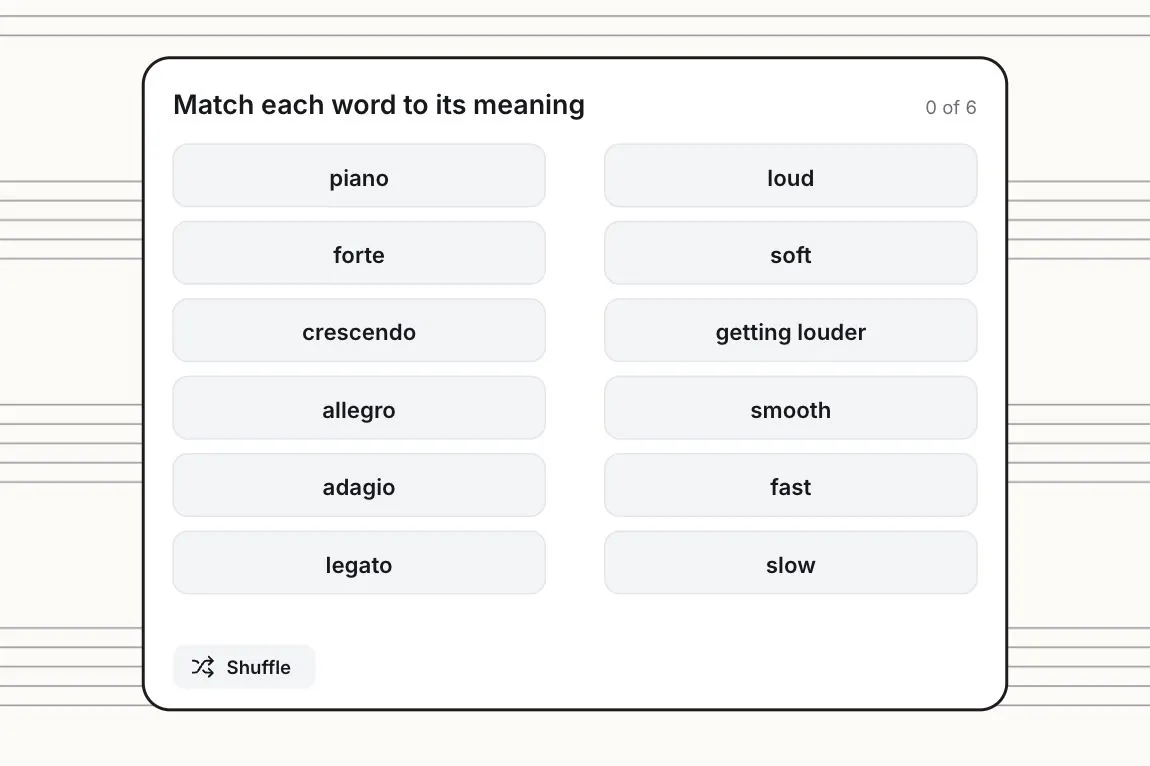
Music words
Match Italian terms to their meanings
Use this starter
Key signatures
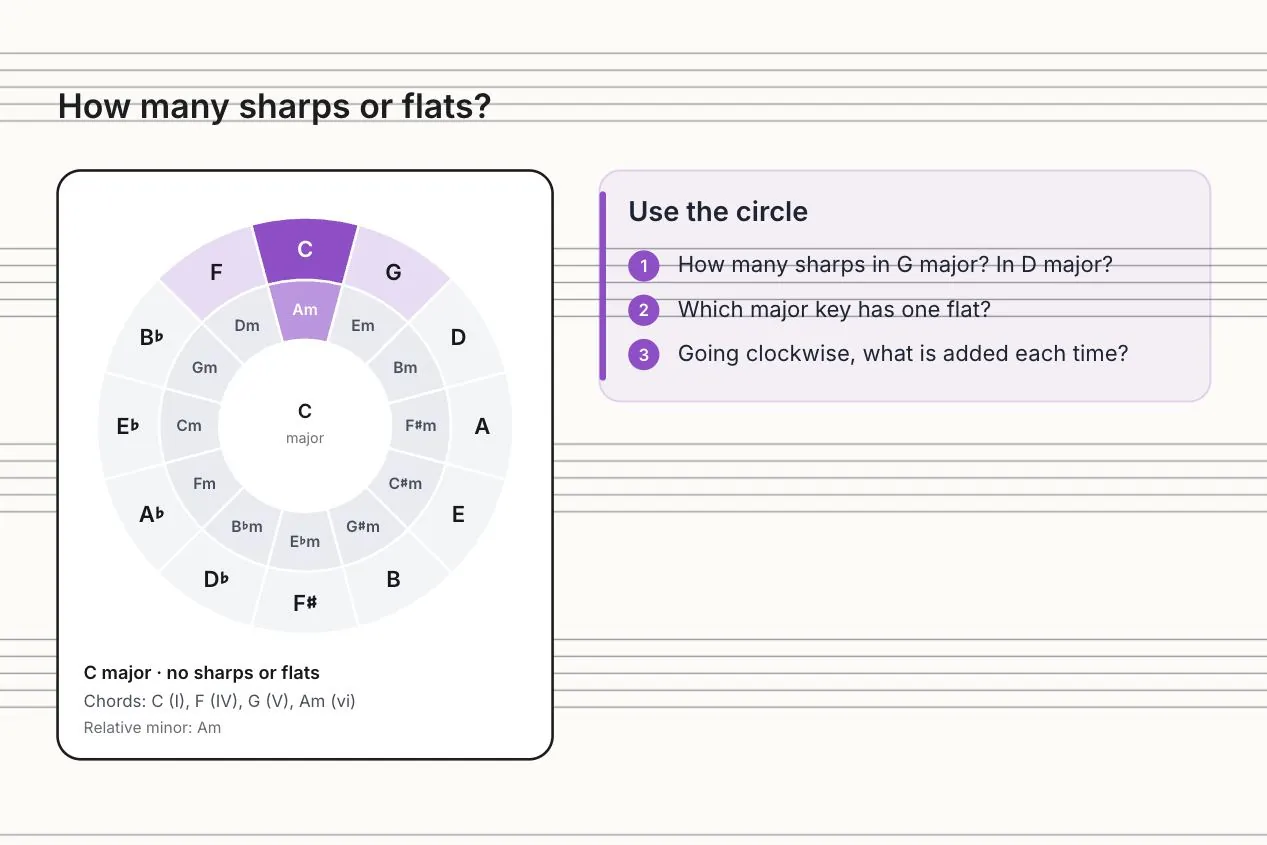
The circle of fifths with questions. A free lesson starter for Lesson Screen: change anything, then teach it live with your class.
Try it first needs no account.
How to run it in class
15 min- 1Use the circleShow how many sharps G and D major have.
- 2Answer the questionsStudents answer on their own copy.
- 3Find the patternGoing clockwise, what is added each time?
Why it works
The circle of fifths shows a clear pattern in key signatures. Once students see it, they can work out any key instead of memorising each one.
Ideas to adapt it
- Find the flat keys going the other way.
- Find the relative minor of each key.
- Use it to find chords that go together.
Questions
How long does it take?
About 15 minutes. It stays saved in your lesson, so you can come back to it next time.
Can I use it with one student?
Yes. Name a key and they count the sharps or flats.
Do students need an account?
No. Go live and share the link or the code. Students join from any device with nothing to install, and you can give each of them their own copy.
Is this starter free?
Yes. Open it, change anything and teach with it on the free plan, which has every feature and live lessons with up to 5 students. Try it first needs no account.
More music starters
See all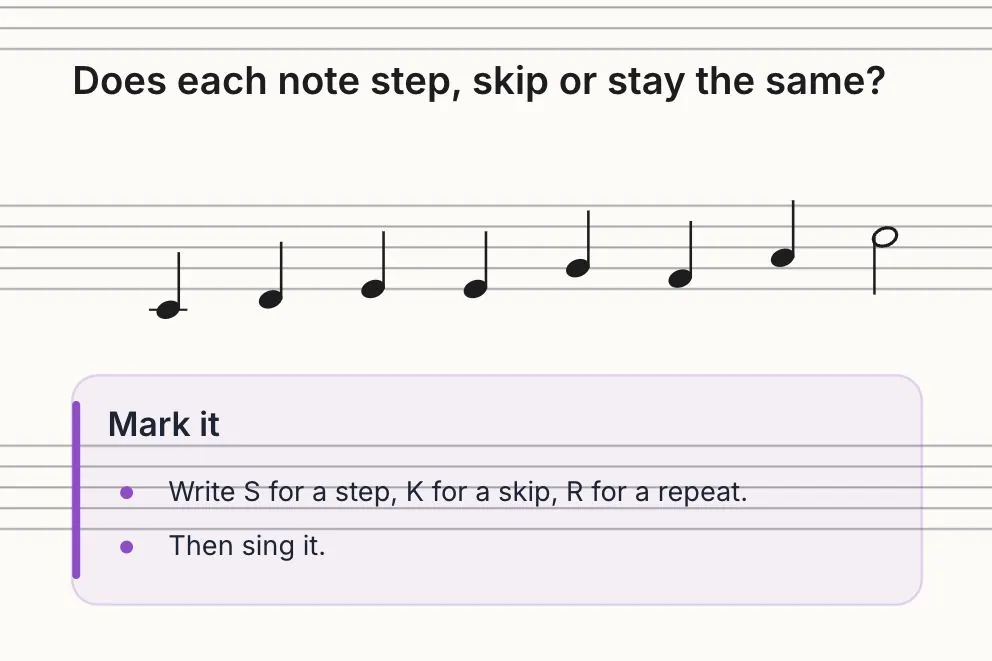
Steps and skips
A tune to mark as steps, skips or repeats
Use this starter
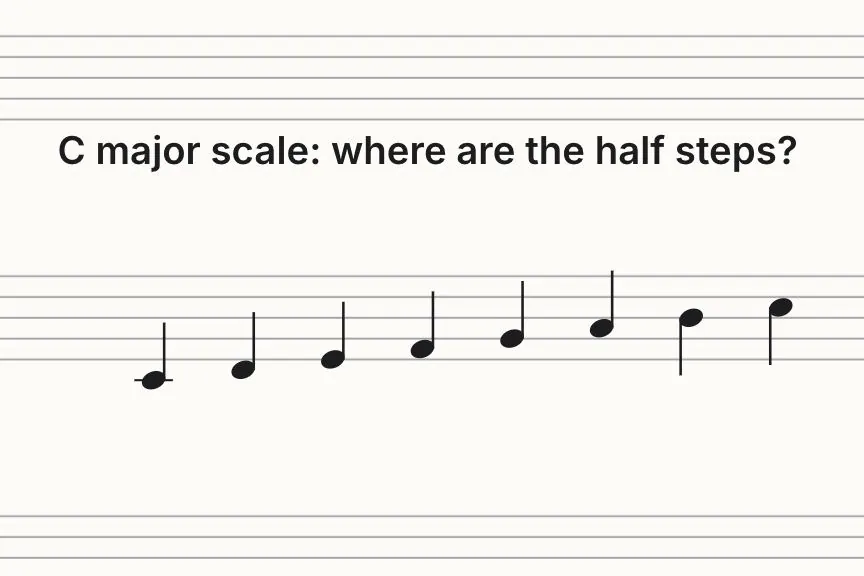
C major scale
Eight notes to play and discuss
Use this starter