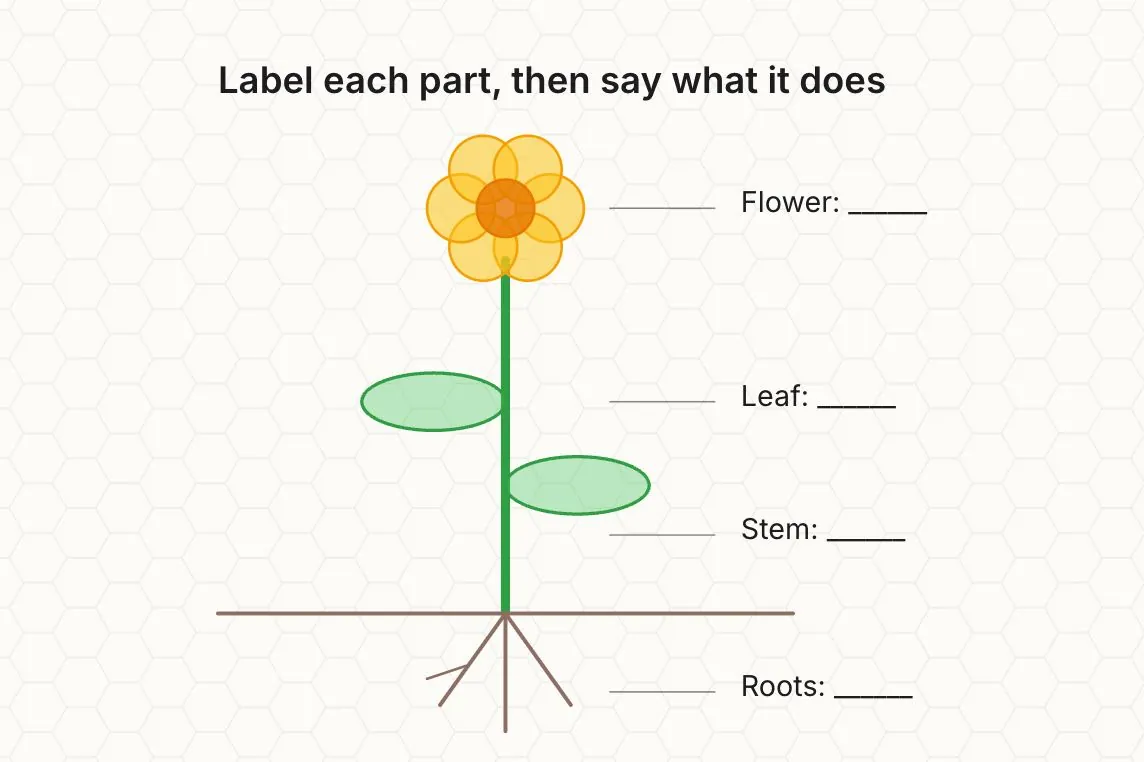
Parts of a plant
Label the parts and say what each one does
Use this starter
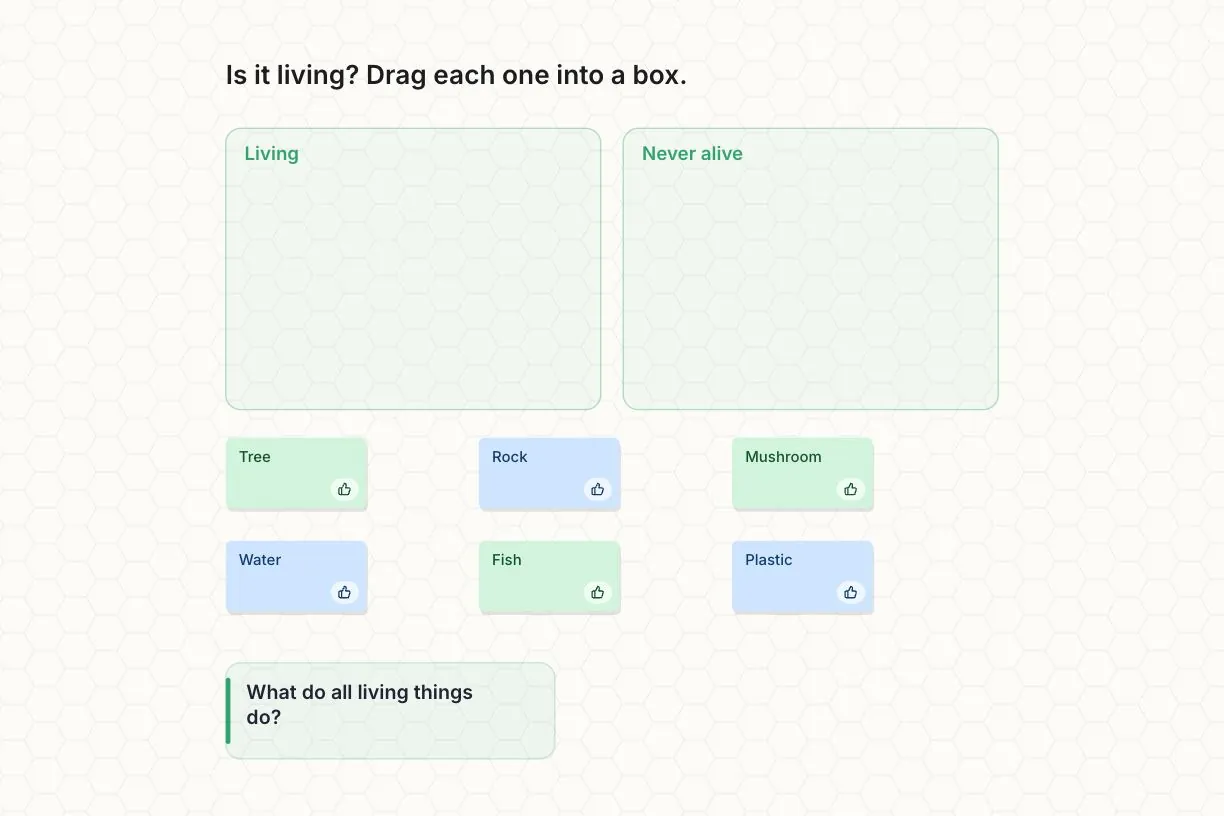
Living or not living?
Sort things into two groups and say why. A free lesson starter for Lesson Screen: change anything, then teach it live with your class.
Try it first needs no account.
How to run it in class
10 min- 1Read the groupsLiving and never alive.
- 2Sort themStudents drag each one into a box.
- 3Ask the big questionWhat do all living things do?
Why it works
Sorting things into living and never alive helps children think about what living things do. The big question at the end builds the idea of life processes.
Ideas to adapt it
- Add things that were once alive, like wood.
- Go outside and find examples.
- Use photos from a nature walk.
Questions
How long does it take?
About 10 minutes. It stays saved in your lesson, so you can come back to it next time.
Can I use it with one student?
Yes. Go round the room at home and sort real things.
Do students need an account?
No. Go live and share the link or the code. Students join from any device with nothing to install, and you can give each of them their own copy.
Is this starter free?
Yes. Open it, change anything and teach with it on the free plan, which has every feature and live lessons with up to 5 students. Try it first needs no account.
More science starters
See all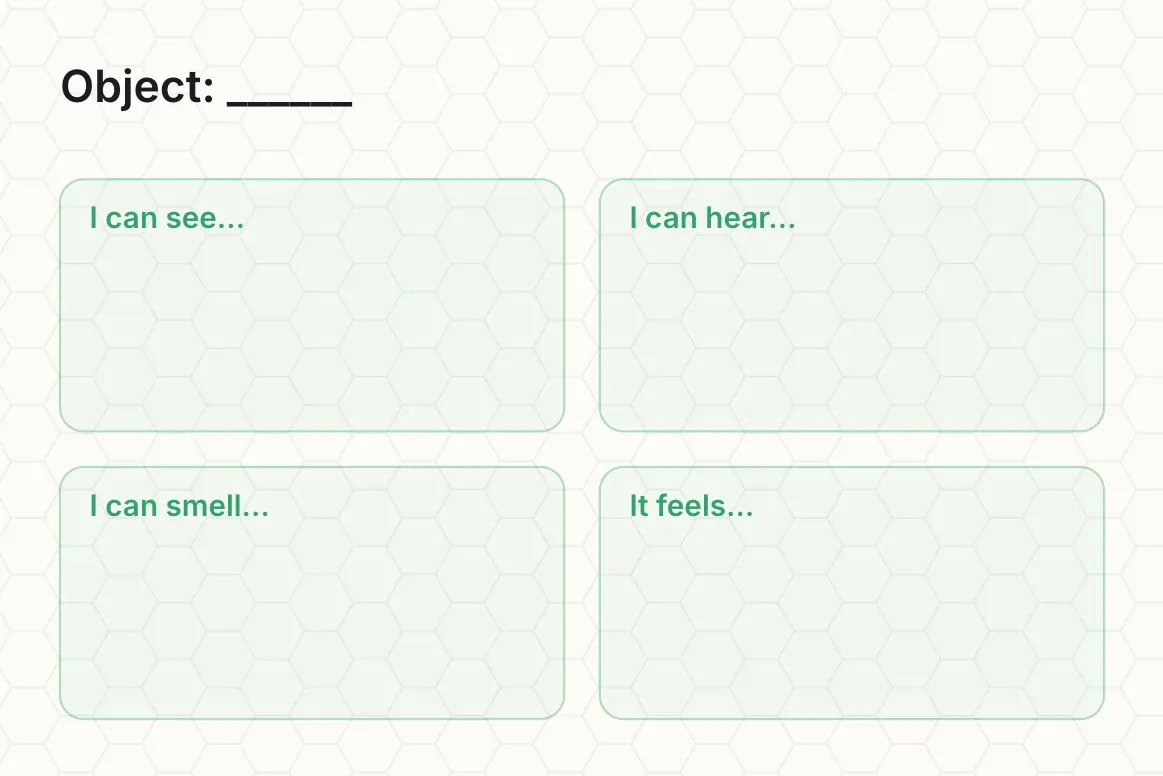
Observe with your senses
See, hear, smell, touch: describe one object
Use this starter
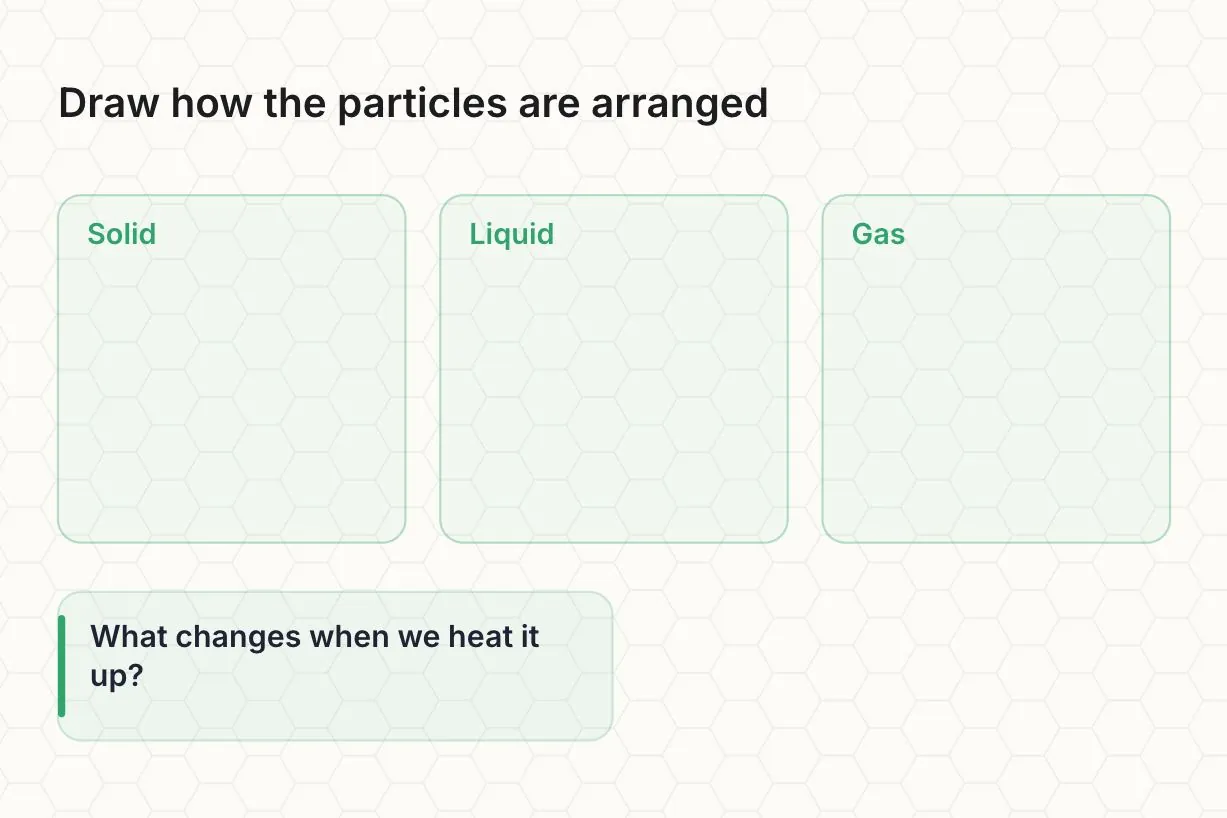
States of matter
Solid, liquid, gas: draw the particles
Use this starter