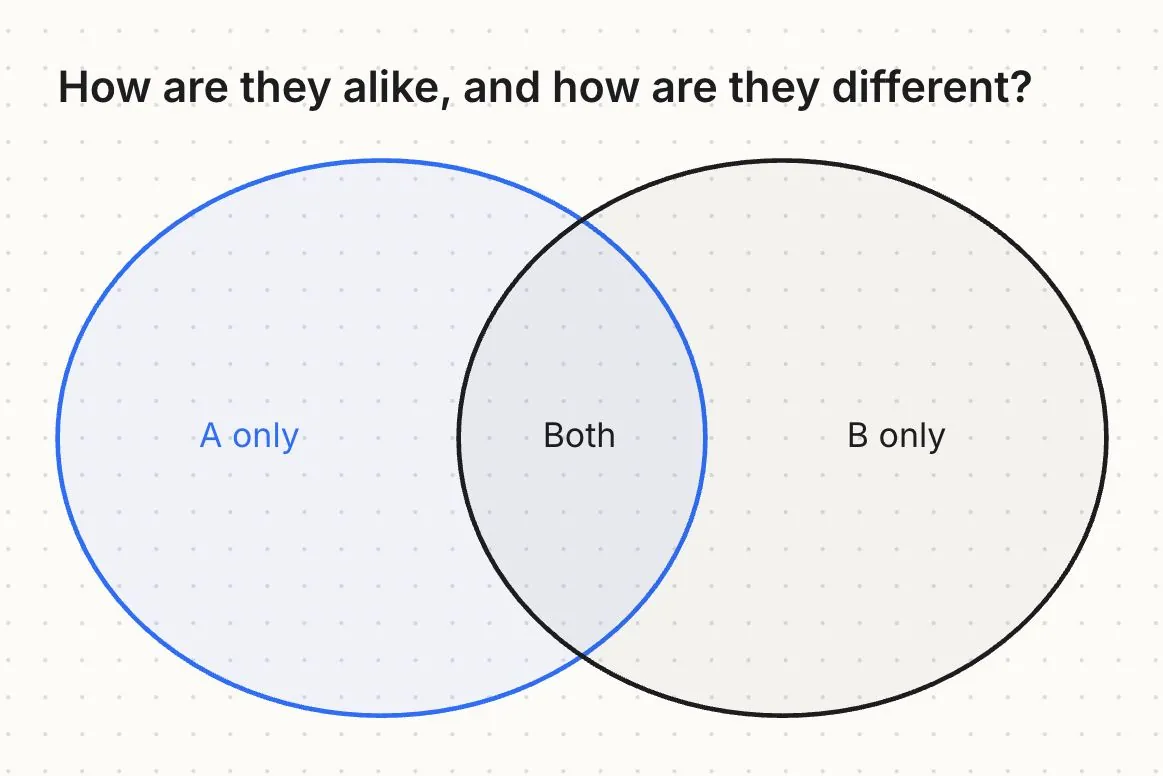
Compare in a Venn
Two overlapping circles: different and the same
Use this starter
Mind map
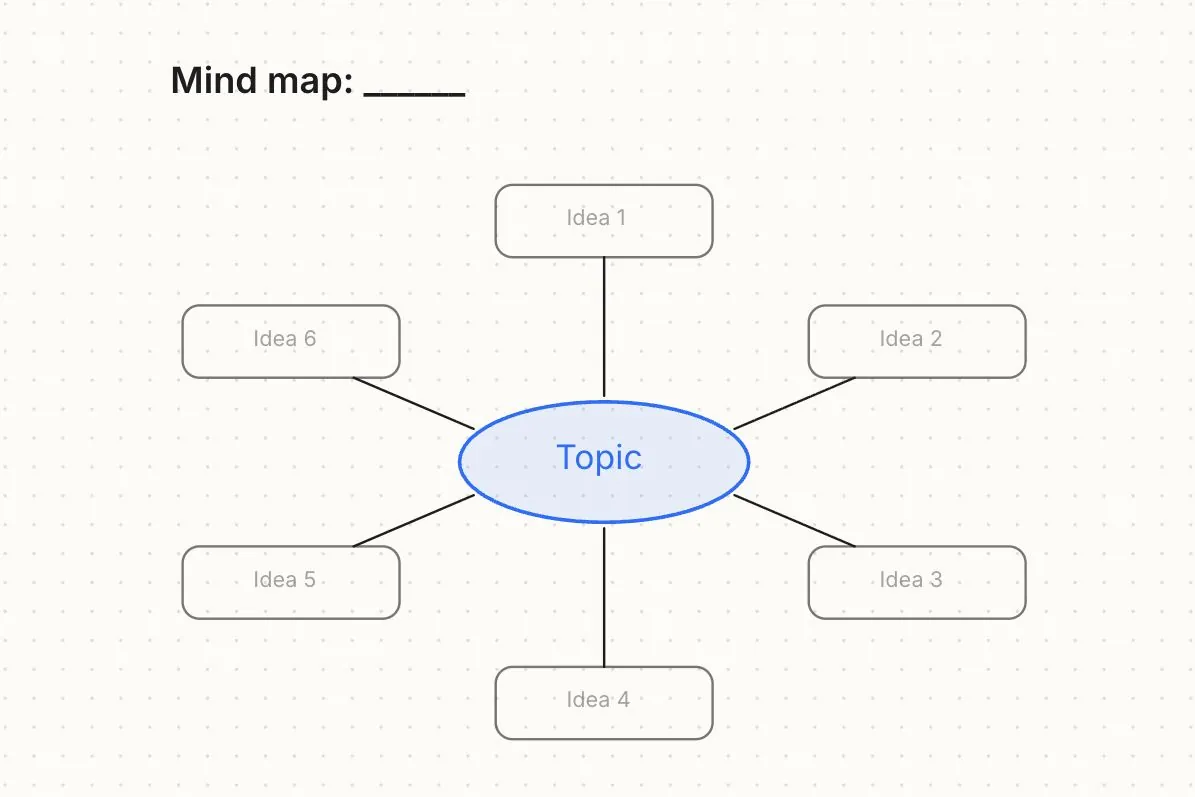
A topic in the middle, six ideas around it. A free lesson starter for Lesson Screen: change anything, then teach it live with your class.
Try it first needs no account.
How to run it in class
10 min- 1Put the topic in the middleType the topic in the centre and the title at the top.
- 2Fill the six ideasAsk the class for ideas and write them around it, or let students type them in.
- 3Join and groupDraw lines between ideas that connect. Ask: which idea is the biggest?
Why it works
A mind map shows how ideas connect, not just what they are. Building it together lets you hear what students already know and spot the gaps before you teach.
Ideas to adapt it
- Use it at the end of a unit to revise everything at once.
- Give each group one branch to fill in breakout rooms.
- Colour the branches so each theme stands out.
Questions
How long does it take?
About 10 minutes. It stays saved in your lesson, so you can come back to it next time.
Can I use it with one student?
Yes. Let them hold the pen. You add one idea for every two of theirs.
Do students need an account?
No. Go live and share the link or the code. Students join from any device with nothing to install, and you can give each of them their own copy.
Is this starter free?
Yes. Open it, change anything and teach with it on the free plan, which has every feature and live lessons with up to 5 students. Try it first needs no account.
More any subject starters
See all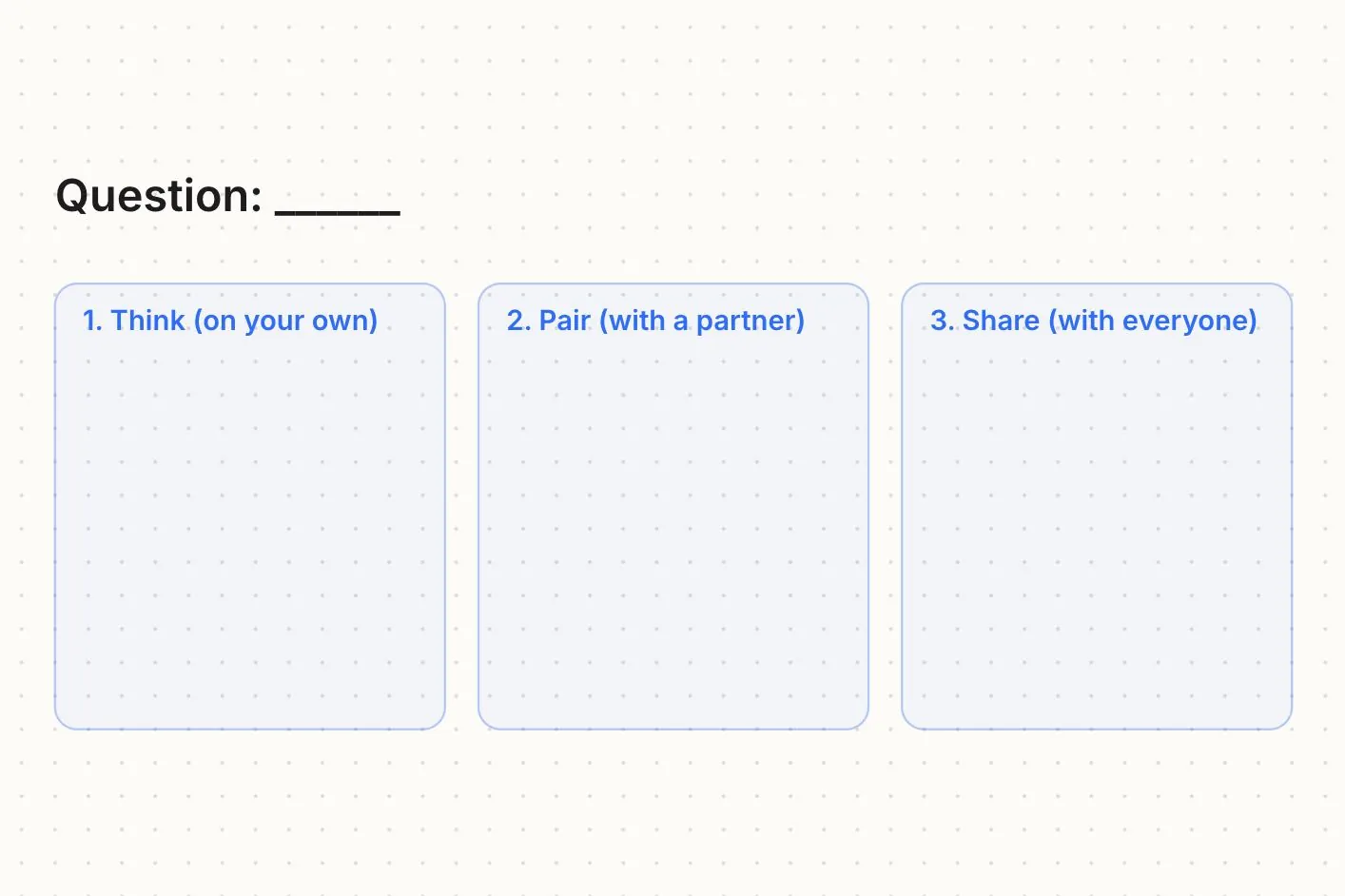
Think, pair, share
Think alone, talk to a partner, share with all
Use this starter
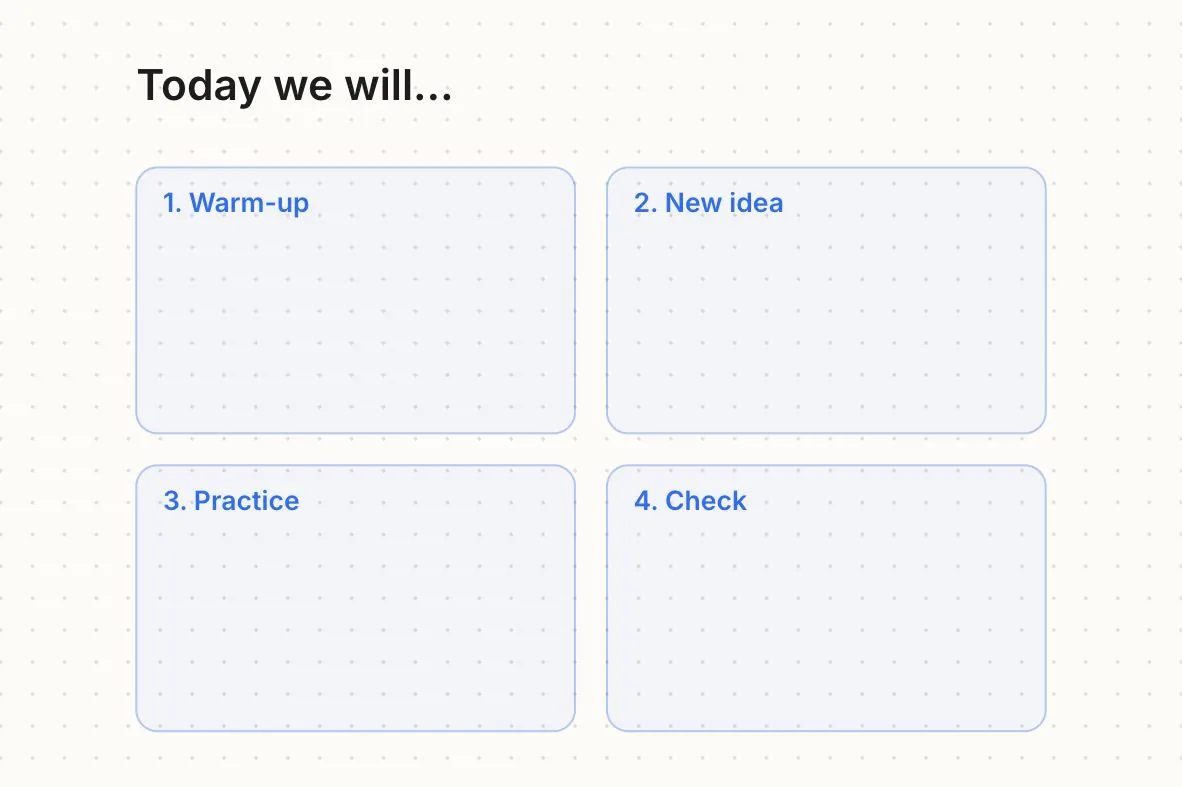
Lesson outline
Warm-up, new idea, practice, check
Use this starter