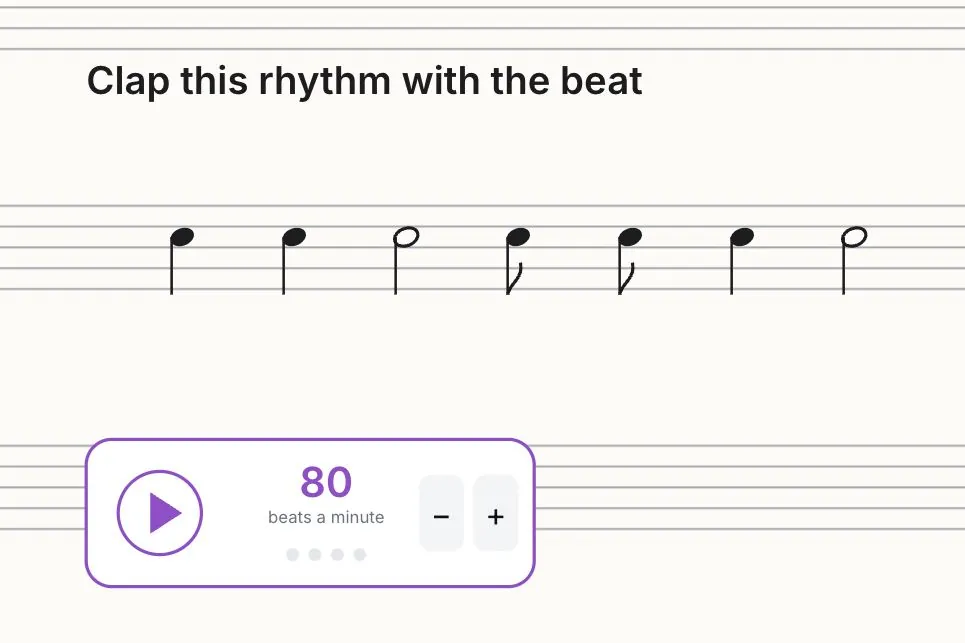
Keep the beat
A metronome and a rhythm to clap together
Use this starter
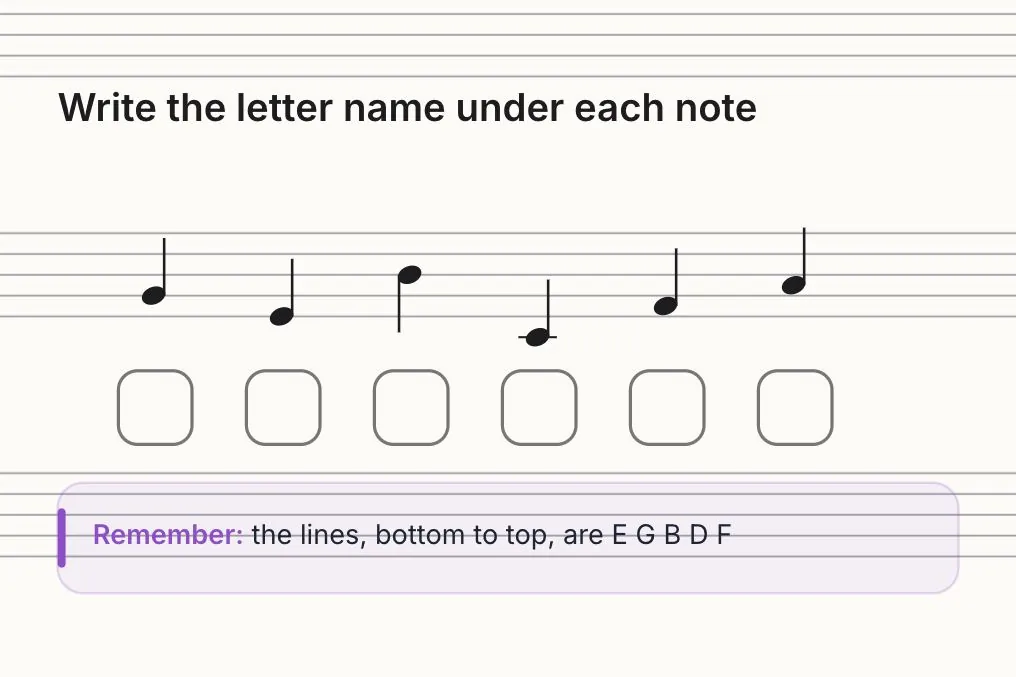
Name the notes
Notes on the staff with boxes to write their names. A free lesson starter for Lesson Screen: change anything, then teach it live with your class.
Try it first needs no account.
How to run it in class
10 min- 1Remember the linesRead out E G B D F and make up a sentence for it.
- 2Name each noteStudents write the letter under each note.
- 3Check togetherGo through them and play each note.
Why it works
Naming notes on the staff is the first step to reading music. A memory sentence for the lines helps students recall them quickly.
Ideas to adapt it
- Add the spaces with F A C E.
- Play a note and ask students to find it on the staff.
- Race to name five notes against the timer.
Questions
How long does it take?
About 10 minutes. It stays saved in your lesson, so you can come back to it next time.
Can I use it with one student?
Yes. Time how fast they name all of them each week.
Do students need an account?
No. Go live and share the link or the code. Students join from any device with nothing to install, and you can give each of them their own copy.
Is this starter free?
Yes. Open it, change anything and teach with it on the free plan, which has every feature and live lessons with up to 5 students. Try it first needs no account.
More music starters
See all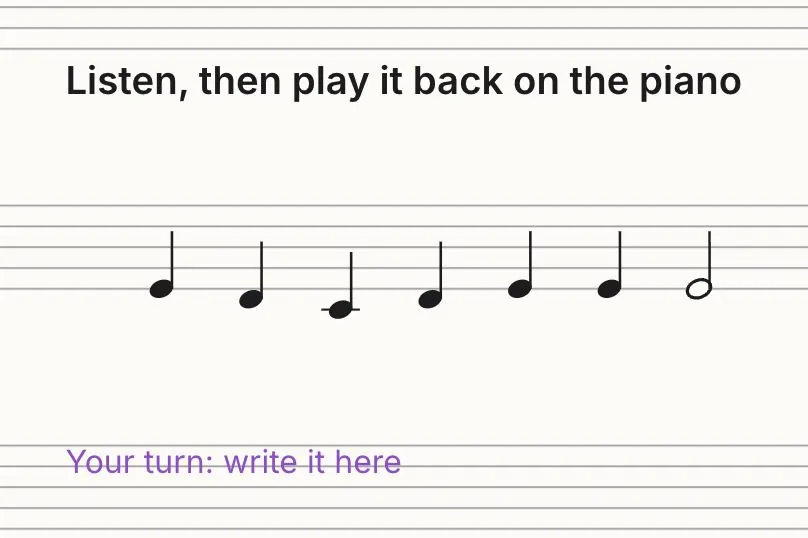
Echo the melody
A short tune to hear and play back
Use this starter
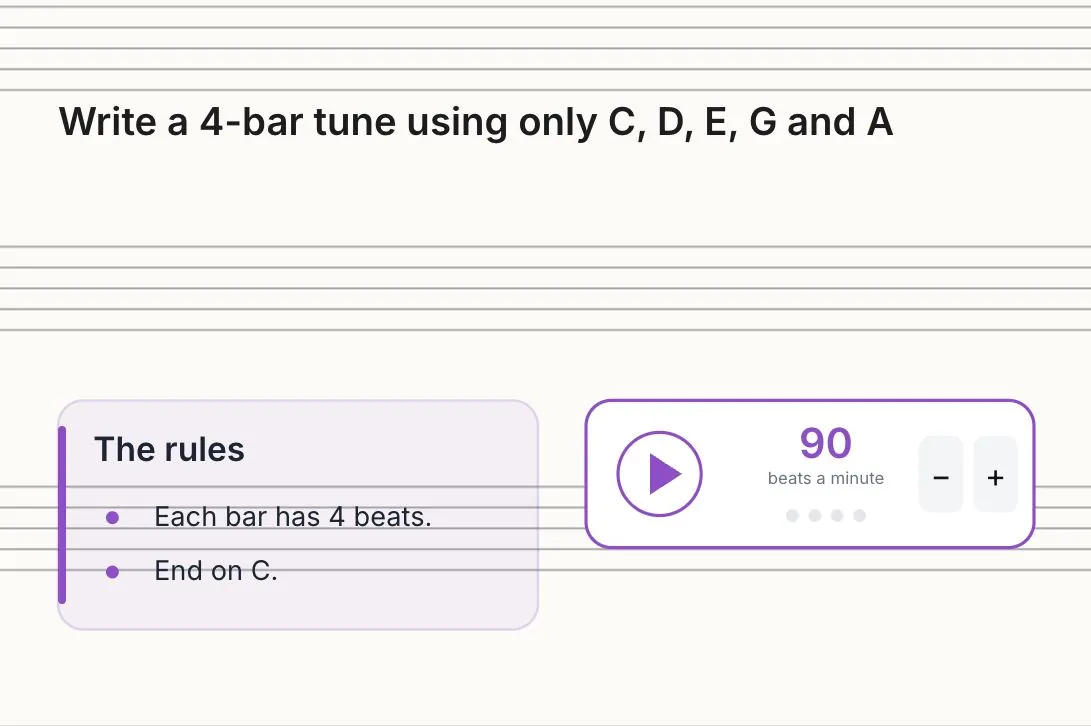
Compose four bars
An empty staff, a beat and a challenge
Use this starter