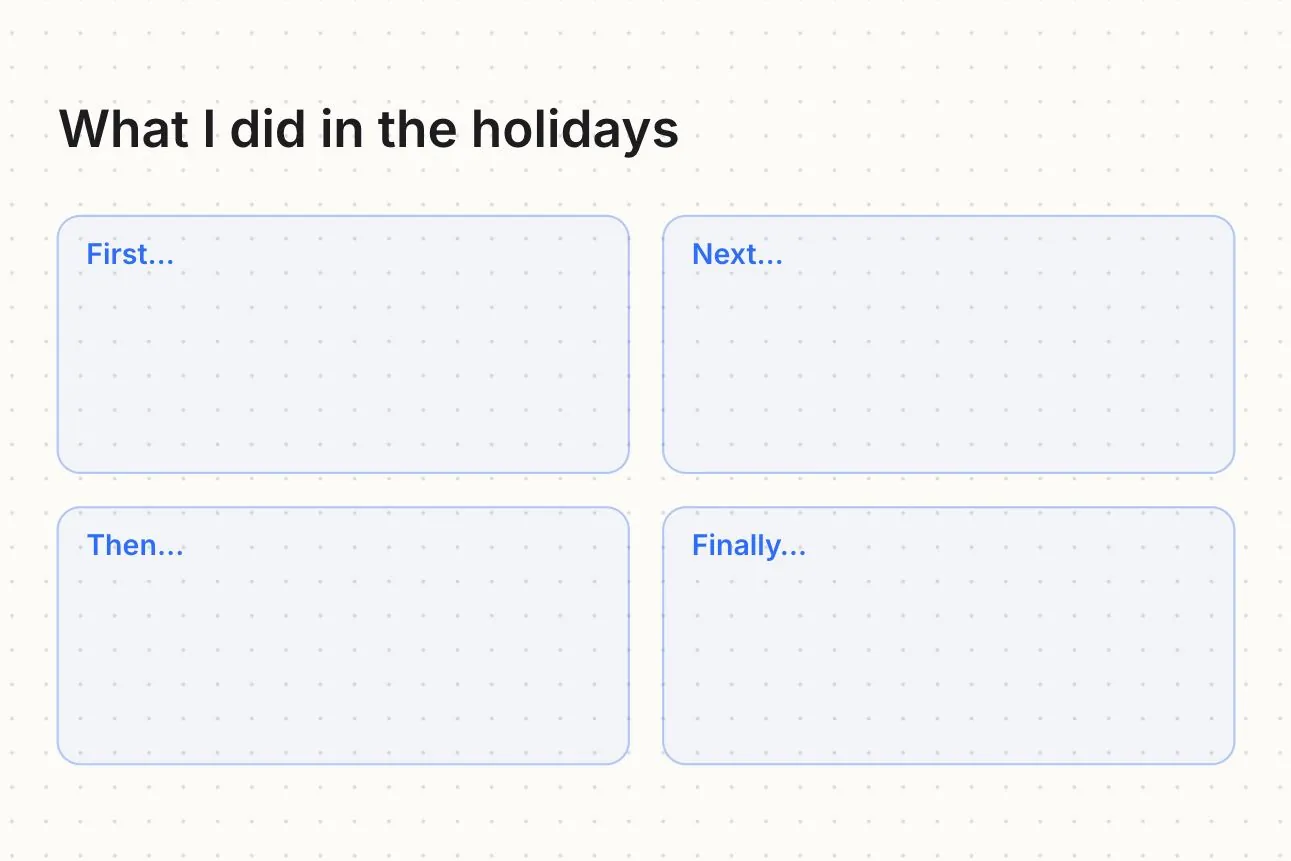
Holiday recount
First, next, then, finally: write about the break
Use this starter
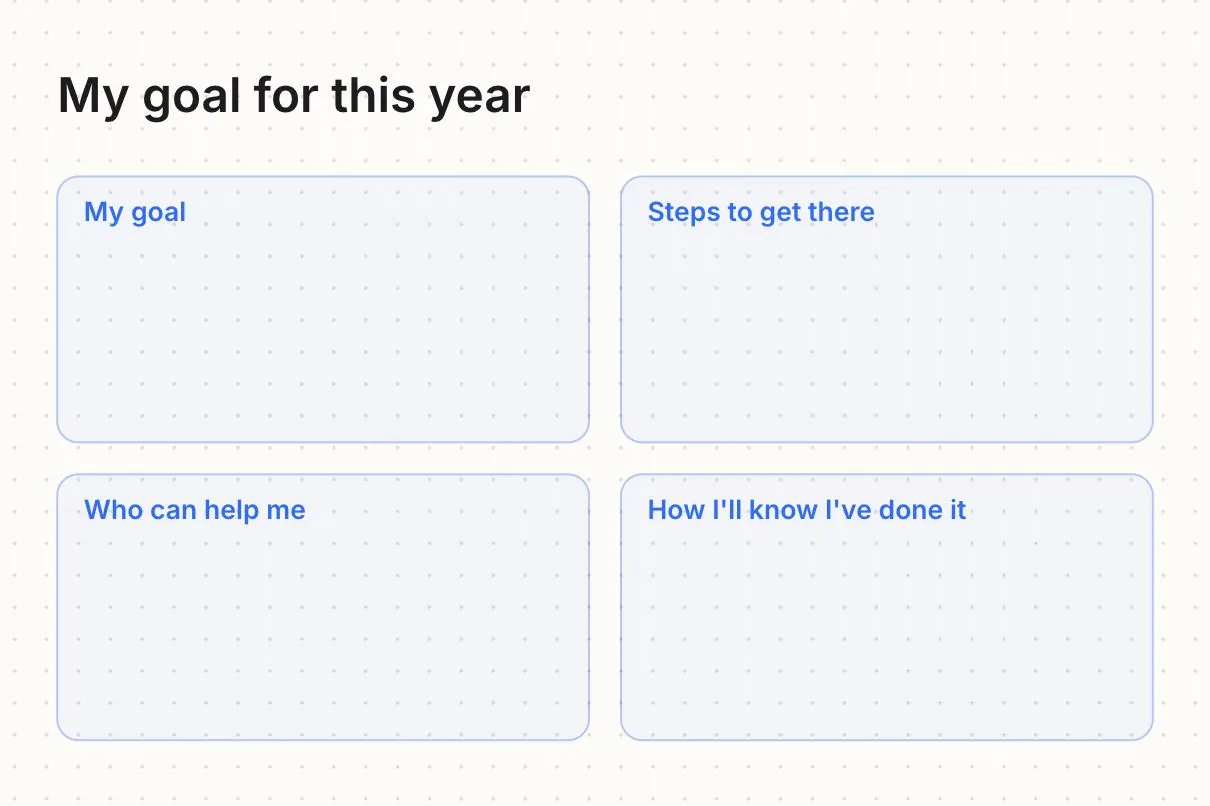
New year goals
A goal, the steps to get there and how you'll know. A free lesson starter for Lesson Screen: change anything, then teach it live with your class.
Try it first needs no account.
How to run it in class
15 min- 1Talk about goalsShare one goal of your own to start.
- 2Fill in the four boxesEach student fills theirs: the goal, steps, who can help and how they'll know.
- 3Come back to itKeep the board and check it again before half term.
Great for tutoring: make the goal the one you work on together.
Why it works
A goal with steps and a way to check is far more likely to happen. Writing who can help reminds students they don't have to do it alone.
Ideas to adapt it
- Use it at the start of a term, not just in January.
- Set one learning goal and one personal goal.
- Check progress together halfway through the term.
Questions
How long does it take?
About 15 minutes. It stays saved in your lesson, so you can come back to it next time.
Can I use it with one student?
Yes. Open it in your student's own lesson, work through it together, and keep the board for next time.
Do students need an account?
No. Go live and share the link or the code. Students join from any device with nothing to install, and you can give each of them their own copy.
Is this starter free?
Yes. Open it, change anything and teach with it on the free plan, which has every feature and live lessons with up to 5 students. Try it first needs no account.
More seasonal starters
See all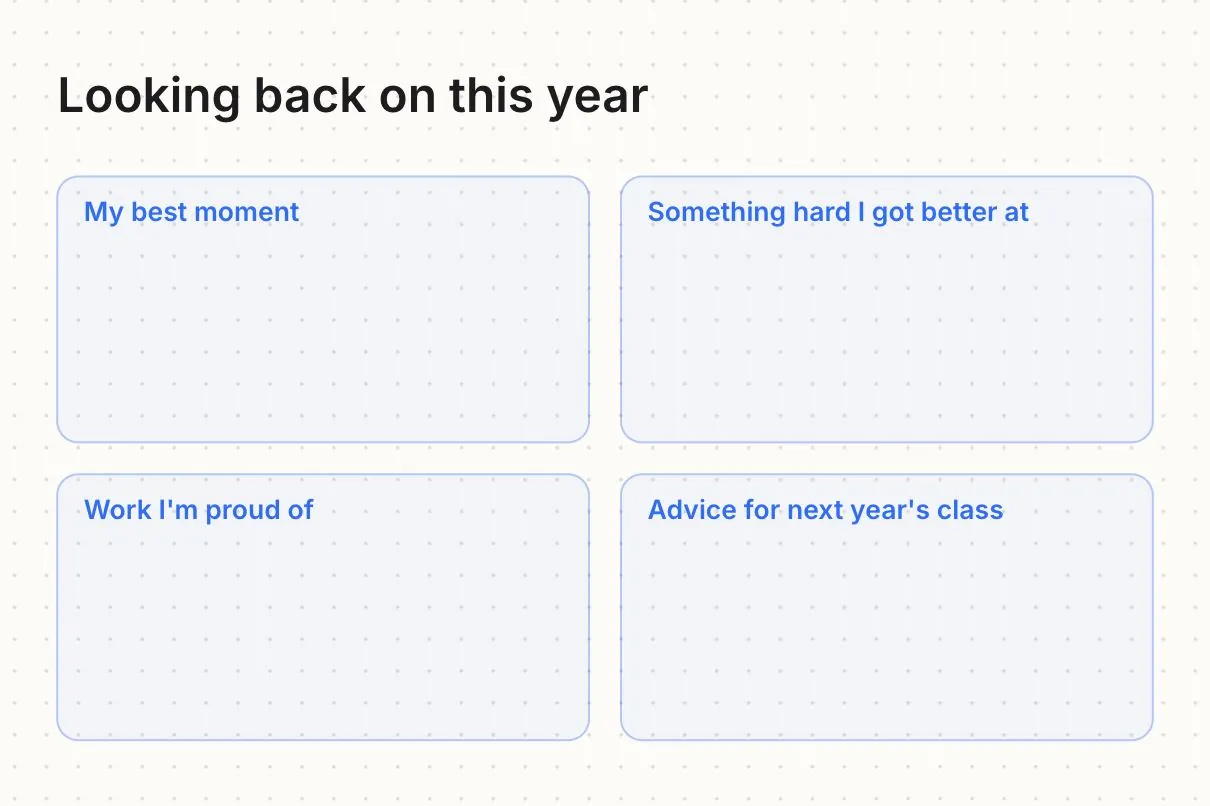
End of year: looking back
Best moments, proud work and advice for next year's class
Use this starter
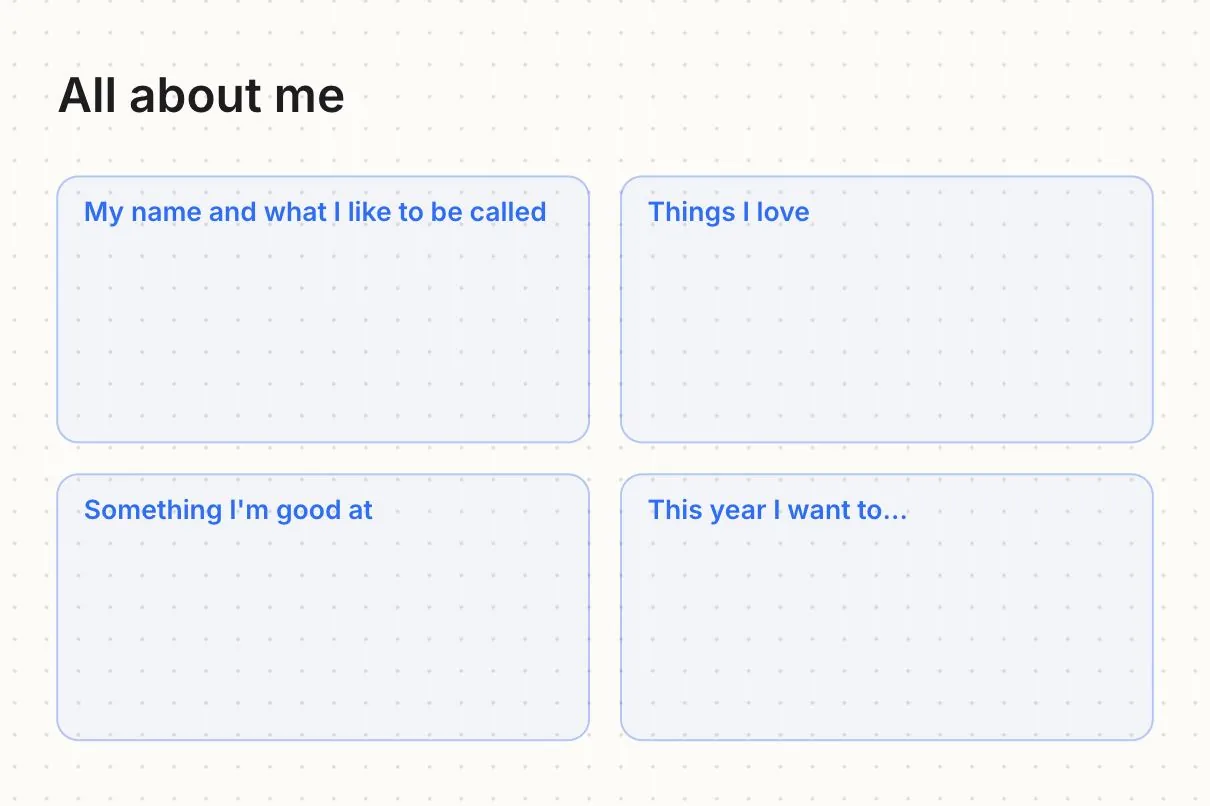
Back to school: all about me
Four boxes for a new class to get to know each other
Use this starter