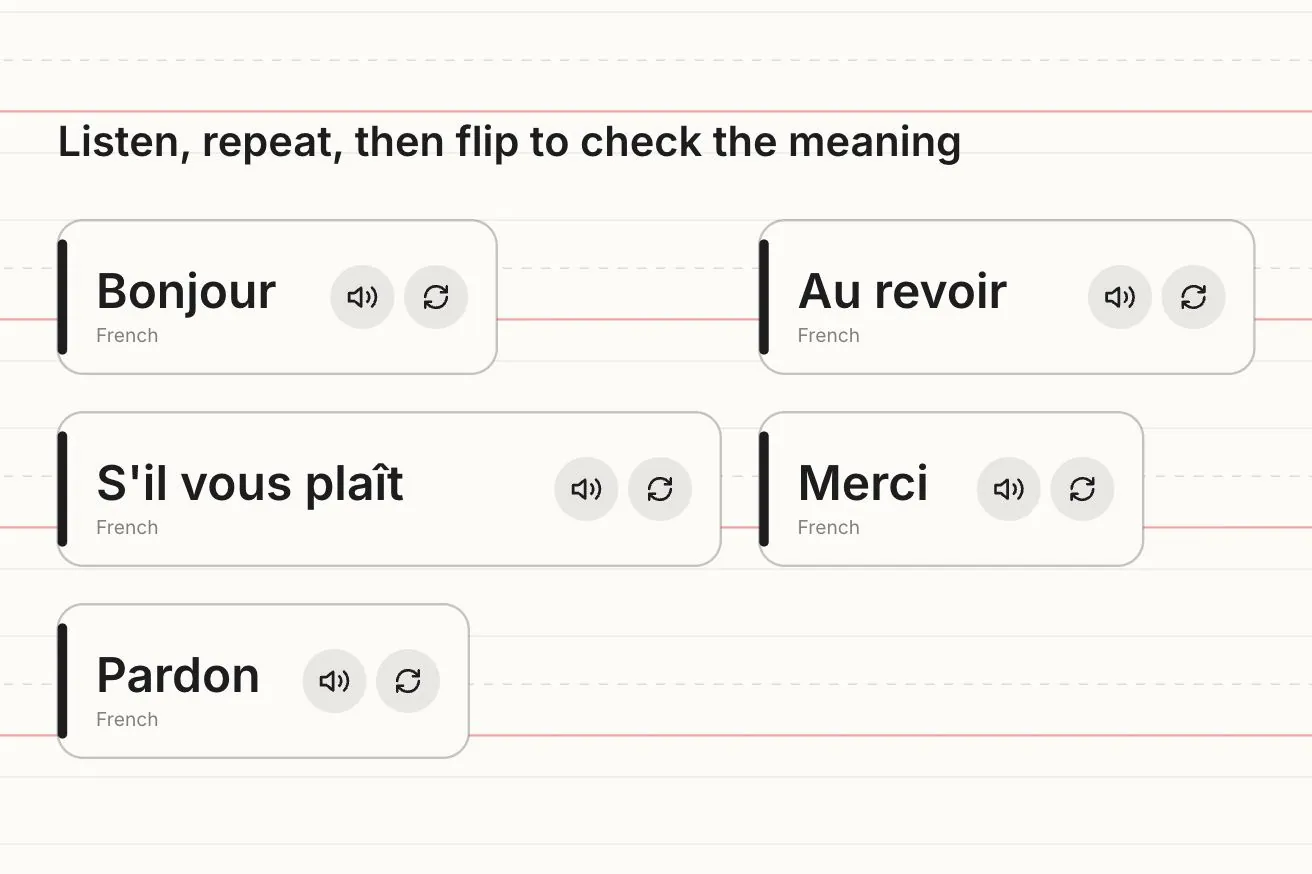
Greetings
Five speaking cards in your chosen language
Use this starter
Phonics sounds
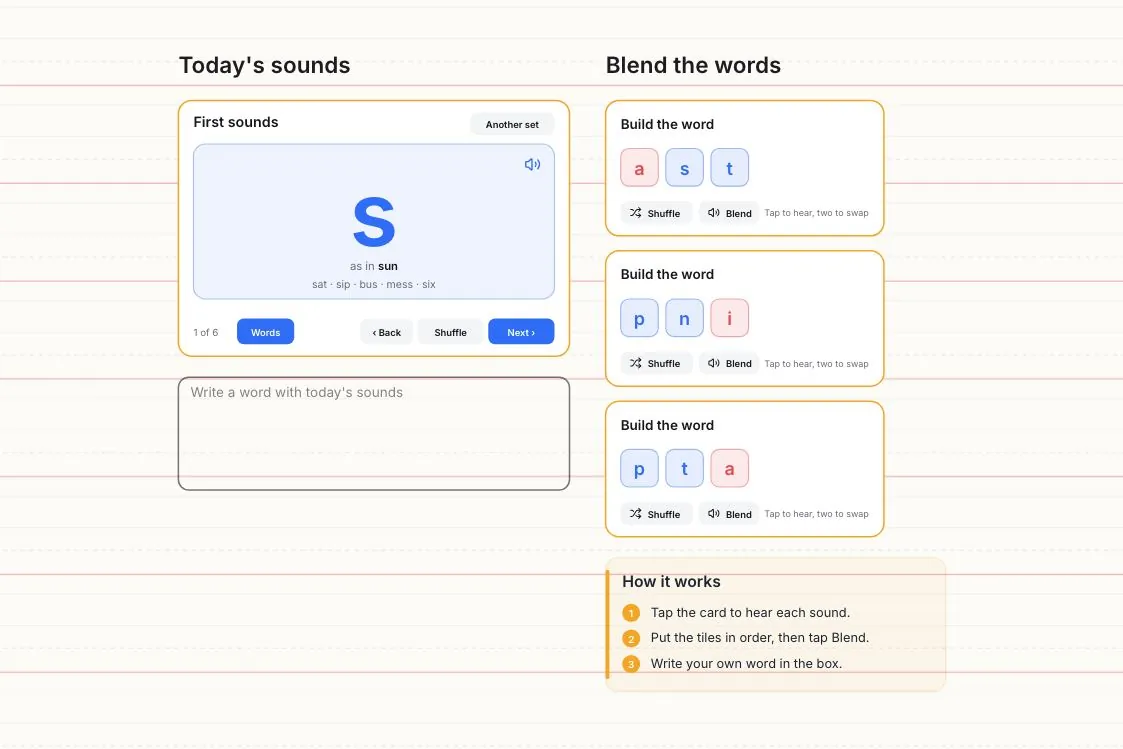
Hear today's sounds, then blend them into words. A free lesson starter for Lesson Screen: change anything, then teach it live with your class.
Try it first needs no account.
How to run it in class
10 min- 1Hear each soundTap the card, say the sound together, then Next.
- 2Blend the wordsStudents put the tiles in order and tap Blend.
- 3Write a wordEach writes a word with today's sounds.
Why it works
Hearing a clear sound while seeing its letters links the two, and blending them straight away turns sounds into reading. Short daily practice with a few sounds works better than many at once.
Ideas to adapt it
- Pick next week's sounds, like sh, ch and th, and change the words to match.
- Ask students to find the sound in a word on the board.
- Use it for older learners who struggle with reading, not just young classes.
Questions
How long does it take?
About 10 minutes. It stays saved in your lesson, so you can come back to it next time.
Can I use it with one student?
Yes. Double-click the card title to pick the sounds they need.
Do students need an account?
No. Go live and share the link or the code. Students join from any device with nothing to install, and you can give each of them their own copy.
Is this starter free?
Yes. Open it, change anything and teach with it on the free plan, which has every feature and live lessons with up to 5 students. Try it first needs no account.
More languages starters
See all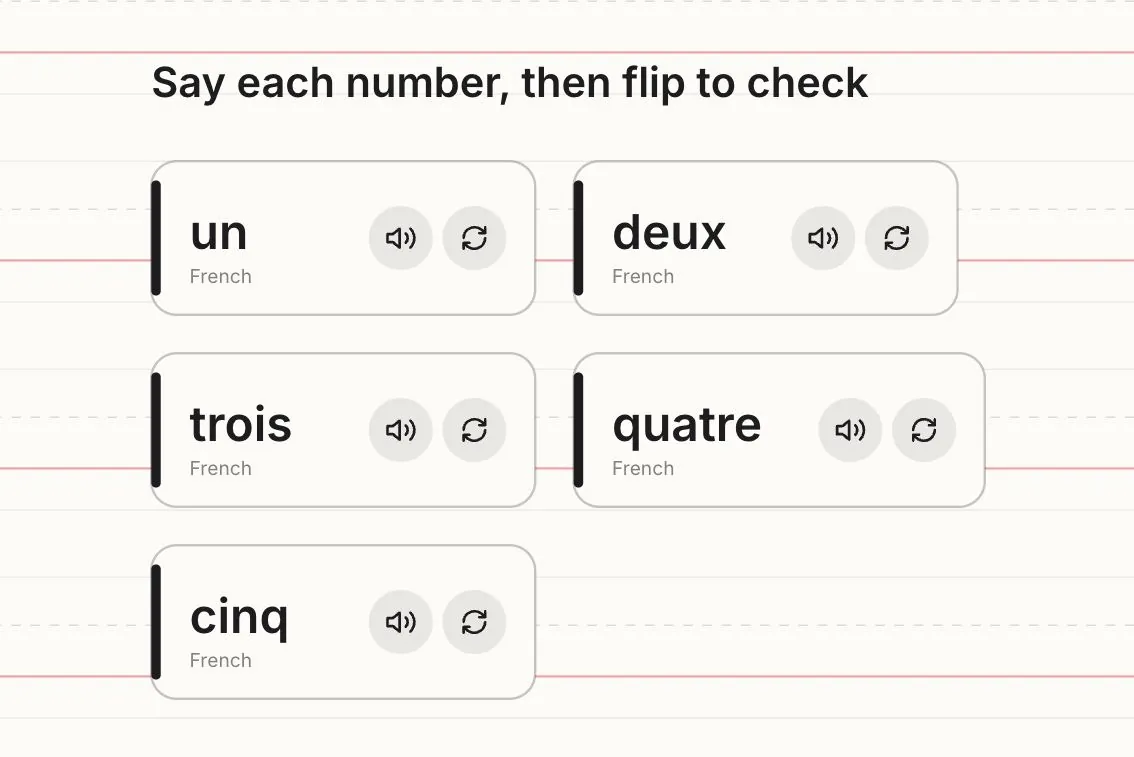
Numbers 1 to 5
Speaking cards that flip to the digit
Use this starter
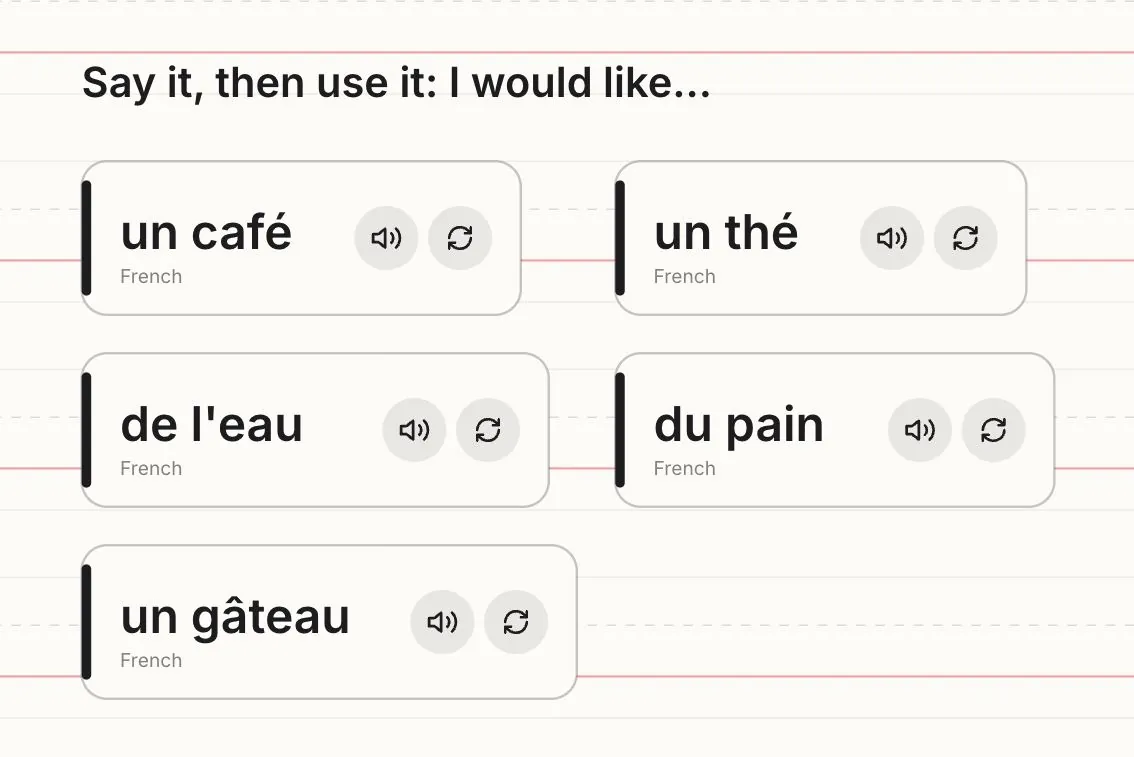
Food and drink
Speaking cards for ordering in a café
Use this starter