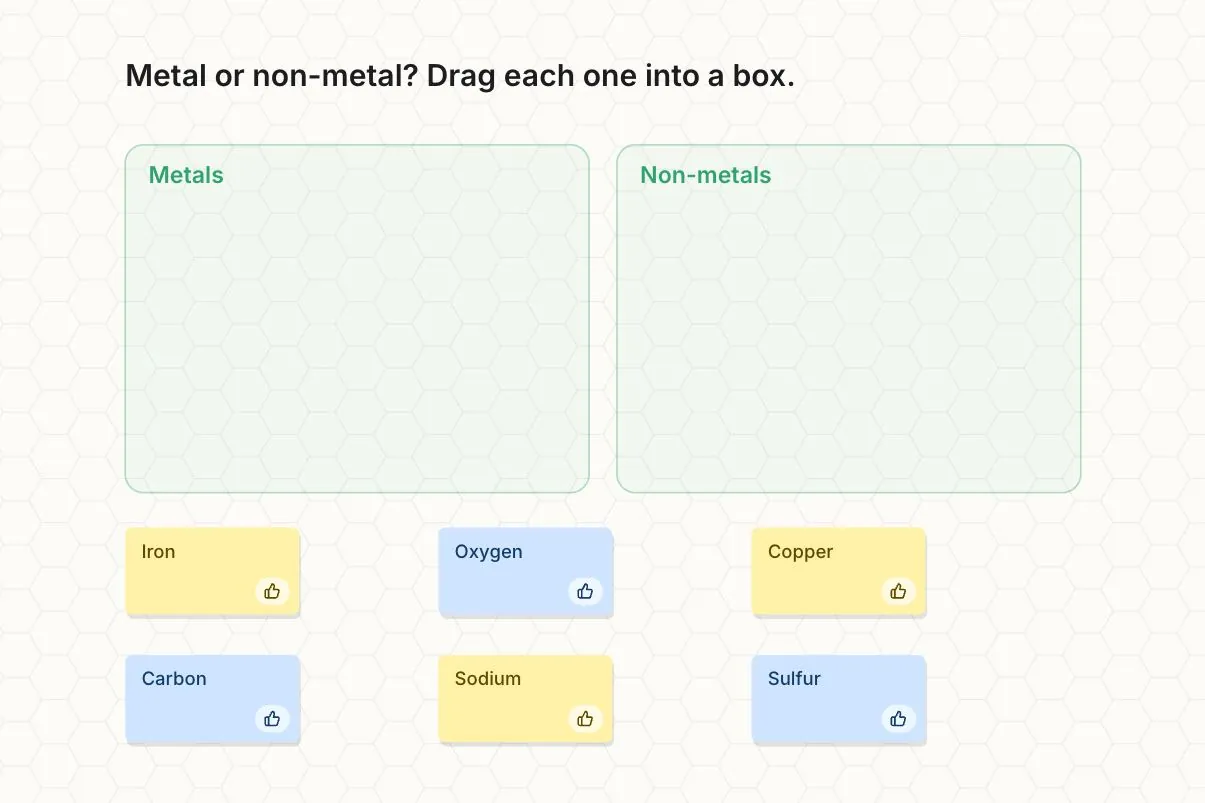
Sort it out
Drag sticky notes into the right group
Use this starter
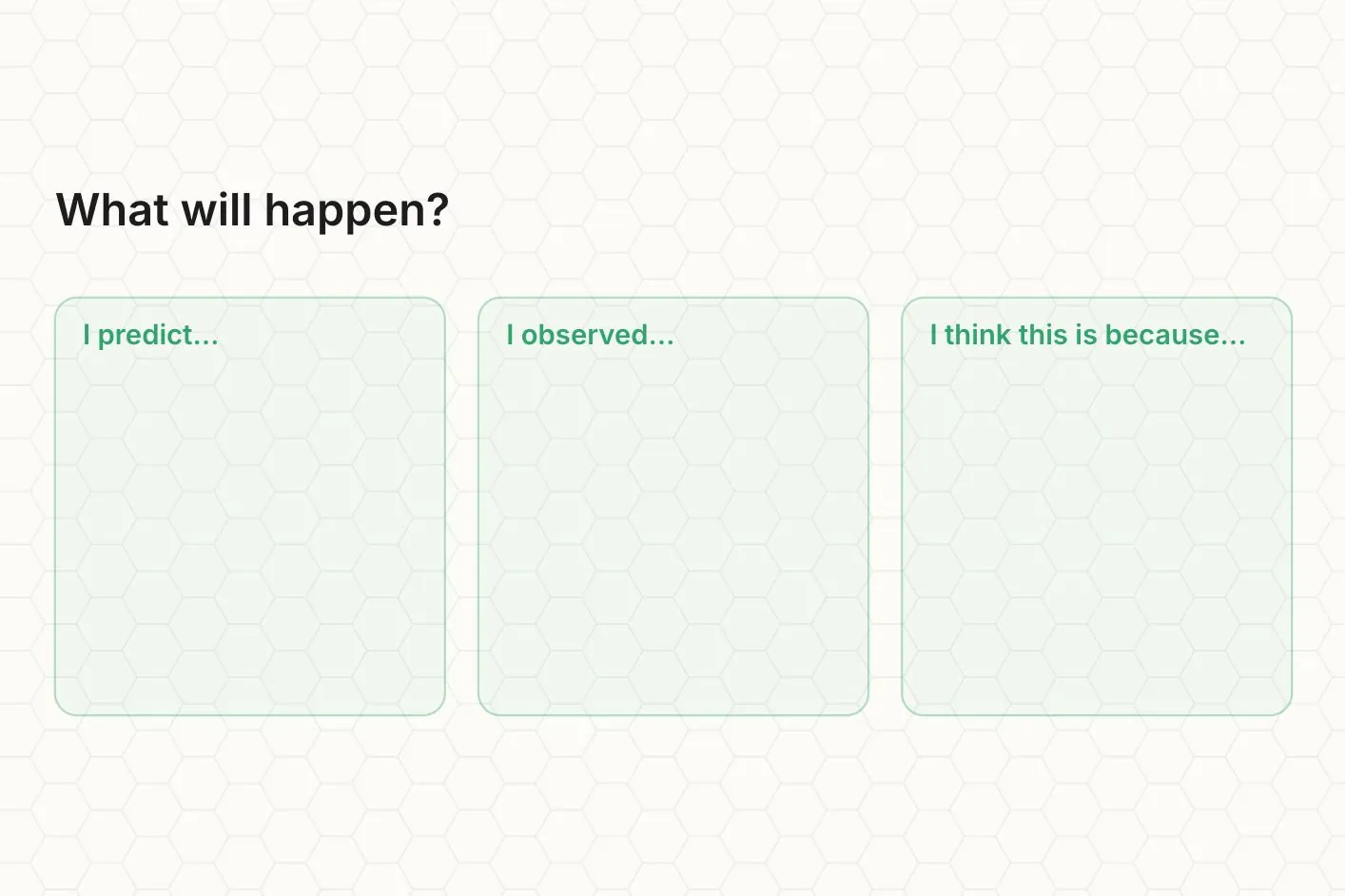
Predict, observe, explain
Guess first, watch, then explain. A free lesson starter for Lesson Screen: change anything, then teach it live with your class.
Try it first needs no account.
How to run it in class
15 min- 1PredictStudents write what will happen before anything else.
- 2Watch itShow the experiment live or in a video on the board.
- 3ExplainFill in what they saw and why. Compare with the prediction.
Why it works
Predicting first makes students commit to an idea, so the result surprises or confirms it. Explaining the difference is where learning happens.
Ideas to adapt it
- Use a short video of a surprising experiment.
- Try it with a demonstration in class.
- Let students design their own predict, observe, explain.
Questions
How long does it take?
About 15 minutes. It stays saved in your lesson, so you can come back to it next time.
Can I use it with one student?
Yes. Ask them to explain why their prediction was wrong, if it was.
Do students need an account?
No. Go live and share the link or the code. Students join from any device with nothing to install, and you can give each of them their own copy.
Is this starter free?
Yes. Open it, change anything and teach with it on the free plan, which has every feature and live lessons with up to 5 students. Try it first needs no account.
More science starters
See all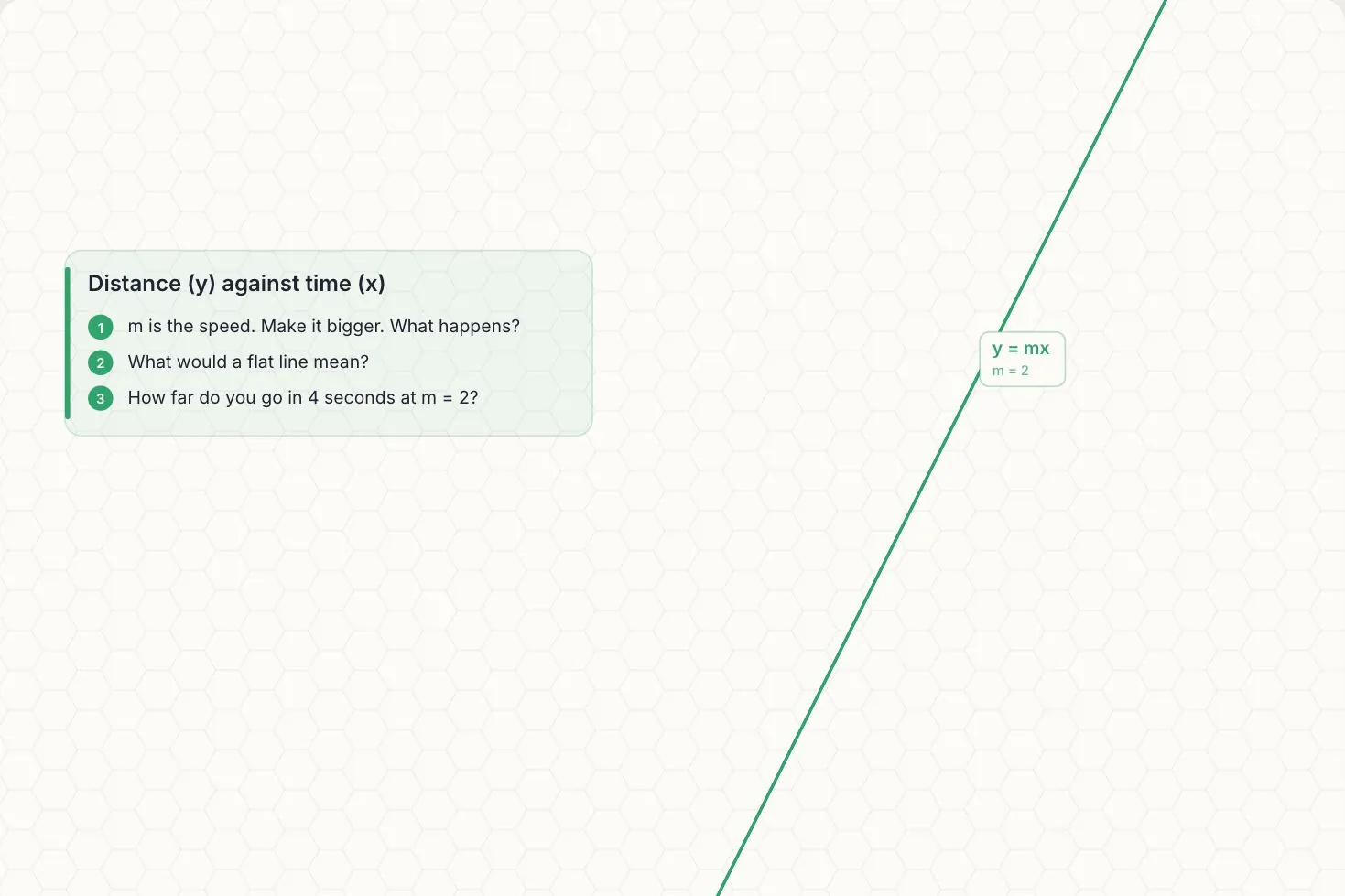
Distance-time graph
A slider for speed, and what the slope means
Use this starter
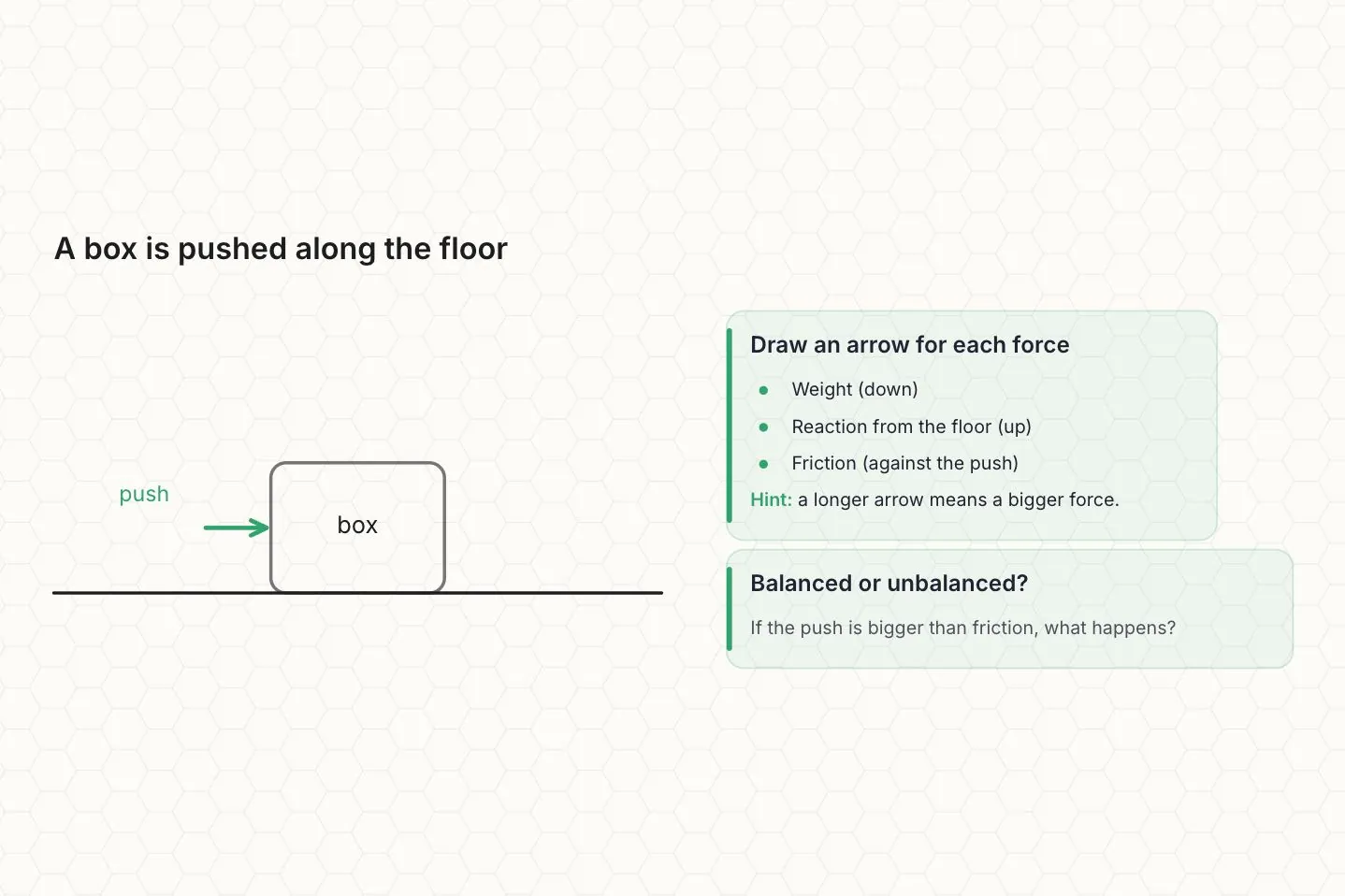
Forces on an object
Draw the forces, then say if they balance
Use this starter