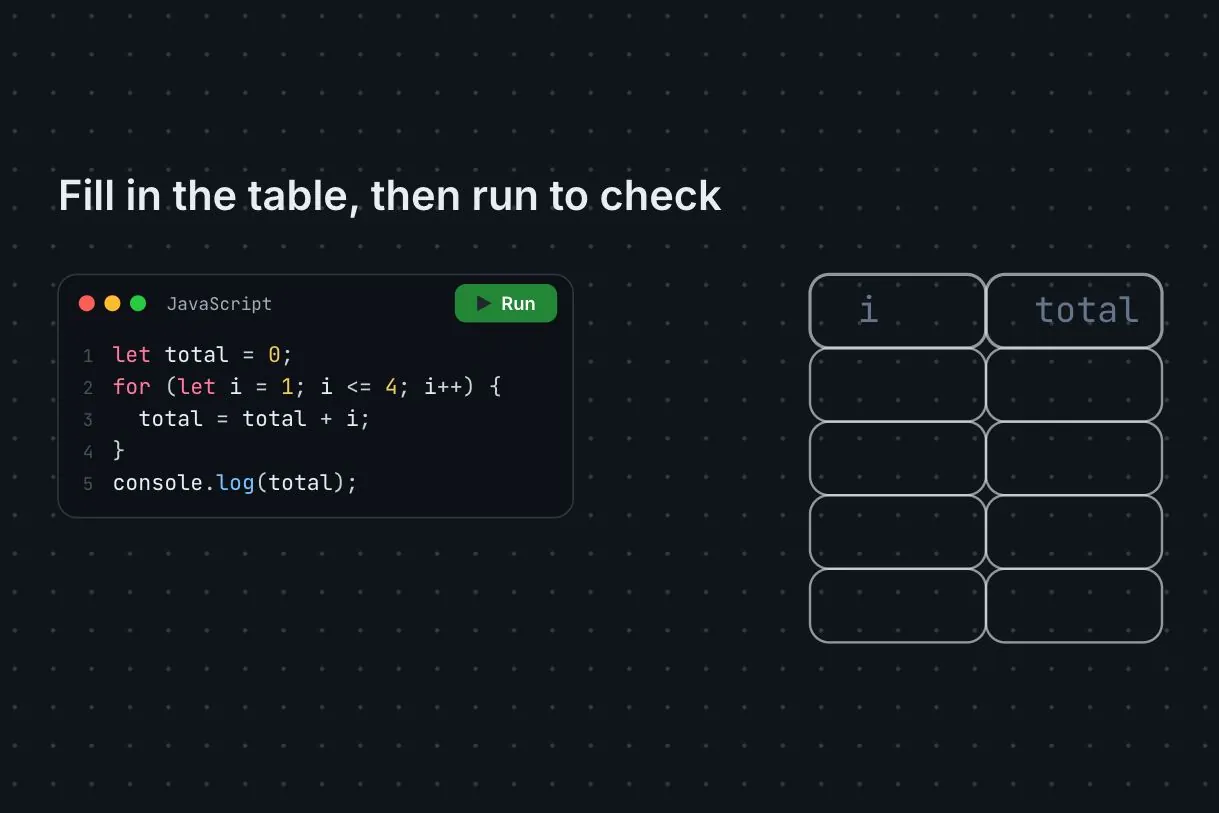
Trace a loop
Fill in a table step by step
Use this starter
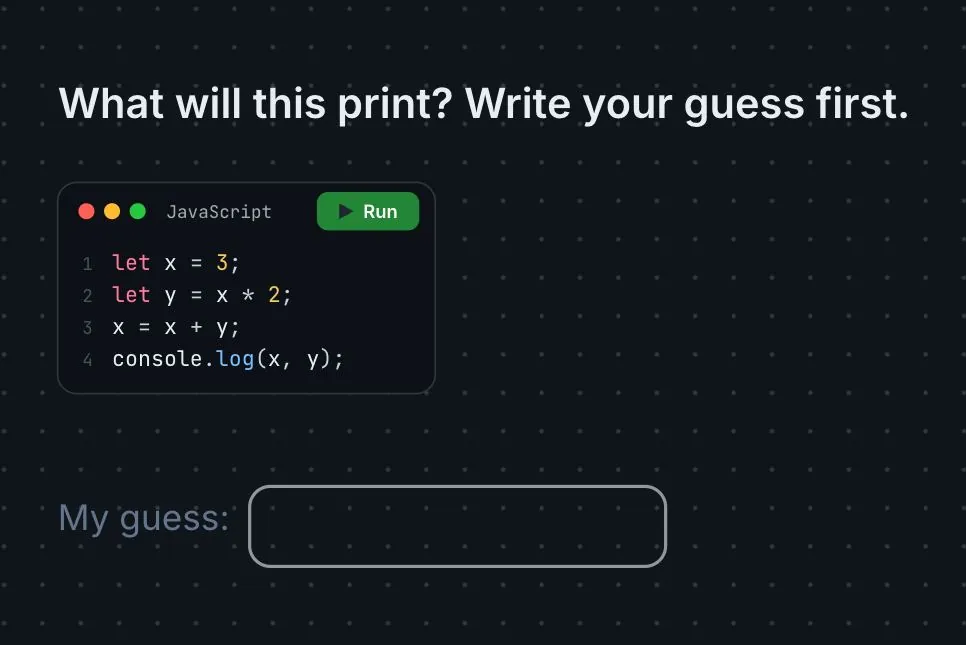
Predict the output
Guess first, then run it. A free lesson starter for Lesson Screen: change anything, then teach it live with your class.
Try it first needs no account.
How to run it in class
10 min- 1Guess firstStudents write what it will print.
- 2Run itPress Run and see.
- 3ExplainIf they were wrong, ask why.
Why it works
Guessing the output before running code makes students read it carefully. Explaining a wrong guess shows exactly what they misunderstood.
Ideas to adapt it
- Change one line and predict again.
- Use code with a loop.
- Let students write code for a partner to predict.
Questions
How long does it take?
About 10 minutes. It stays saved in your lesson, so you can come back to it next time.
Can I use it with one student?
Yes. Change one line and ask them to guess again.
Do students need an account?
No. Go live and share the link or the code. Students join from any device with nothing to install, and you can give each of them their own copy.
Is this starter free?
Yes. Open it, change anything and teach with it on the free plan, which has every feature and live lessons with up to 5 students. Try it first needs no account.
More coding starters
See all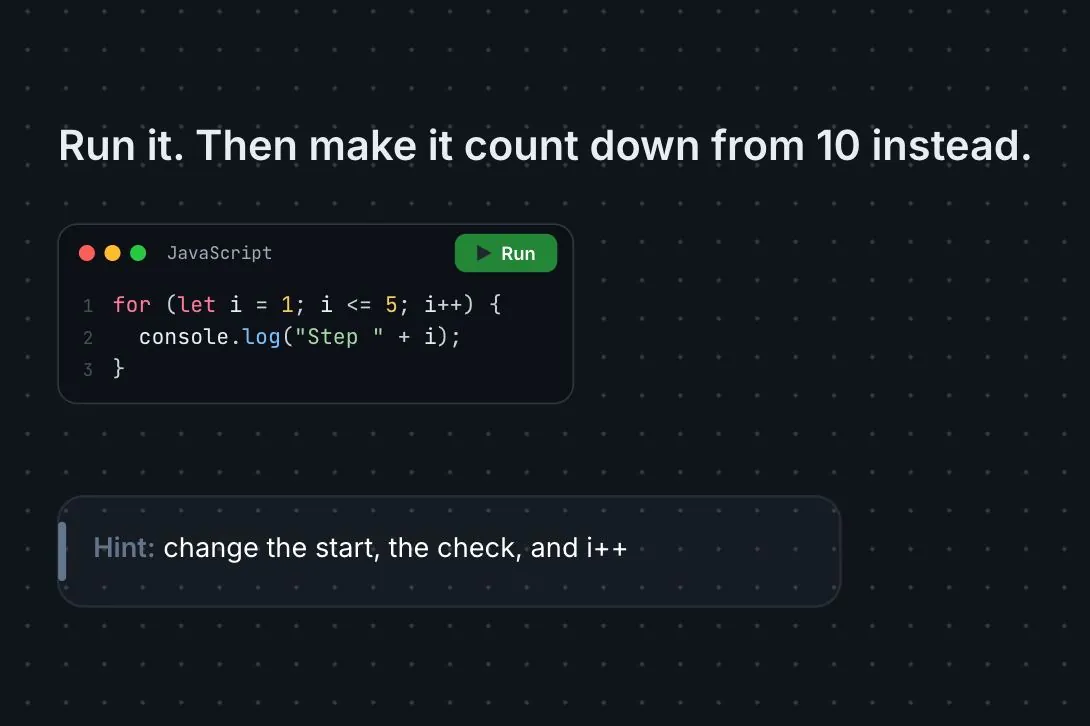
Change one thing
Edit the code to make it do something new
Use this starter
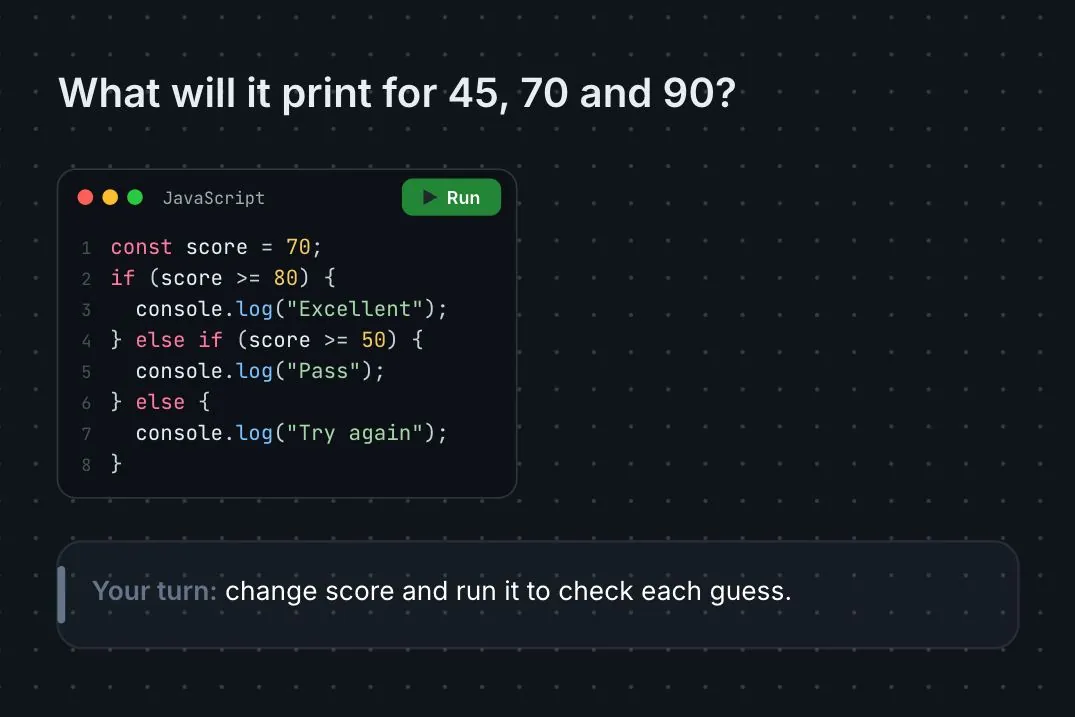
Decisions with if
Guess what prints for each score
Use this starter