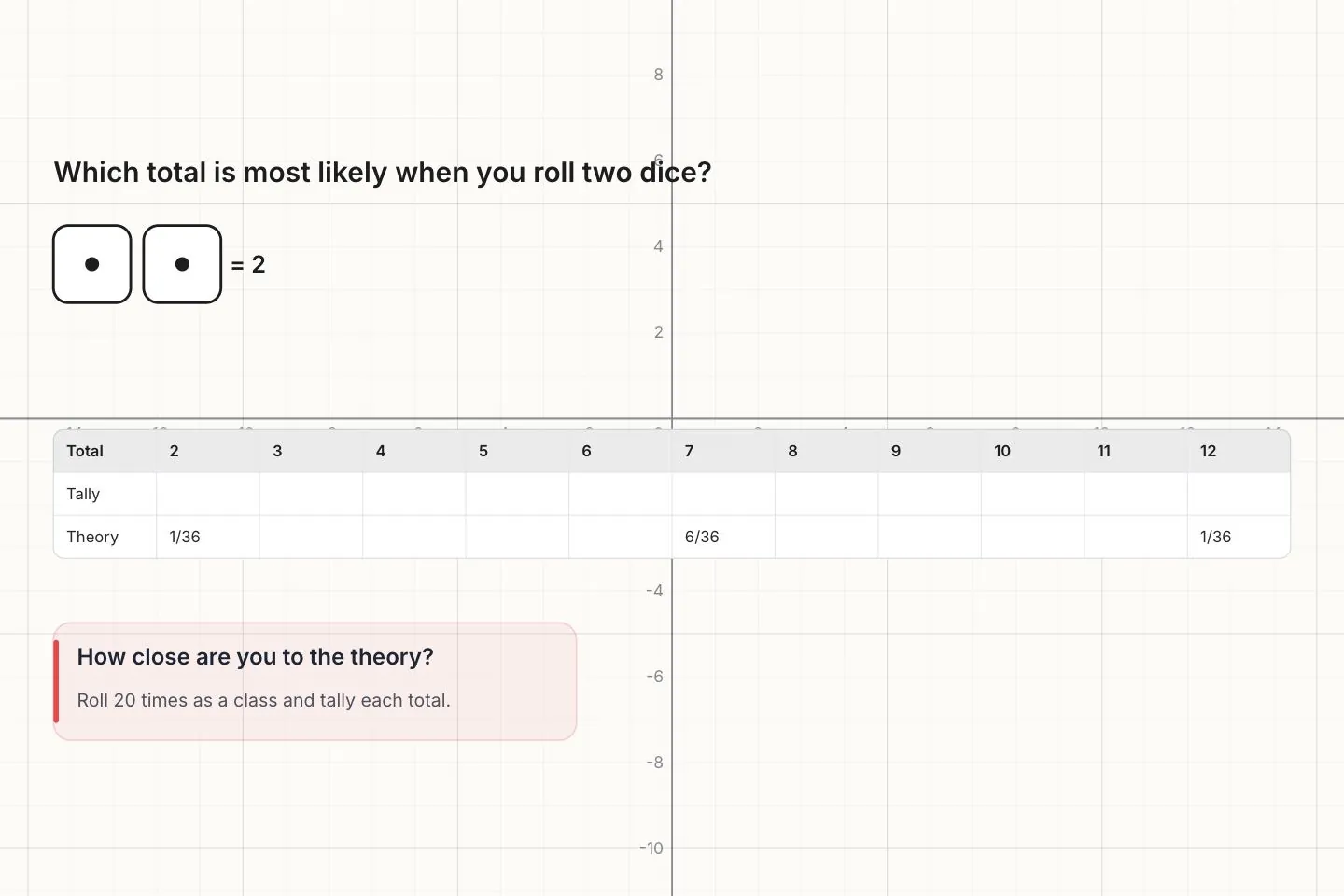
Probability with two dice
Roll, record, and compare with theory
Use this starter
Solve a word problem
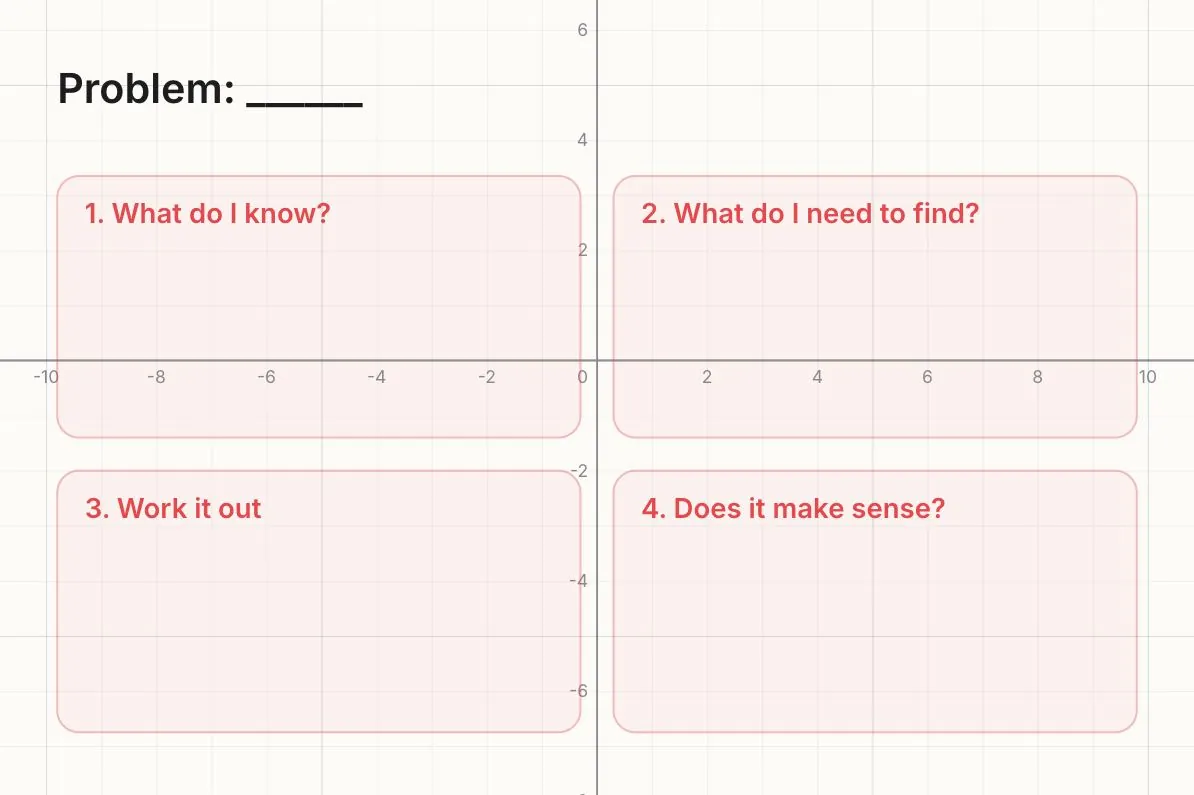
Understand, plan, solve, check. A free lesson starter for Lesson Screen: change anything, then teach it live with your class.
Try it first needs no account.
How to run it in class
15 min- 1Write the problemPaste or type the problem at the top.
- 2Go through the four stepsWhat do I know, what do I need, work it out, does it make sense?
- 3Check the answerAsk: is the answer sensible? Fix it if not.
Why it works
Four clear steps stop students rushing into a calculation. Checking if the answer makes sense catches mistakes before they cost marks.
Ideas to adapt it
- Use problems from a past exam.
- Ask students to write a problem for a partner.
- Use it for problems in science too.
Questions
How long does it take?
About 15 minutes. It stays saved in your lesson, so you can come back to it next time.
Can I use it with one student?
Yes. Make them do step 1 and 2 out loud before writing anything.
Do students need an account?
No. Go live and share the link or the code. Students join from any device with nothing to install, and you can give each of them their own copy.
Is this starter free?
Yes. Open it, change anything and teach with it on the free plan, which has every feature and live lessons with up to 5 students. Try it first needs no account.
More maths starters
See all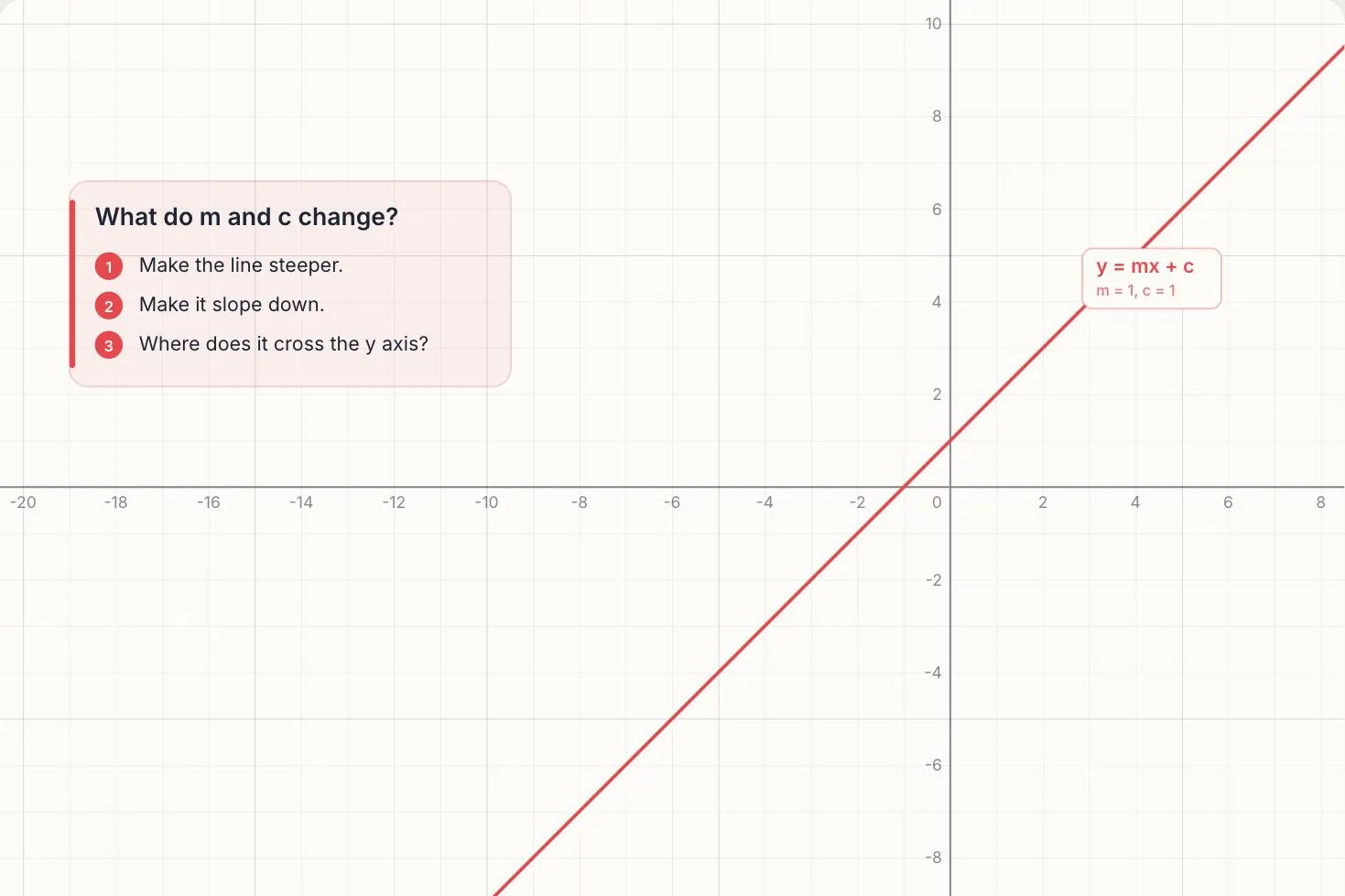
Straight-line graphs
y = mx + c with sliders to explore
Use this starter
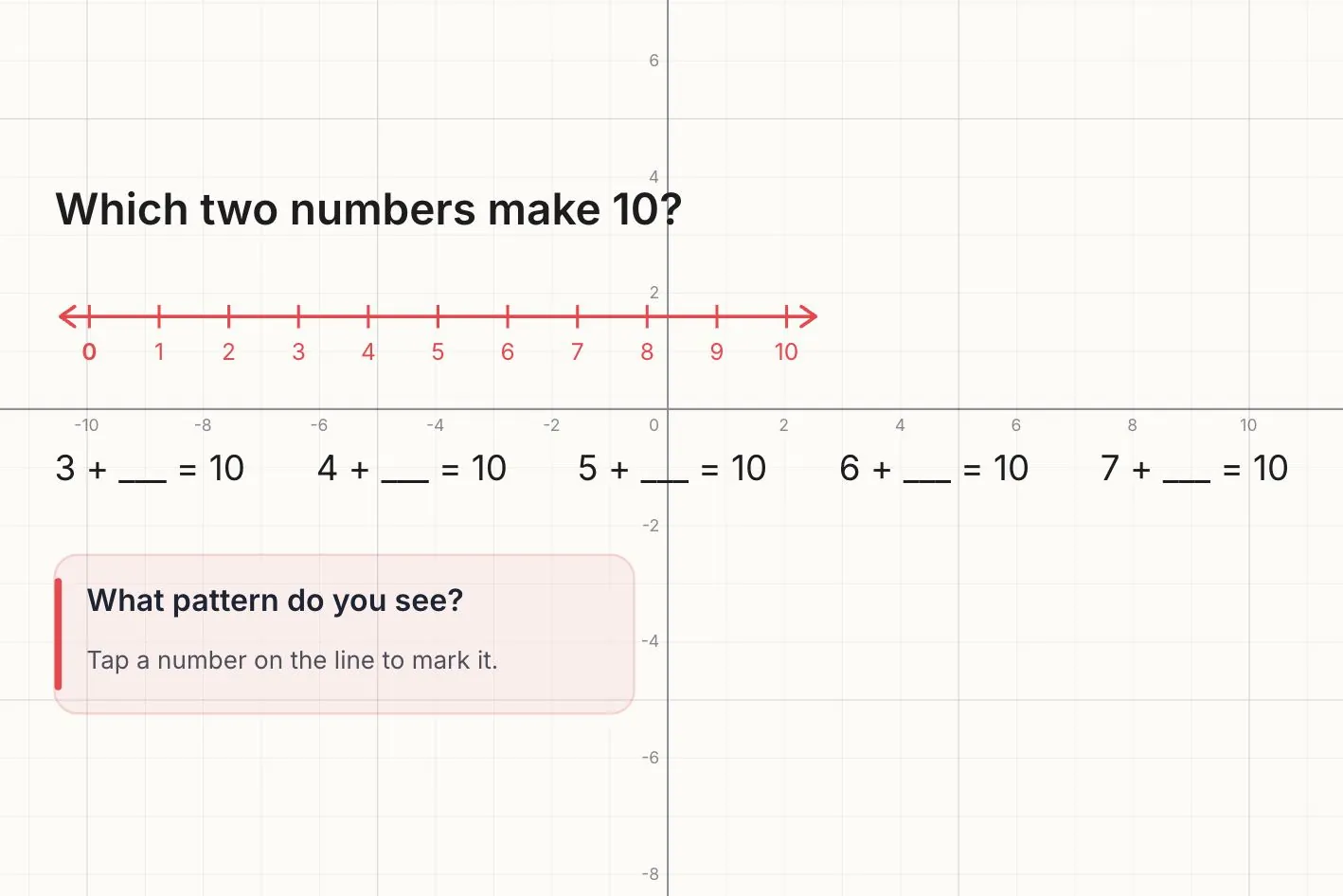
Number bonds to 10
Find every pair that makes 10 on a number line
Use this starter