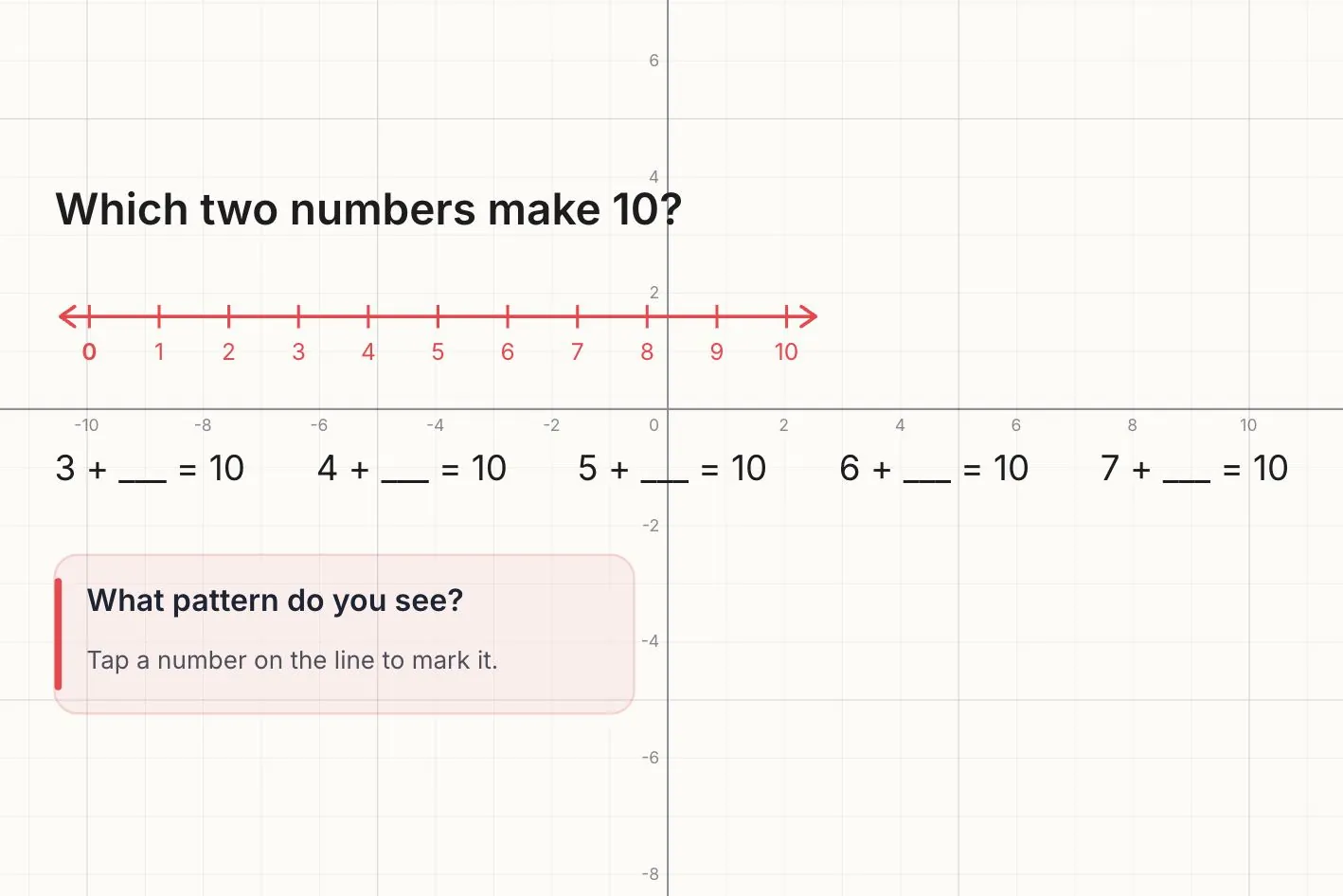
Number bonds to 10
Find every pair that makes 10 on a number line
Use this starter
Straight-line graphs
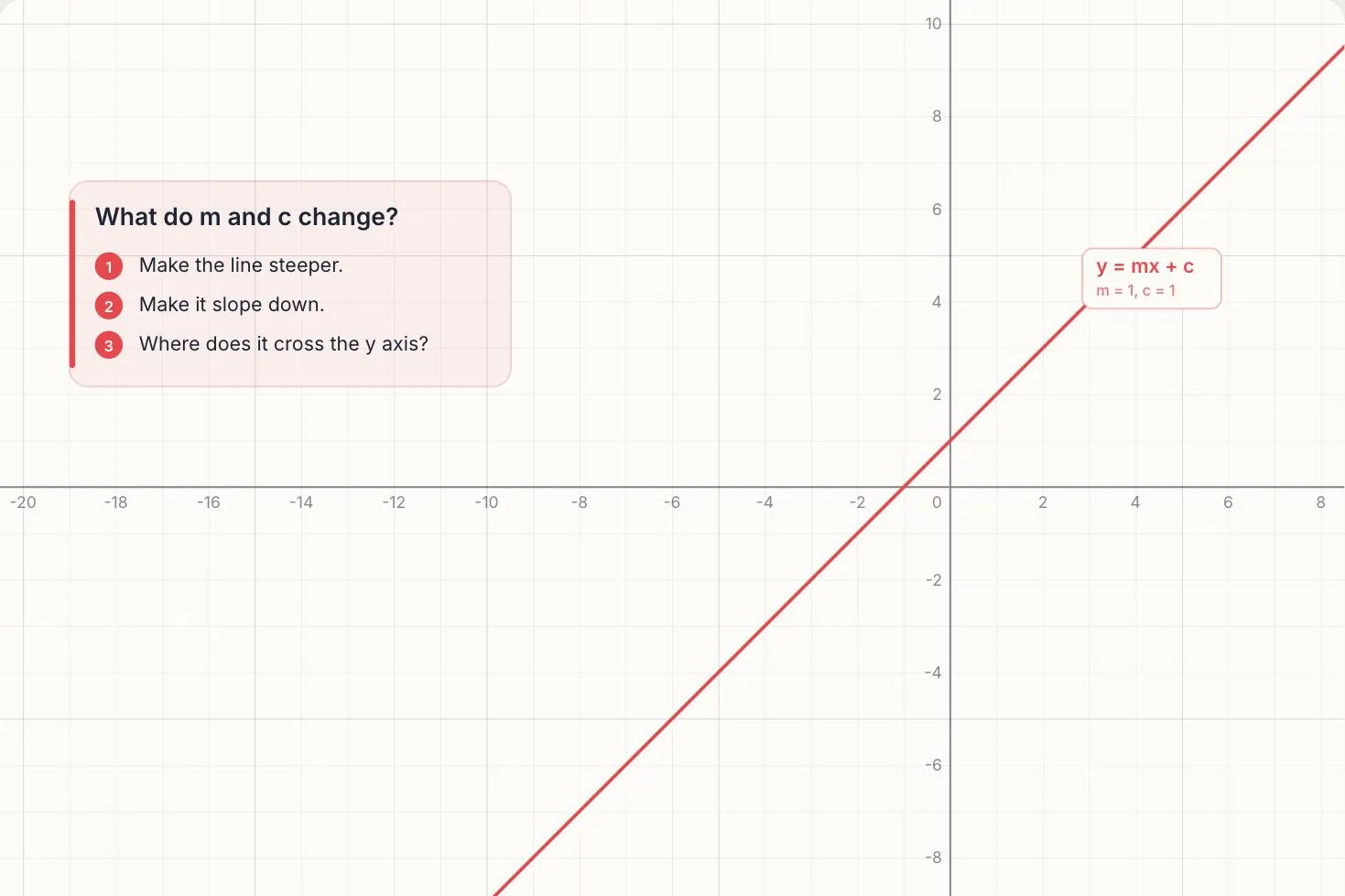
y = mx + c with sliders to explore. A free lesson starter for Lesson Screen: change anything, then teach it live with your class.
Try it first needs no account.
How to run it in class
15 min- 1Guess firstAsk what m changes. Students guess before moving anything.
- 2Move the slidersMake the line steeper, then slope down.
- 3Answer the questionsWhere does it cross the y axis? Write the rule on their own copy.
Why it works
Sliders show what m and c do to a line in seconds. Guessing first and then testing helps students remember the rule.
Ideas to adapt it
- Match a line you draw by moving the sliders.
- Find the line through two points.
- Use it for a real rate, like a phone bill.
Questions
How long does it take?
About 15 minutes. It stays saved in your lesson, so you can come back to it next time.
Can I use it with one student?
Yes. You draw a line, they find its m and c.
Do students need an account?
No. Go live and share the link or the code. Students join from any device with nothing to install, and you can give each of them their own copy.
Is this starter free?
Yes. Open it, change anything and teach with it on the free plan, which has every feature and live lessons with up to 5 students. Try it first needs no account.
More maths starters
See all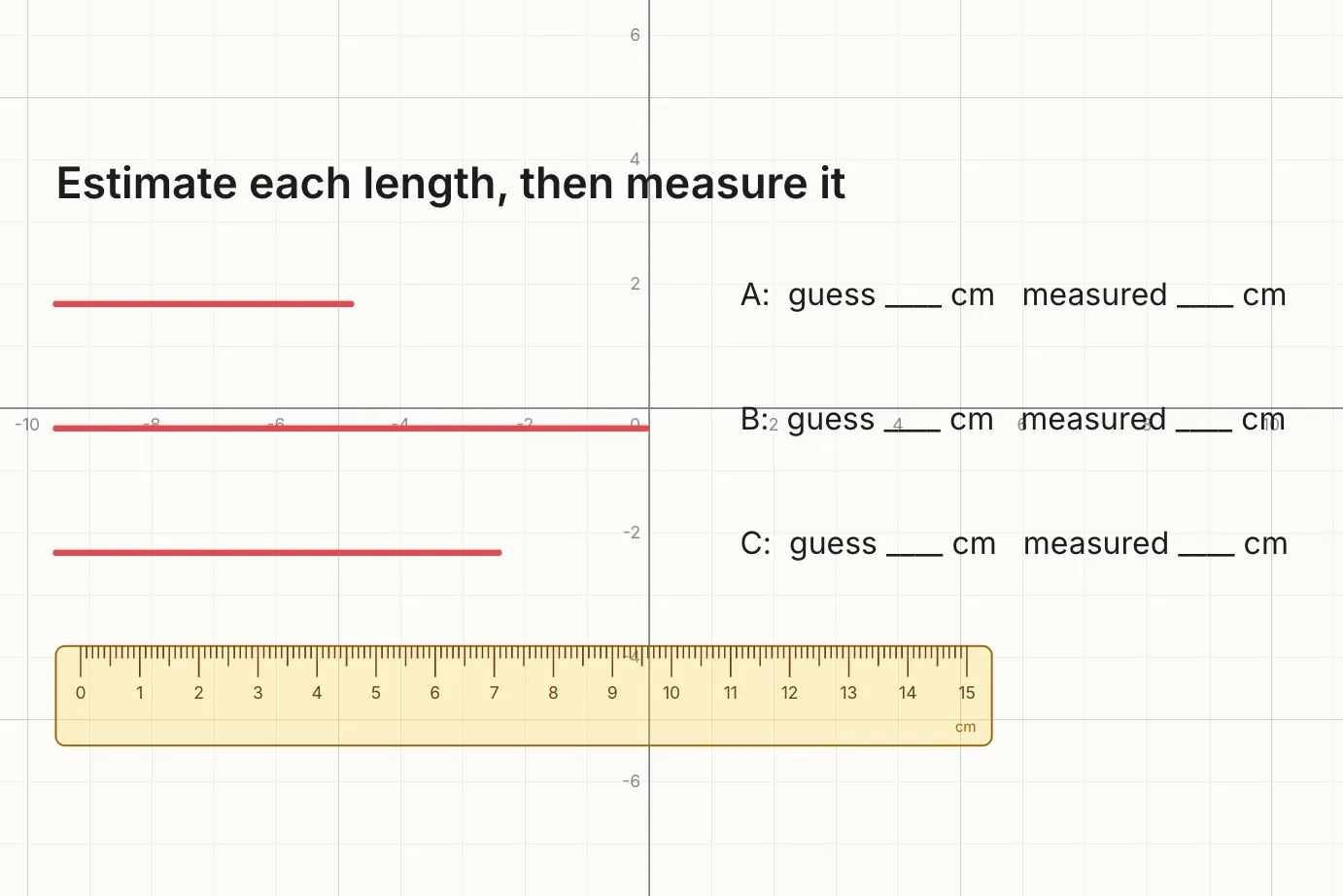
Measure the lines
Three lines and a ruler, to estimate then measure
Use this starter
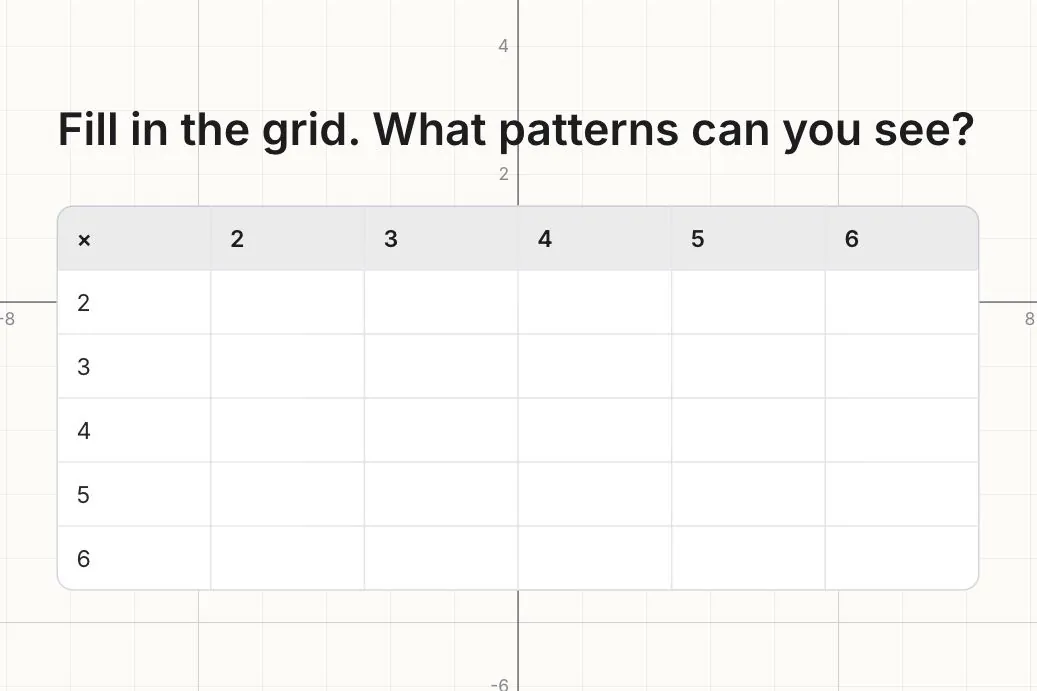
Times table grid
A multiplication grid to fill in
Use this starter