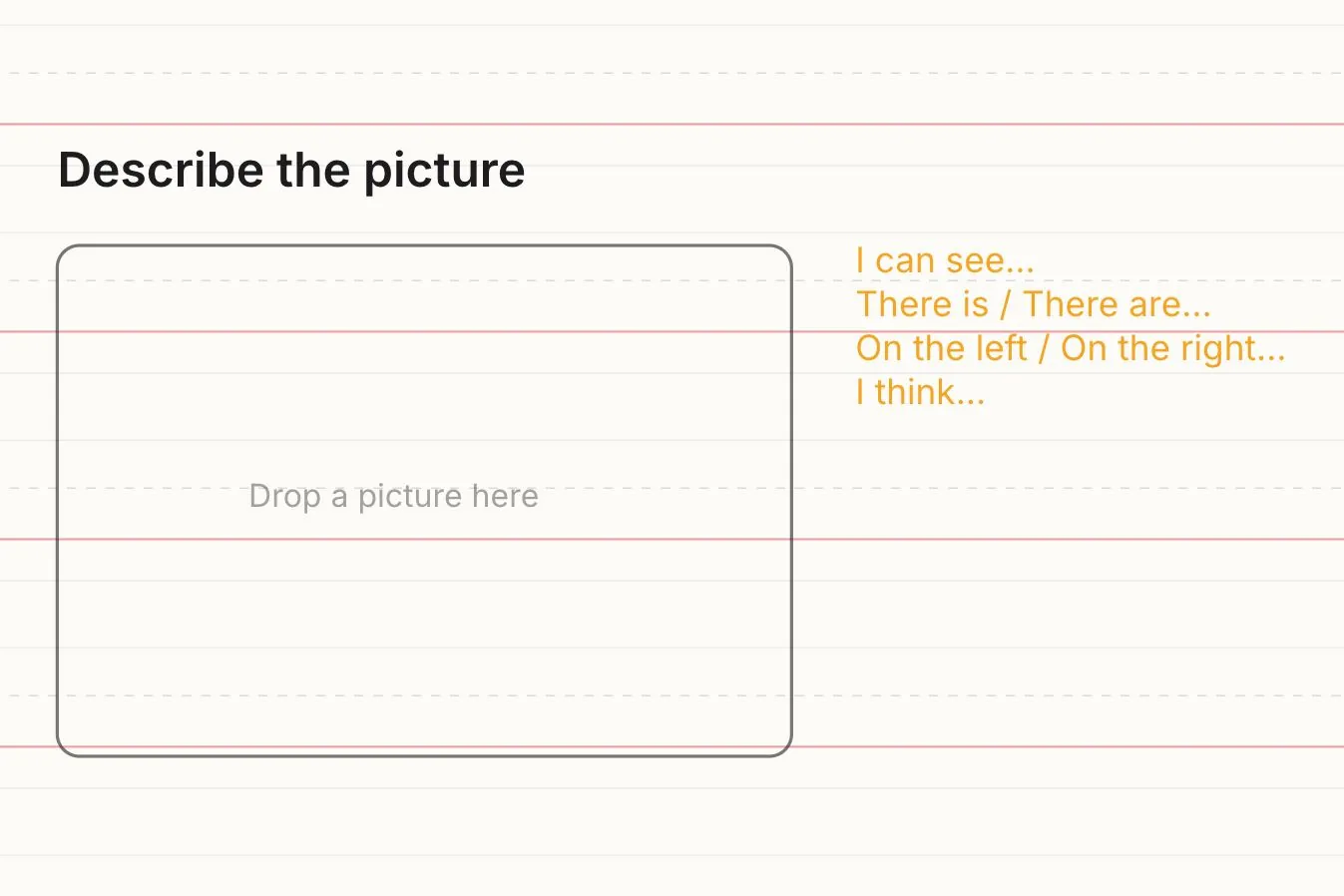
Describe a picture
A space for a picture and sentence starters
Use this starter
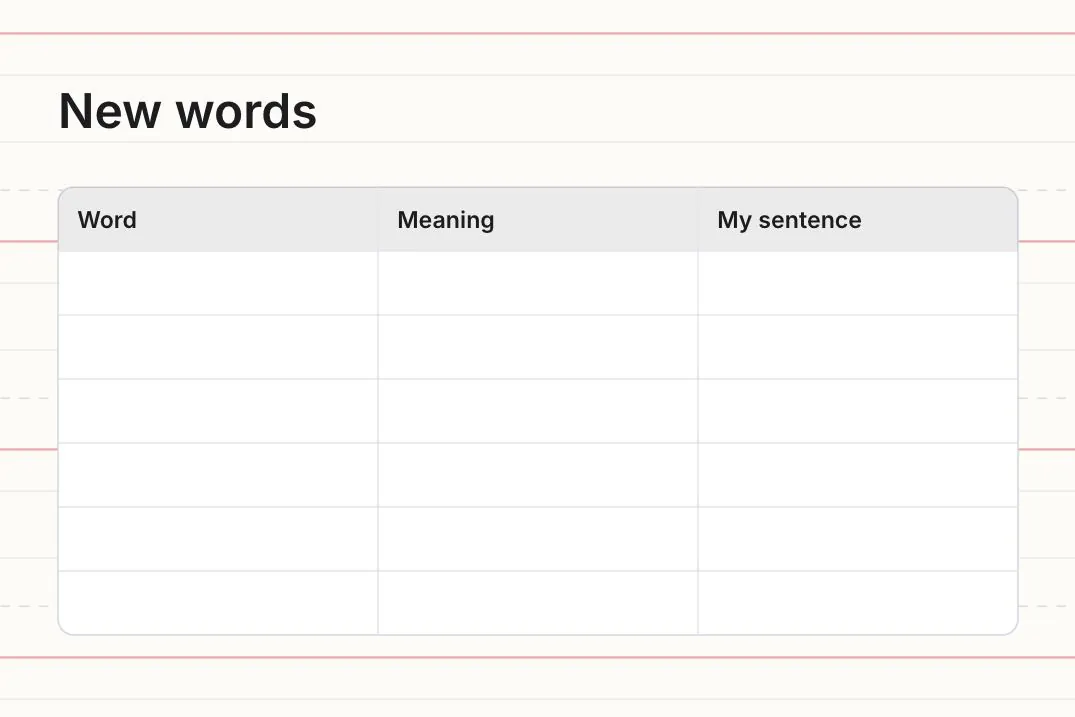
Vocabulary list
Word, meaning and a sentence of your own. A free lesson starter for Lesson Screen: change anything, then teach it live with your class.
Try it first needs no account.
How to run it in class
10 min- 1Add the wordsFill in the words and meanings.
- 2Write a sentenceStudents write their own sentence for each.
- 3Play with themUse the same words for a crossword or spelling test.
Why it works
Writing their own sentence for each word helps students use it, not just know it. The same list can feed games and tests later.
Ideas to adapt it
- Add a column for the word in their own language.
- Turn the list into a vocabulary set for games.
- Use it for revision before a test.
Questions
How long does it take?
About 10 minutes. It stays saved in your lesson, so you can come back to it next time.
Can I use it with one student?
Yes. Read their sentences and fix one thing in each.
Do students need an account?
No. Go live and share the link or the code. Students join from any device with nothing to install, and you can give each of them their own copy.
Is this starter free?
Yes. Open it, change anything and teach with it on the free plan, which has every feature and live lessons with up to 5 students. Try it first needs no account.
More languages starters
See all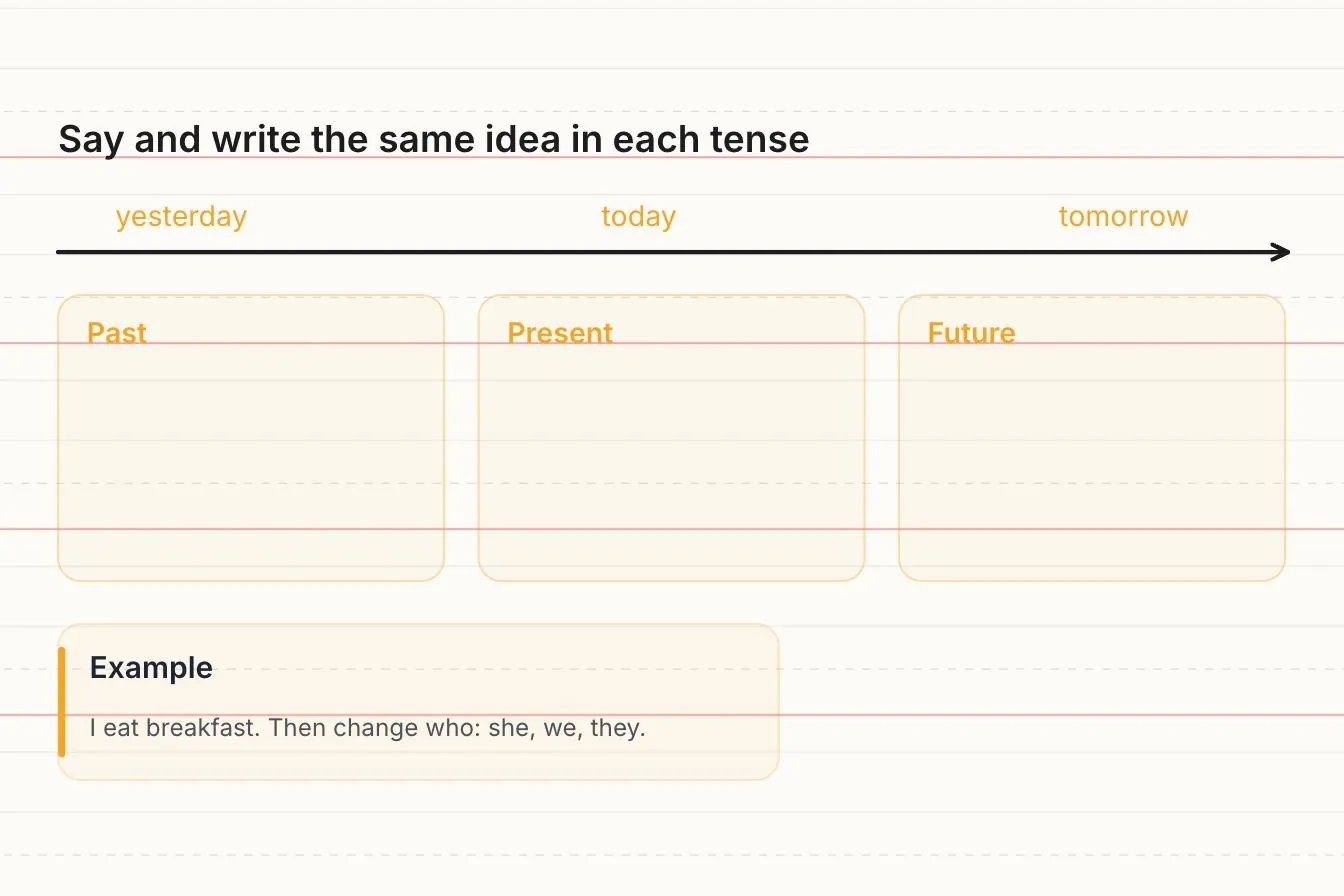
Past, present, future
One idea written three ways on a timeline
Use this starter
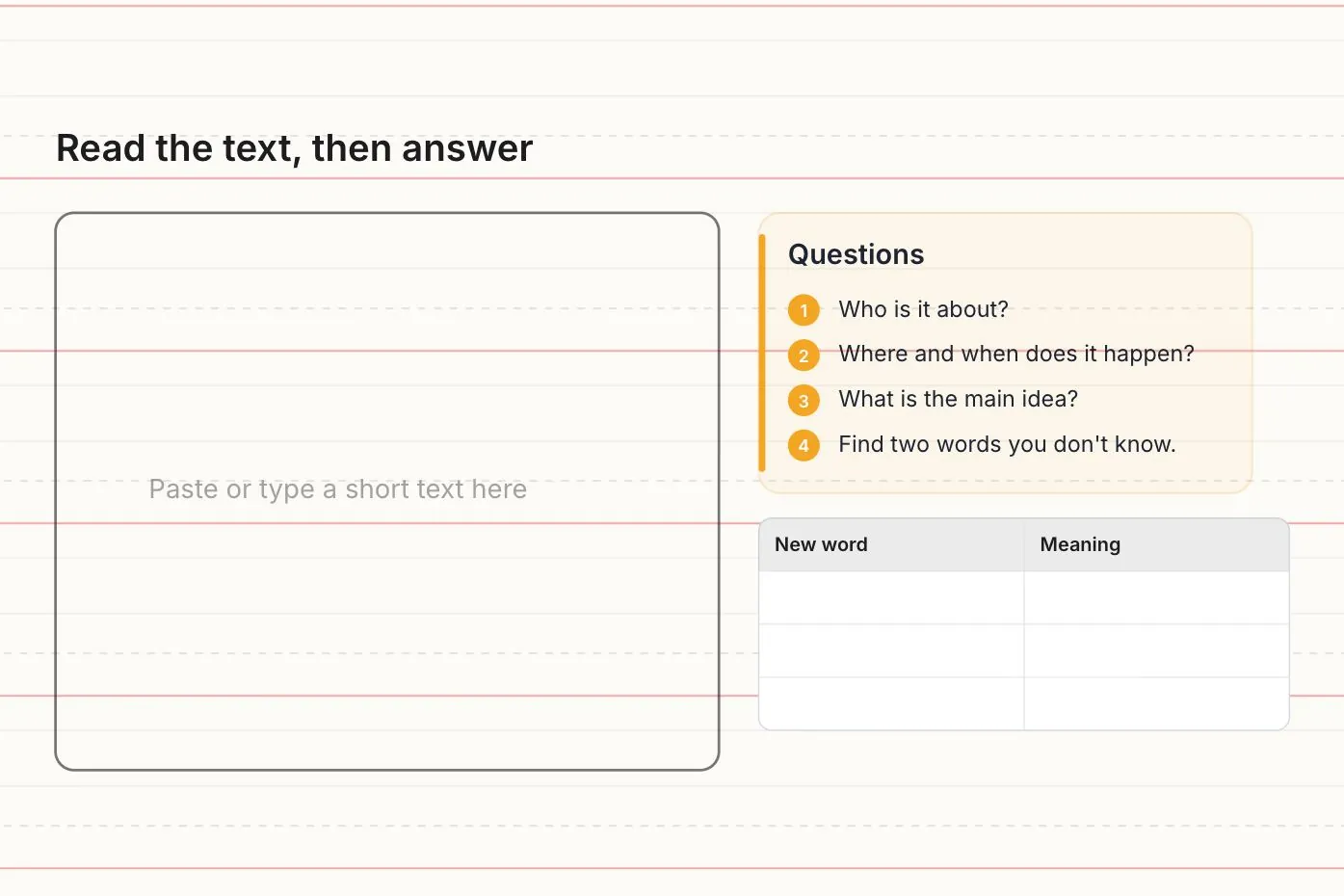
Read and answer
A space for a short text, questions and new words
Use this starter