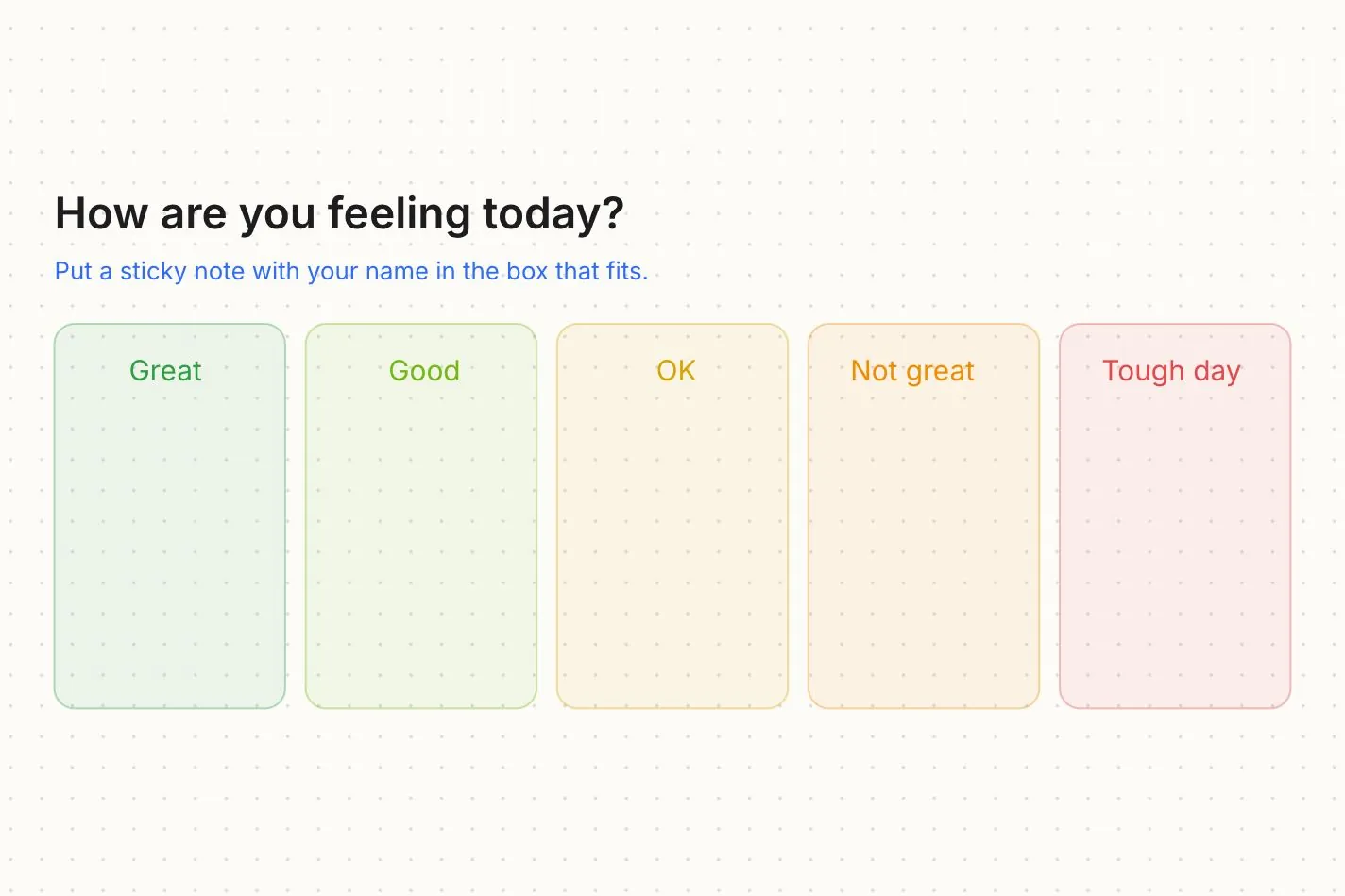
Mood check
How is everyone feeling? Place your name
Use this starter
Where in the world?
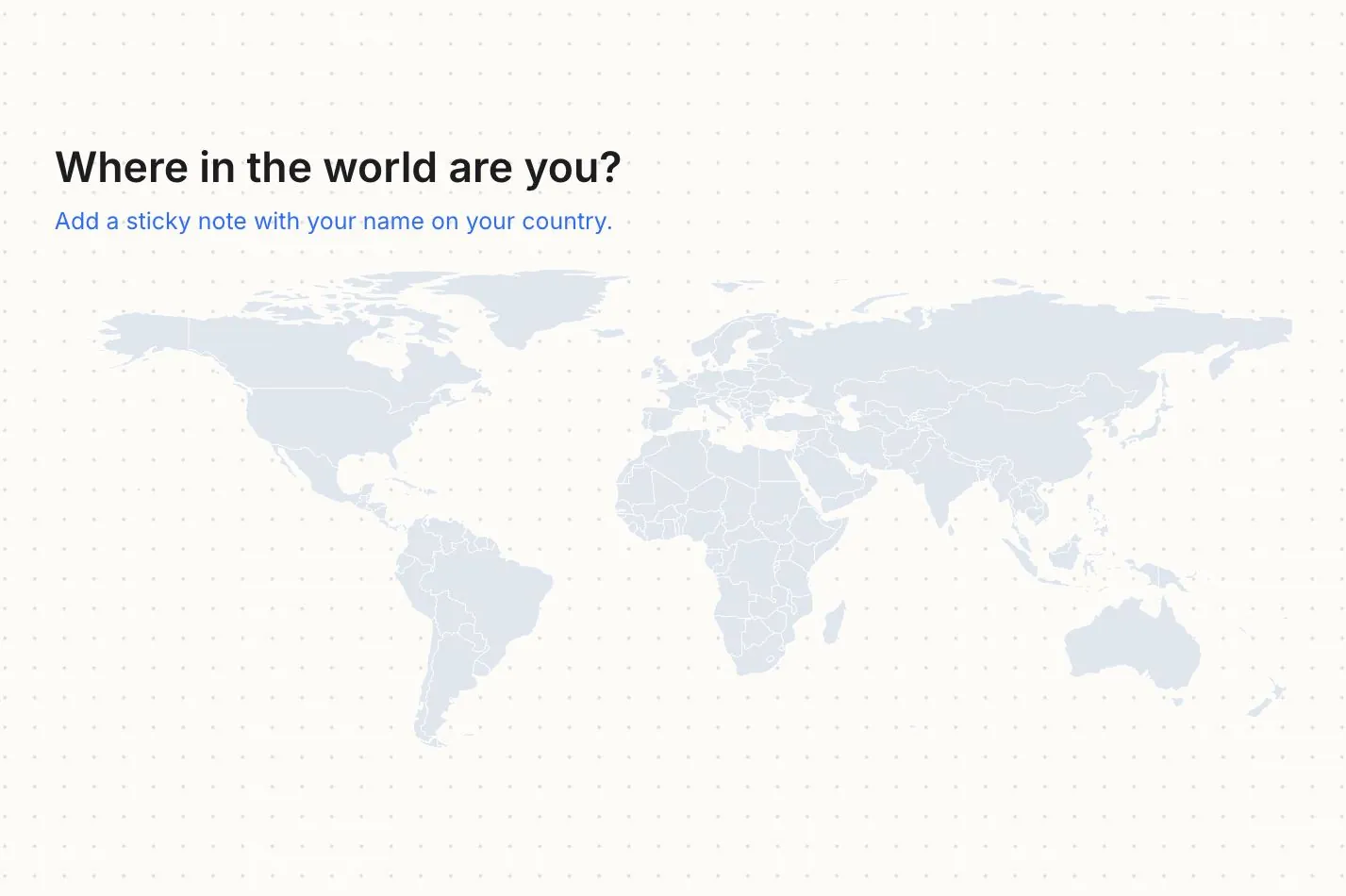
Everyone pins where they are on a world map. A free lesson starter for Lesson Screen: change anything, then teach it live with your class.
Try it first needs no account.
How to run it in class
5 min- 1Open it as people joinGreat for online classes with students in different places.
- 2Everyone pins a noteStudents add a sticky note with their name on their country.
- 3Talk about itWho is furthest away? What time is it there? Use the map for a geography question.
Why it works
Seeing where everyone is makes an online class feel like a group. It's a quick, friendly way to start, and it often leads to talk about time zones and places.
Ideas to adapt it
- Pin where students would most like to travel.
- Use it to locate places from a story or a news report.
- Add a sticky note with a word in each student's home language.
Questions
How long does it take?
About 5 minutes. It stays saved in your lesson, so you can come back to it next time.
Can I use it with one student?
Yes. Pin places they've been and want to visit, and talk about one.
Do students need an account?
No. Go live and share the link or the code. Students join from any device with nothing to install, and you can give each of them their own copy.
Is this starter free?
Yes. Open it, change anything and teach with it on the free plan, which has every feature and live lessons with up to 5 students. Try it first needs no account.
More any subject starters
See all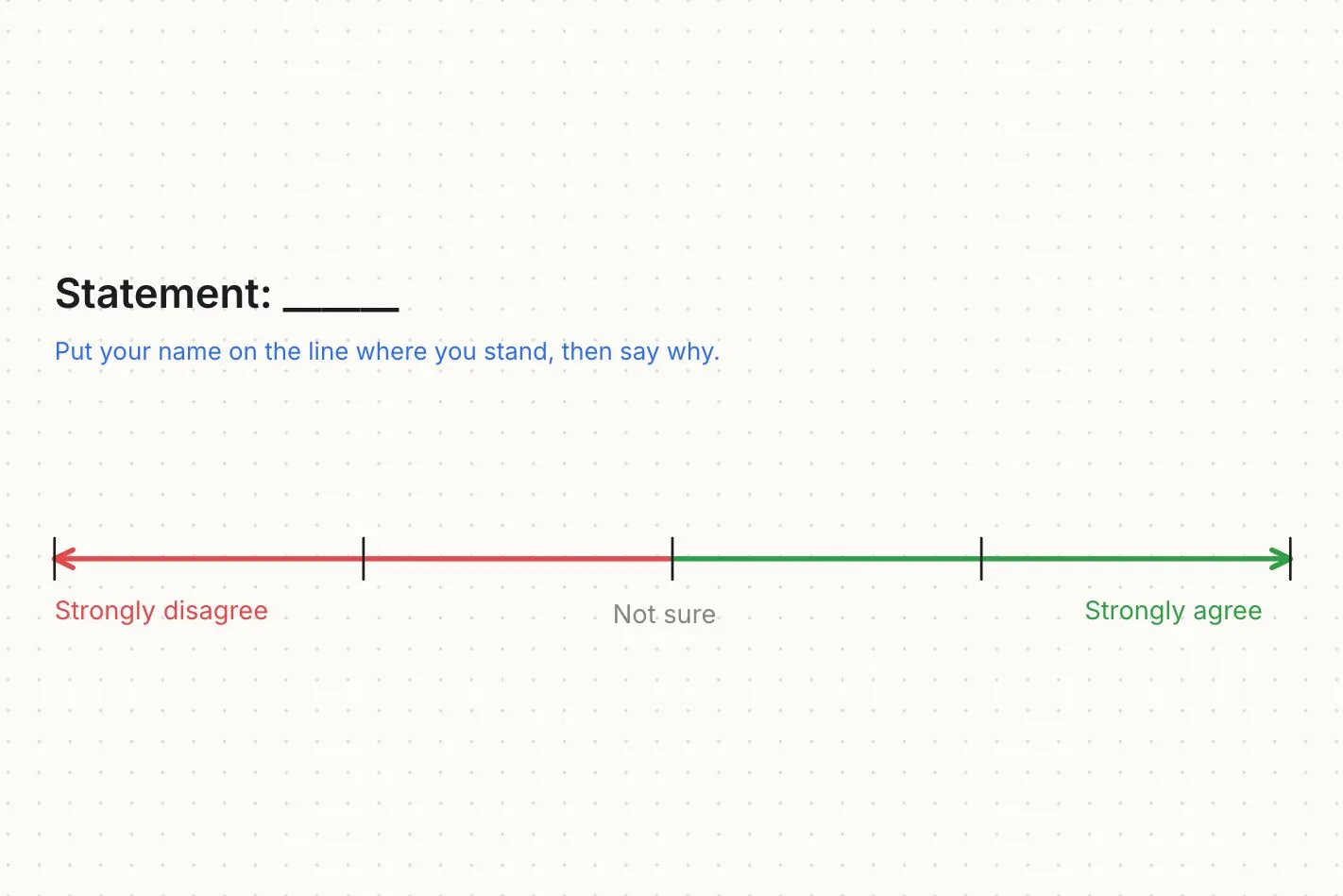
Agree or disagree?
A line from disagree to agree. Where do you stand?
Use this starter
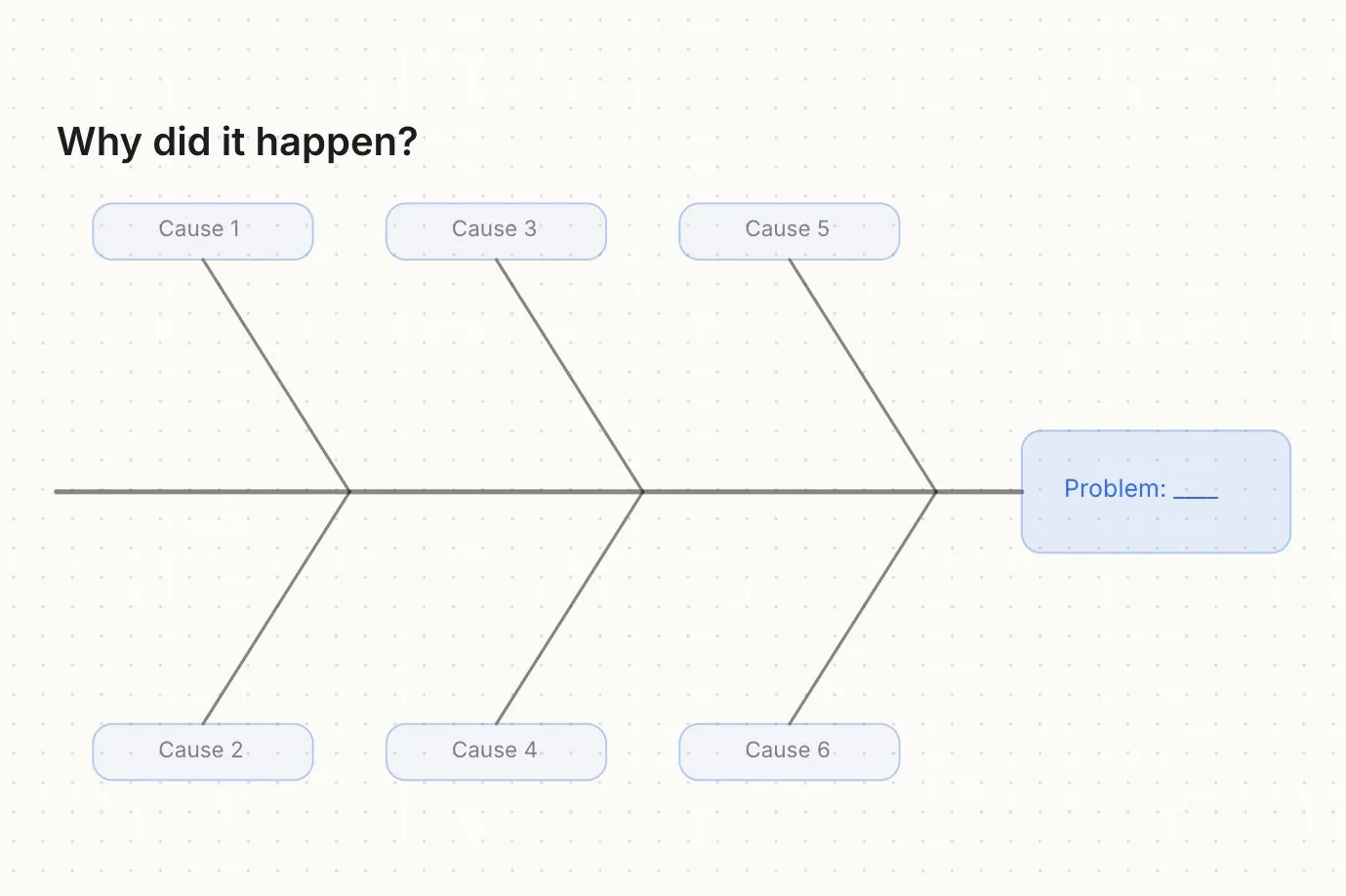
Cause and effect (fishbone)
The problem at the head, the causes on the bones
Use this starter