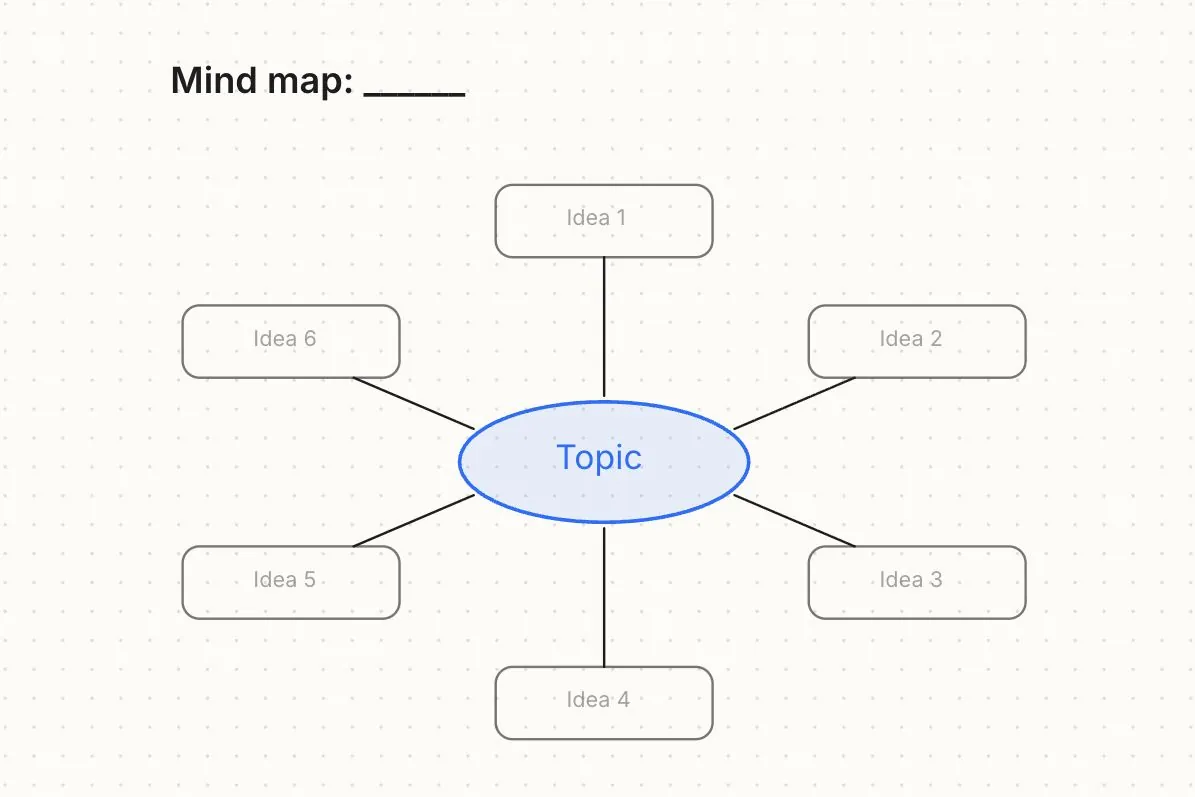
Mind map
A topic in the middle, six ideas around it
Use this starter
Lesson aims
What we'll learn, and how we'll know. A free lesson starter for Lesson Screen: change anything, then teach it live with your class.
Try it first needs no account.
How to run it in class
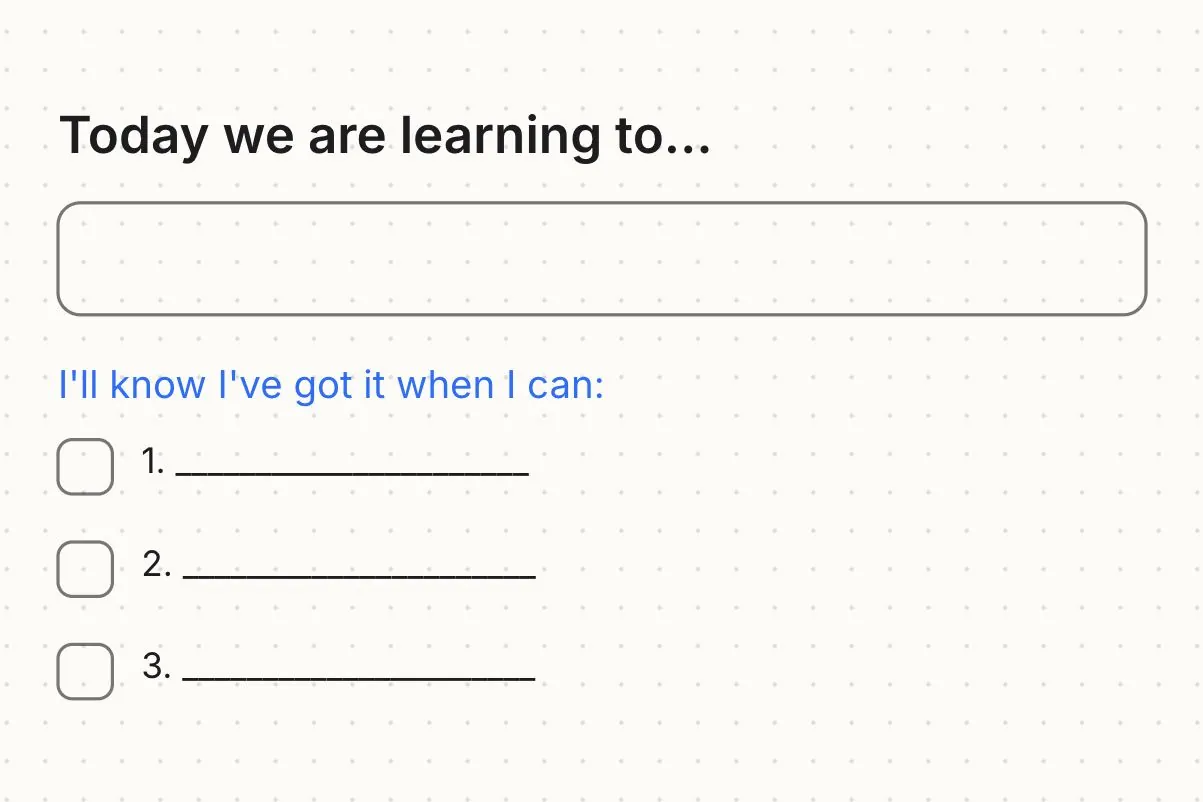
3 min- 1Write the aimFill in Today we are learning to before the lesson.
- 2Add how they'll knowList two or three things students will be able to do by the end.
- 3Come back at the endShow it again and ask students to rate each one with a reaction.
Why it works
Students learn more when they know what they're aiming for. Writing how they'll know turns a vague aim into something they can check themselves at the end.
Ideas to adapt it
- Let students rewrite the aim in their own words.
- Add a challenge aim for those who finish early.
- Come back to it halfway and ask who's on track.
Questions
How long does it take?
About 3 minutes. It stays saved in your lesson, so you can come back to it next time.
Can I use it with one student?
Yes. Write the aim together, so they say what they want to learn.
Do students need an account?
No. Go live and share the link or the code. Students join from any device with nothing to install, and you can give each of them their own copy.
Is this starter free?
Yes. Open it, change anything and teach with it on the free plan, which has every feature and live lessons with up to 5 students. Try it first needs no account.
More any subject starters
See all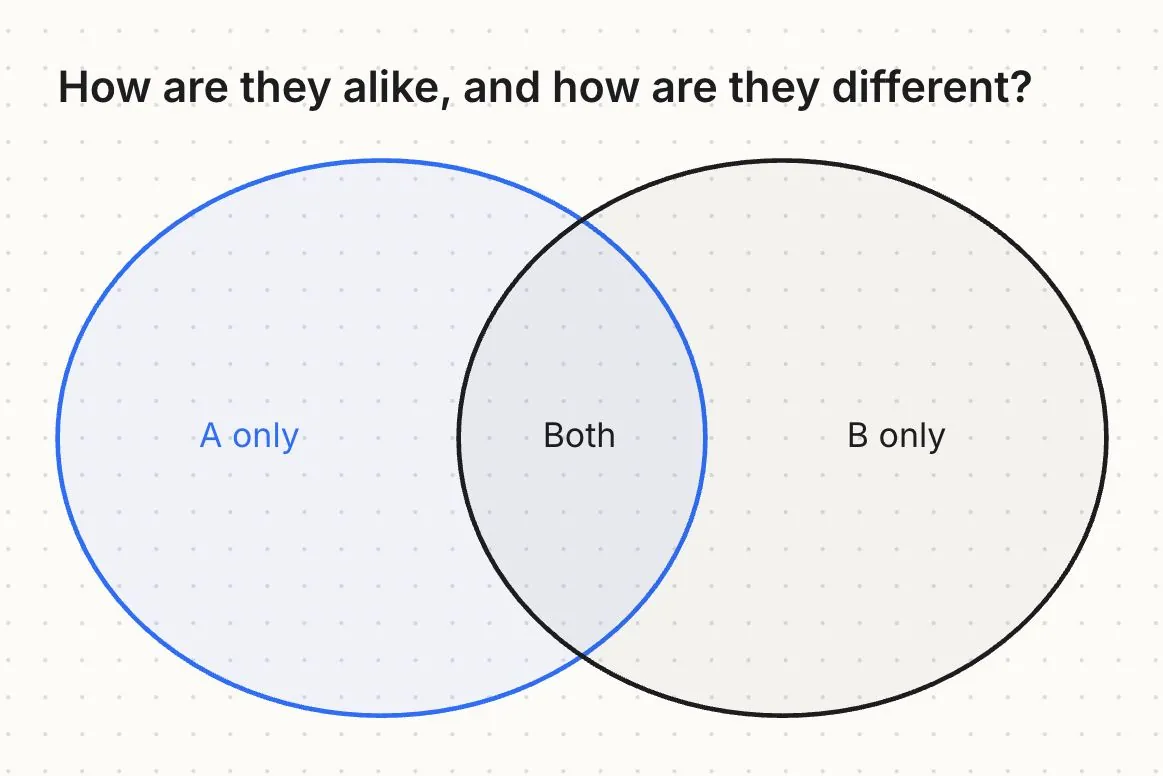
Compare in a Venn
Two overlapping circles: different and the same
Use this starter
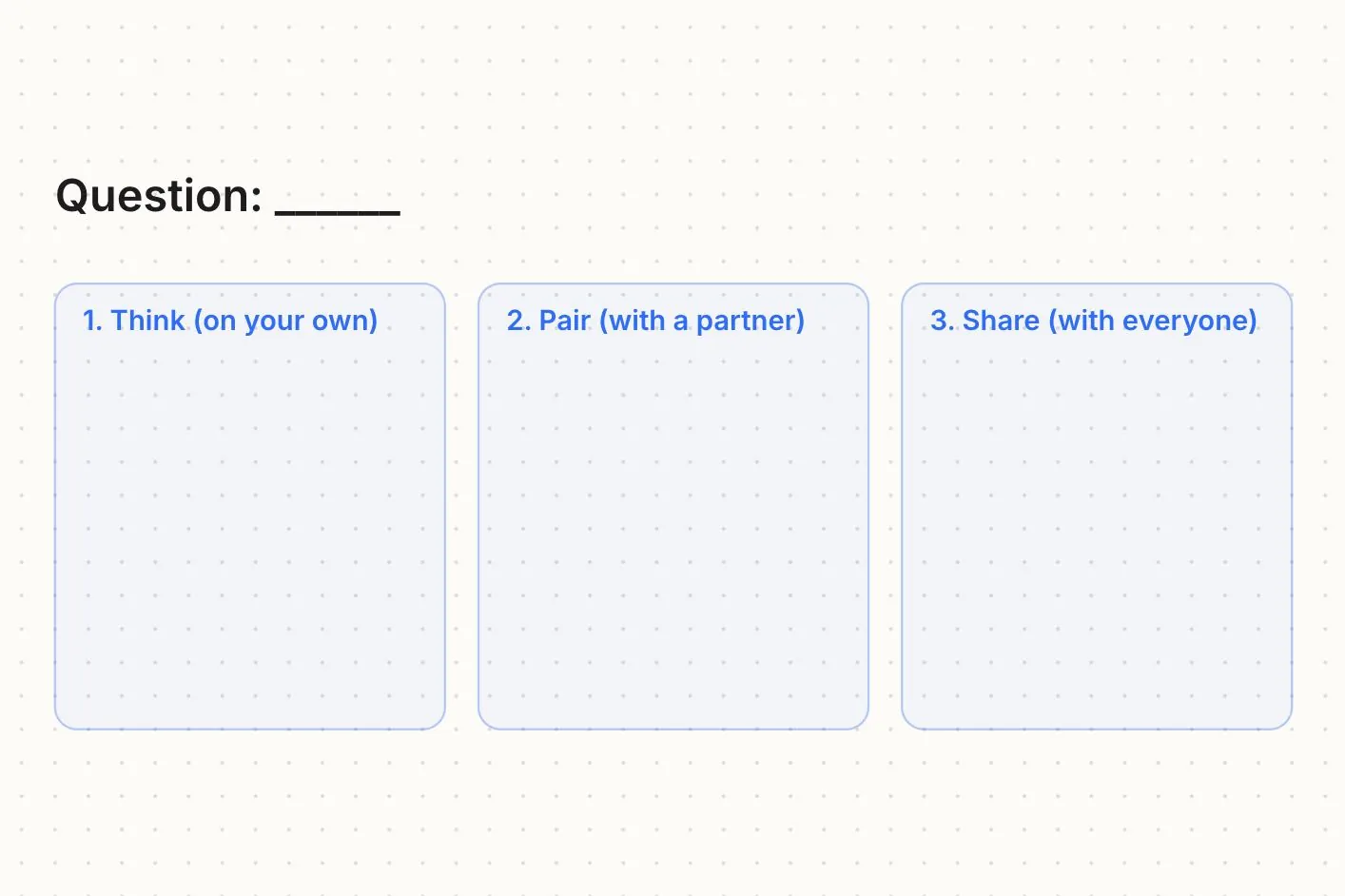
Think, pair, share
Think alone, talk to a partner, share with all
Use this starter