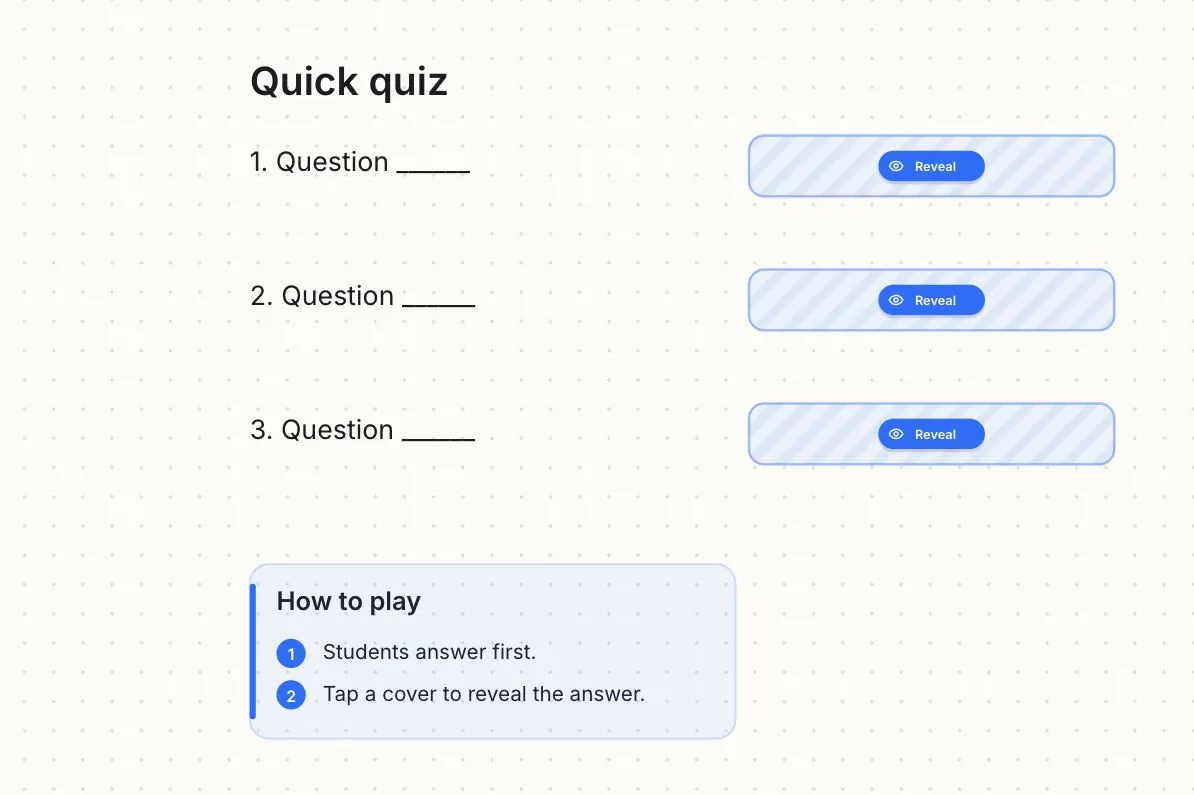
Quick quiz, answers hidden
Three questions with the answers covered
Use this starter
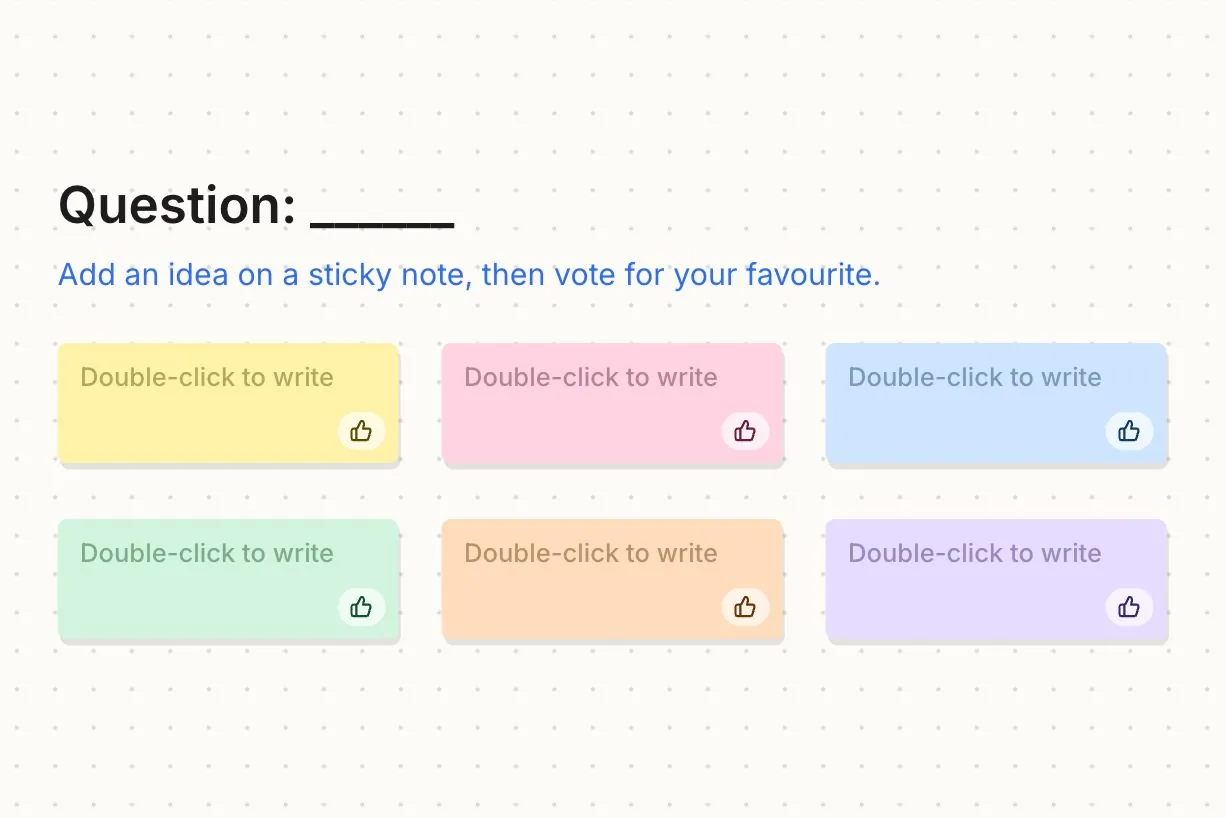
Brainstorm and vote
Everyone adds an idea, then votes for the best. A free lesson starter for Lesson Screen: change anything, then teach it live with your class.
Try it first needs no account.
How to run it in class
10 min- 1Ask the questionType the question at the top.
- 2Everyone adds ideasStudents add a sticky note each. Start a 3 minute timer.
- 3Vote and sortEveryone votes for their favourite, then sort the notes by votes. Talk about the top three.
Why it works
When everyone writes an idea first, quieter students are heard as much as the loudest. Voting then lets the group choose without arguing, and the best ideas rise to the top.
Ideas to adapt it
- Use it to choose a class project or trip.
- Brainstorm questions instead of answers.
- Ask AI to group the notes by theme afterwards.
Questions
How long does it take?
About 10 minutes. It stays saved in your lesson, so you can come back to it next time.
Can I use it with one student?
Yes. Write five ideas each in two minutes, then pick the best together.
Do students need an account?
No. Go live and share the link or the code. Students join from any device with nothing to install, and you can give each of them their own copy.
Is this starter free?
Yes. Open it, change anything and teach with it on the free plan, which has every feature and live lessons with up to 5 students. Try it first needs no account.
More any subject starters
See all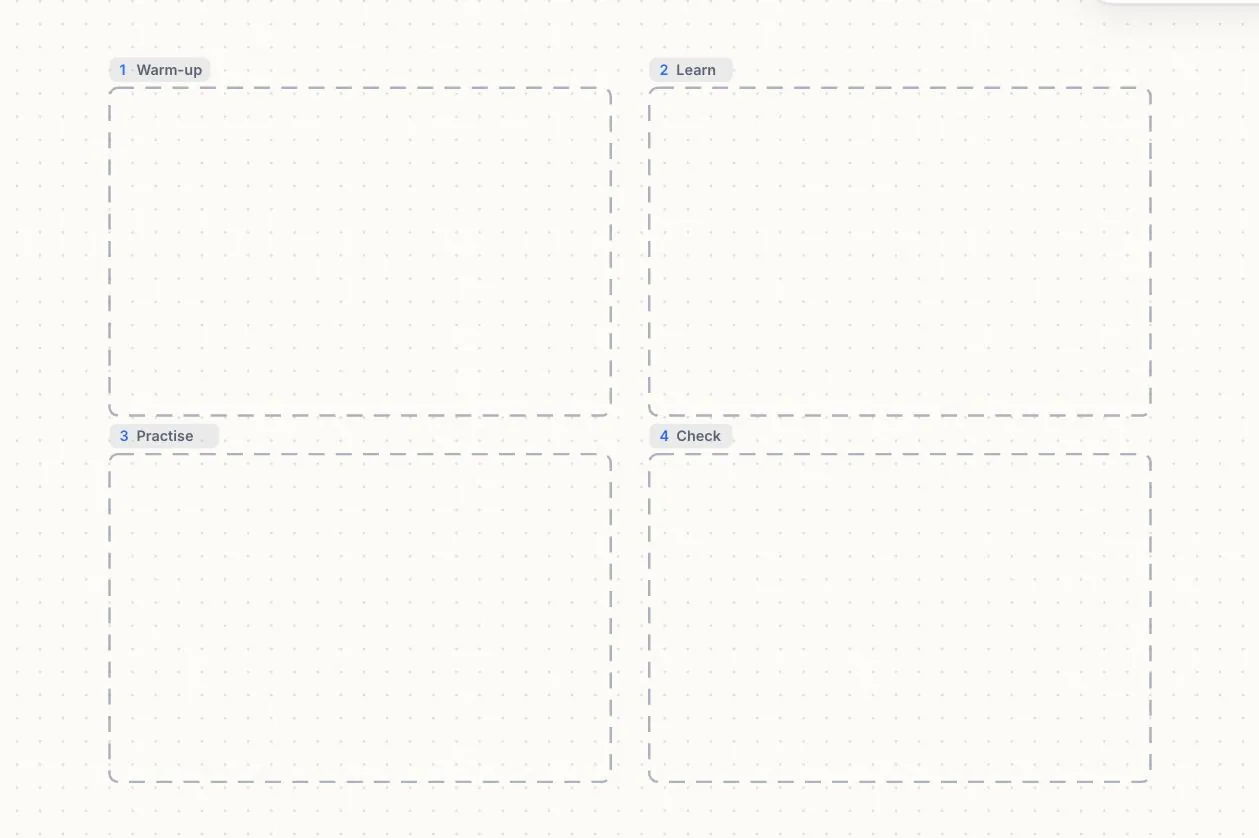
Lesson in four steps
Four frames to present one at a time
Use this starter
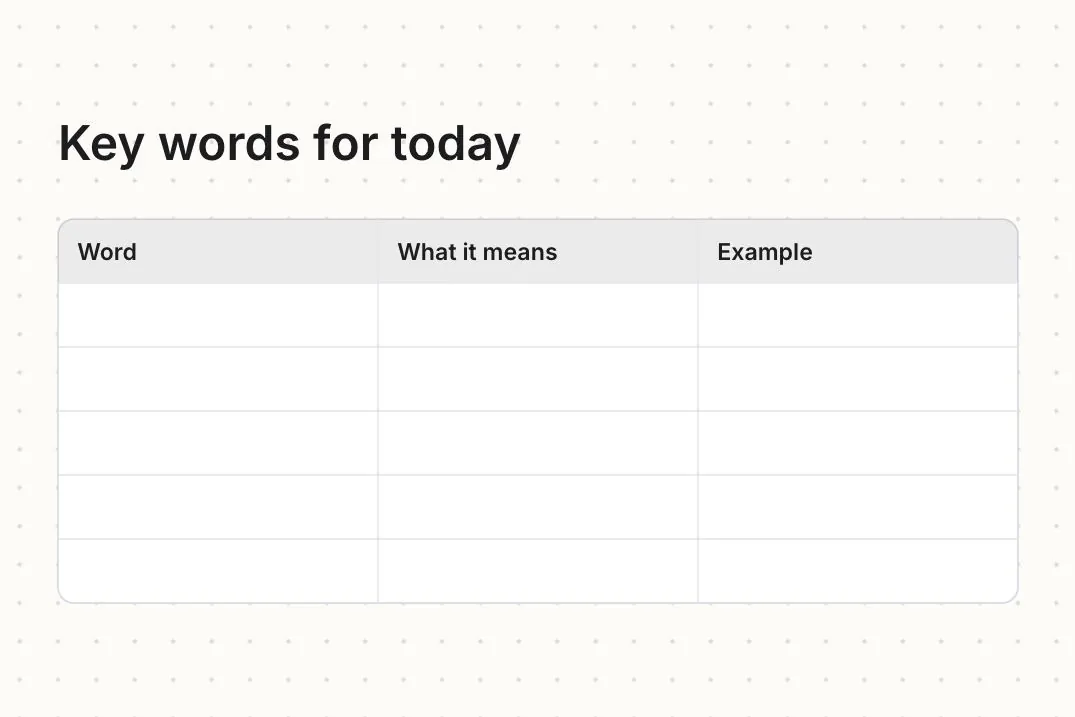
Key words
Word, meaning and an example, as a table
Use this starter