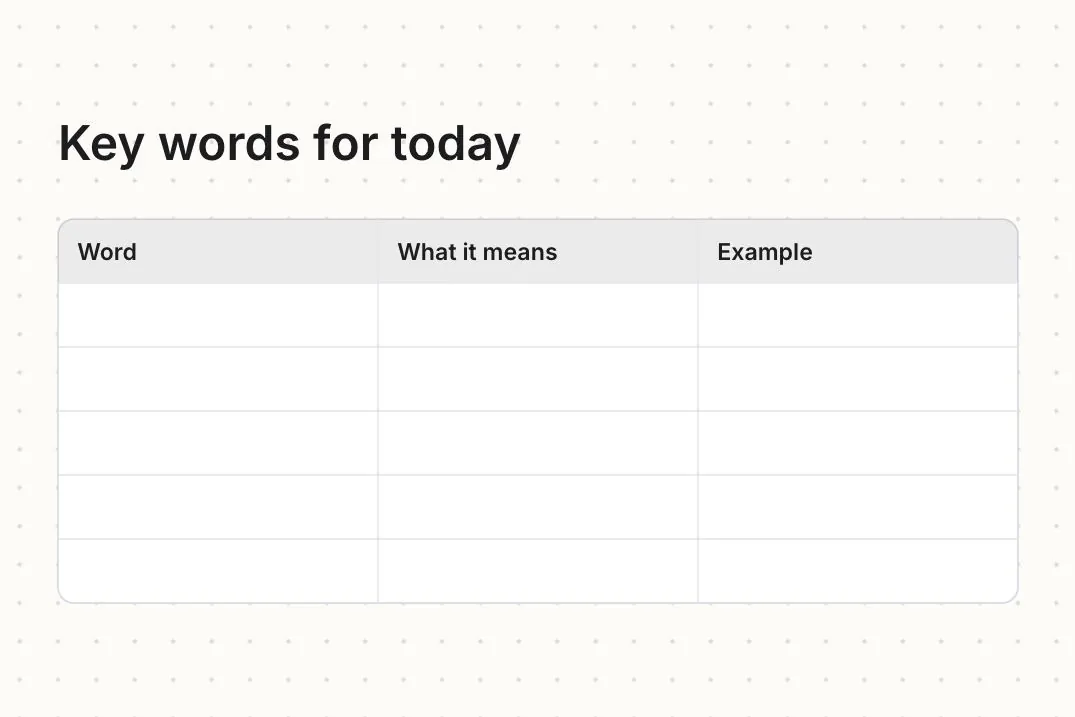
Key words
Word, meaning and an example, as a table
Use this starter
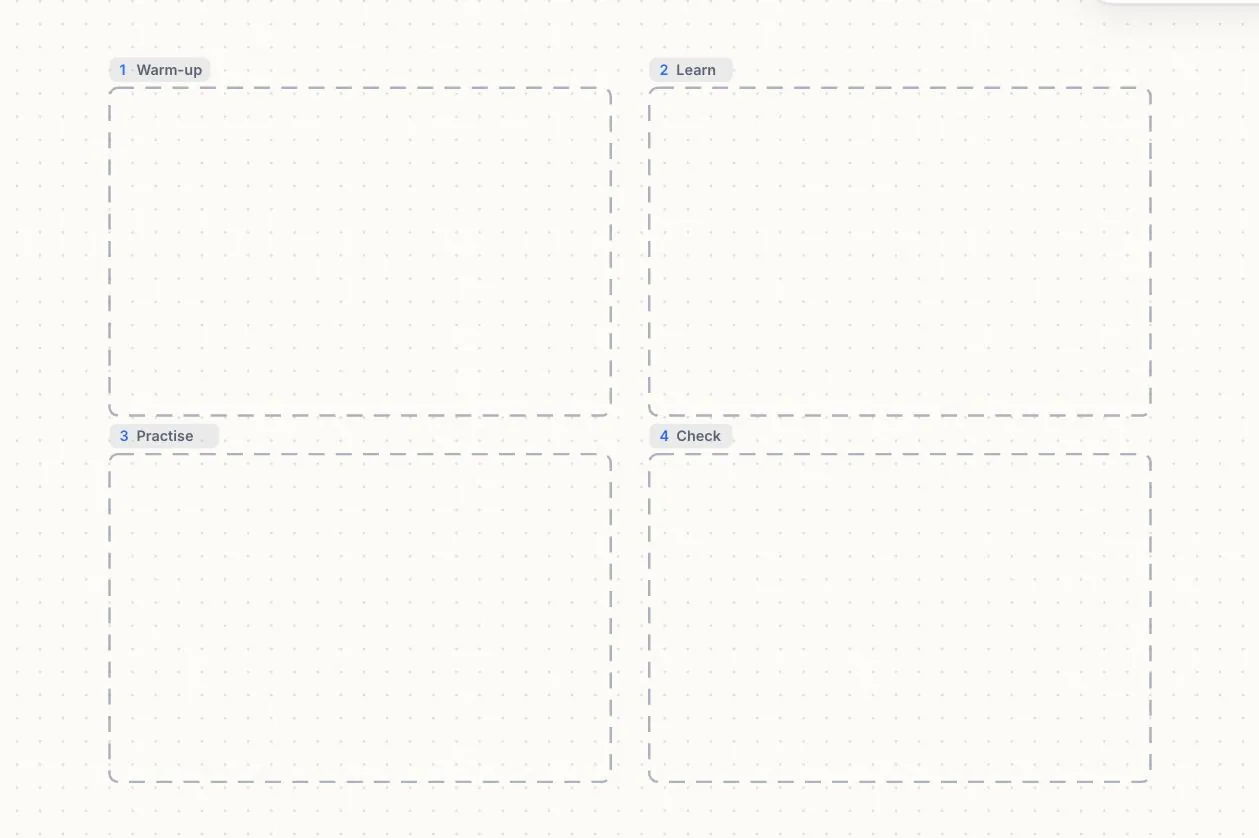
Lesson in four steps
Four frames to present one at a time. A free lesson starter for Lesson Screen: change anything, then teach it live with your class.
Try it first needs no account.
How to run it in class
Whole lesson- 1Build each frameAdd your content inside Warm-up, Learn, Practise and Check.
- 2Press PresentGo through the frames one at a time. Students only see the current step.
- 3Everyone followsIn a live lesson, every student's screen moves with yours.
Why it works
A lesson in clear steps is easier to follow than one long board. Students see only the step they're on, so their attention stays where you want it.
Ideas to adapt it
- Add a fifth frame for homework.
- Use the same four frames for every lesson so students know the pattern.
- Share the board after class so students can go back through it.
Questions
How long does it take?
It runs through a whole lesson. It stays saved in your lesson, so you can come back to it next time.
Can I use it with one student?
Yes. Let them press next when they're ready to move on.
Do students need an account?
No. Go live and share the link or the code. Students join from any device with nothing to install, and you can give each of them their own copy.
Is this starter free?
Yes. Open it, change anything and teach with it on the free plan, which has every feature and live lessons with up to 5 students. Try it first needs no account.
More any subject starters
See all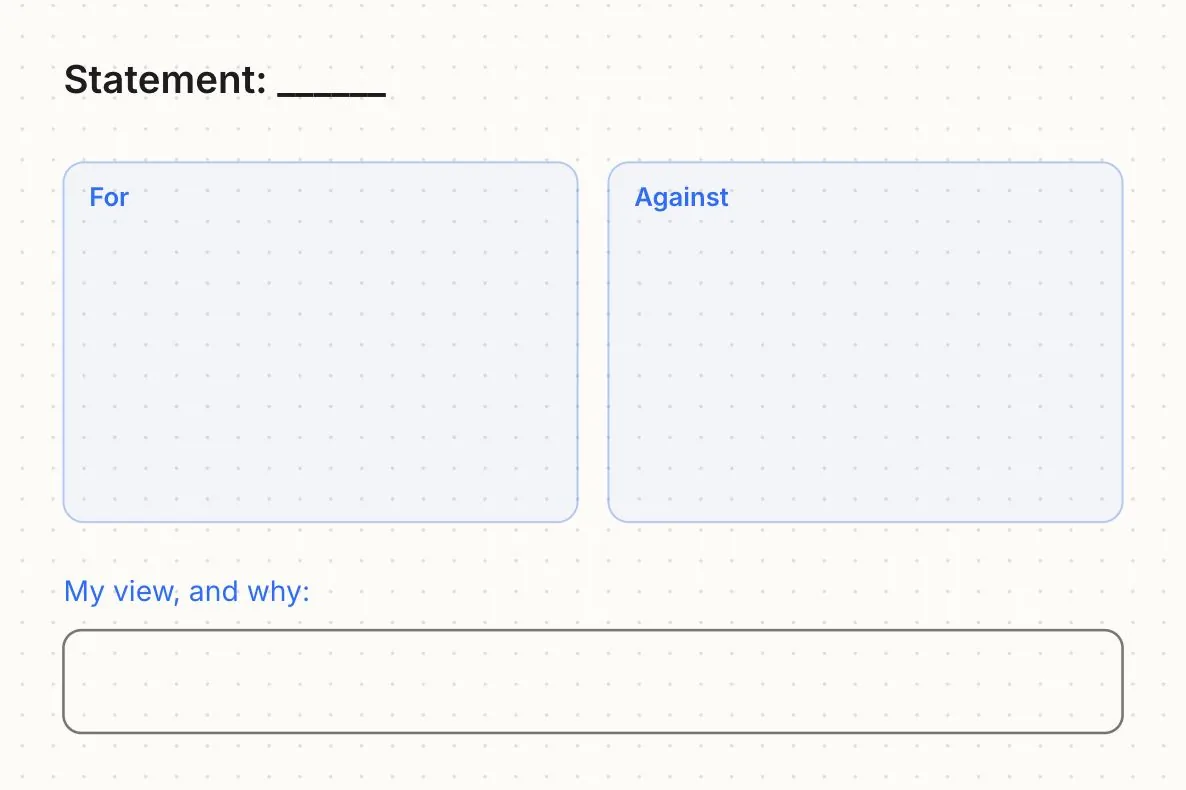
For and against
Both sides of an argument, then your view
Use this starter
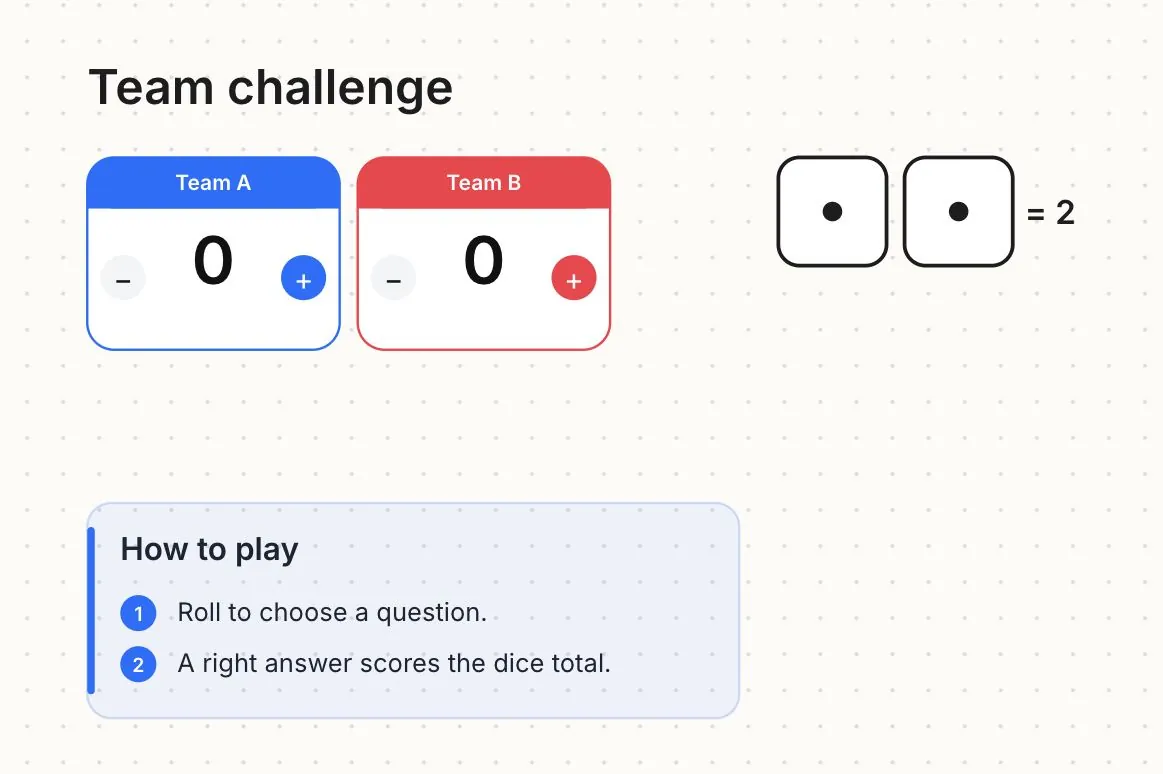
Team game
Two teams, a scoreboard and dice
Use this starter