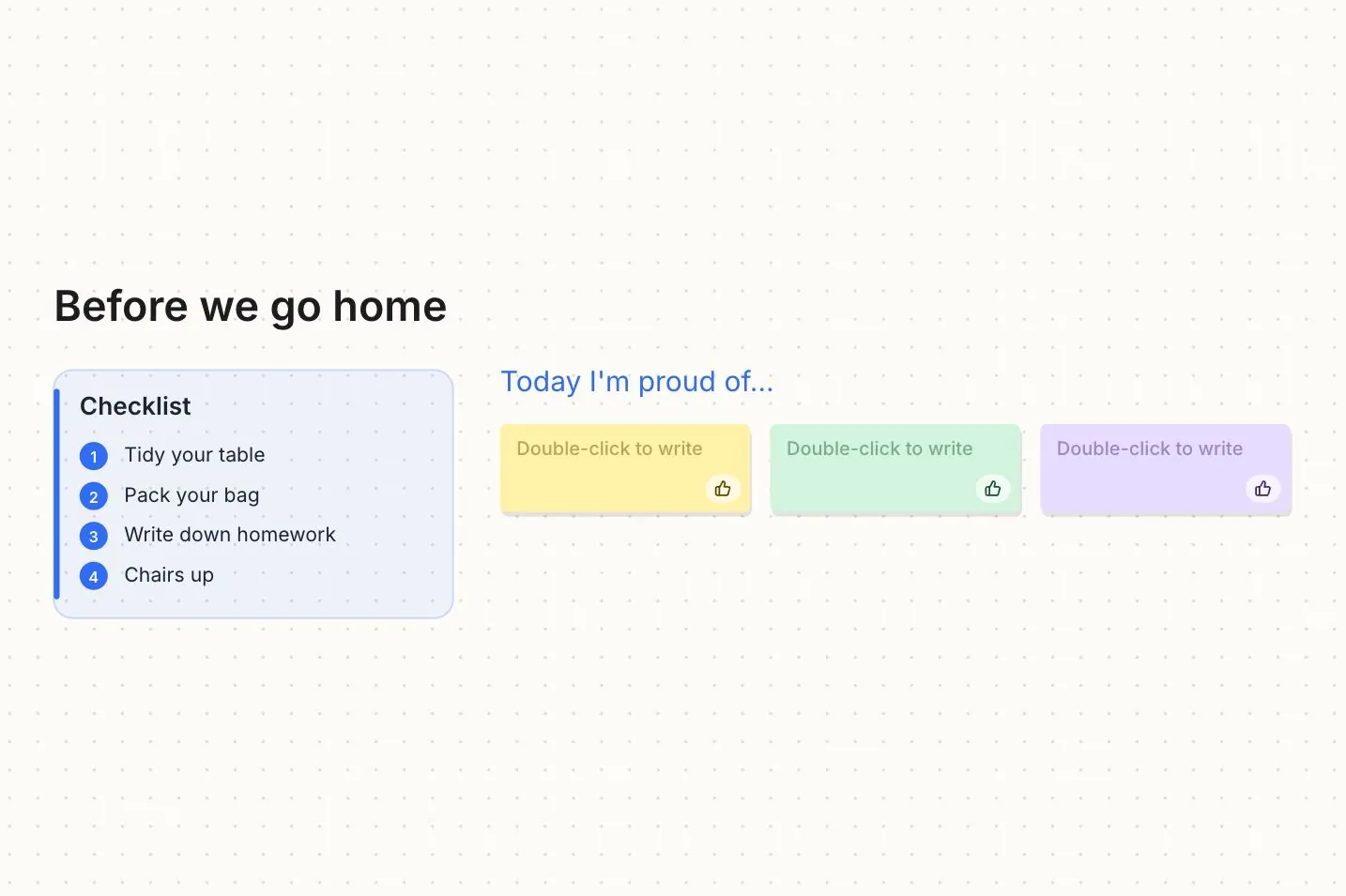
End of the day
A tidy-up checklist and something to be proud of
Use this starter
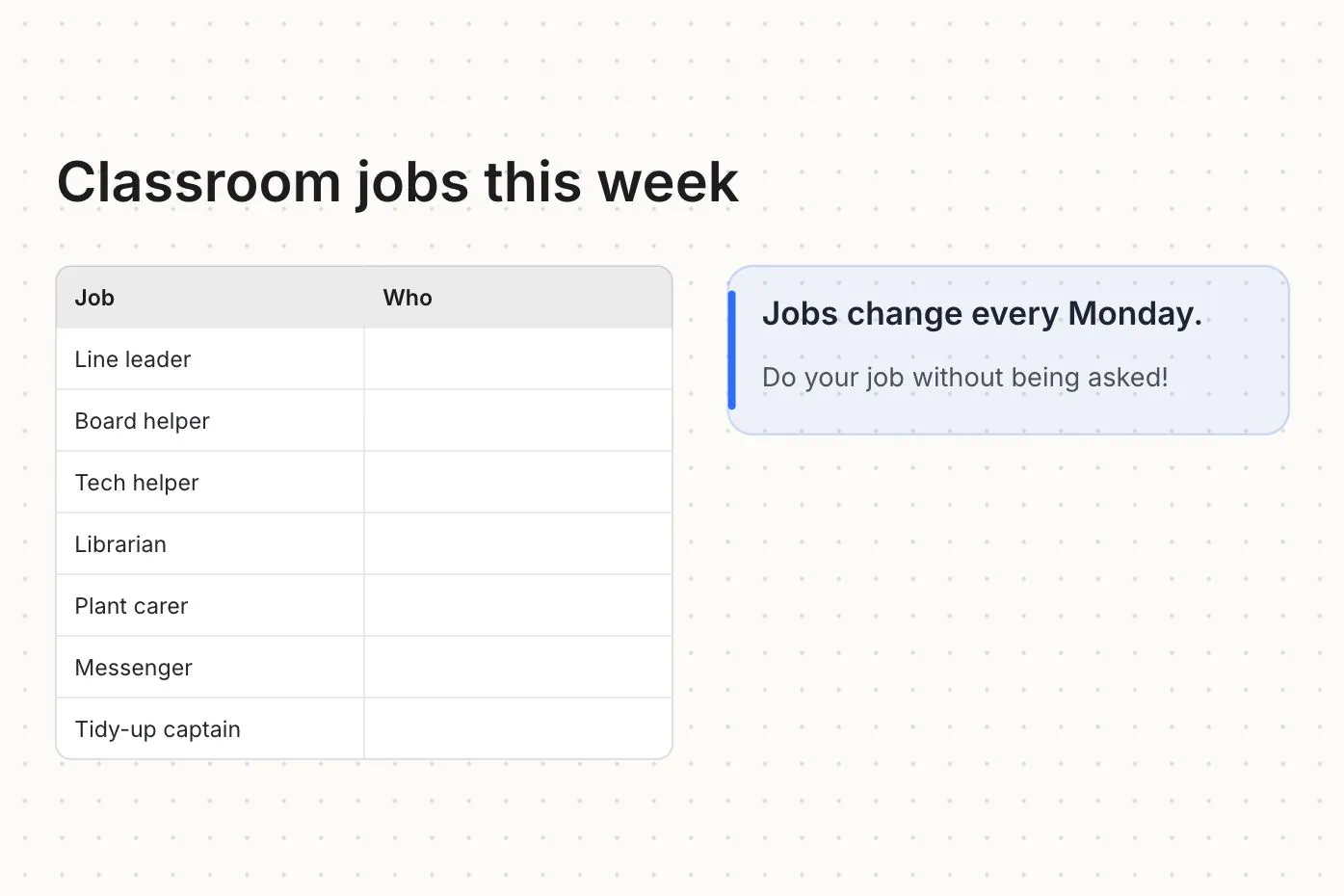
Classroom jobs
Who does which job this week. A free lesson starter for Lesson Screen: change anything, then teach it live with your class.
Try it first needs no account.
How to run it in class
5 min a week- 1Fill in the jobsChange the jobs to fit your room and add a name to each.
- 2Spin for fairnessUse Pick a student to choose who gets each job, so nobody argues.
- 3Save it for next weekKeep the board in the lesson and change the names every Monday.
Why it works
Jobs give students a sense of belonging and take small tasks off your plate. Showing who does what, and picking at random, keeps it fair and stops the same hands going up every week.
Ideas to adapt it
- Add a job for welcoming new students.
- Online, use jobs like timekeeper, chat helper and note taker.
- Let students apply for a job by writing why they'd be good at it.
Questions
How long does it take?
About 5 minutes a week. It stays saved in your lesson, so you can come back to it next time.
Can I use it with one student?
Yes. Turn it into the student's weekly tasks and who checks each one.
Do students need an account?
No. Go live and share the link or the code. Students join from any device with nothing to install, and you can give each of them their own copy.
Is this starter free?
Yes. Open it, change anything and teach with it on the free plan, which has every feature and live lessons with up to 5 students. Try it first needs no account.
More everyday starters
See all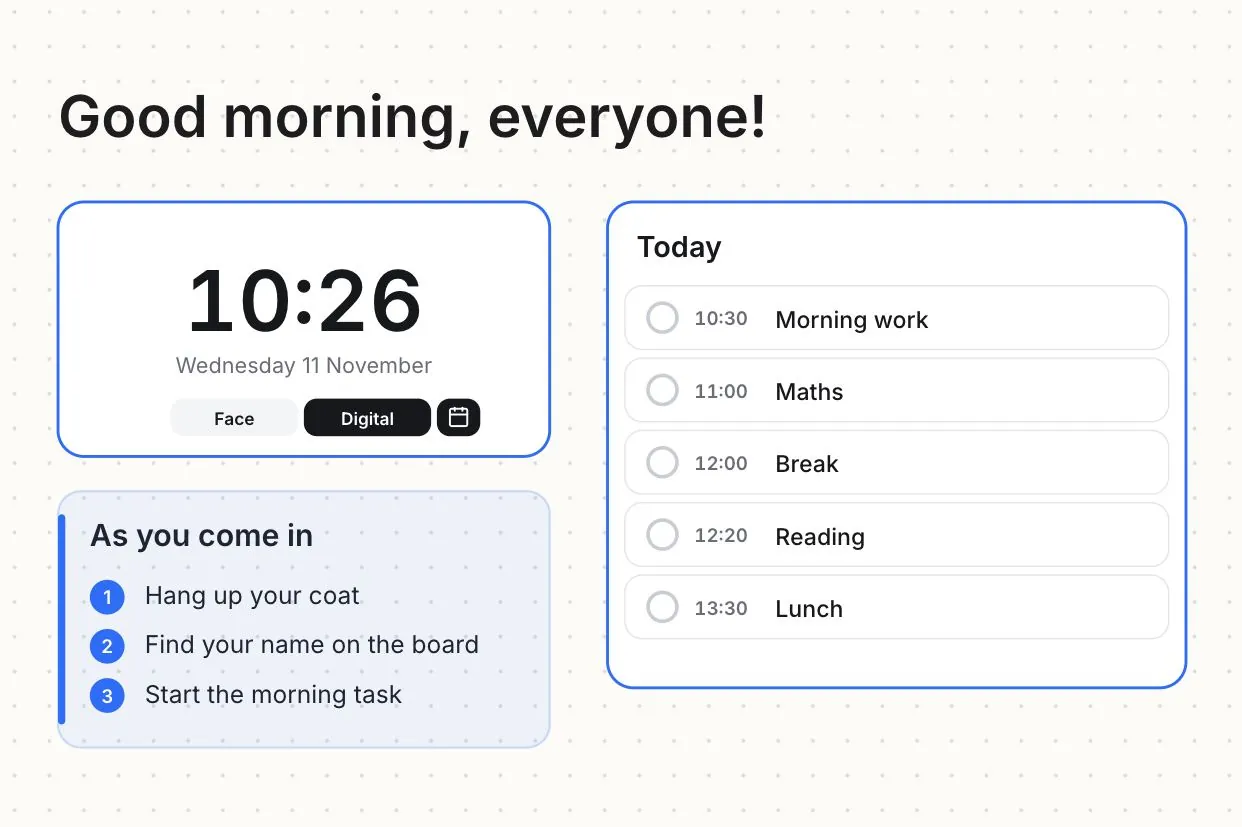
Welcome and today's plan
A greeting, the clock and the plan for the day
Use this starter
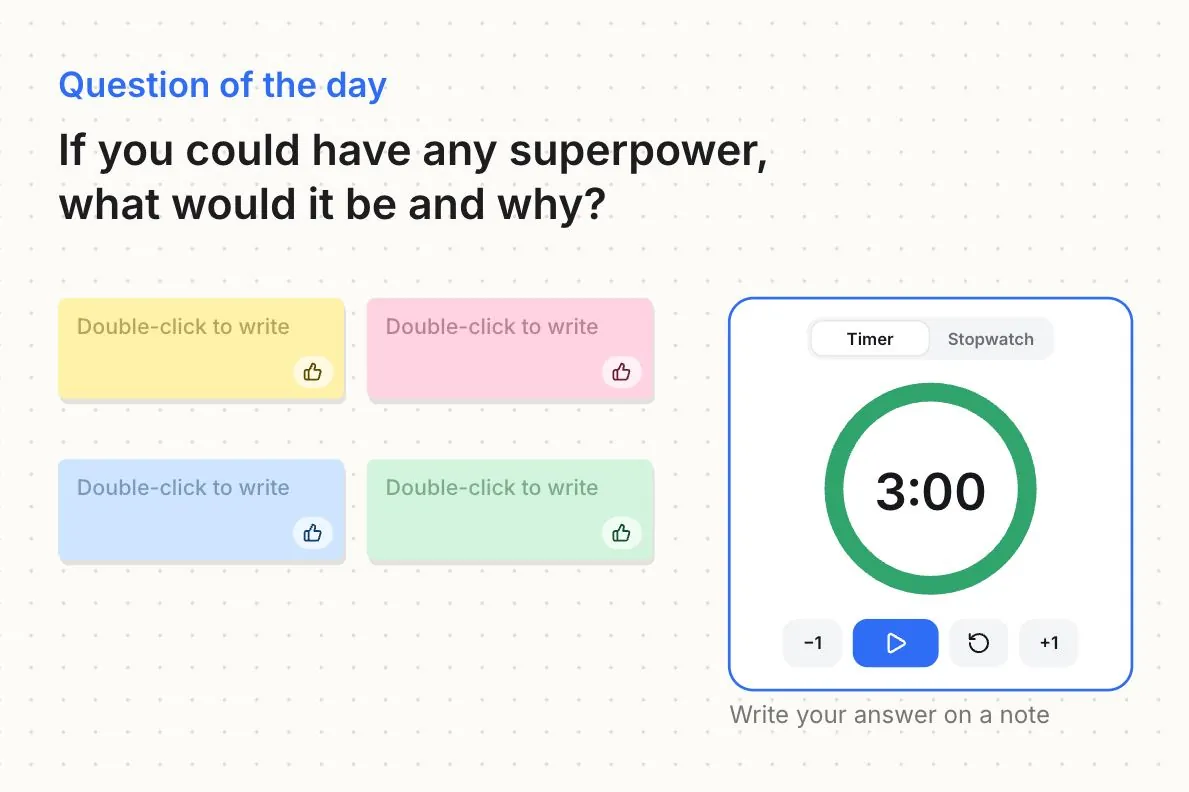
Question of the day
One question, sticky notes for answers, a timer
Use this starter