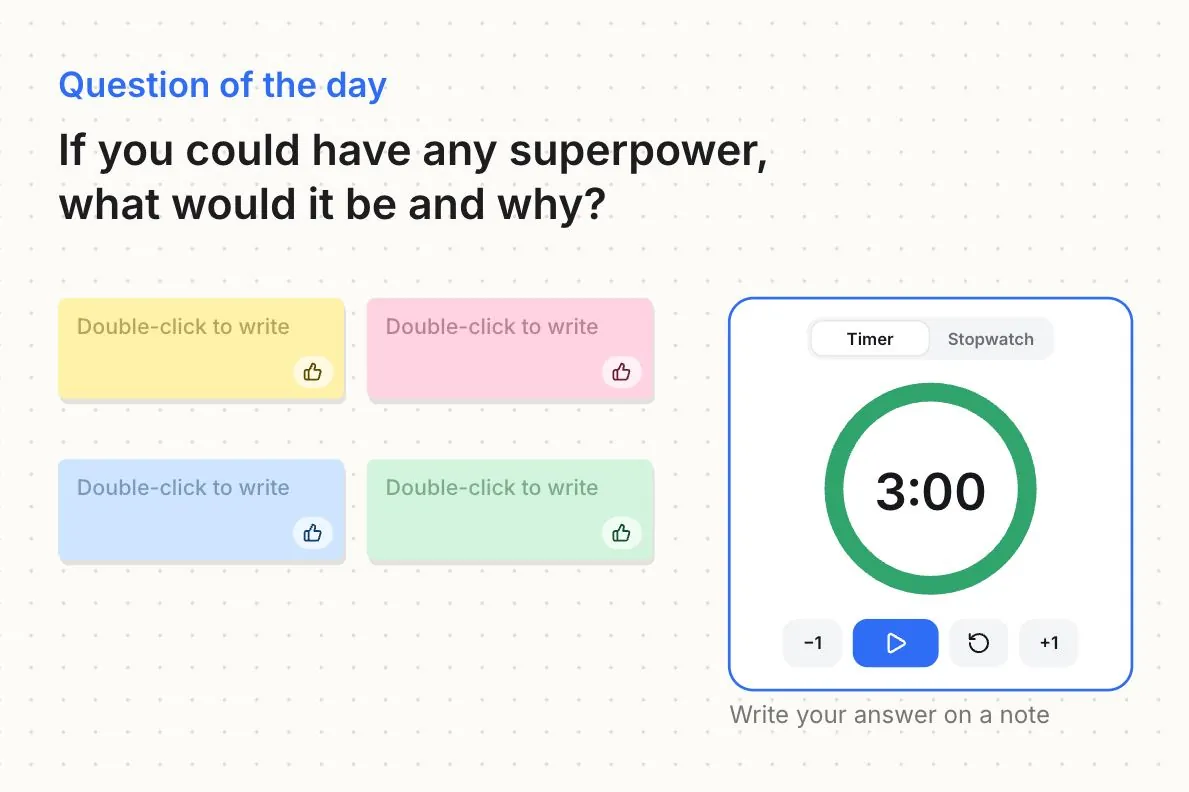
Question of the day
One question, sticky notes for answers, a timer
Use this starter
Welcome and today's plan
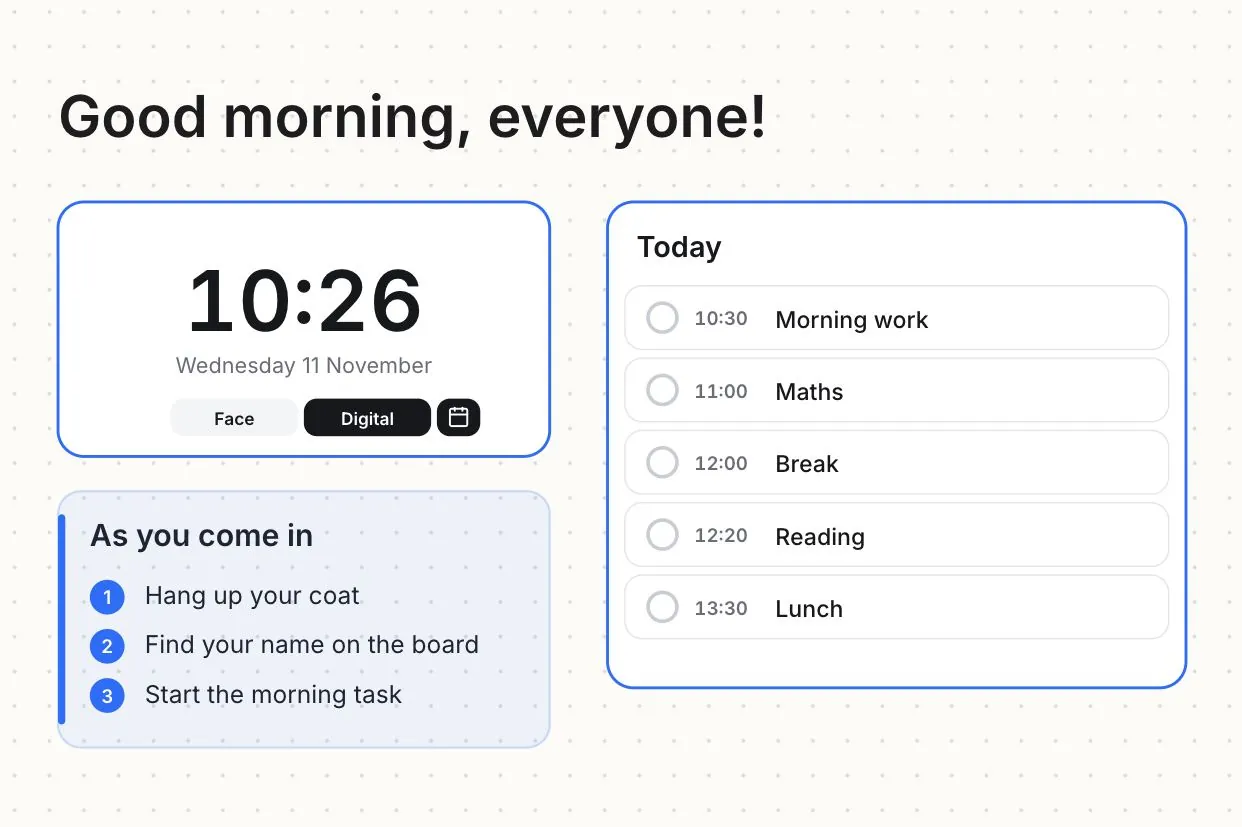
A greeting, the clock and the plan for the day. A free lesson starter for Lesson Screen: change anything, then teach it live with your class.
Try it first needs no account.
How to run it in class
5 min- 1Open it before they arriveChange the plan and the morning task so it's on screen as students come in.
- 2Point to the stepsStudents follow the three arrival steps on their own while you take the register.
- 3Run the day from itClick an activity in the schedule to mark it as now. Earlier ones get ticked.
Why it works
A clear plan on screen answers the first question every student has: what are we doing today? Students who know what's coming settle faster, and the arrival steps give everyone something to do while you take the register.
Ideas to adapt it
- Add a photo or a joke of the day to the morning task.
- For a supply day, leave it ready so the class runs the morning on its own.
- Online, add the time each part starts so students in other places can follow.
Questions
How long does it take?
About 5 minutes. It stays saved in your lesson, so you can come back to it next time.
Can I use it with one student?
Yes. Swap the plan for today's three goals and tick them off together.
Do students need an account?
No. Go live and share the link or the code. Students join from any device with nothing to install, and you can give each of them their own copy.
Is this starter free?
Yes. Open it, change anything and teach with it on the free plan, which has every feature and live lessons with up to 5 students. Try it first needs no account.
More everyday starters
See all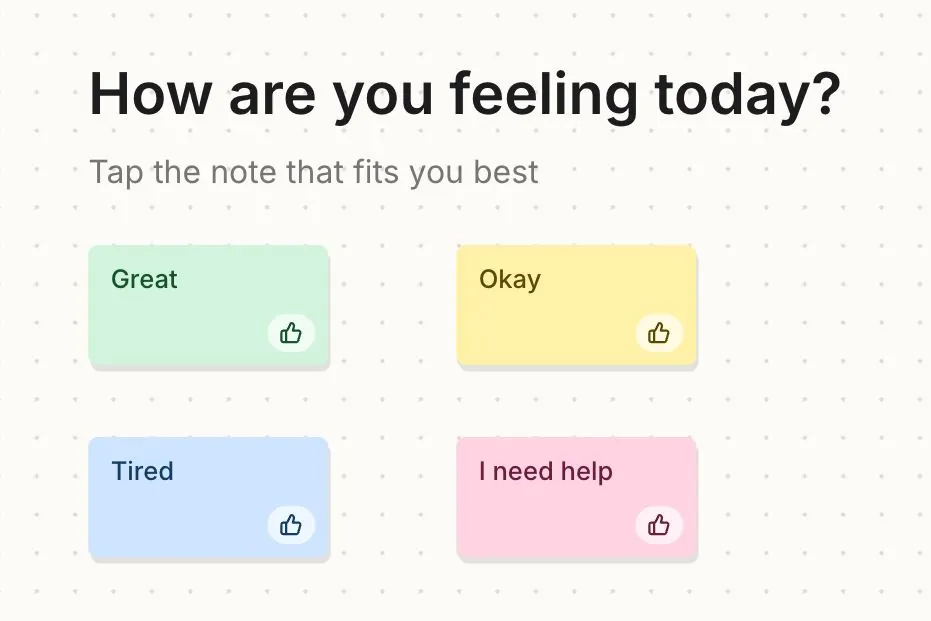
Morning check-in
How is everyone feeling? Students vote on a note
Use this starter
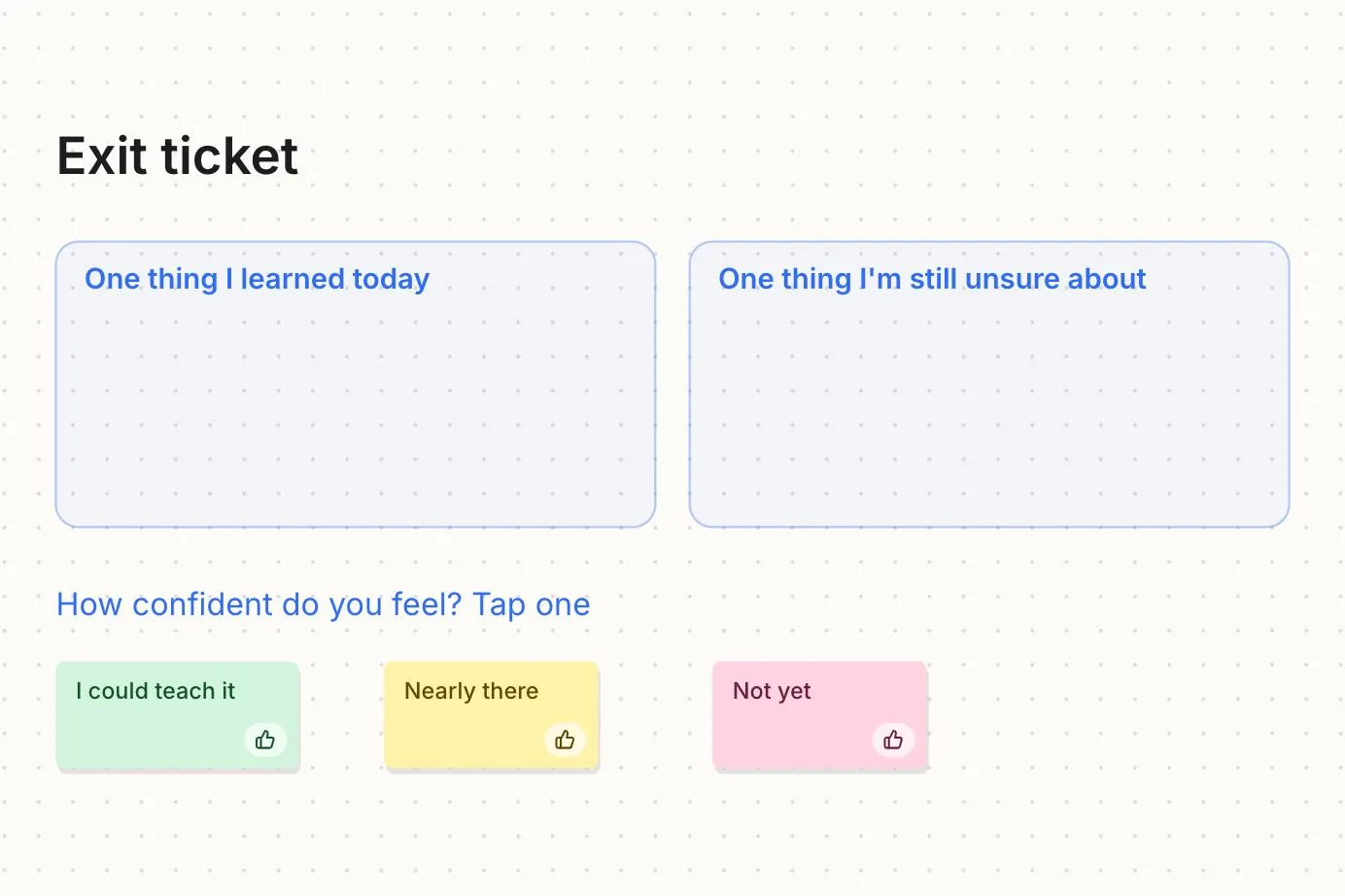
Exit ticket
Two quick questions and a confidence check before students go
Use this starter