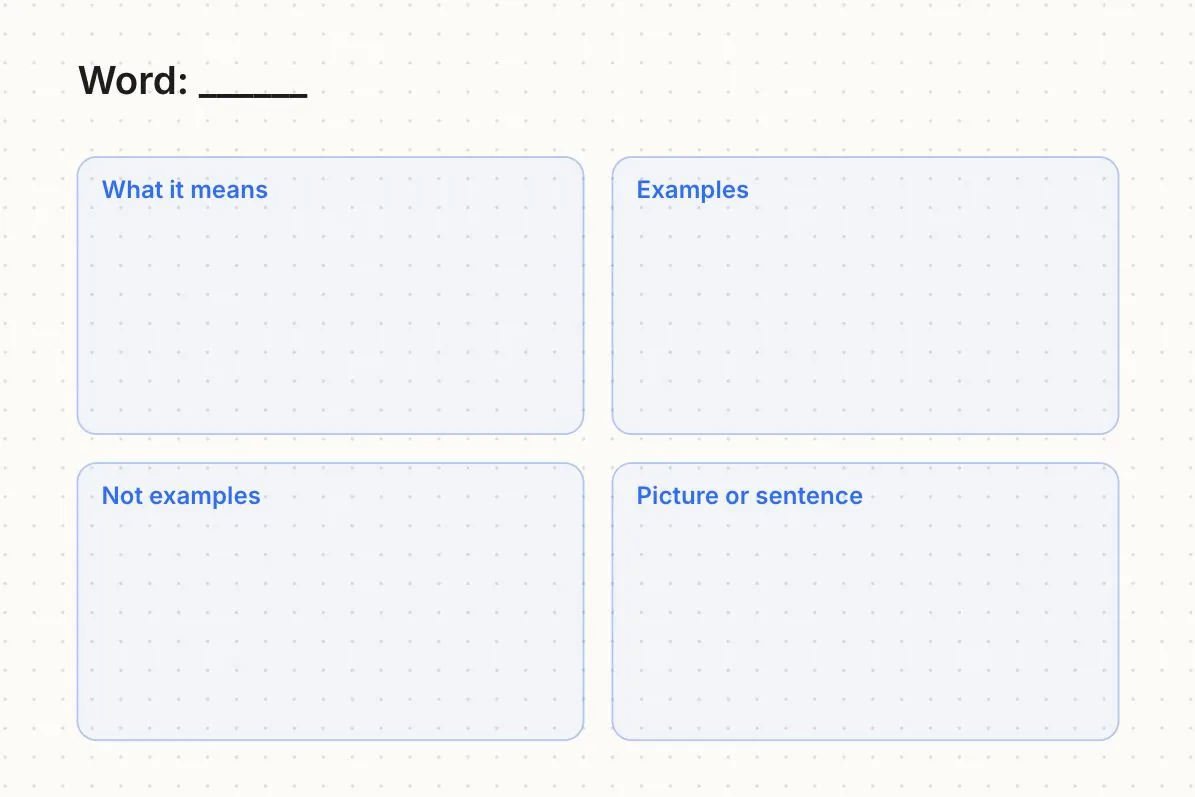
Word map
Meaning, examples, non-examples and a picture
Use this starter
Cornell notes
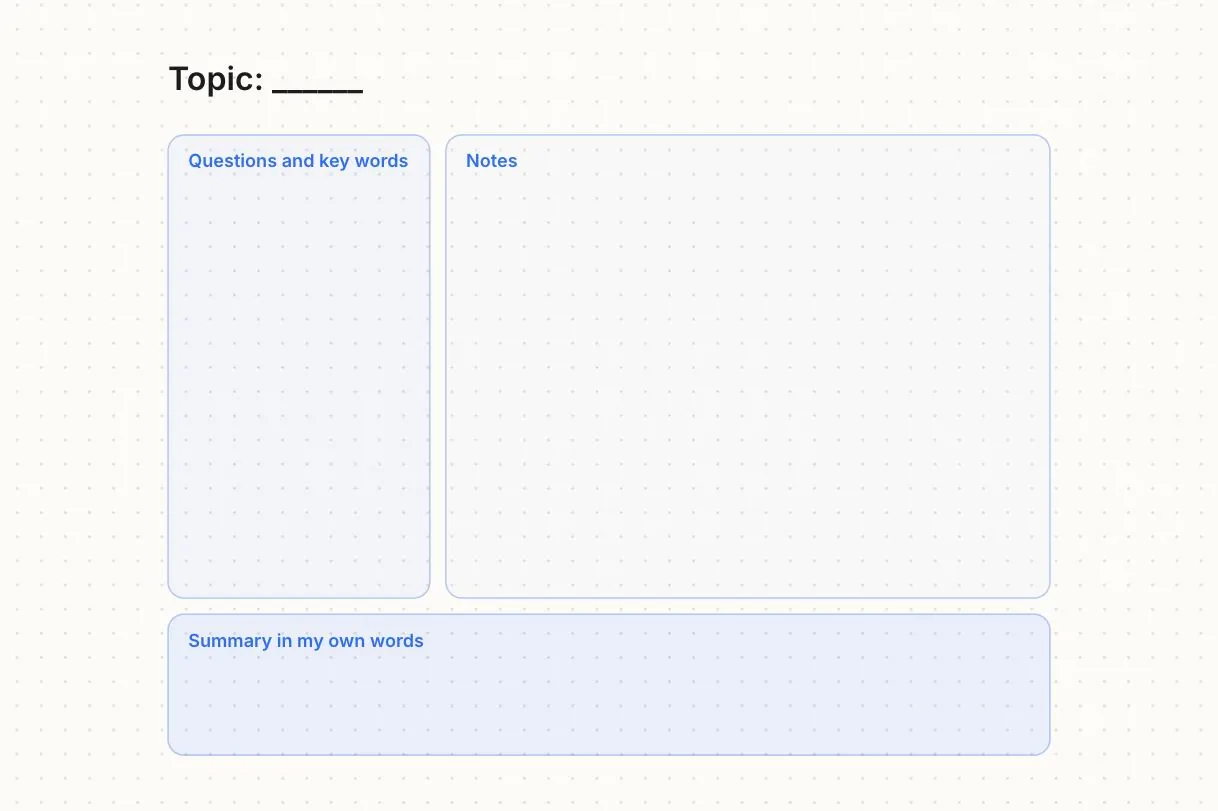
Questions, notes and a summary. A free lesson starter for Lesson Screen: change anything, then teach it live with your class.
Try it first needs no account.
How to run it in class
Whole lesson- 1Take notes in the middleStudents write notes in the big box while you teach.
- 2Add questions on the sideAfter, they write questions and key words that match the notes.
- 3Summarise at the endFive minutes on the timer to write the summary in their own words.
Why it works
Cornell notes make students do something with their notes, not just copy them. Adding questions and a summary helps them remember far more of the lesson.
Ideas to adapt it
- Use it for a video or a reading task.
- Swap questions with a partner to test each other.
- Keep the board as a revision sheet.
Questions
How long does it take?
It runs through a whole lesson. It stays saved in your lesson, so you can come back to it next time.
Can I use it with one student?
Yes. Cover the notes and quiz them using only the questions.
Do students need an account?
No. Go live and share the link or the code. Students join from any device with nothing to install, and you can give each of them their own copy.
Is this starter free?
Yes. Open it, change anything and teach with it on the free plan, which has every feature and live lessons with up to 5 students. Try it first needs no account.
More any subject starters
See all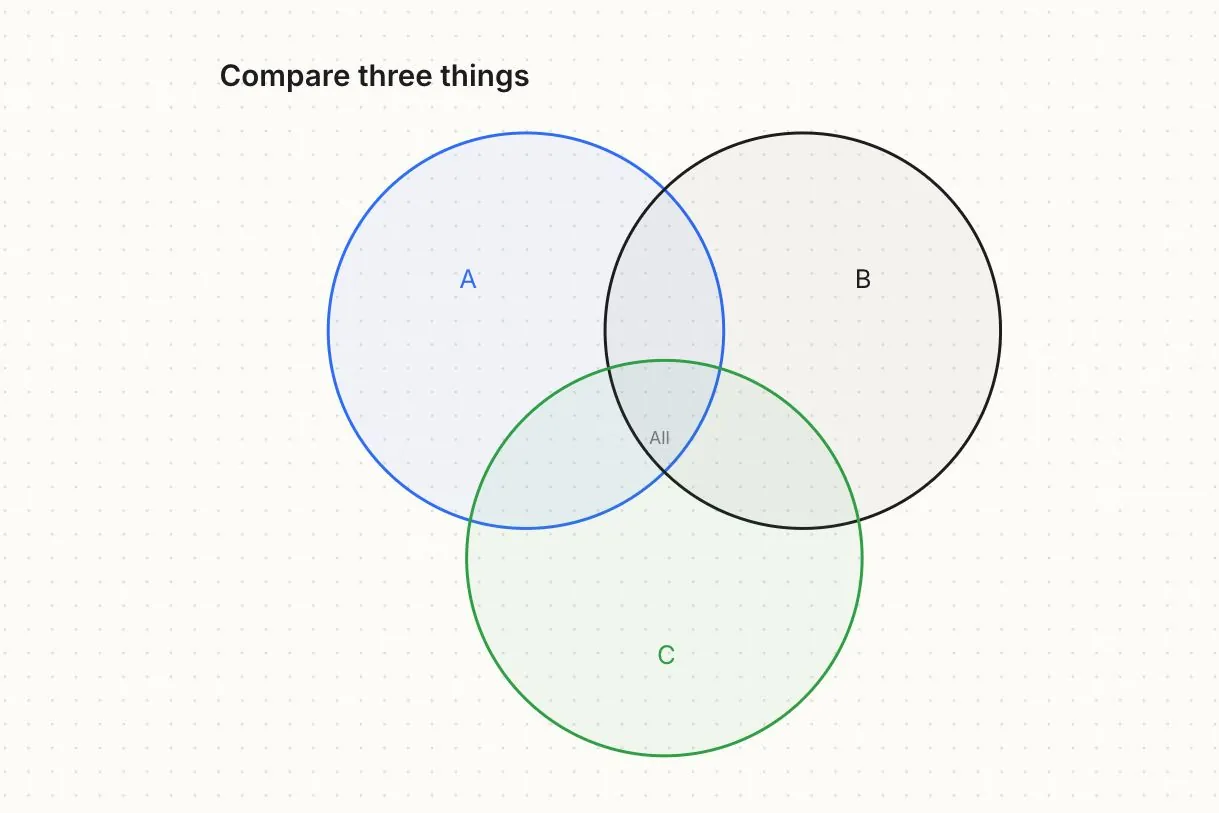
Venn with three circles
Compare three things
Use this starter
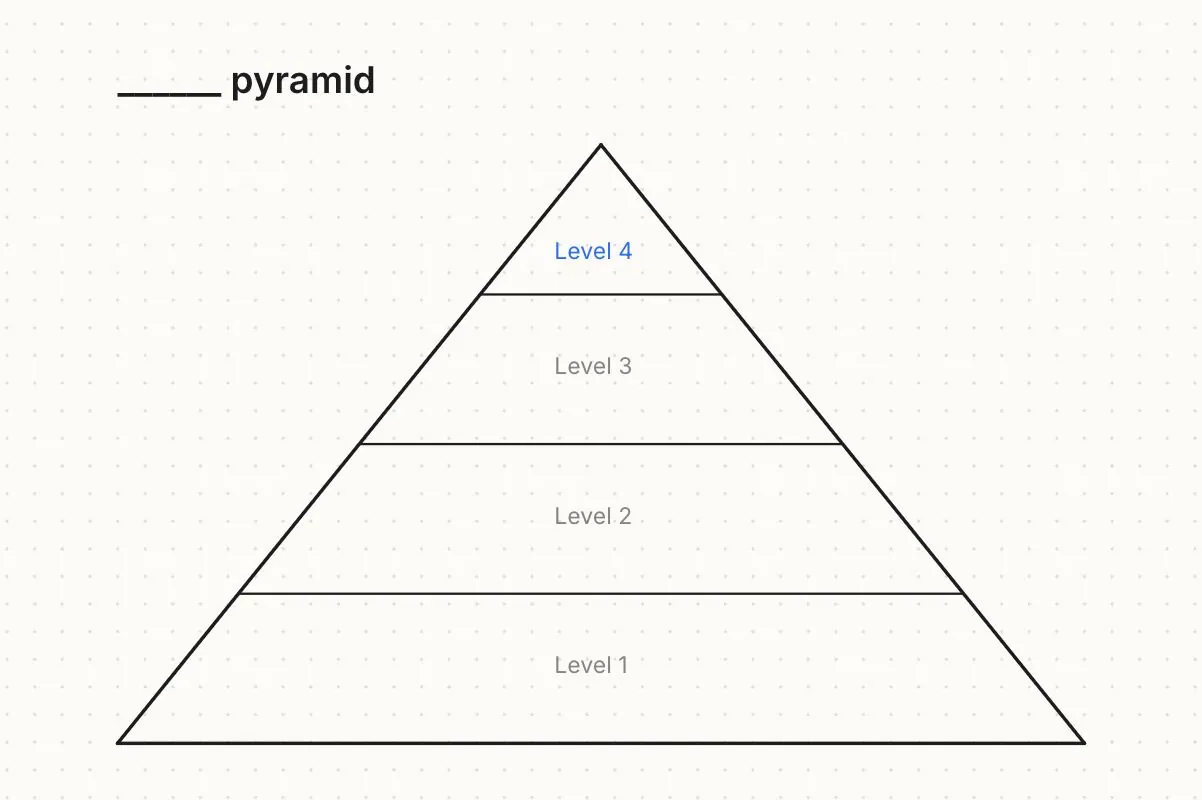
Pyramid
Four levels, from the base up
Use this starter