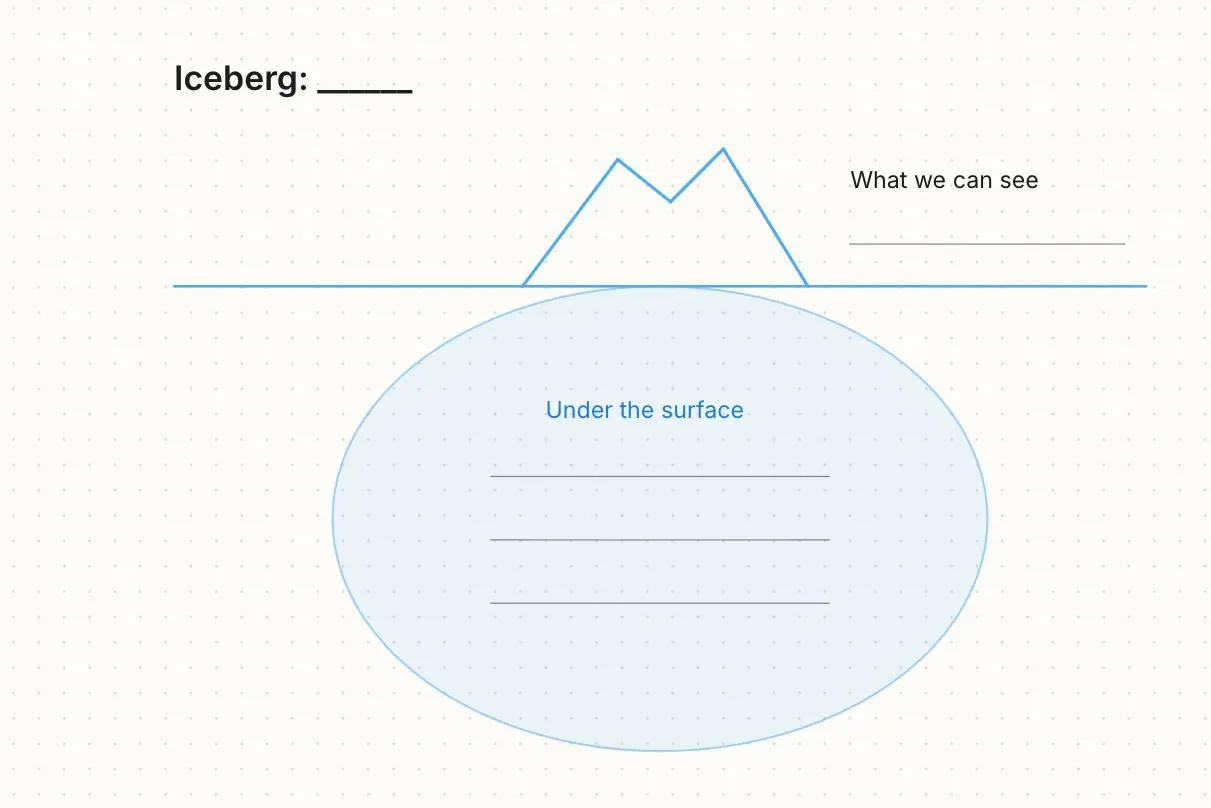
Iceberg
What you can see, and what's under the surface
Use this starter
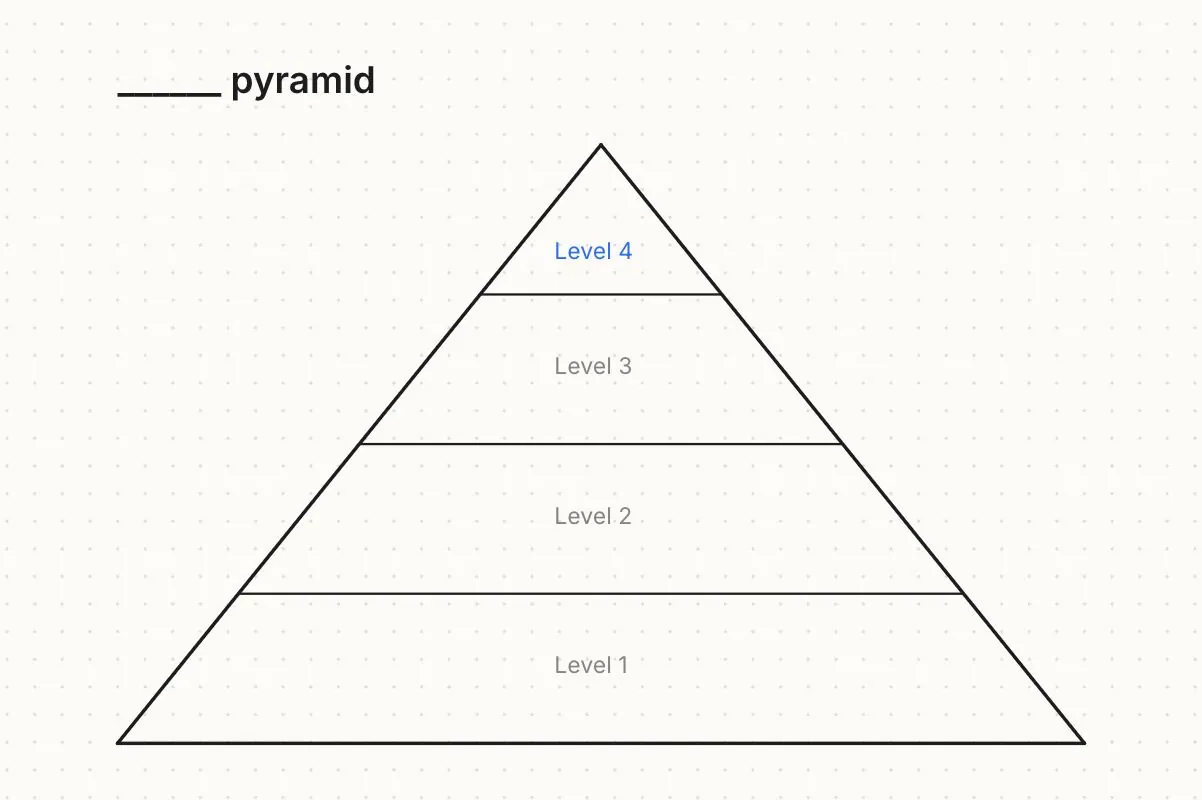
Pyramid
Four levels, from the base up. A free lesson starter for Lesson Screen: change anything, then teach it live with your class.
Try it first needs no account.
How to run it in class
10 min- 1Name the pyramidLike Food groups, Needs or Most important causes.
- 2Fill from the baseStudents fill the biggest or most basic level first.
- 3Defend the topAsk why the top level belongs there.
Why it works
A pyramid shows that some things support others. Filling it from the base up helps students think about what comes first and what matters most.
Ideas to adapt it
- Use it for a food chain or a needs pyramid.
- Rank the causes of an event from least to most important.
- Ask students to argue over what goes at the top.
Questions
How long does it take?
About 10 minutes. It stays saved in your lesson, so you can come back to it next time.
Can I use it with one student?
Yes. Give them the pieces mixed up and let them build it.
Do students need an account?
No. Go live and share the link or the code. Students join from any device with nothing to install, and you can give each of them their own copy.
Is this starter free?
Yes. Open it, change anything and teach with it on the free plan, which has every feature and live lessons with up to 5 students. Try it first needs no account.
More any subject starters
See all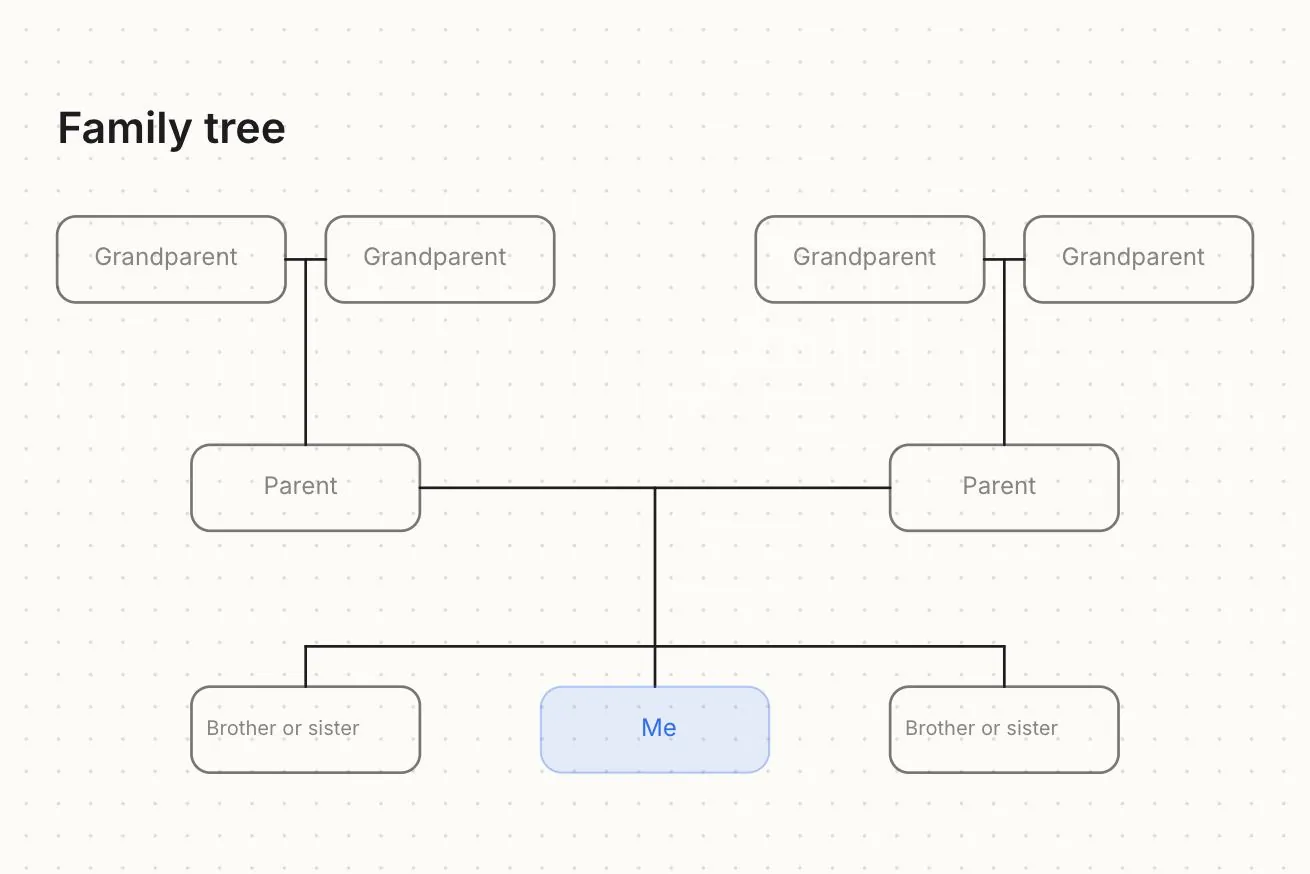
Family tree
Grandparents, parents and children
Use this starter
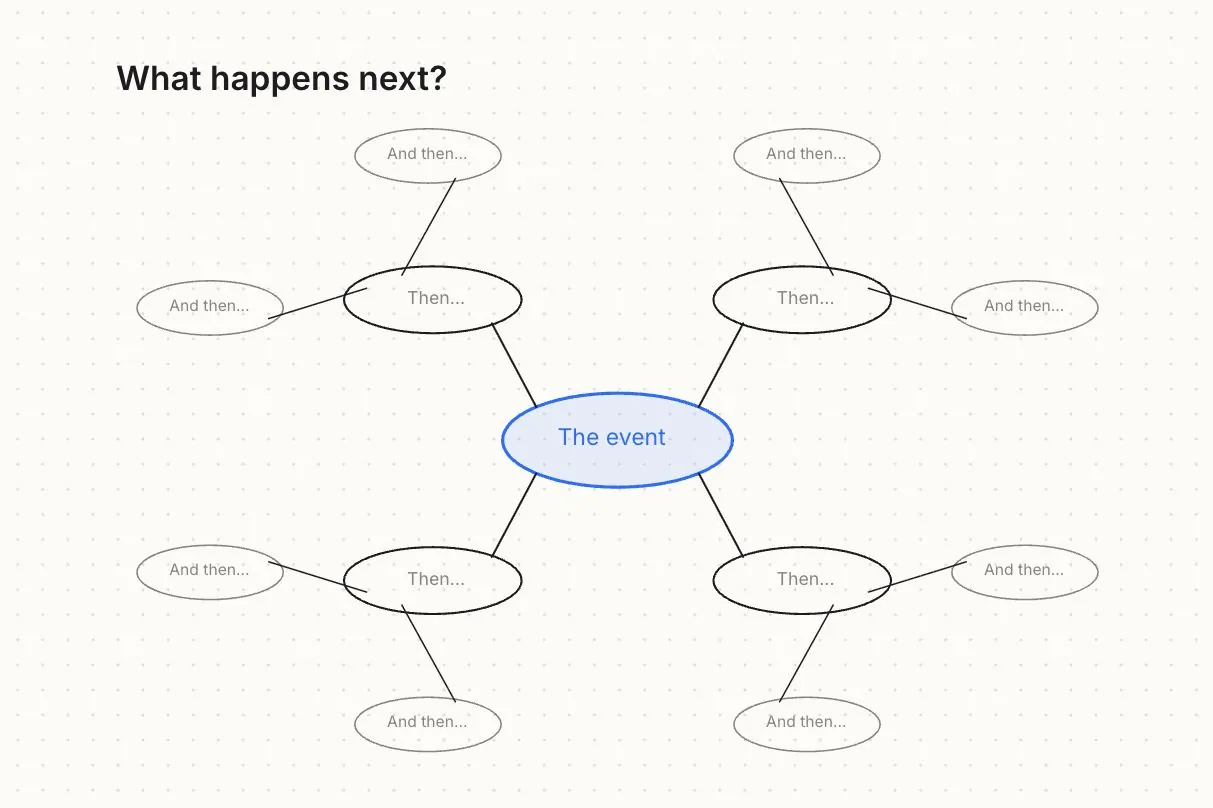
Futures wheel
An event, what follows, and what follows that
Use this starter