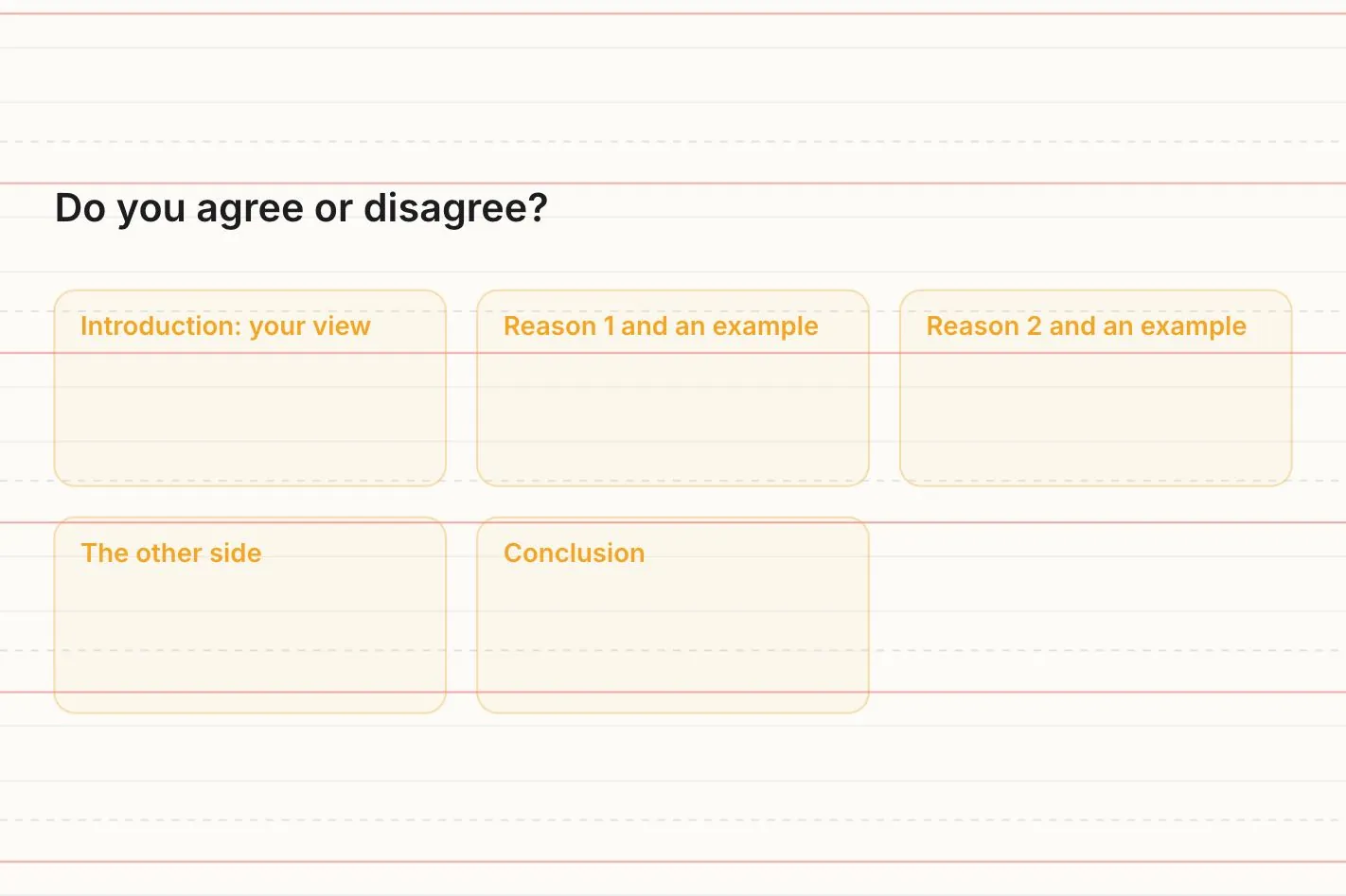
Plan an opinion essay
Introduction, reasons, the other side and a conclusion
Use this starter
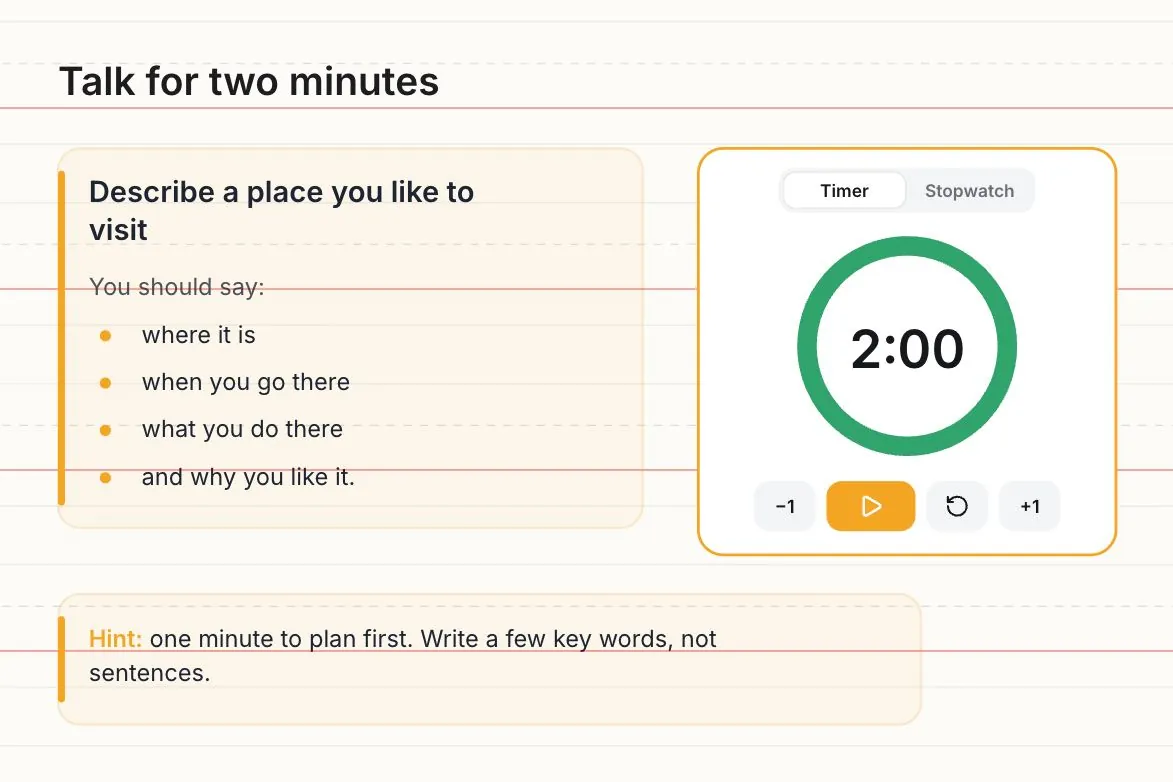
Speaking cue card
Talk for two minutes with prompts and a timer. A free lesson starter for Lesson Screen: change anything, then teach it live with your class.
Try it first needs no account.
How to run it in class
5 min- 1Plan for one minuteStudents write a few key words, not sentences.
- 2Talk for two minutesStart the timer. Spotlight one student to speak.
- 3Give one tipSay one thing they did well and one to improve.
Why it works
Planning for a minute and then speaking for two builds fluency under time. One tip at the end gives each student something to work on.
Ideas to adapt it
- Use cue cards from a speaking exam.
- Let students time each other in breakout rooms.
- Record the talk and listen back.
Questions
How long does it take?
About 5 minutes. It stays saved in your lesson, so you can come back to it next time.
Can I use it with one student?
Yes. Record them and listen back together.
Do students need an account?
No. Go live and share the link or the code. Students join from any device with nothing to install, and you can give each of them their own copy.
Is this starter free?
Yes. Open it, change anything and teach with it on the free plan, which has every feature and live lessons with up to 5 students. Try it first needs no account.
More languages starters
See all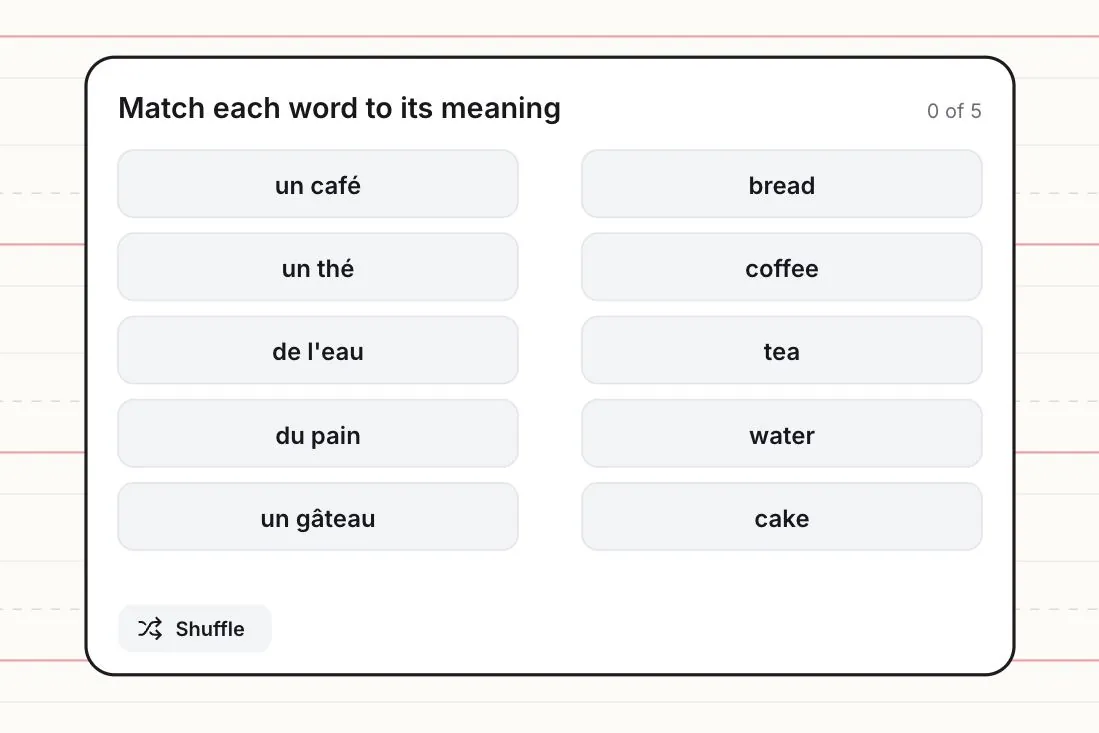
Match the meanings
Food and drink words to match with their meaning
Use this starter
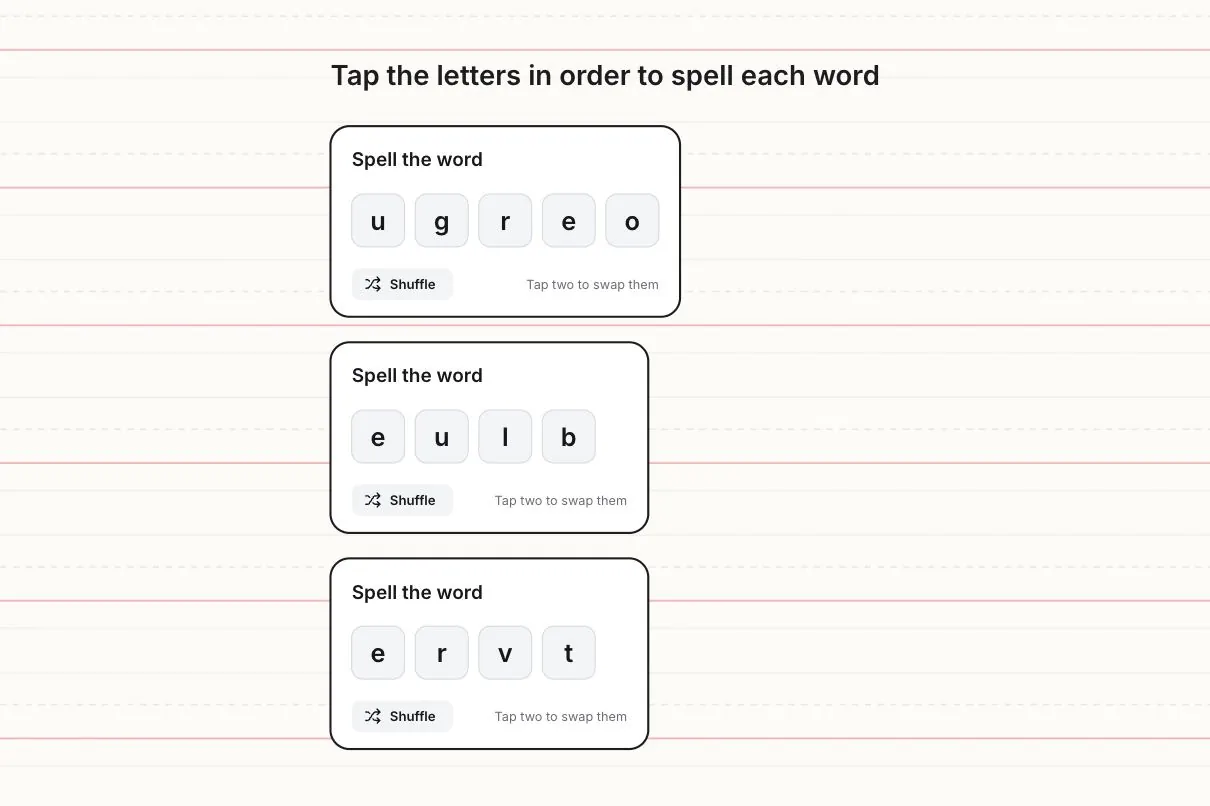
Spell it
Three colour words to spell from their letters
Use this starter