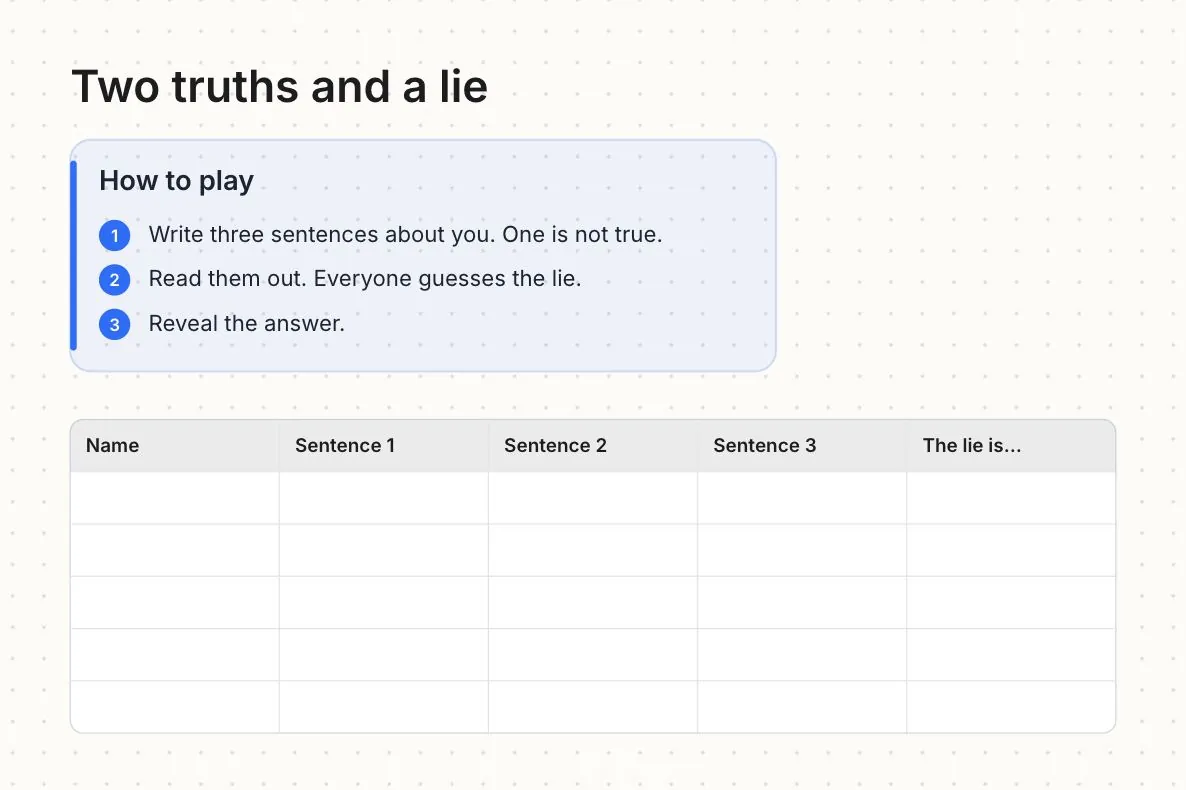
Two truths and a lie
Three sentences each. Can the class spot the lie?
Use this starter
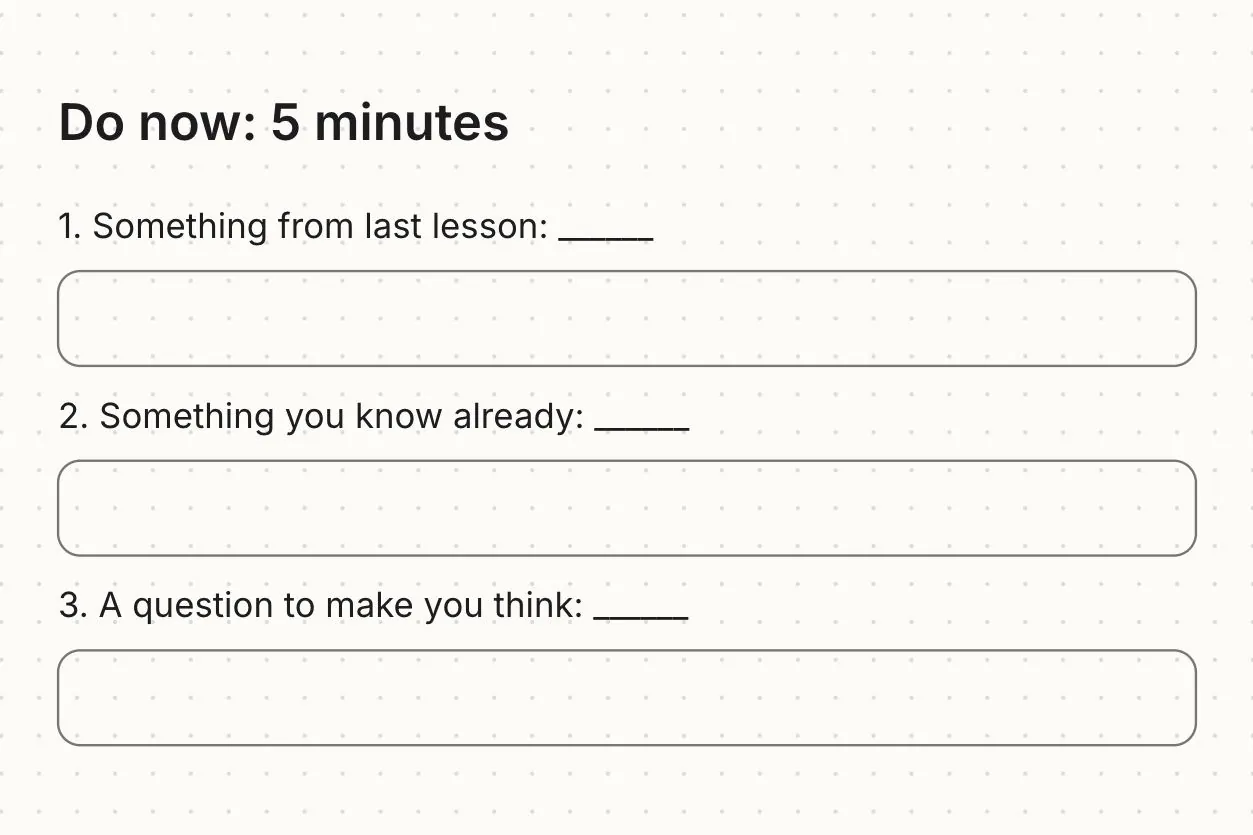
Do now
Three quick questions to start the lesson. A free lesson starter for Lesson Screen: change anything, then teach it live with your class.
Try it first needs no account.
How to run it in class
5 min- 1Open it as they joinHave it on screen so students start working straight away.
- 2Five minutes on the clockStart the timer. Students write on their own copy.
- 3Go through answersPick students to share. Spend longest on the last-lesson question.
Why it works
A task on screen as students arrive means the lesson starts the moment they sit down. Questions on last lesson's work help them remember it before you build on it.
Ideas to adapt it
- Mix one easy, one medium and one hard question.
- Add a question from a month ago to keep it fresh.
- Let early finishers write a question for the class.
Questions
How long does it take?
About 5 minutes. It stays saved in your lesson, so you can come back to it next time.
Can I use it with one student?
Yes. Start every lesson with it, and keep the old ones to see progress.
Do students need an account?
No. Go live and share the link or the code. Students join from any device with nothing to install, and you can give each of them their own copy.
Is this starter free?
Yes. Open it, change anything and teach with it on the free plan, which has every feature and live lessons with up to 5 students. Try it first needs no account.
More any subject starters
See all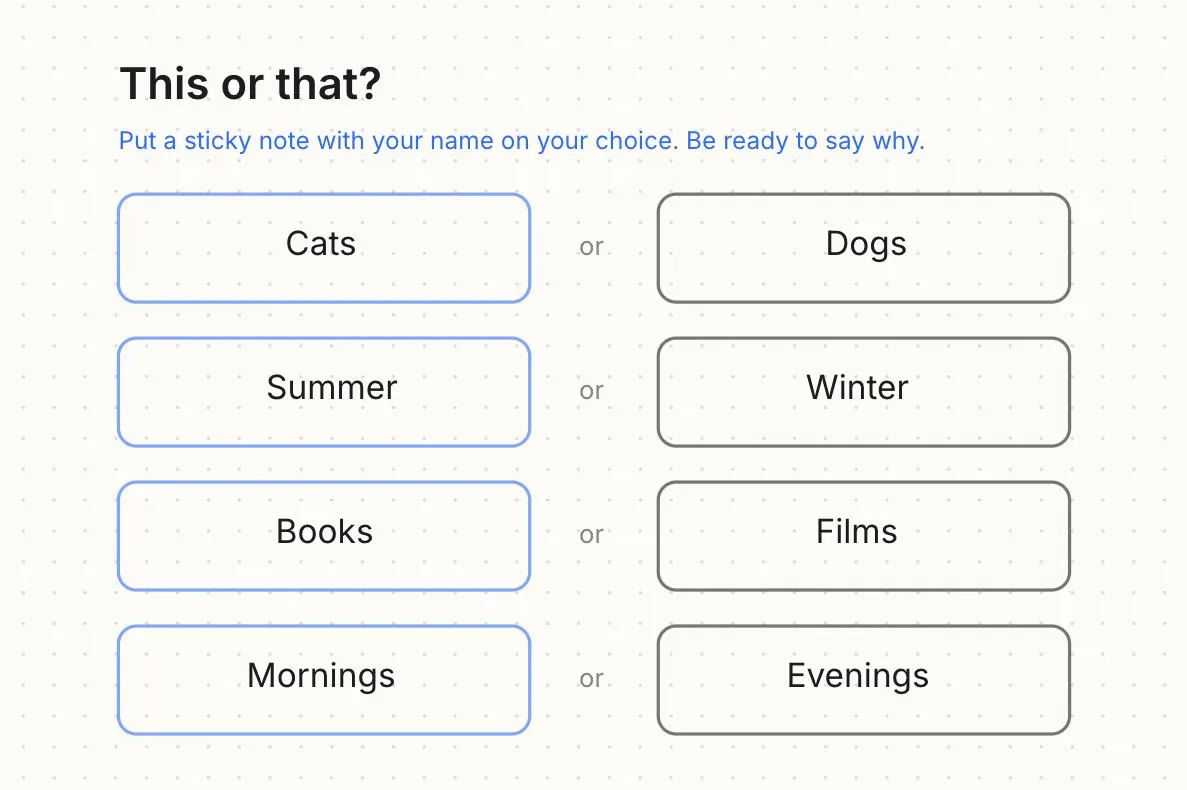
This or that
Pick a side and say why
Use this starter

Where in the world?
Everyone pins where they are on a world map
Use this starter