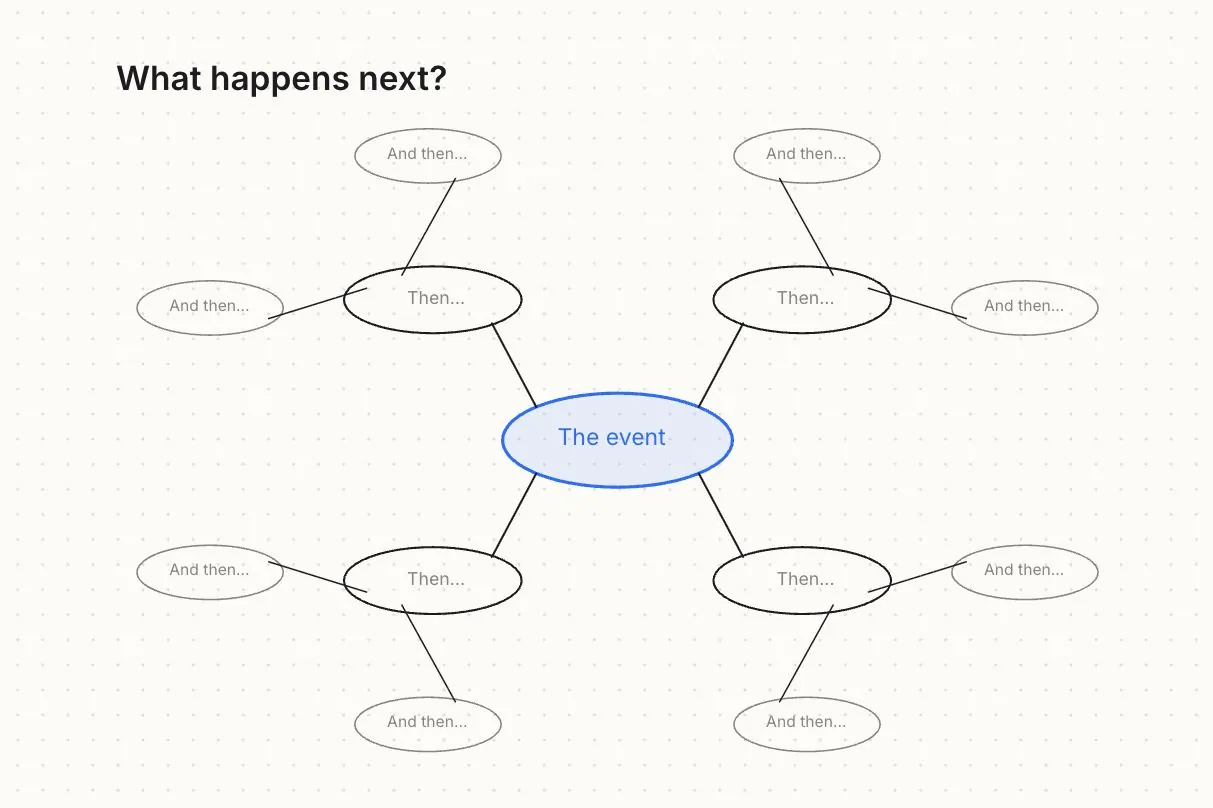
Futures wheel
An event, what follows, and what follows that
Use this starter
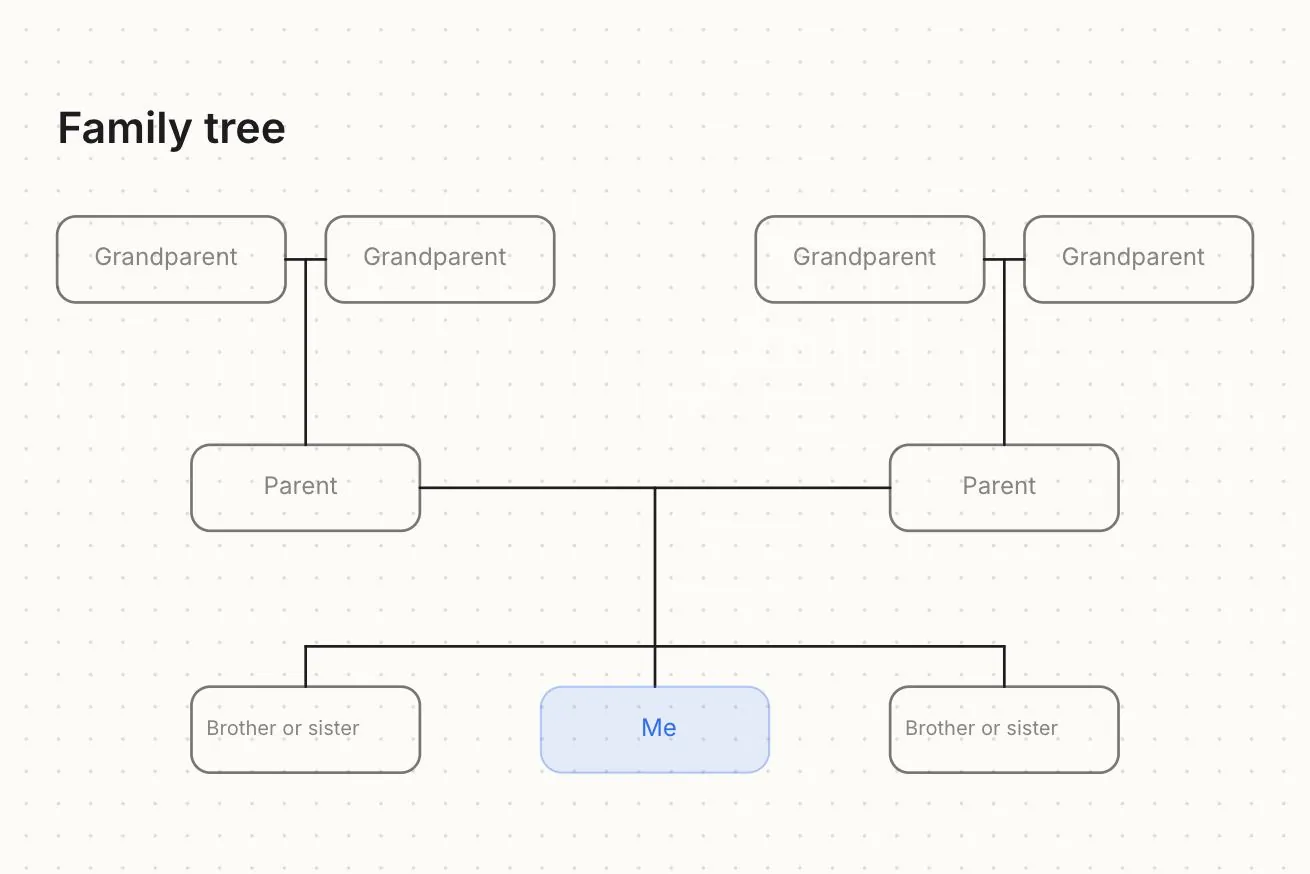
Family tree
Grandparents, parents and children. A free lesson starter for Lesson Screen: change anything, then teach it live with your class.
Try it first needs no account.
How to run it in class
15 min- 1Fill in your own firstShow your family tree as an example.
- 2Students make theirsGive everyone their own copy to fill in names.
- 3Talk about itSpotlight a student to describe their family in a sentence or two.
Language class? Practise words like aunt, cousin and older brother as you fill it.
Why it works
A family tree is a personal, friendly way to practise new words and talk about people. It works for history and stories as well as real families.
Ideas to adapt it
- Make a family tree for a royal family or a book's characters.
- In a language class, label each person in the new language.
- Let students draw pets or friends if they prefer.
Questions
How long does it take?
About 15 minutes. It stays saved in your lesson, so you can come back to it next time.
Can I use it with one student?
Yes. Open it in your student's own lesson, work through it together, and keep the board for next time.
Do students need an account?
No. Go live and share the link or the code. Students join from any device with nothing to install, and you can give each of them their own copy.
Is this starter free?
Yes. Open it, change anything and teach with it on the free plan, which has every feature and live lessons with up to 5 students. Try it first needs no account.
More any subject starters
See all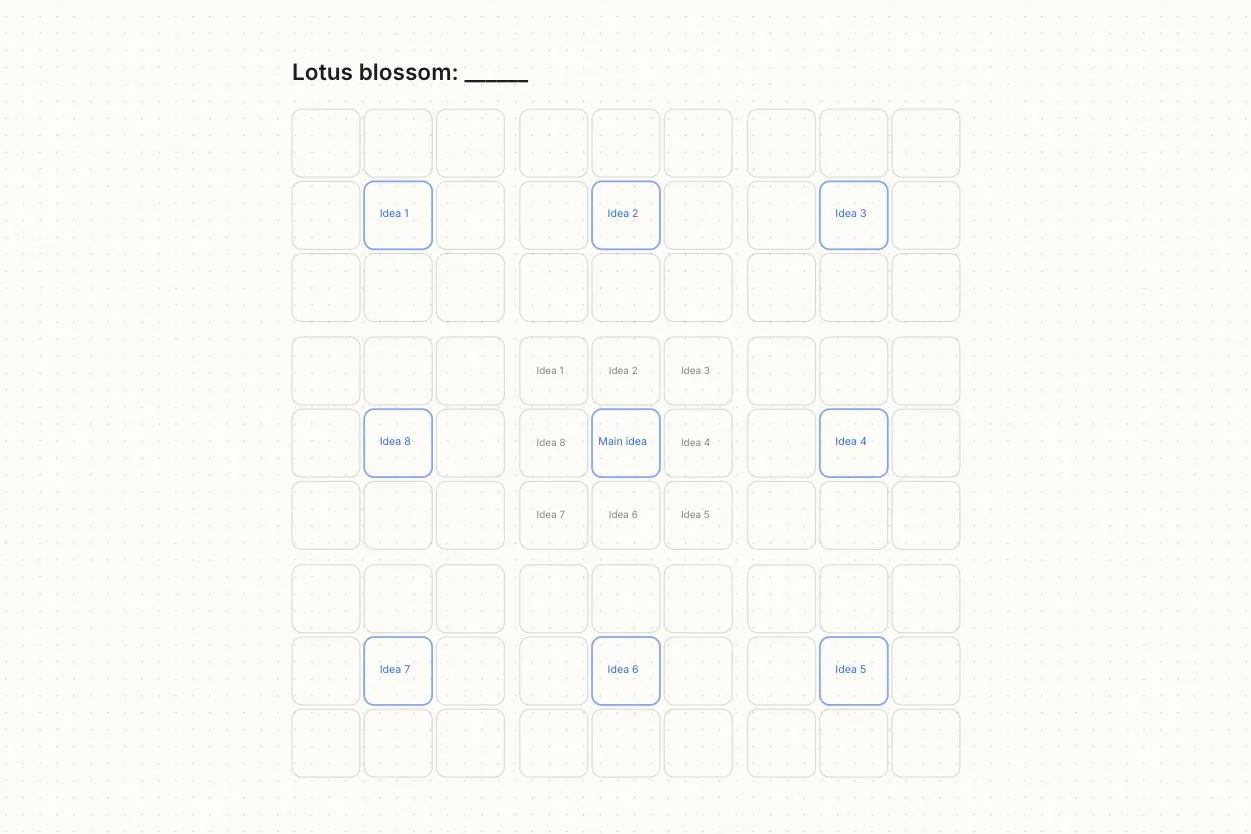
Lotus blossom
One idea grows into eight, and each into eight more
Use this starter
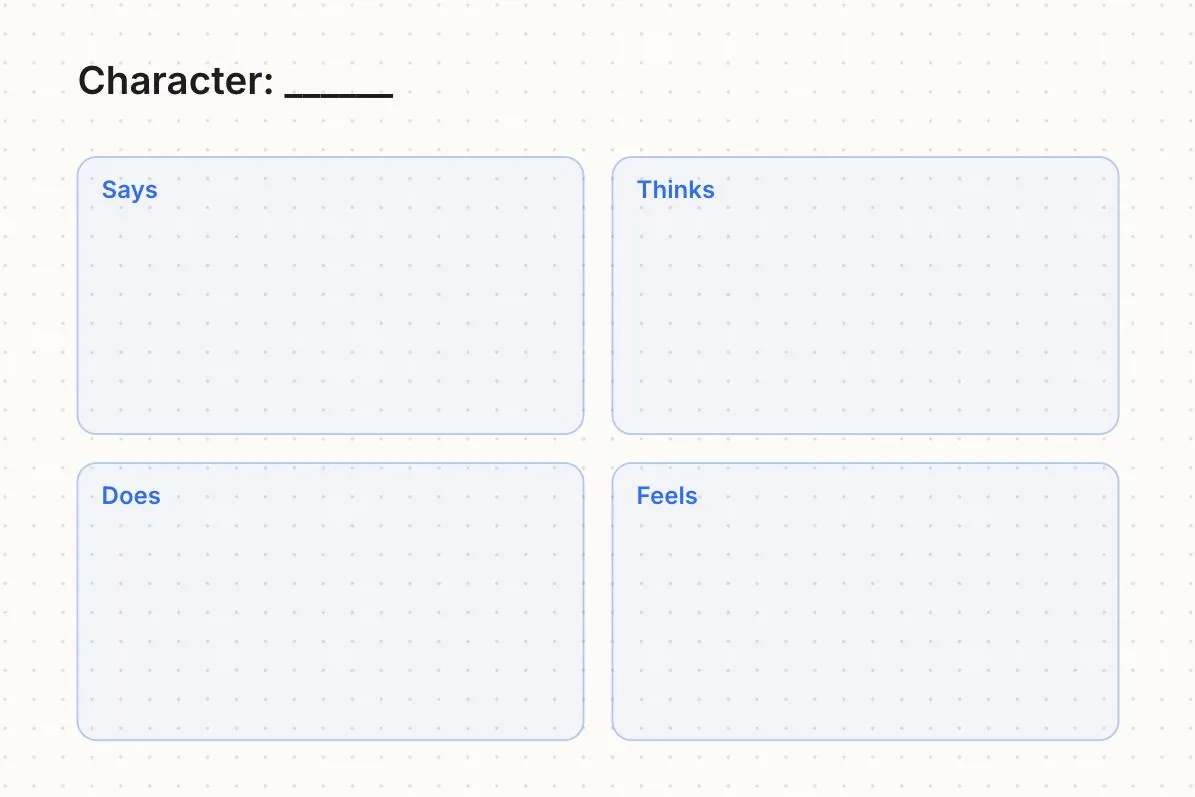
Empathy map
What a character says, thinks, does and feels
Use this starter