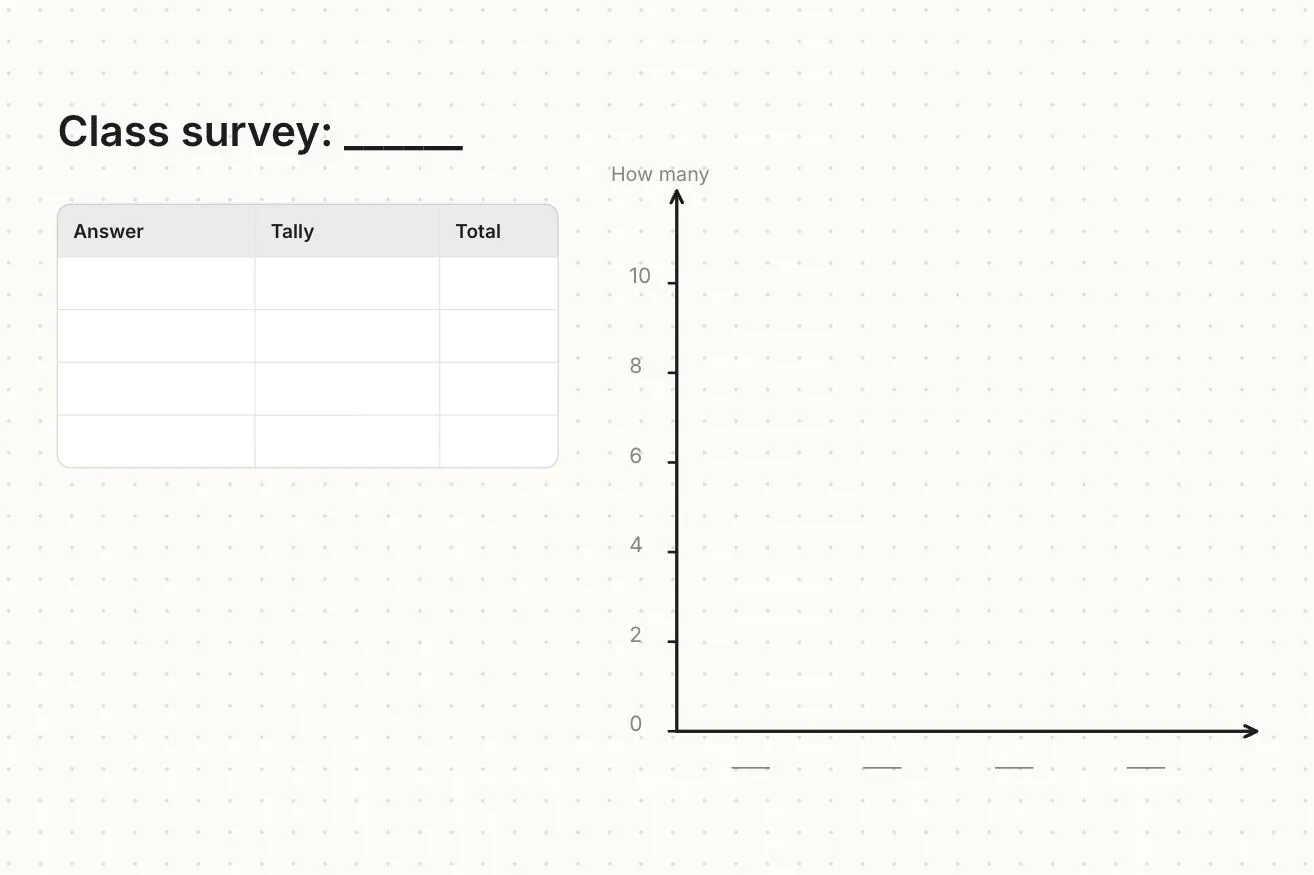
Class survey bar chart
Tally the answers, then draw the bars
Use this starter
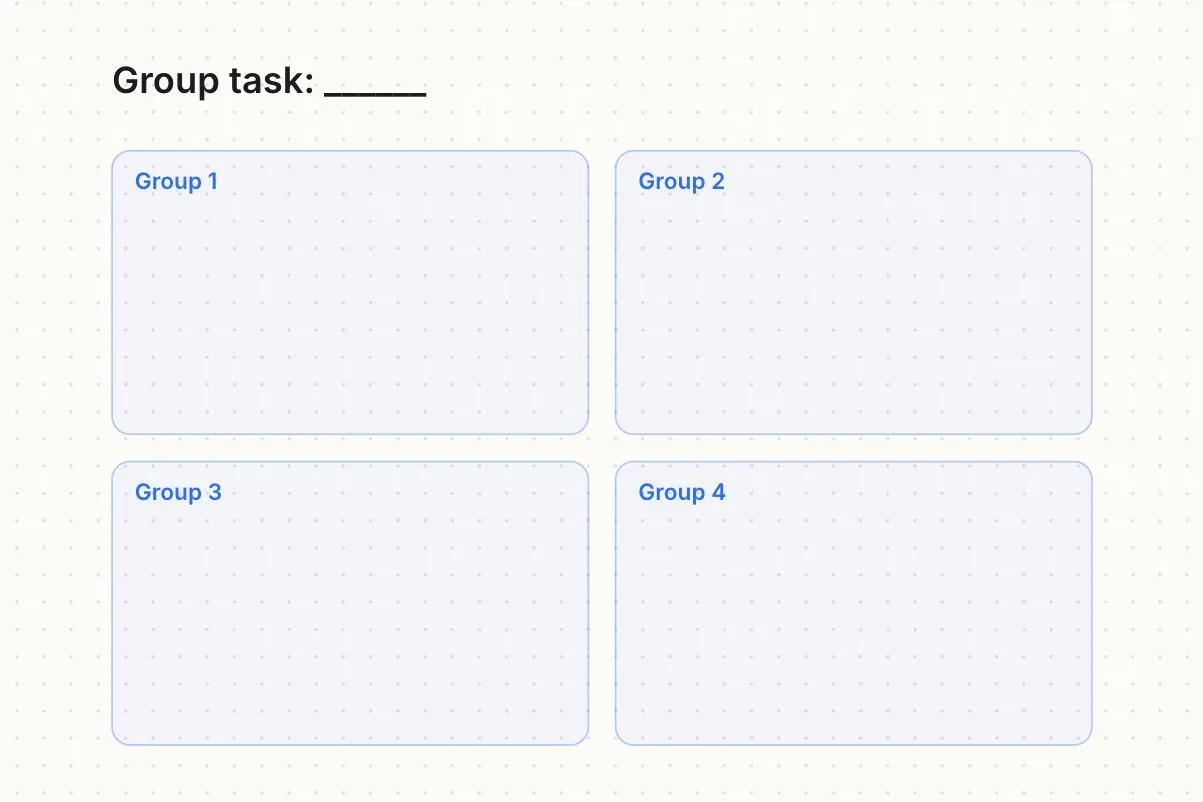
Group work spaces
One space for each group, with the same task. A free lesson starter for Lesson Screen: change anything, then teach it live with your class.
Try it first needs no account.
How to run it in class
20 min- 1Write the taskType the group task at the top.
- 2Split the classUse Group maker or breakout rooms. Each group works in its own space.
- 3Compare the groupsBring everyone back and look at the four spaces side by side.
Why it works
Giving each group its own space with the same task makes it easy to compare answers. Looking at them side by side shows different ways to solve the same problem.
Ideas to adapt it
- Give each group a different part of the task instead.
- Use it for a group investigation.
- Spotlight the best space at the end.
Questions
How long does it take?
About 20 minutes. It stays saved in your lesson, so you can come back to it next time.
Can I use it with one student?
Yes. Use the spaces for four tries at the same problem.
Do students need an account?
No. Go live and share the link or the code. Students join from any device with nothing to install, and you can give each of them their own copy.
Is this starter free?
Yes. Open it, change anything and teach with it on the free plan, which has every feature and live lessons with up to 5 students. Try it first needs no account.
More any subject starters
See all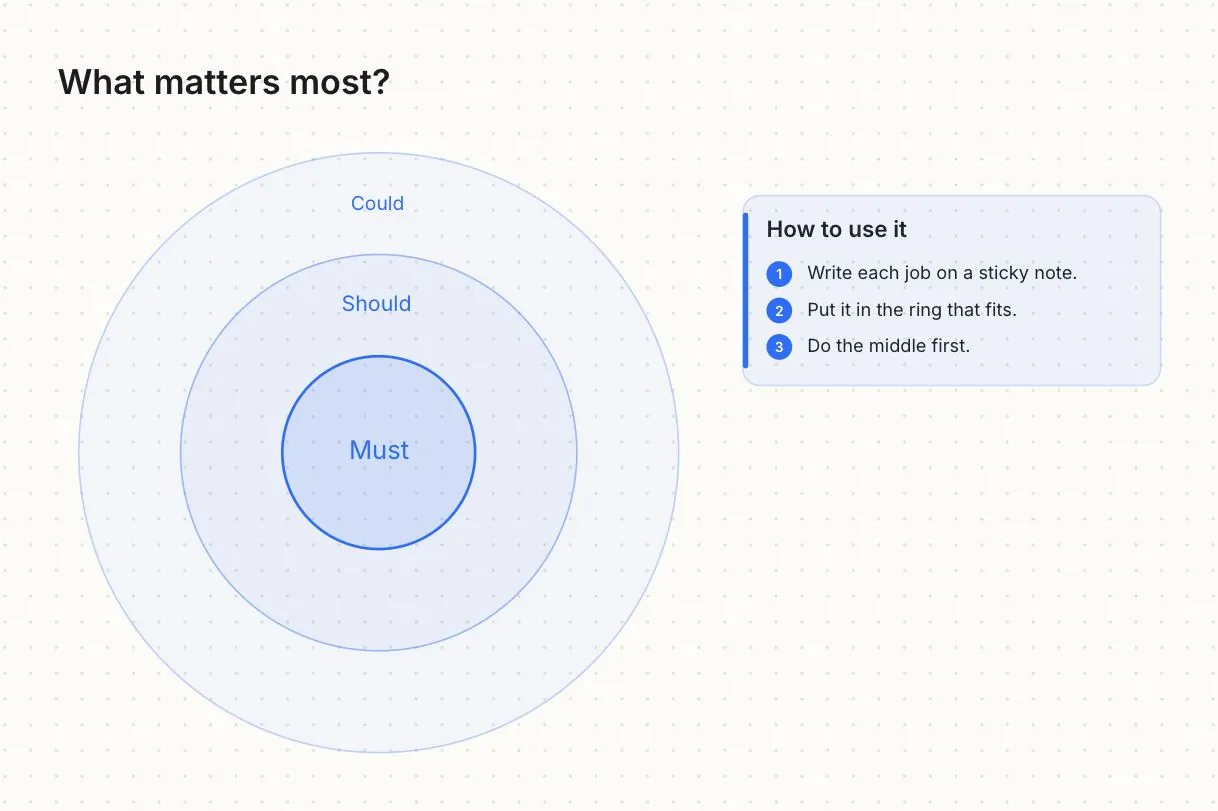
Must, should, could
Sort jobs by how important they are
Use this starter
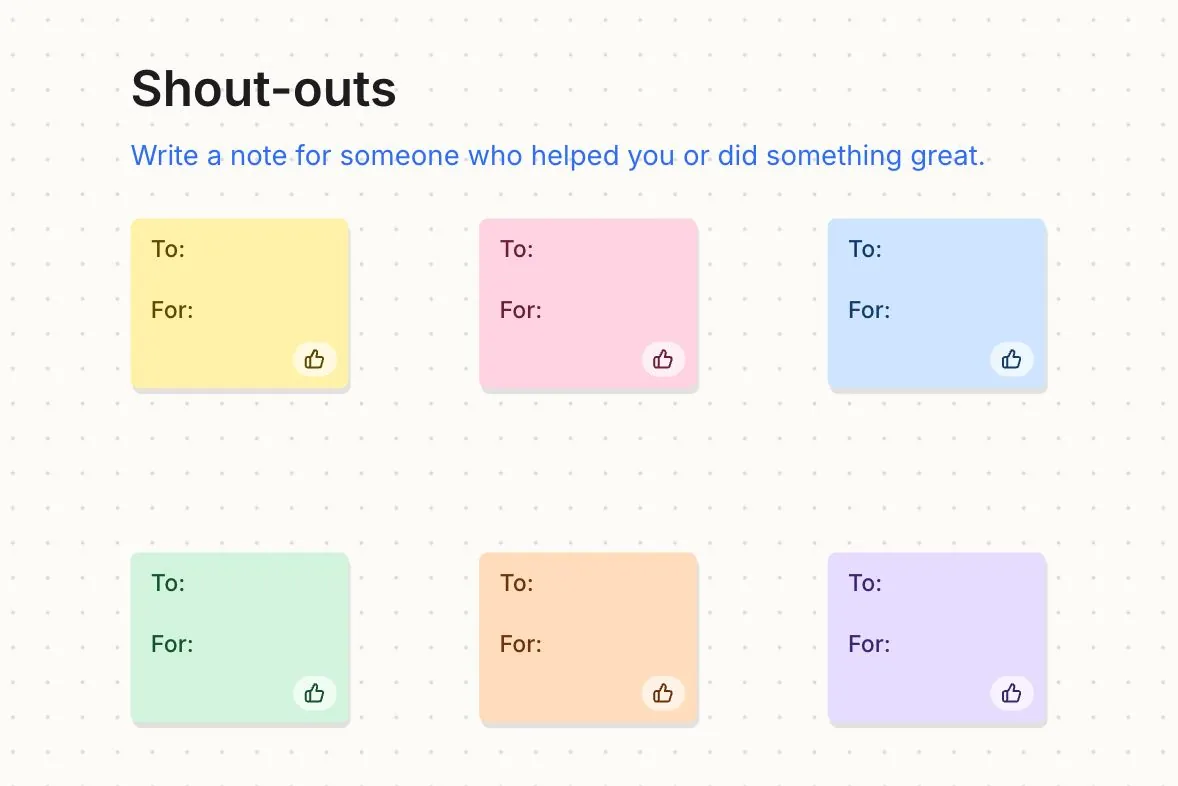
Shout-outs
Thank a classmate for something great
Use this starter