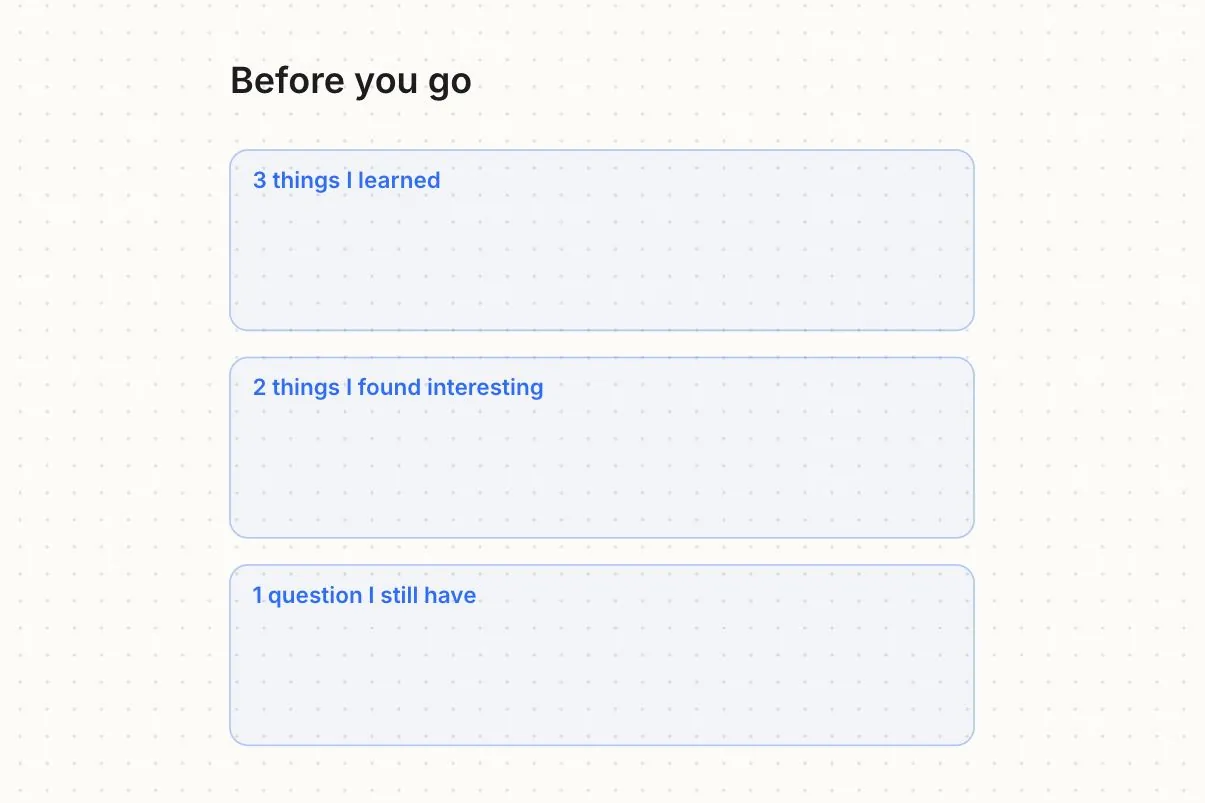
Exit ticket 3-2-1
A quick end-of-lesson check
Use this starter
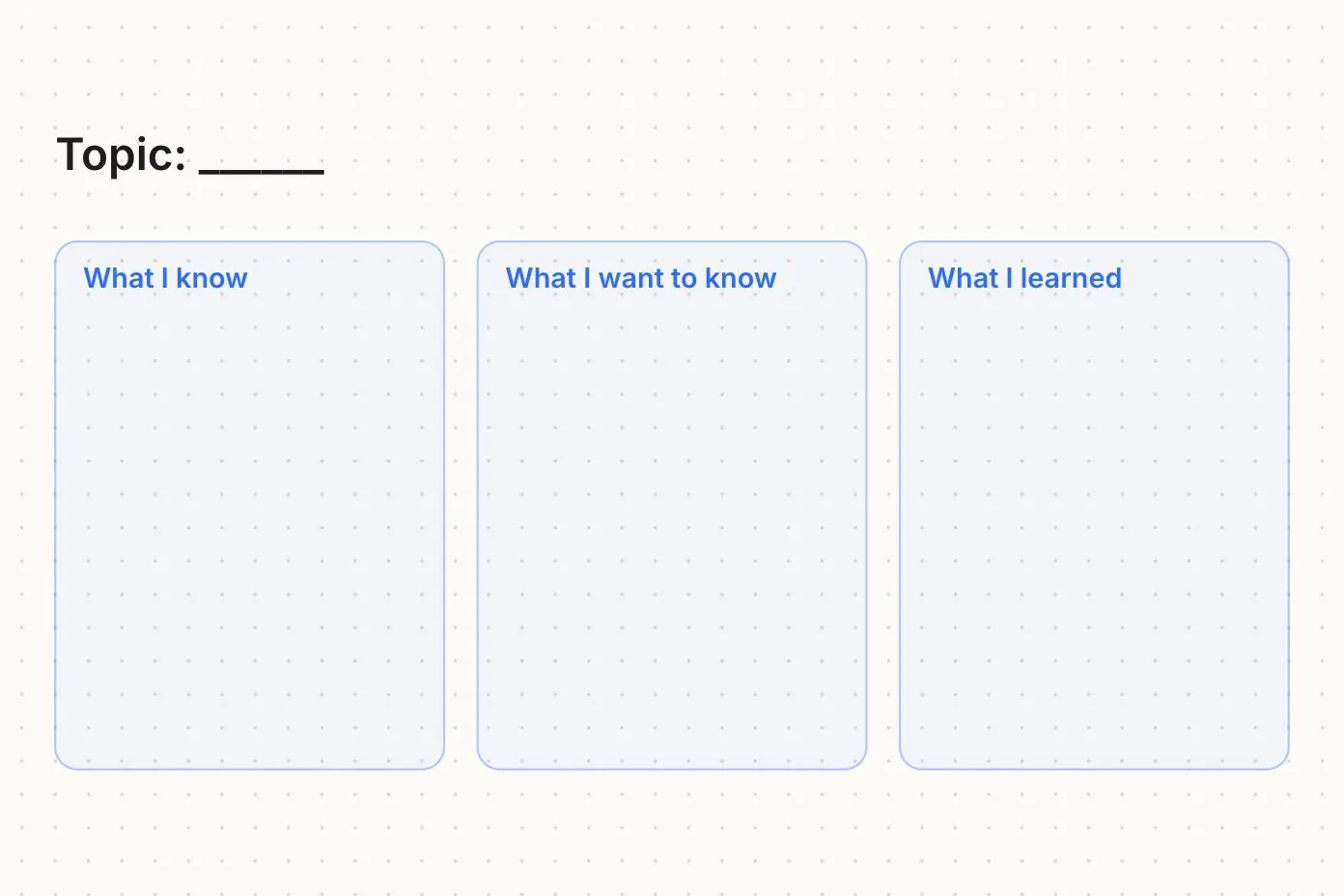
Know / Want / Learned
Three columns to fill in together. A free lesson starter for Lesson Screen: change anything, then teach it live with your class.
Try it first needs no account.
How to run it in class
10 min, then 5 at the end- 1Fill What I knowStudents add what they already know about the topic.
- 2Fill What I want to knowEach student adds a question. These shape your lesson.
- 3Fill What I learned at the endCome back to the same board and add what was learned. Answer the questions.
Why it works
Starting from what students know respects their experience and shows you where to begin. The questions they ask make the lesson feel like theirs, and the last column shows what they learned.
Ideas to adapt it
- Use it at the start and end of a whole unit.
- Turn the best questions into a research task.
- Online, students add notes from their own devices.
Questions
How long does it take?
About 10 minutes, then 5 at the end. It stays saved in your lesson, so you can come back to it next time.
Can I use it with one student?
Yes. Keep the board and add to the last column every lesson on the topic.
Do students need an account?
No. Go live and share the link or the code. Students join from any device with nothing to install, and you can give each of them their own copy.
Is this starter free?
Yes. Open it, change anything and teach with it on the free plan, which has every feature and live lessons with up to 5 students. Try it first needs no account.
More any subject starters
See all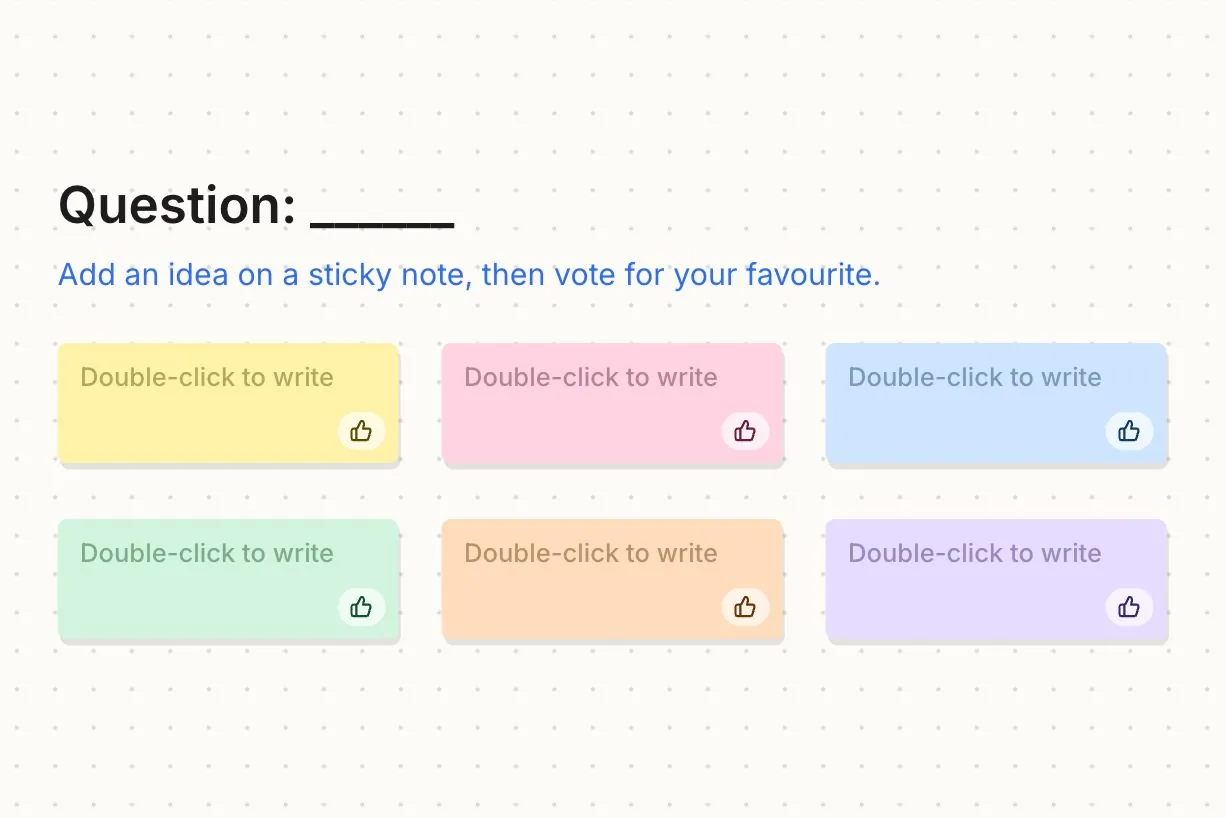
Brainstorm and vote
Everyone adds an idea, then votes for the best
Use this starter
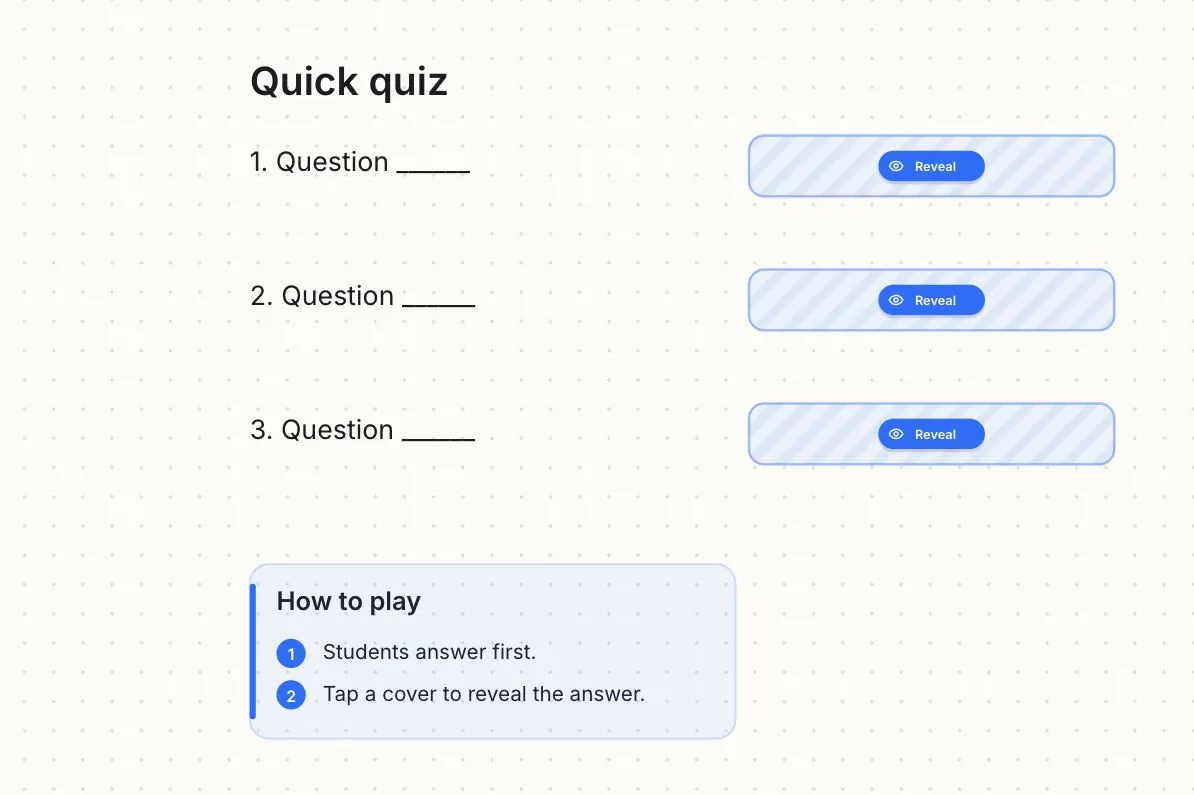
Quick quiz, answers hidden
Three questions with the answers covered
Use this starter