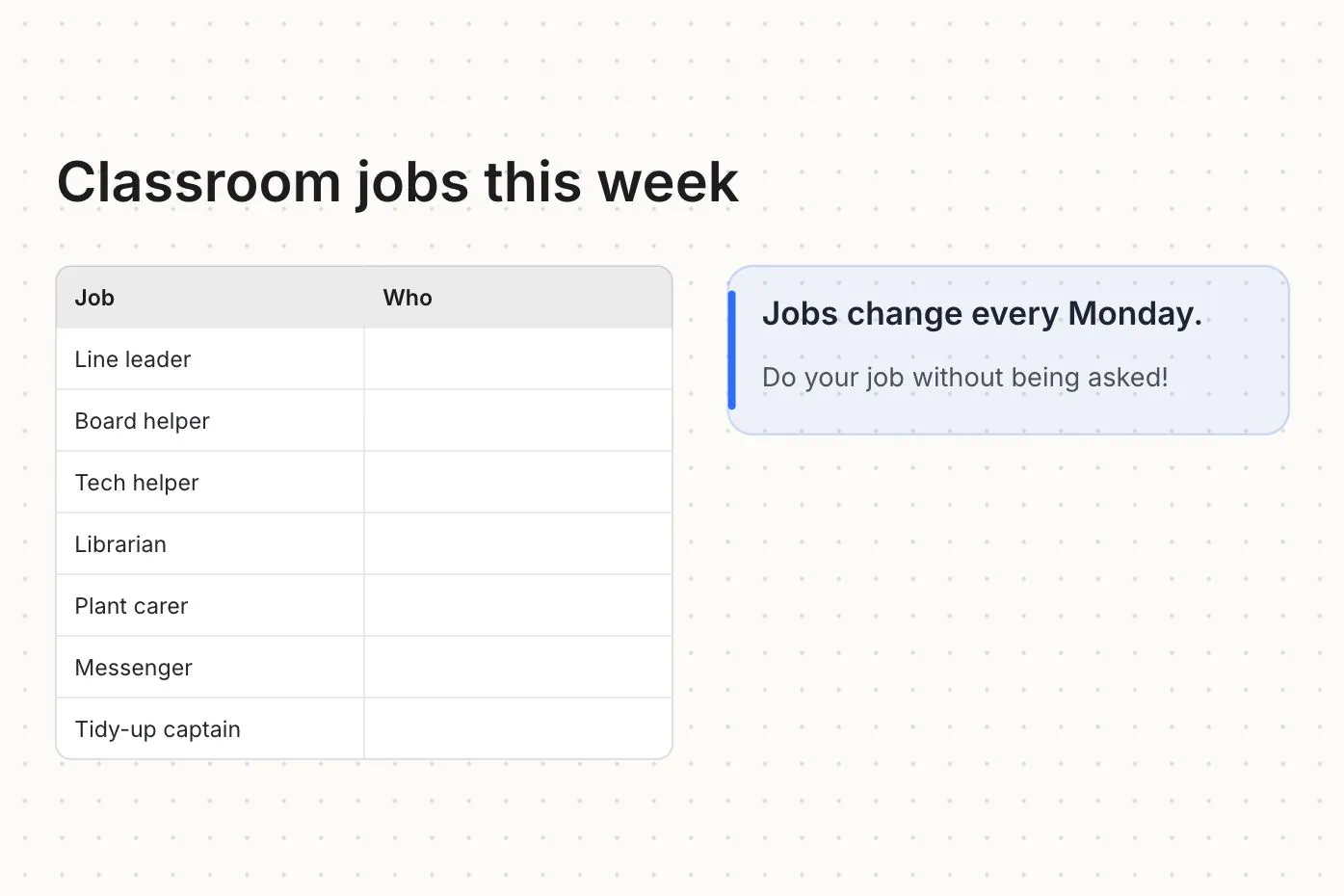
Classroom jobs
Who does which job this week
Use this starter
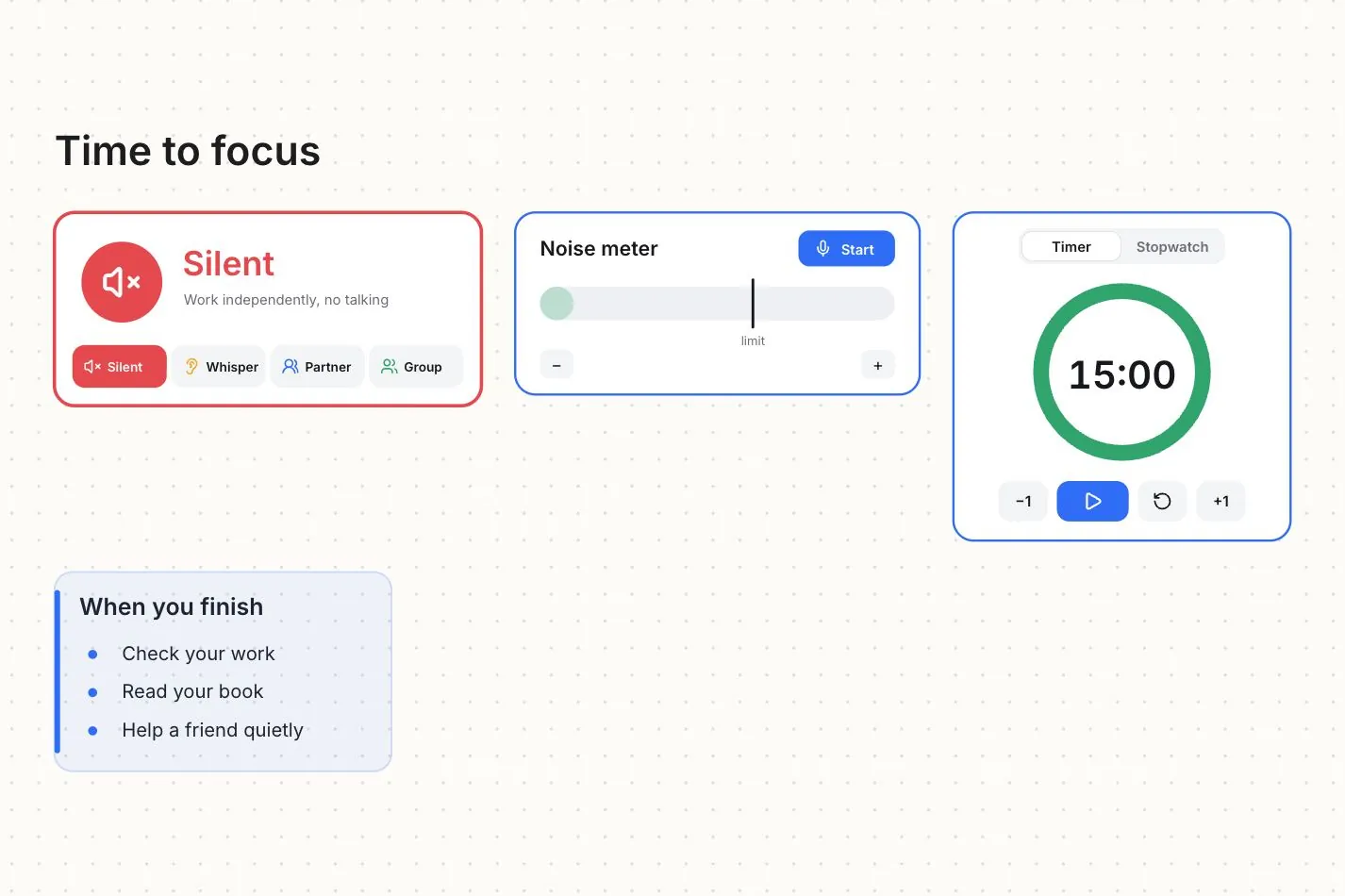
Quiet work time
Work mode, a noise meter and a timer for focused work. A free lesson starter for Lesson Screen: change anything, then teach it live with your class.
Try it first needs no account.
How to run it in class
15 to 30 min- 1Set the work modeChoose Silent or Whisper so everyone knows the rule.
- 2Start the timerSet it to the length of the task. The noise meter shows when it gets loud.
- 3Point to the finish listStudents who finish early follow the When you finish steps without asking.
Why it works
When the rules are on screen, students don't need to ask them, and you don't need to repeat them. The noise meter makes the volume visible, so the room can correct itself without you raising your voice.
Ideas to adapt it
- Change the finish list to extension tasks for the topic.
- Use Partner mode for the second half of the task.
- Show a question on the side for students who want a challenge.
Questions
How long does it take?
About 15 to 30 minutes. It stays saved in your lesson, so you can come back to it next time.
Can I use it with one student?
Yes. Use the timer alone and stay quiet while they work. Check in when it chimes.
Do students need an account?
No. Go live and share the link or the code. Students join from any device with nothing to install, and you can give each of them their own copy.
Is this starter free?
Yes. Open it, change anything and teach with it on the free plan, which has every feature and live lessons with up to 5 students. Try it first needs no account.
More everyday starters
See all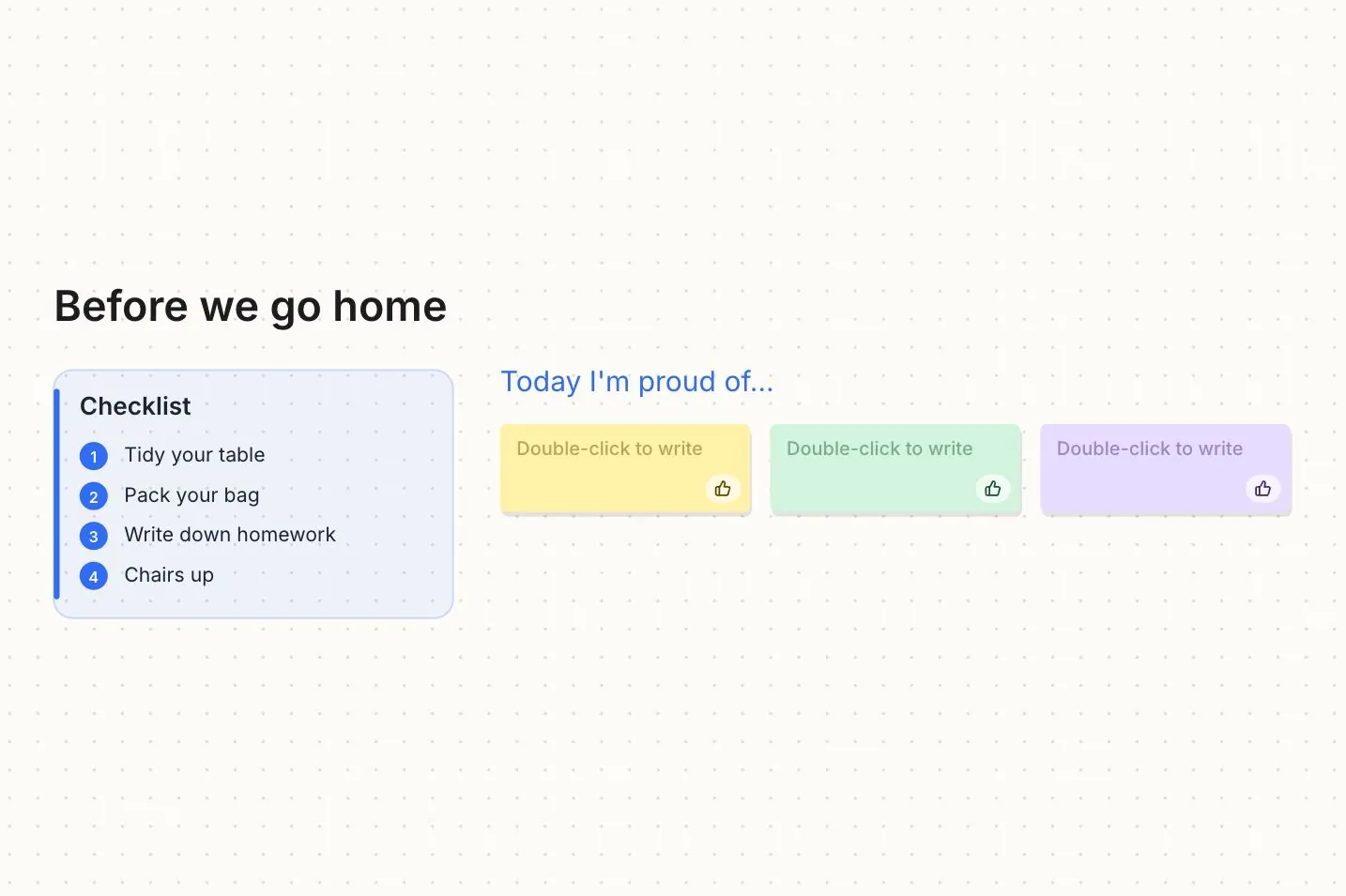
End of the day
A tidy-up checklist and something to be proud of
Use this starter
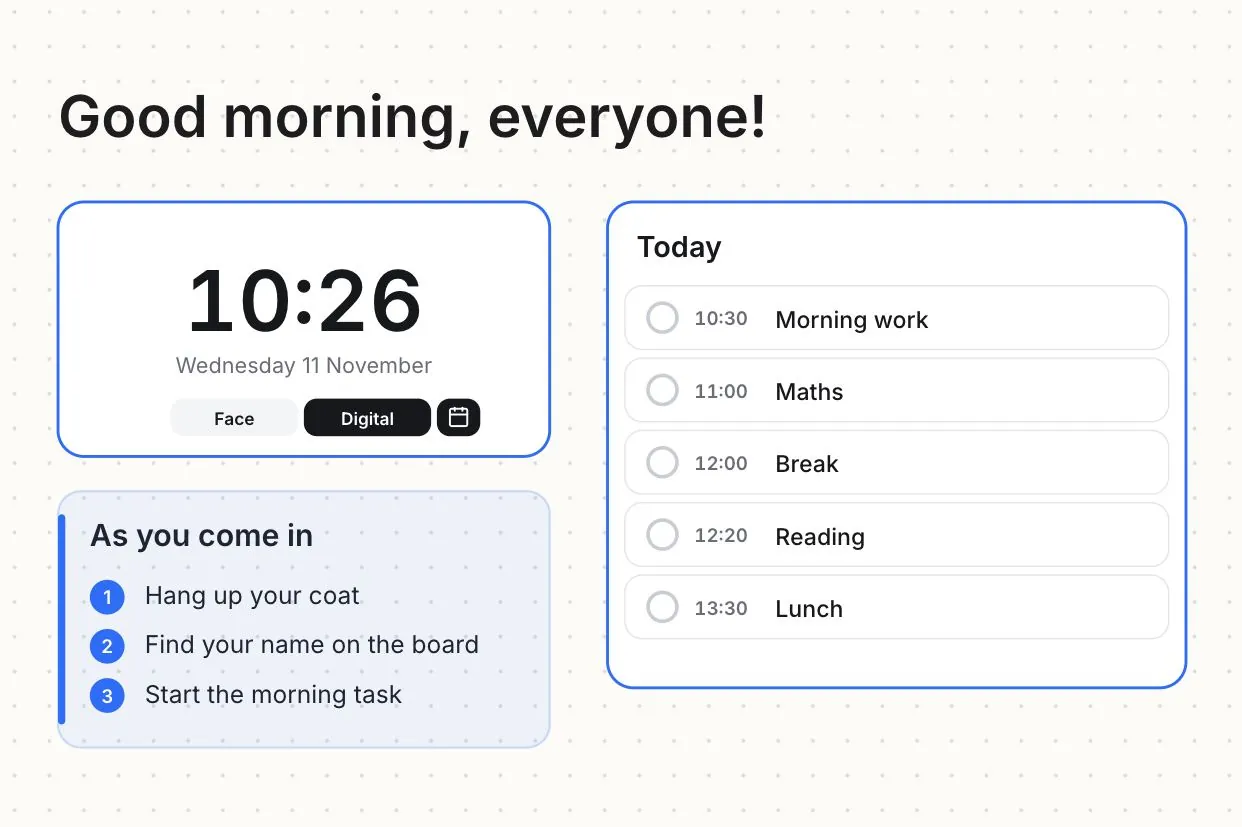
Welcome and today's plan
A greeting, the clock and the plan for the day
Use this starter