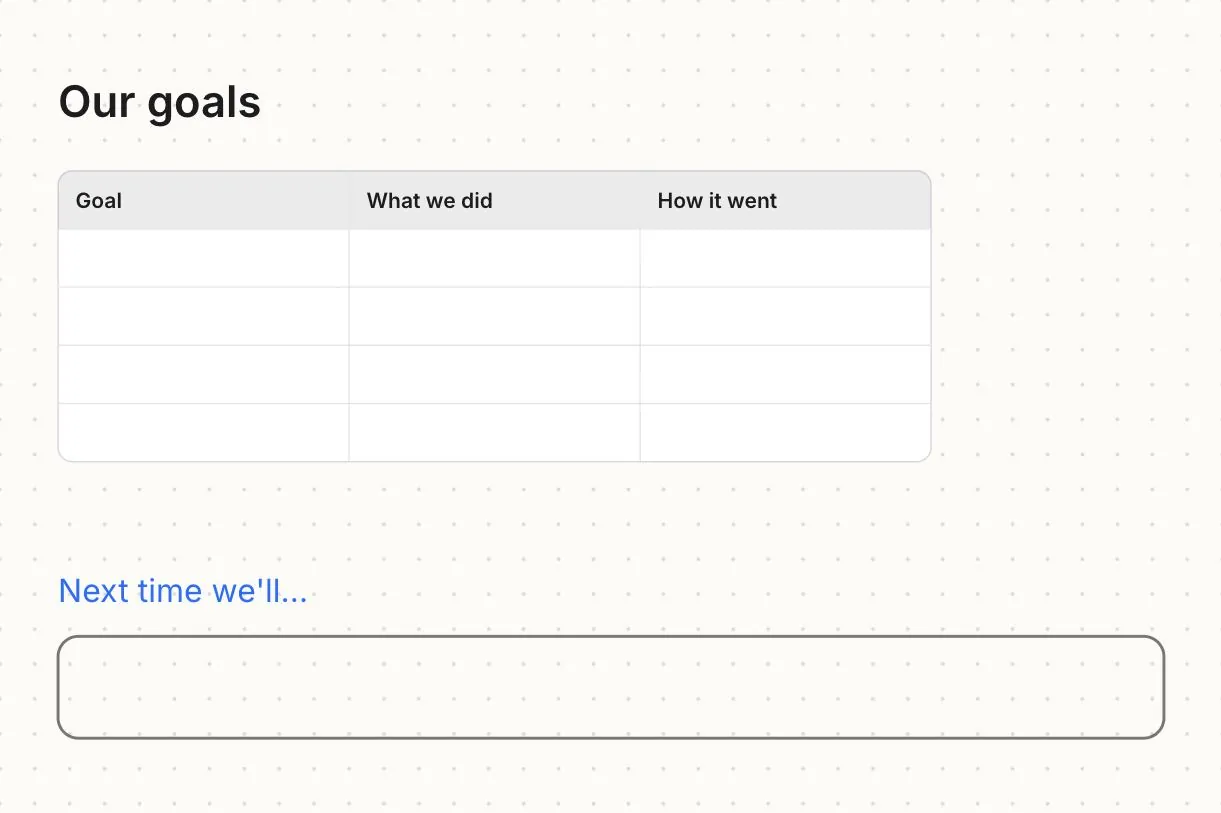
Goals and progress
For tutoring: this week's goals and how it went
Use this starter
Team game
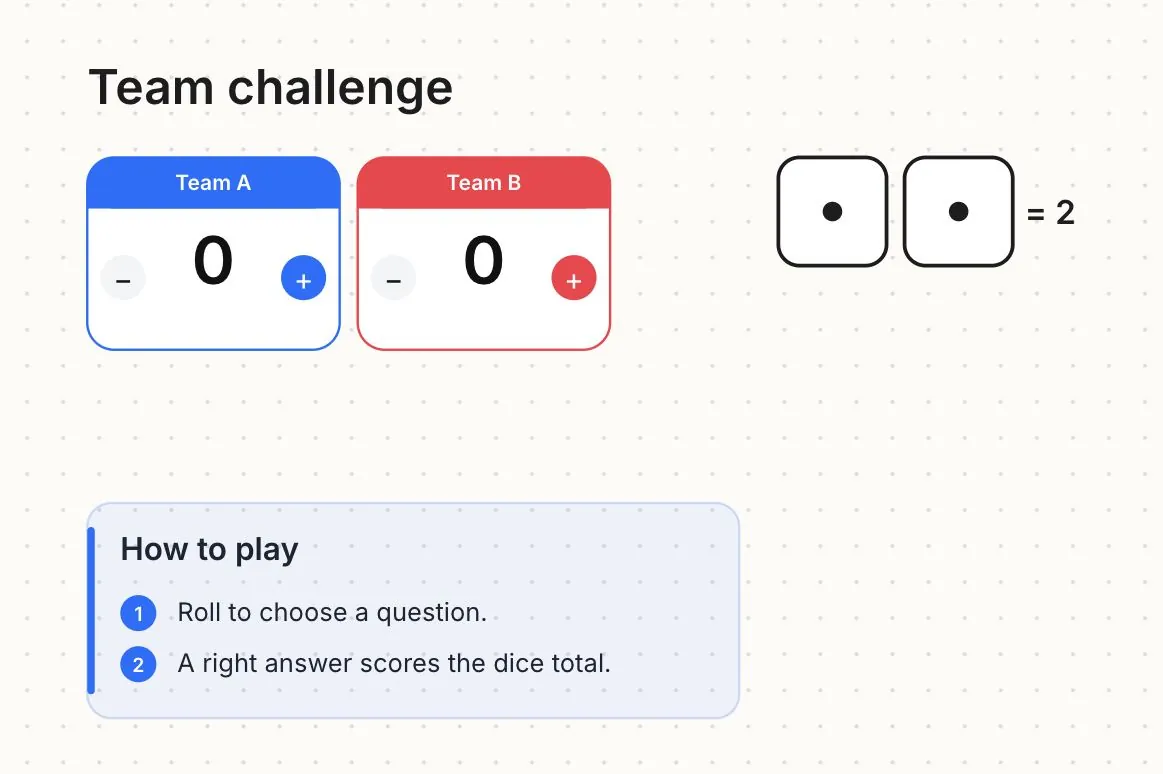
Two teams, a scoreboard and dice. A free lesson starter for Lesson Screen: change anything, then teach it live with your class.
Try it first needs no account.
How to run it in class
15 min- 1Split the classUse Group maker to make Team A and Team B.
- 2Roll and askA team rolls the dice to choose a question. A right answer scores the dice total.
- 3Keep scoreTap the scoreboard. Send confetti for the winners.
Why it works
A game with teams gets the whole class involved, not just the quickest. The dice add luck, so every team has a chance, and the scoreboard keeps everyone keen.
Ideas to adapt it
- Use questions from today's lesson to revise.
- Let the losing team pick the next topic.
- For bigger games, use the Team game with tiles and surprises.
Questions
How long does it take?
About 15 minutes. It stays saved in your lesson, so you can come back to it next time.
Can I use it with one student?
Yes. Play student against teacher. You must answer the hard ones.
Do students need an account?
No. Go live and share the link or the code. Students join from any device with nothing to install, and you can give each of them their own copy.
Is this starter free?
Yes. Open it, change anything and teach with it on the free plan, which has every feature and live lessons with up to 5 students. Try it first needs no account.
More any subject starters
See all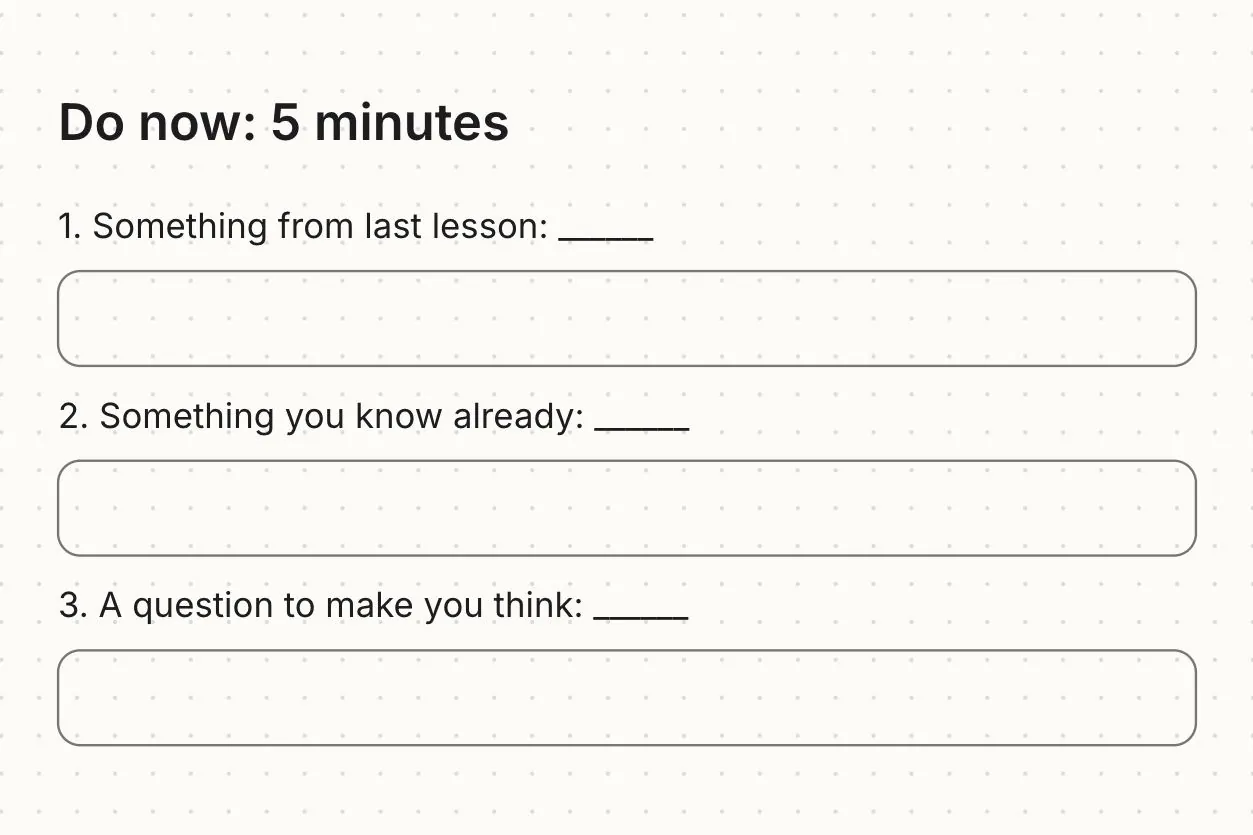
Do now
Three quick questions to start the lesson
Use this starter
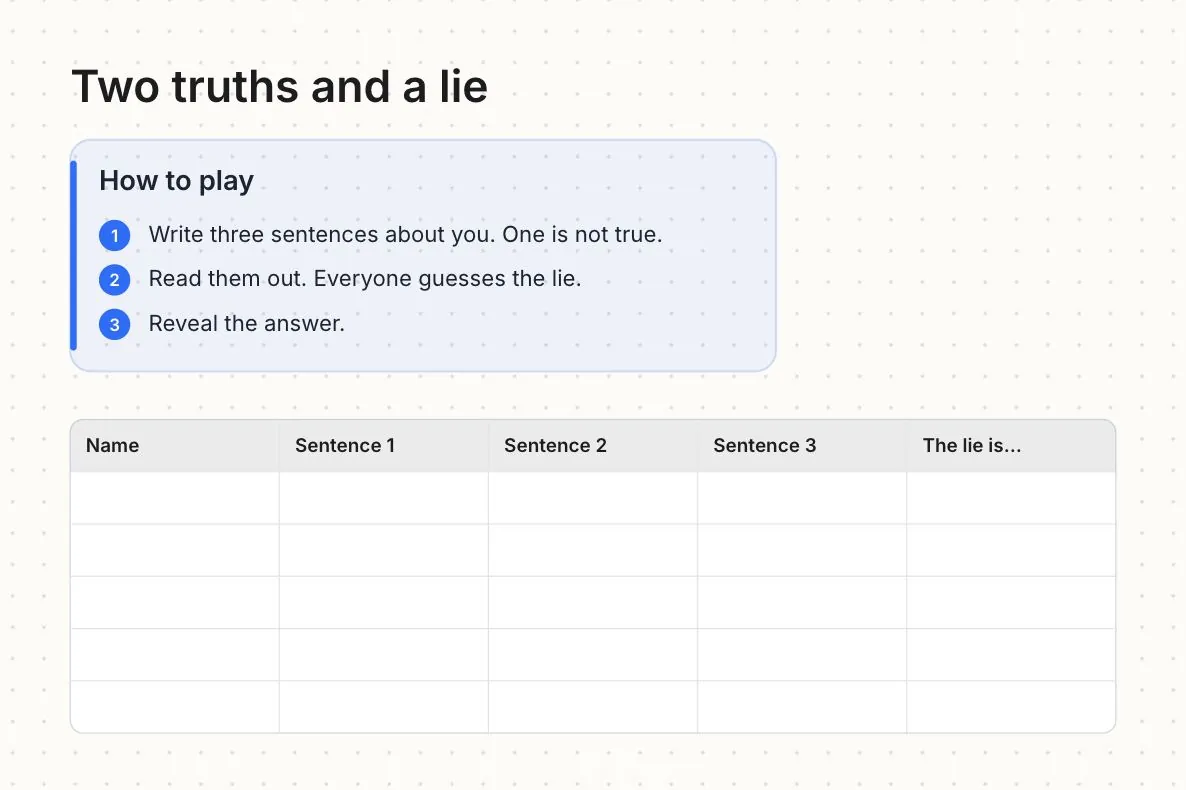
Two truths and a lie
Three sentences each. Can the class spot the lie?
Use this starter