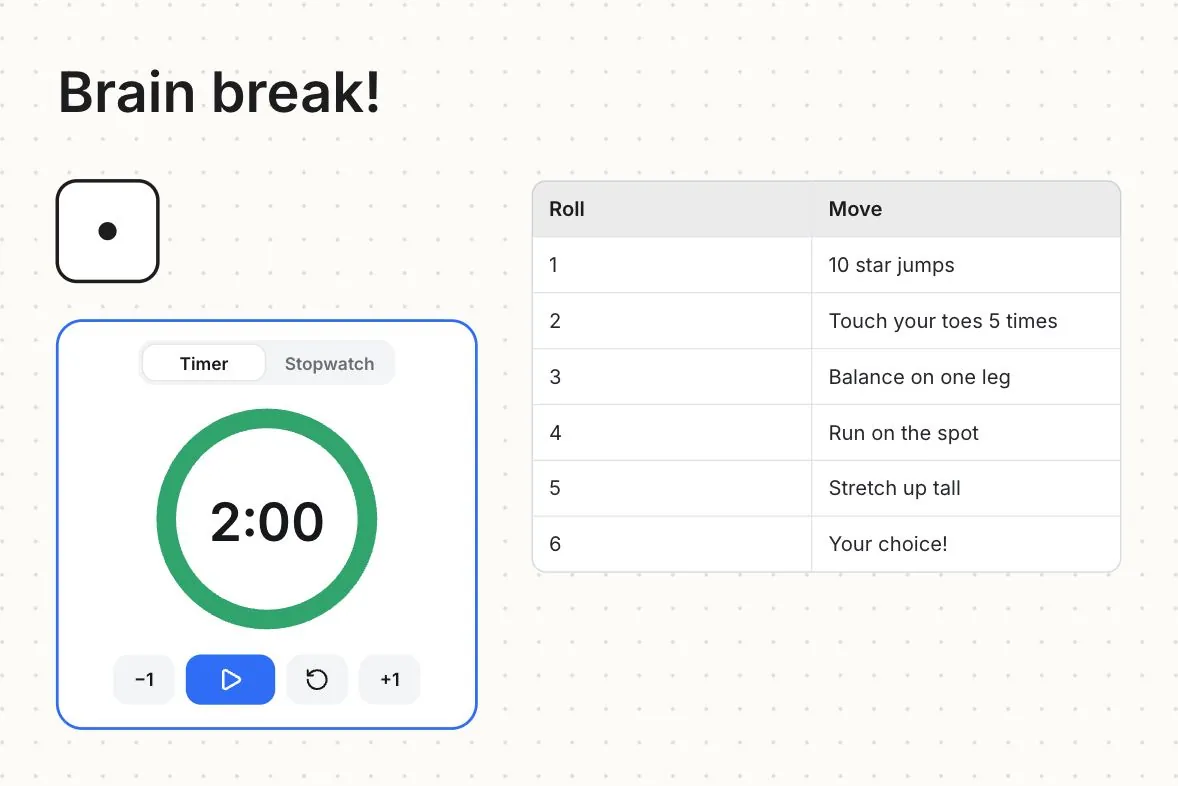
Brain break
Roll the dice, do the move, two minutes on the clock
Use this starter
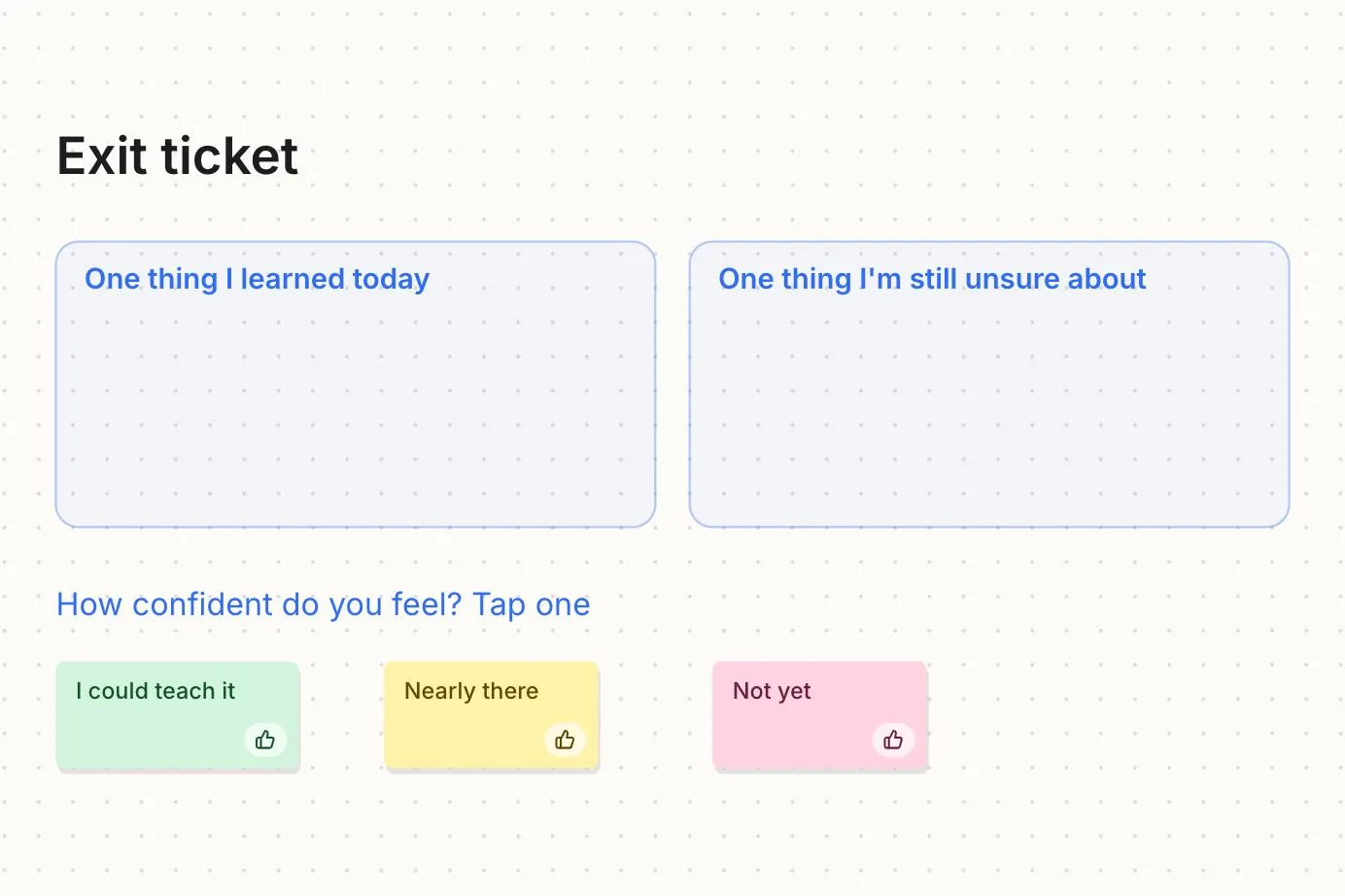
Exit ticket
Two quick questions and a confidence check before students go. A free lesson starter for Lesson Screen: change anything, then teach it live with your class.
Try it first needs no account.
How to run it in class
5 min- 1Last five minutesOpen it in a new tab and start a 3 minute timer.
- 2Give everyone a copyEach student fills in the two boxes on their own board, so answers stay private.
- 3Pick how sure they areStudents tick I could teach it, Nearly there or Not yet.
- 4Read them after classOpen Students' work on the lesson card. Start next lesson with the Not yet group.
Why it works
Two questions at the end of a lesson tell you who understood it, before you plan the next one. Because each student answers on their own board, they can be honest about Not yet without the class seeing.
Ideas to adapt it
- Make one question about today and one about last week, to check what stuck.
- Ask students to write one question they still have.
- Use the Not yet answers to make groups for the next lesson.
Questions
How long does it take?
About 5 minutes. It stays saved in your lesson, so you can come back to it next time.
Can I use it with one student?
Yes. Ask the two questions out loud and type their answers together.
Do students need an account?
No. Go live and share the link or the code. Students join from any device with nothing to install, and you can give each of them their own copy.
Is this starter free?
Yes. Open it, change anything and teach with it on the free plan, which has every feature and live lessons with up to 5 students. Try it first needs no account.
More everyday starters
See all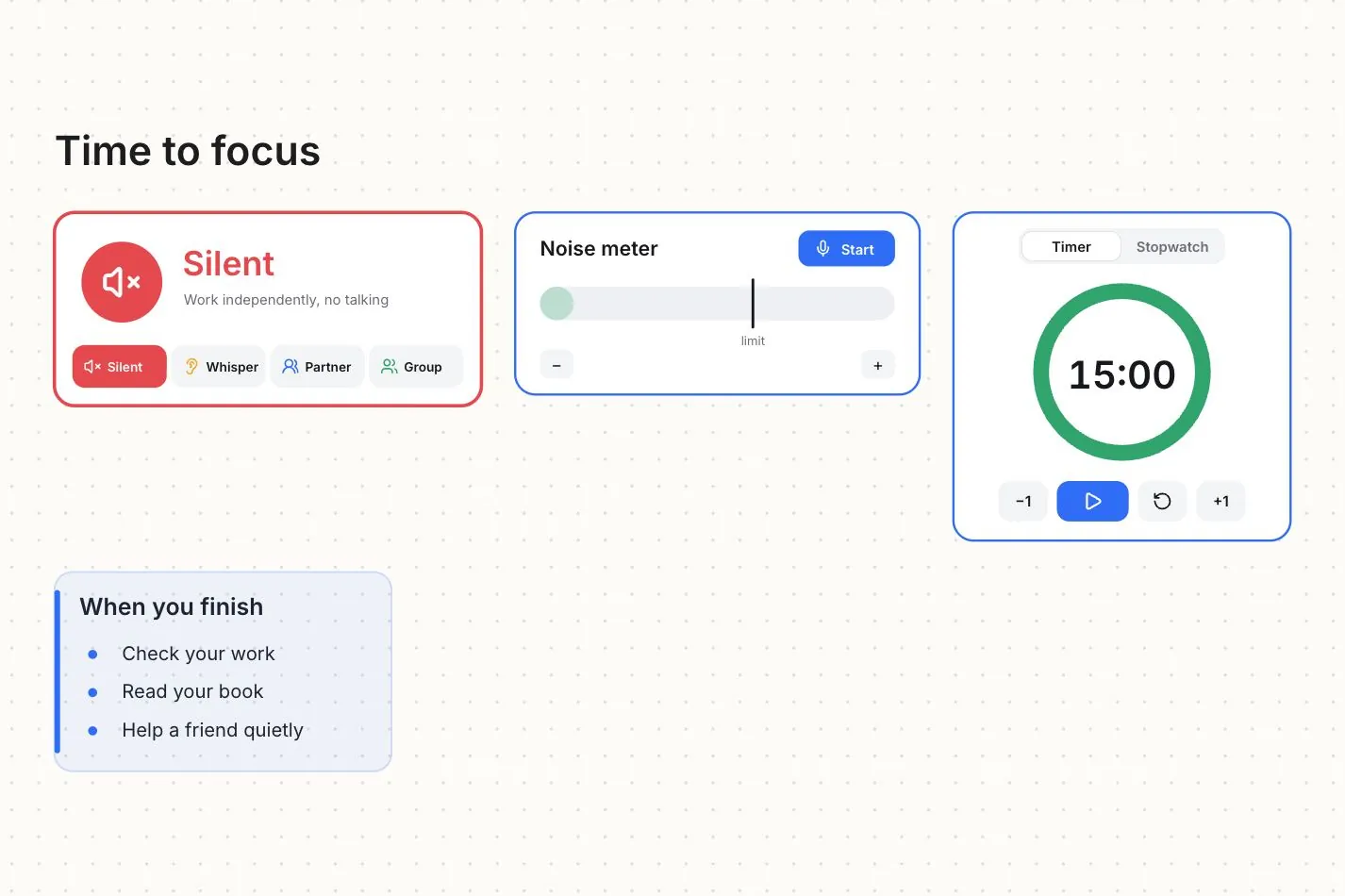
Quiet work time
Work mode, a noise meter and a timer for focused work
Use this starter
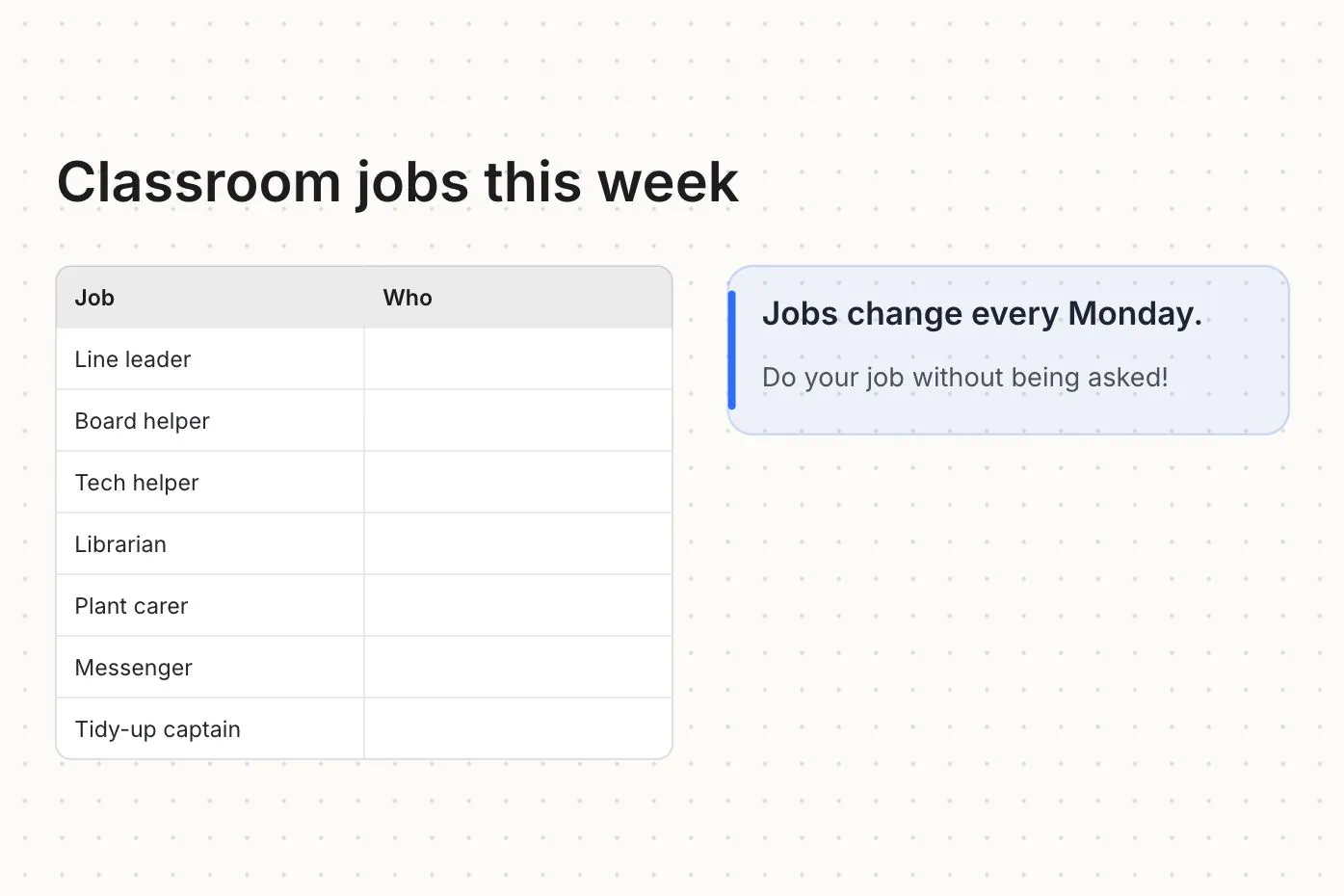
Classroom jobs
Who does which job this week
Use this starter